- Age rating4+
- CategoryProductivity
- DeveloperTom Bensky
- LanguagesEnglish
- Size943.0 KB
Links to the official App Store page
Download.org hosts no file of iCanText. The button opens its official App Store page, published by Tom Bensky. Listing last checked on Nov 17, 2026.
Screenshots



About
iCanText – A Bigger, Smarter Keyboard That Moves With You
iCanText is a custom iOS keyboard built to make typing easier, clearer, and more comfortable. Featuring large, easy-to-tap keys, a gentle swaying animation, and smart visual cues, iCanText helps you type with more speed and fewer mistakes.
Features:
* Oversized Keys for Confident Typing.
* Designed for accuracy and comfort. iCanText gives your fingers more space.
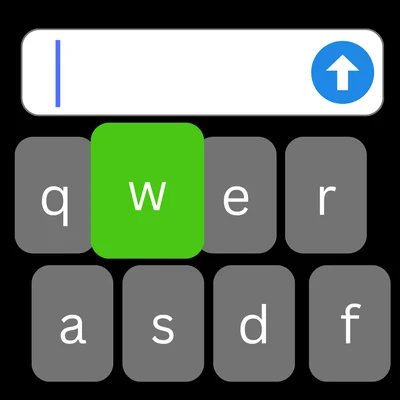
* The top row gently moves left and right that allows for a maximum overall key size.
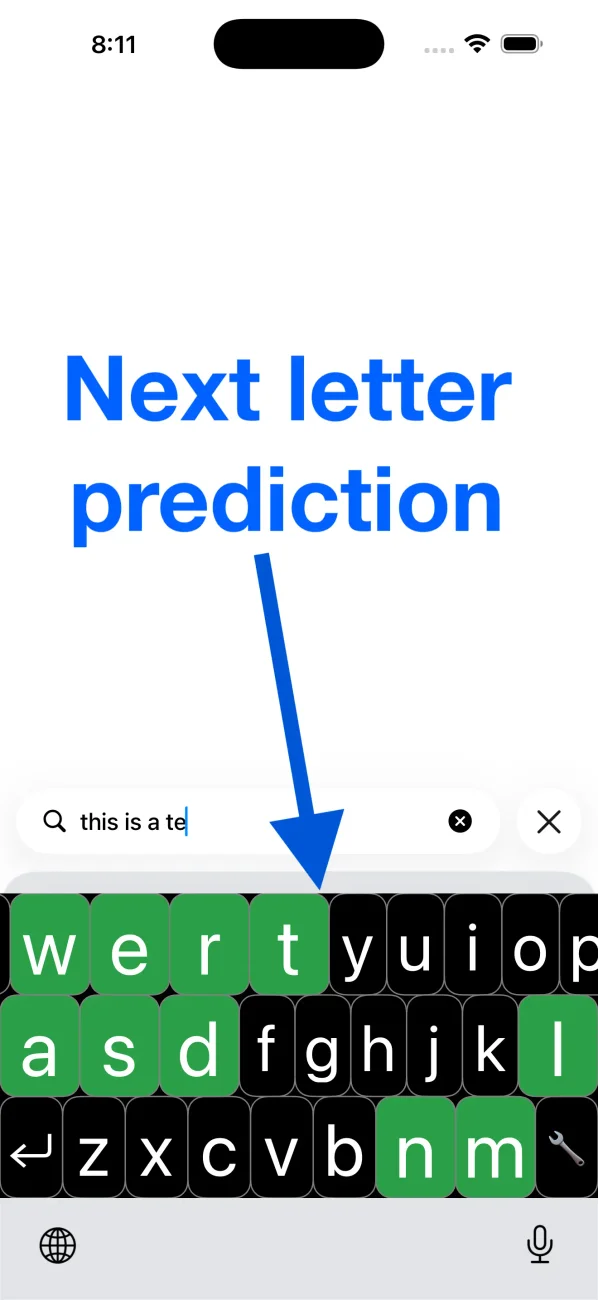
* Next-Letter (instead of next word) predictions.
* Likely next-letters glow based on what you're typing, making it faster to spot and tap what comes next.
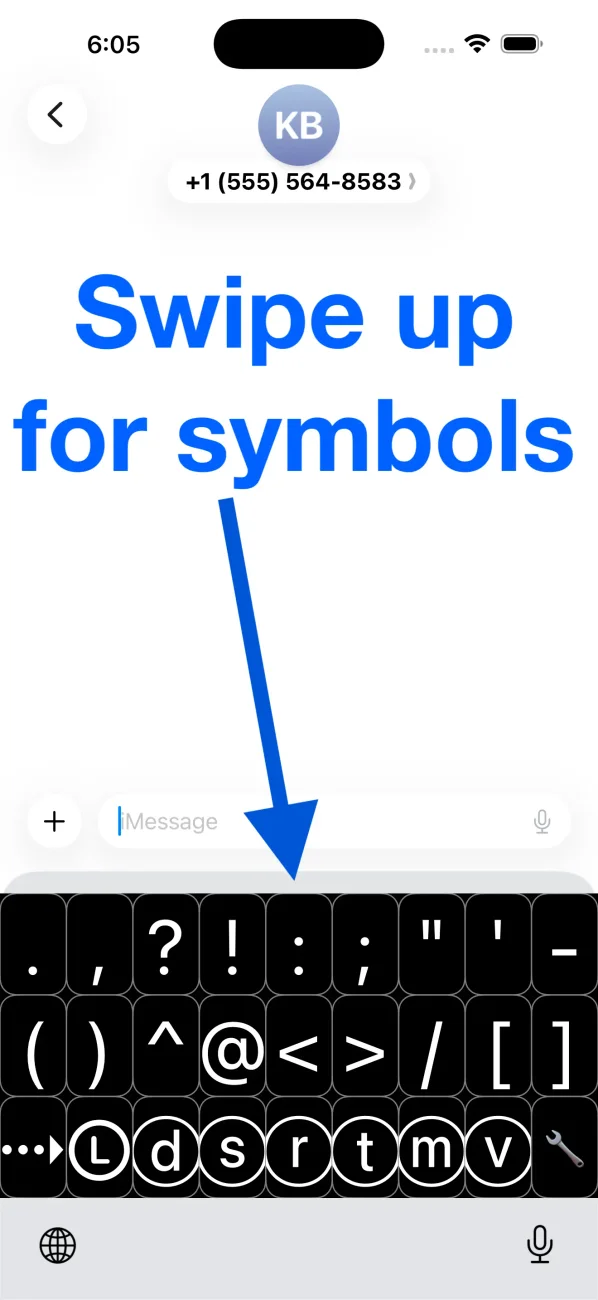
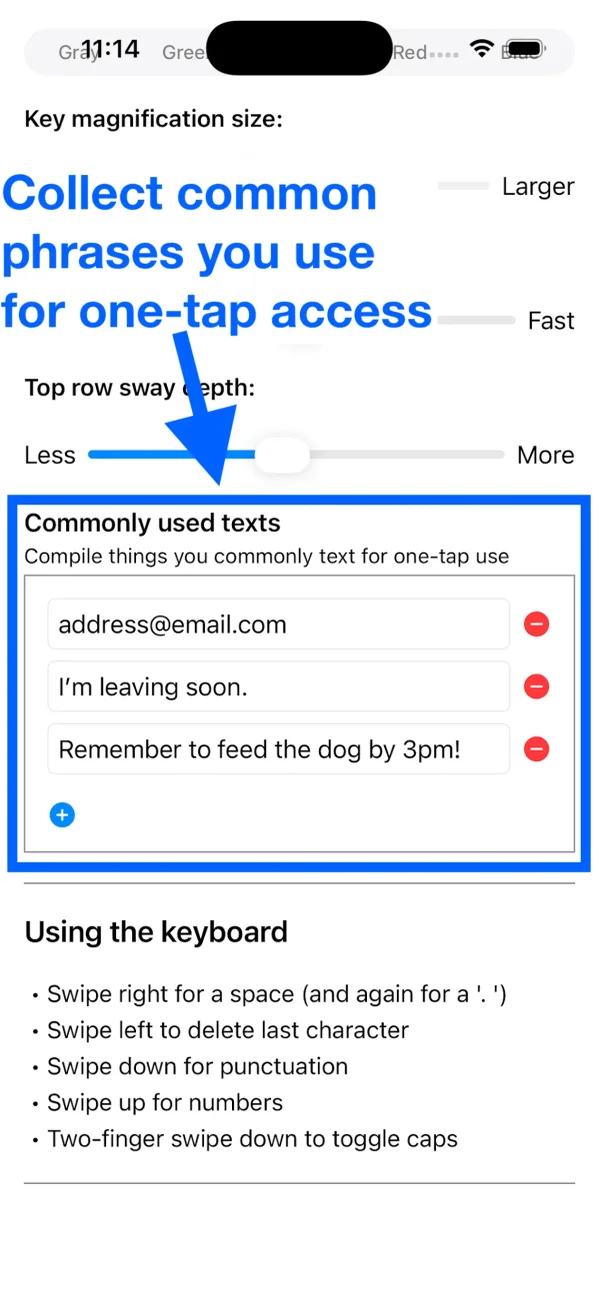
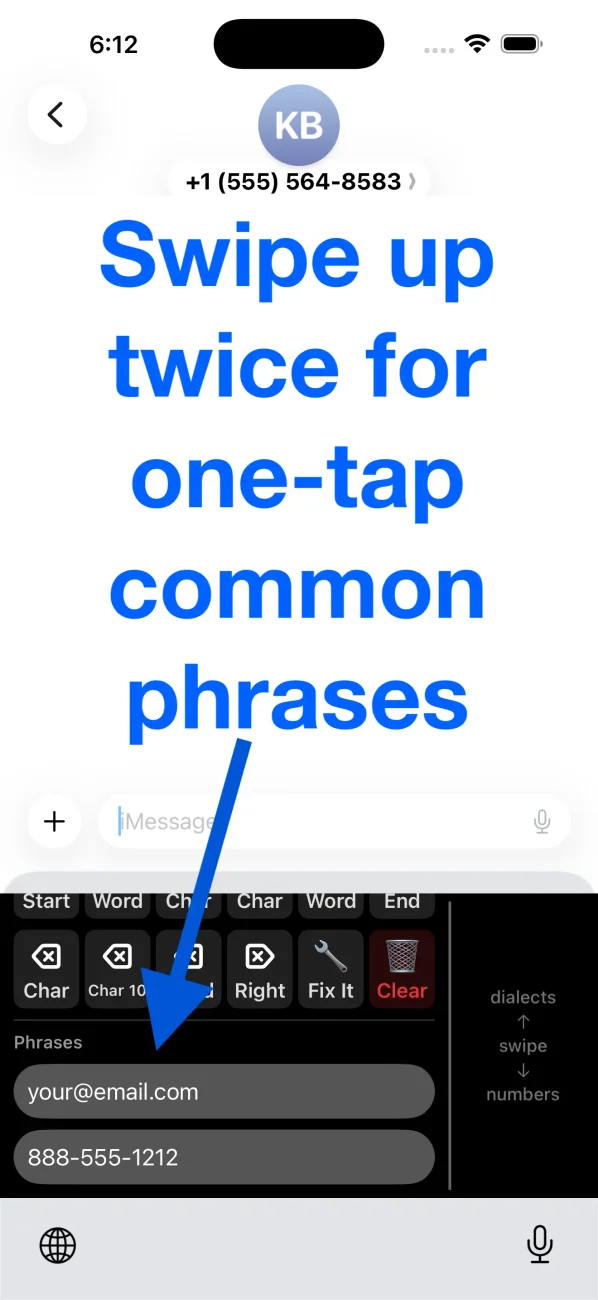
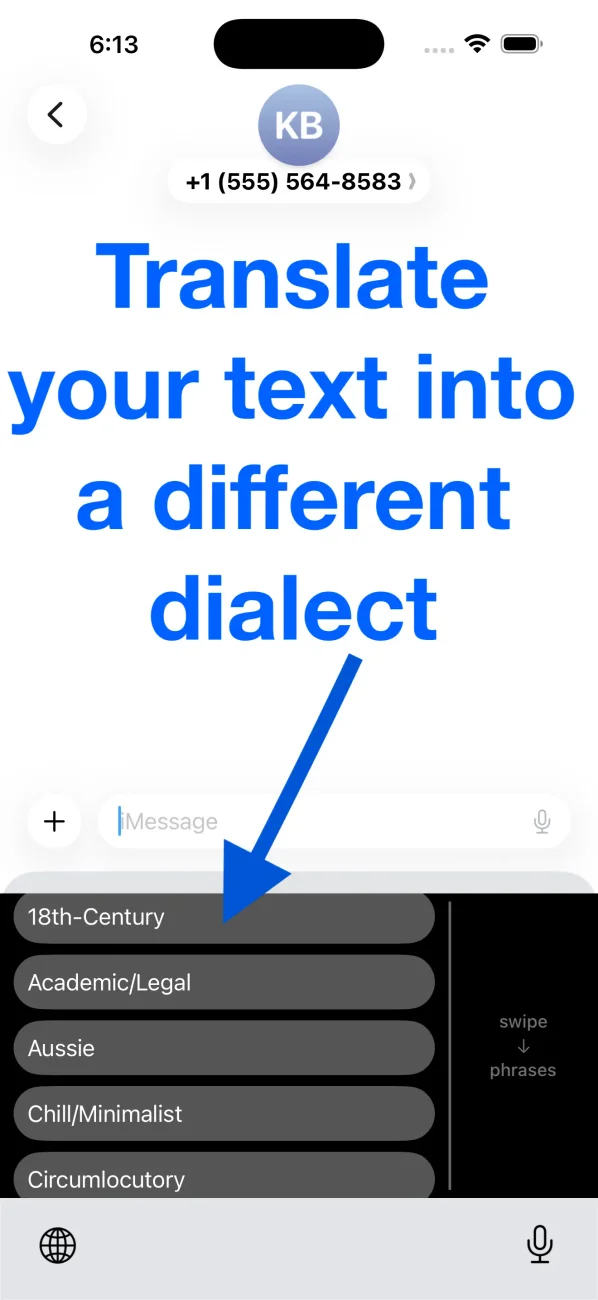
* Natural gesture-based texting: swipe right for a space, left for a backspace, up for numbers, down for symbols, and keep swiping up for phrases and dialects. Double swipe down toggles caps.
* Single tap contractions. One tap makes a 'll, 's, 'r, 't, 'm or 've.
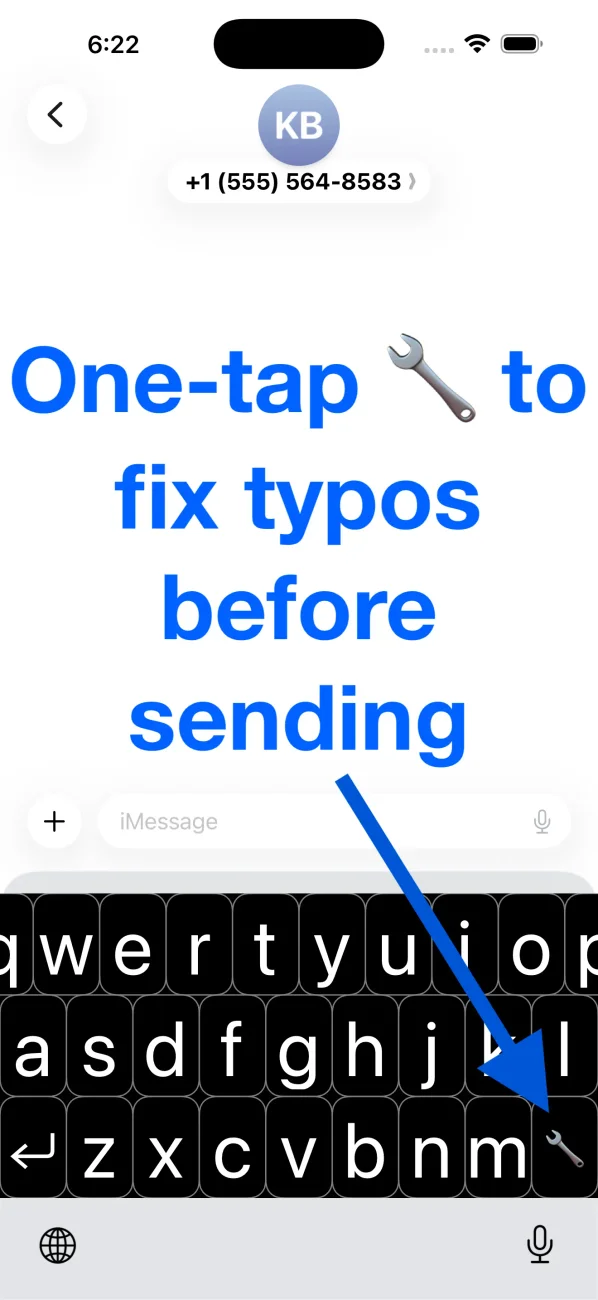
* Tap the "Fix it" key (the wrench) to correct typos, caps, and formatting.
* No pressure from autocorrect.
* Just type. You can fix your typos later.
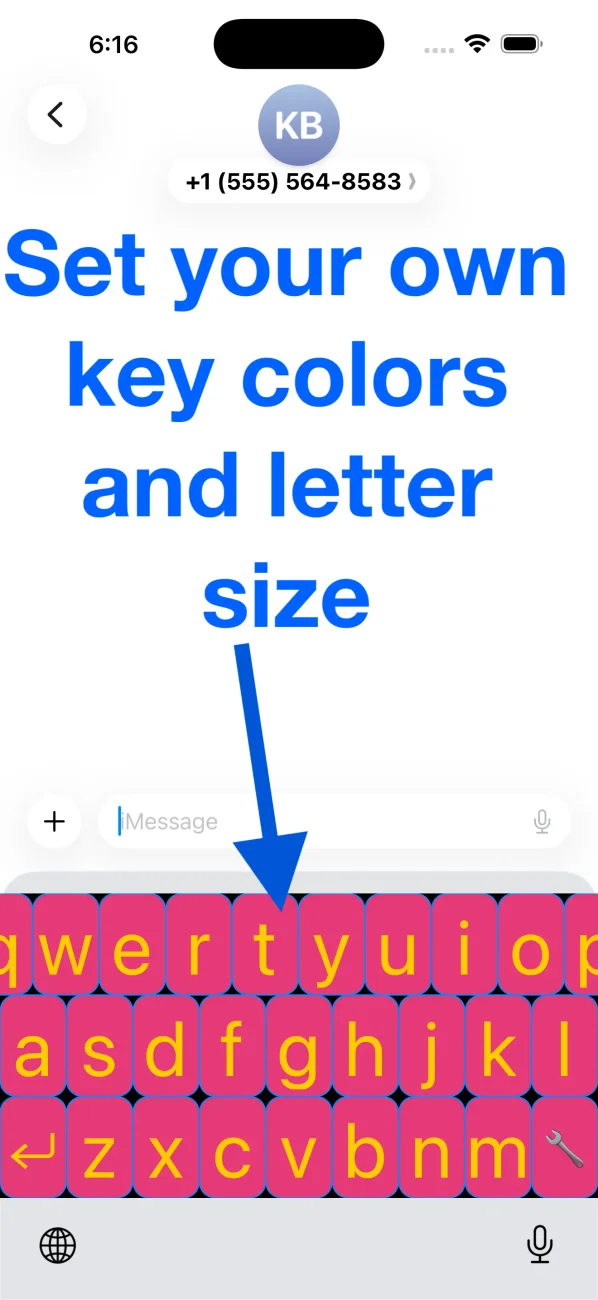
* Custom keyboard styling (colors, etc.) in the main app.
* No Ads, No Tracking, No Distractions.
* iOS 26 users: have Apple's on-device LLM fix your typos.
Whether you're a fast typer, someone with larger fingers, or just want a more relaxing keyboard experience, iCanText will help you text better.
What’s new
Version 1.8 · Sep 8, 2026
Smoother iOS-styled animations when swiping between keyboard layouts, clearer settings sections in the main app, and a few other minor UI improvements.
App privacy
What Tom Bensky declares on the App Store about how this app handles data.
-
Data not collected
The developer does not collect any data from this app.
Privacy practices may vary, for example with the features you use or your age.
Information
- Seller
- Tom Bensky
- Category
- Productivity
- Version
- 1.8
- Updated
- Sep 8, 2026
- Released
- Jul 22, 2025
- Size
- 943.0 KB
- Requires
- iOS 18.5 or later
- Age rating
- 4+
- Price
- Free
- Languages
- English
- Copyright
- © (C)2025-2026
You might also like
-
 Big Keys KeyboardLarge Giant Writer & Emojis
-
 AI Keyboard : Type AIWriting Powered by GPT
-
 CashKey KeyboardKeyboard that pays you back
-
 AI Keyboard – AnyWrite Type AIGrammar Checker & Translator
-
 AI Keyboard: AI Writer by AiKyAI voice writing: email, work
-
 AI Keyboard Pro - Type & WriteWriter Chat Powered by ChatGPT
-
 Typeless Flow - AI KeyboardTranslate, Grammar Spell Check
-
 Willow Dictation & AI KeyboardVoice typing for work & chat
-
 Simple ToDo List & TasksProductivity
-
 eM ClientSecure e-mail app