
- Age rating4+
- CategoryEducation
- DeveloperE-String Technologies, Inc.
- LanguagesEnglish+ 5 more
- Size14.8 MB
Links to the official App Store page
Download.org hosts no file of iCardSort. The button opens its official App Store page, published by E-String Technologies, Inc. Listing last checked on Nov 14, 2026.
Screenshots
About
iCardSort turns your iPad into a hands-on card sorting workspace. Drag cards on an open tabletop, group them by topic, or rank them by priority — the classic card sorting method, reimagined for touch.
ORGANIZE YOUR WAY
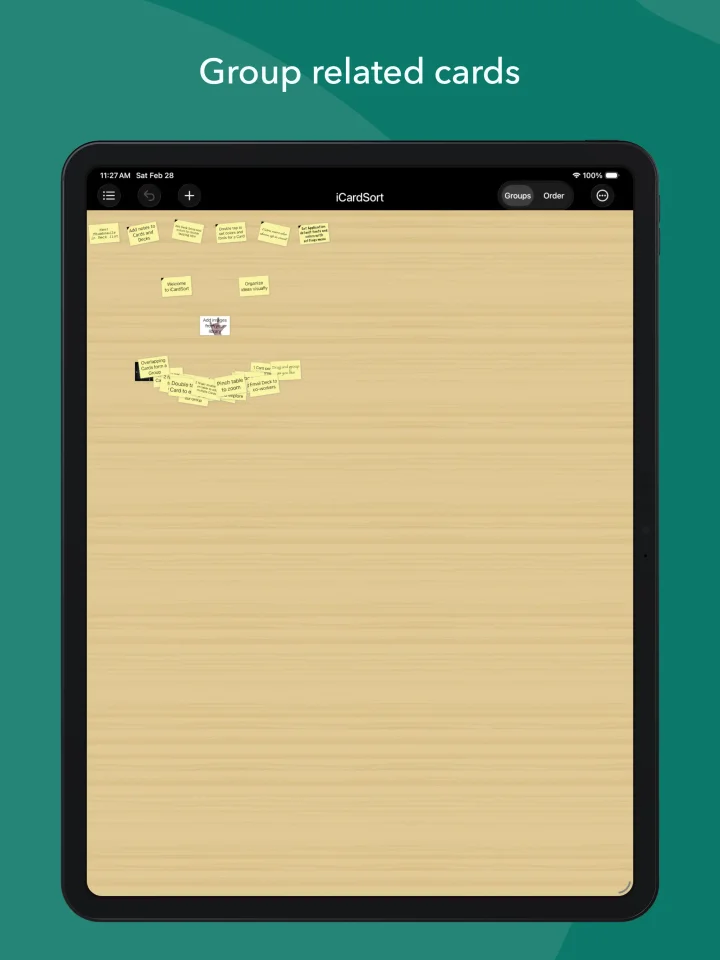
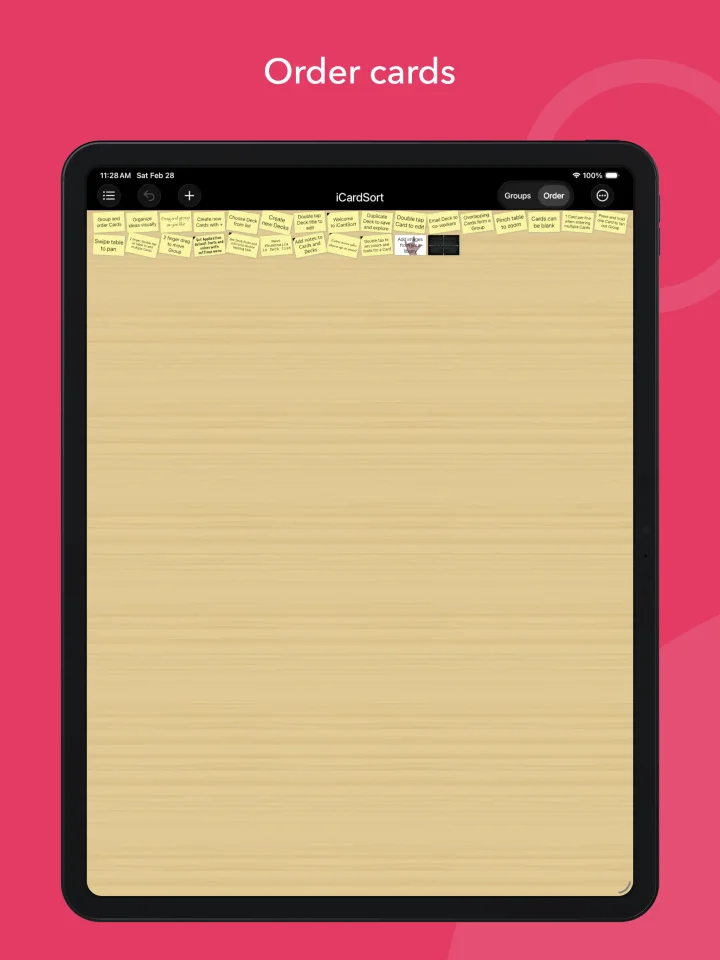
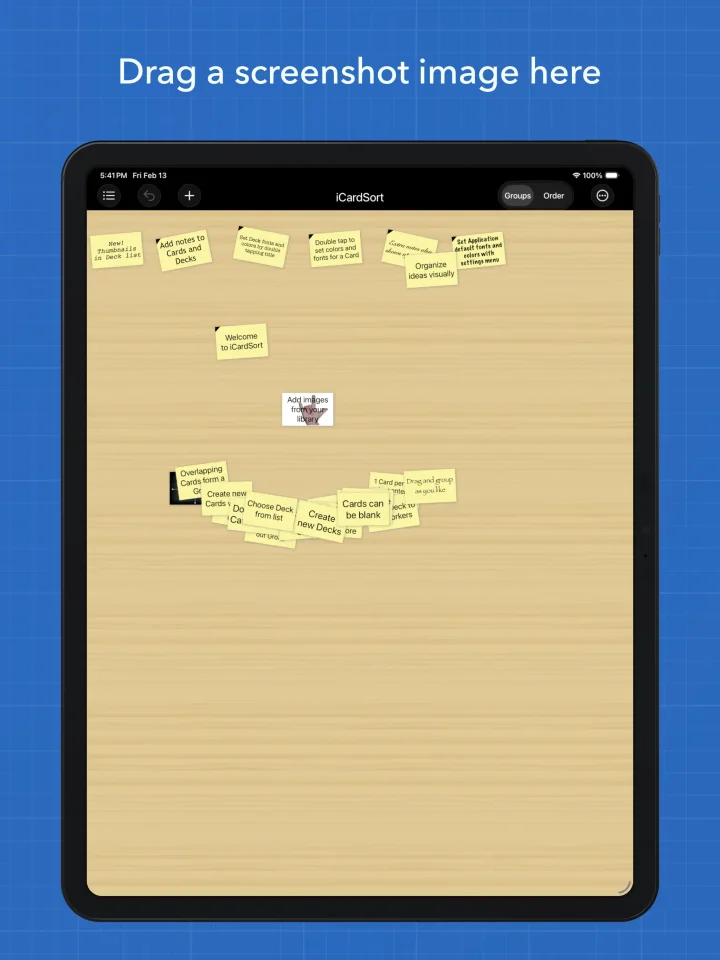
Work in Group mode to cluster related ideas, or switch to Order mode to rank by importance. Cards that touch automatically form visual stacks, making patterns emerge naturally.
GREAT FOR TEAMS AND CLASSROOMS
Teachers use iCardSort for vocabulary exercises, categorization tasks, and group discussions. Product teams use it for feature prioritization, sprint planning, and stakeholder workshops. Hand the iPad around, or share decks afterward — no accounts or setup required.
SHARE AND EXPORT
Send decks via AirDrop, email, Messages, or any app that supports file sharing. Export multiple decks at once as a .icardsortz archive to keep your work backed up and portable.
MAKE IT YOURS
Customize card colors, fonts, text size, and backgrounds — per card or per deck. Choose from bundled patterns or use your own photos as a tabletop background.
POWERFUL GESTURES
Double-tap to add a card. Two-finger double-tap to add many at once. Drag to move, pinch to zoom, long-press a stack to fan it out. Every interaction feels natural.
ALSO GREAT FOR
• UX research and information architecture
• Brainstorming and visual outlining
• Workshop facilitation and design sprints
• Study aids and flash card activities
iCardSort is a focused, flexible tool — it doesn't tell you how to organize. It gives you cards and a tabletop, and lets your thinking do the rest.
Terms of Use (EULA): https://www.apple.com/legal/internet-services/itunes/dev/stdeula/
What’s new
Version 2.0.3 · Jun 1, 2026
Organize bigger libraries with ease:
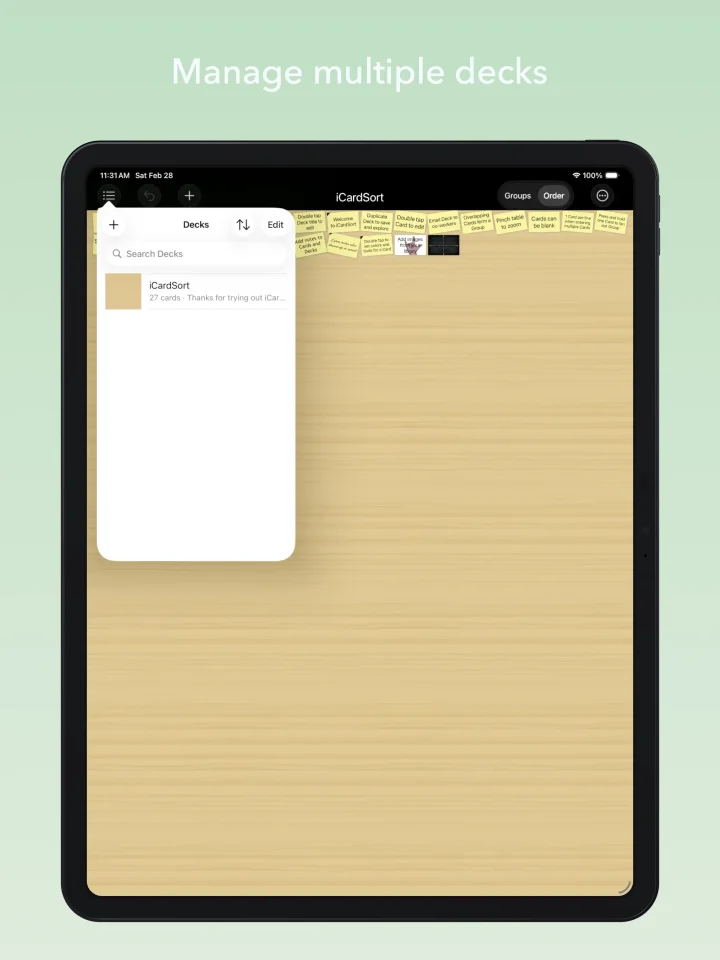
• Grid view — browse decks as thumbnails with card counts and category chips
• Pin your favorite decks to keep them at the top
• Add categories and tags to any deck, then filter and search by them
• Search now matches titles, notes, categories, and tags
• New More (…) menu puts grid, sort, and edit controls in one place
• More reliable deck sharing and import/export
• Additional stability fixes
App privacy
What E-String Technologies, Inc. declares on the App Store about how this app handles data.
-
Data not collected
The developer does not collect any data from this app.
Privacy practices may vary, for example with the features you use or your age.
Information
- Seller
- E-String Technologies, Inc.
- Category
- Education
- Version
- 2.0.3
- Updated
- Jun 1, 2026
- Released
- Aug 7, 2010
- Size
- 14.8 MB
- Requires
- iOS 26.0 or later
- Age rating
- 4+
- Price
- Free
- In-app purchases
- Yes
- Languages
- English, French, German, Italian, Japanese, Spanish
- Copyright
- © E-String Technologies Inc.
You might also like
-
 iLearn: US StatesLearn the 50 States & Capitals
-
 F&P LLI Reading Record AppsEducation
-
 iLearn: Continents & OceansThe 7 Continents & 5 Oceans
-
 LearnPlatform for SchoolsEducation
-
 Juicy Math - game for toddlersaddition & subtraction till 10
-
 READING MAGIC 2Reading Consonant Blends
-
 SPELLING MAGIC 2Working wIth Consonant Blends
-
 READING MAGIC 3Multiple Syllable Words
-
 Teachley Addimals EDUAddition strategies & fluency
-
 TuneTrainEducation