iCertifi Cloud Pro: Sync
Electrical certs, every device
Designed for iPhone, iPad
In-app purchases
- Age rating4+
- CategoryProductivity
- DeveloperiCertifi
- LanguagesEnglish
- Size53.0 MB
Links to the official App Store page
Download.org hosts no file of iCertifi Cloud Pro: Sync. The button opens its official App Store page, published by iCertifi. Listing last checked on Nov 22, 2026.
Screenshots



About
Photograph the board — iCertifi Cloud Pro reads every circuit and fills the schedule for you. EICR, EIC and Minor Works certificates to BS 7671, on iPhone, iPad and Mac.
Start a certificate on your iPhone, continue on your iPad, finish on your Mac. Everything is backed up to the cloud with end-to-end encryption, so your work survives a lost, stolen or replaced device.
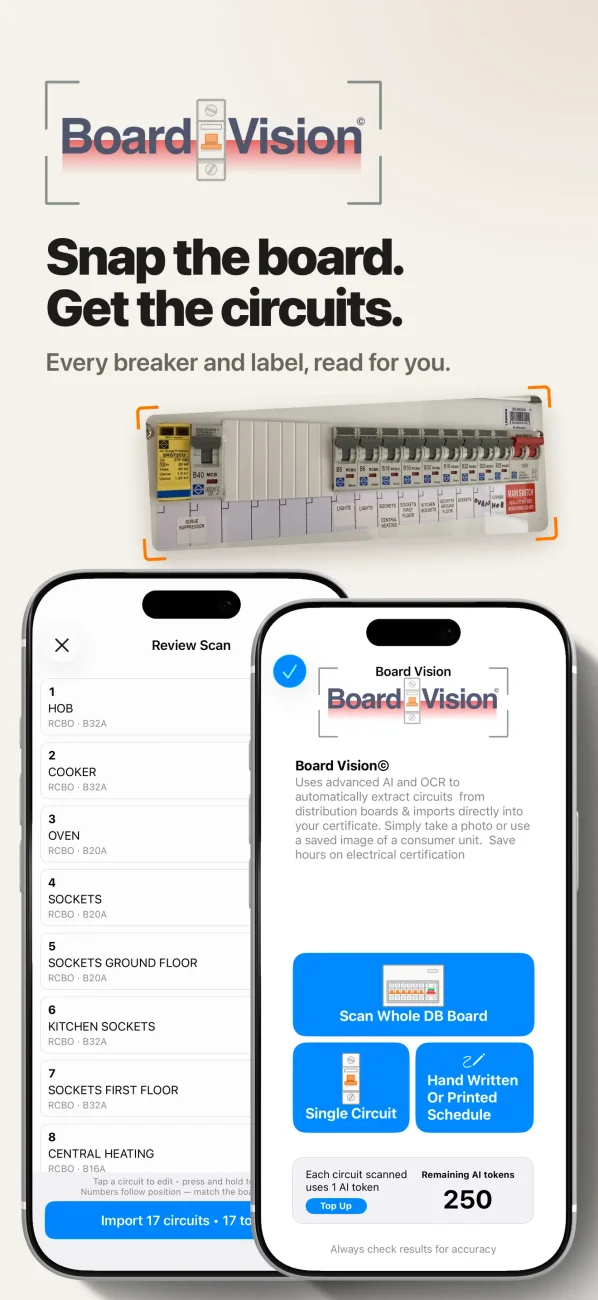
BOARD VISION — POINT, SHOOT, DONE
Take one photo of the distribution board. Board Vision detects the devices, circuit order and layout, and fills your circuit schedule in about 30 seconds. What used to be 20 to 45 minutes of typing out MCBs, ratings and labels is now a photo you check and confirm.
TEST VISION — READINGS STRAIGHT OFF THE TESTER
Photograph your test instrument's display and the readings are extracted and matched to the right circuit automatically. Any make, any model. No cables, no Bluetooth pairing, no transcription errors.
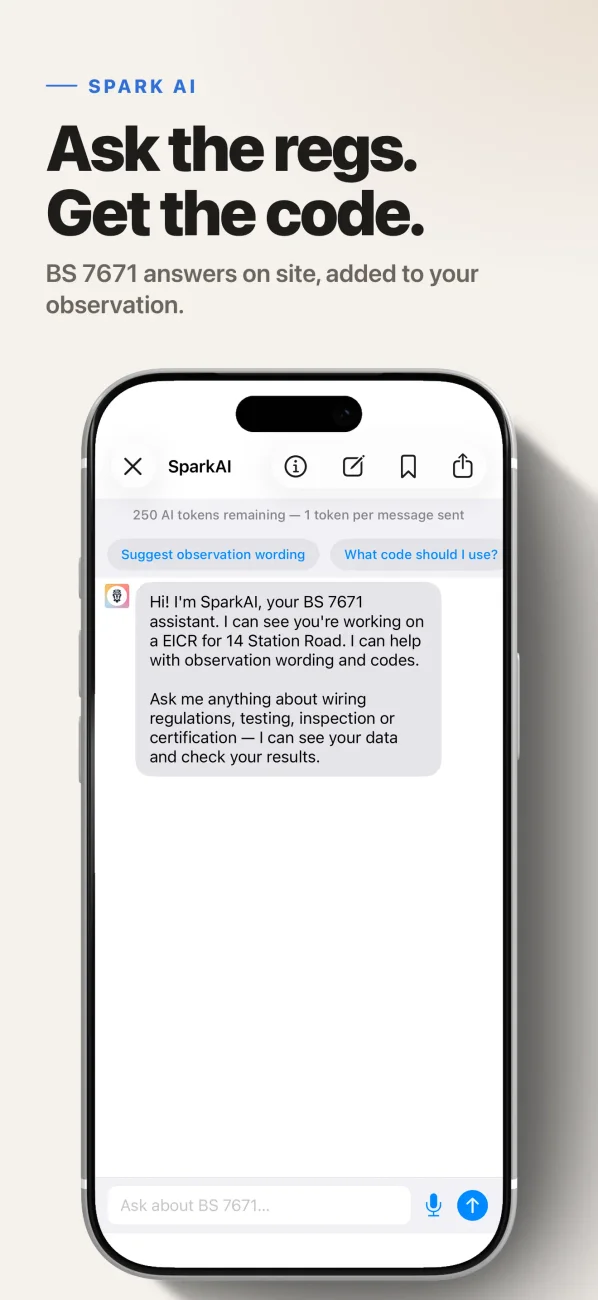
SPARK AI — YOUR 24/7 TECHNICAL HELPLINE
Instant answers on BS 7671, EICRs, testing procedure and observation coding, without leaving the certificate you are working on.
COMPLIANCE CHECK
Every certificate is checked automatically before you issue it, so mistakes are caught while you are still on site — not by the client, the assessor or your QS.
WORKS COMPLETELY OFFLINE
Certify with no signal, no laptop and no desktop software. Data uploads automatically the moment you reconnect. Built exclusively for Apple devices.
CERTIFICATES INCLUDED
- Electrical Installation Certificate (EIC)
- Electrical Installation Condition Report (EICR)
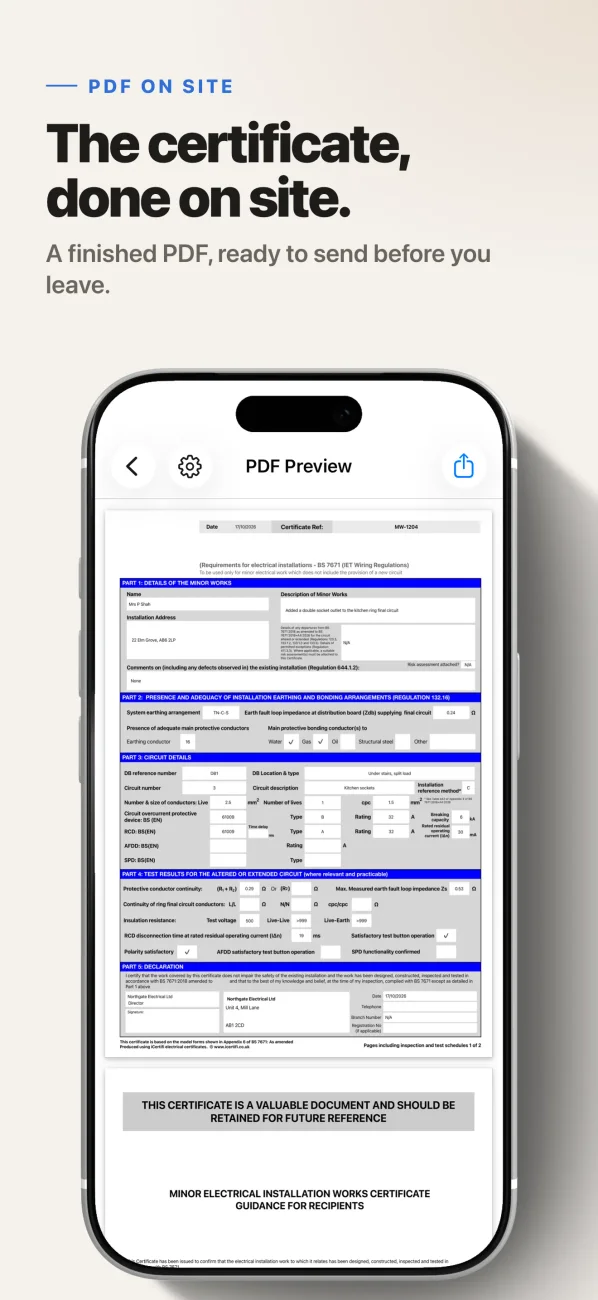
- Minor Electrical Installation Works Certificate
- Three Circuit Minor Works
- Domestic Installation Certificate
- Electric Vehicle Charging Installation Certificate
- Landlord Interim Report
- Visual Inspection Report
- Earthing & Bonding Certificate
- Isolation Certificate
- Danger Notice
…and more
NEW — CLIENT HUB
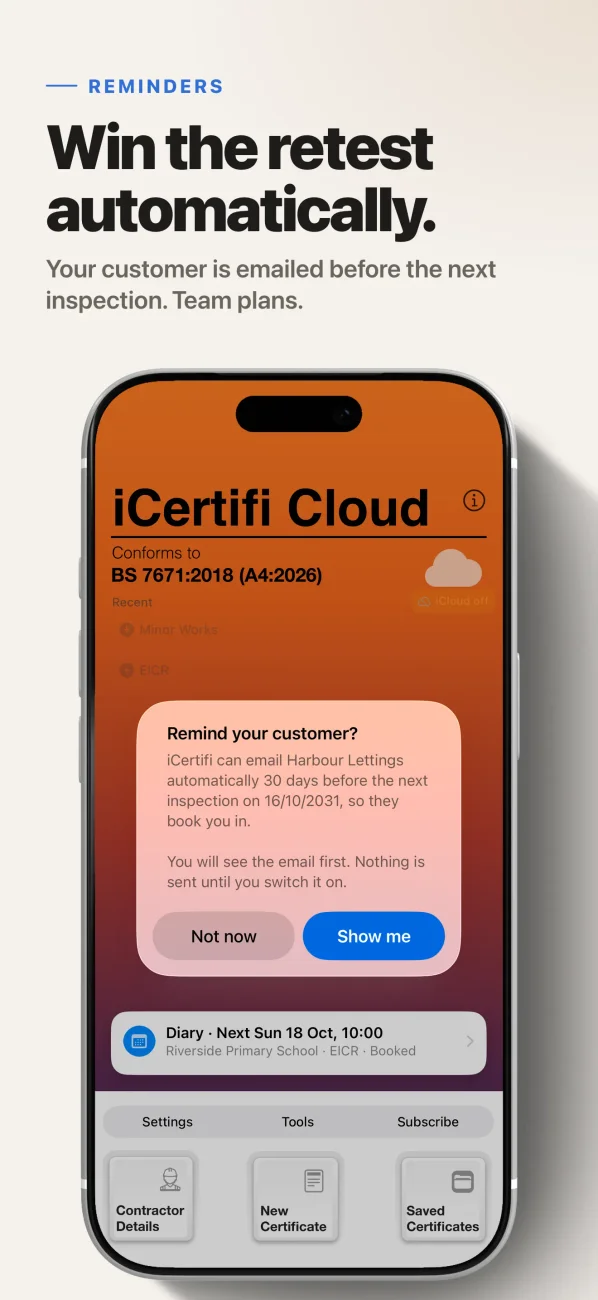
Every customer in one place: their jobs, certificates and upcoming retests, grouped by client. Due work and reminders appear on the Dashboard the moment you open the app, so recurring contracts come back to you.
TESTING TOOLS THAT DO THE MATHS
- Zs calculations — auto-calculated for MCBs and RCDs, 100% or 80% options
- Fuse calculator — 0.4s and 5s fuse Zs
- BS 7671 regulation checks as you enter results
- Split load RCD testing with multiple recorded times
- Electrician's Toolbox — lighting calculator, fuse kA, thermal imaging and more
- FLIR ONE thermal imaging — find faults without isolating the supply
SPEED ON SITE
- Template boards — save and reuse board configurations
- Copy and paste boards between certificates
- Smart Duplicate — reuse any previous certificate, omitting dates, signatures and test results
- Smart Fill and Quick Fill — sections and common circuit values in one tap
- Speech-to-text — dictate test results
- Notes history, pre-filled defaults and searchable certificate types
EICRs DONE PROPERLY
- The Vault — nearly 500 prewritten observations with BS 7671 codes
- Add photographs to document faults and observations
- Digital circuit schedules with QR-encoded layouts
- Printable EICR covers
- Calibration certificate attachments for your tester records
QS MONITORING AND REMOTE SIGNING
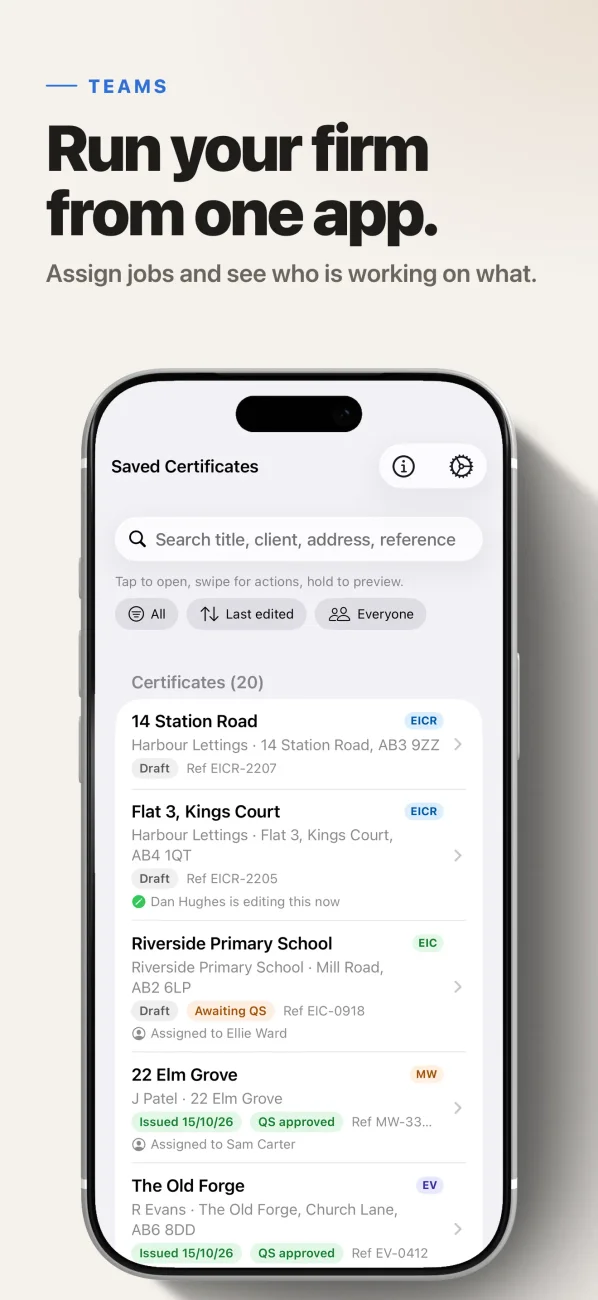
Qualified Supervisors can review, approve and sign remotely, and flag issues live — useful for multi-engineer contracts and scheme assessments.
PROFESSIONAL OUTPUT
Signed, secure PDFs ready to email, print or store. Add your logo, adjust colours and set your enrolment numbers. Unlimited certificates, no per-certificate charge.
SUBSCRIPTION
A subscription is required to send and save electrical certificates. Free unlimited 7-day trial. Subscriptions renew automatically unless cancelled in your Apple Account settings at least 24 hours before the end of the current period.
Terms of Use
https://www.apple.com/legal/internet-services/itunes/dev/stdeula/
Privacy Policy
https://icertifi.zendesk.com/hc/en-us/articles/201659279-iCertifi-s-Privacy-Policy-GDPR-Compliance
What’s new
Version 3.3.13 · Nov 19, 2026
Spark AI now does what you ask. Tell it to find a certificate by name or address and it opens it. Ask for your last certificate or the retests due and it takes you straight there. Questions about the app, such as what Spark costs or how to build a board from a photo, are answered at once and use no tokens.
Inside a certificate, tell Spark AI to set the next inspection, fill blank boxes or add an observation and the change comes up for you to check and apply. Making a copy of a certificate always waits for you to press the button.
iCertifi Check: every certificate PDF you send now carries its data and a digital seal, so a landlord, agent or council can confirm it is genuine and has not been changed.
Contractor Details has a new design. Your business, address, contact details, registration, logos and colours are in clear sections, with a box for your company number. On iPad, Mac and the open iPhone Duo the sections sit in two columns.
Circuits can be moved up or down from the circuit menu: press and hold a circuit on iPhone and iPad, or right click it on a Mac.
Fixes: the observation page and the signature box on the open iPhone Duo, and the subscription page on Mac.
App privacy
What iCertifi declares on the App Store about how this app handles data.
-
Data not linked to you
May be collected but is not linked to your identity.
- User content
Privacy practices may vary, for example with the features you use or your age.
Information
- Seller
- iCertifi
- Category
- Productivity
- Version
- 3.3.13
- Updated
- Nov 19, 2026
- Released
- May 24, 2025
- Size
- 53.0 MB
- Requires
- iOS 18.0 or later
- Age rating
- 4+
- In-app purchases
- Yes
- Languages
- English
- Copyright
- © 2026 iCertifi
You might also like
-
 Pro CertsElectrical Certification App
-
 Tradecert: AI Electrical CertsBS7671 Electrical Certificates
-
 Clik Cert ElectricalProductivity
-
 CertlyEasy electrical certificates
-
 KEWPATPAT Testing (Test and Tag)
-
 Diversity CalculatorMaximum demand and diversity
-
 Electrical Tools and ReferenceThe Electricians App
-
 7909 CertificationBS7909 Completion Certificates
-
 PATMobileA Powerful PAT Testing App