- Age rating4+
- CategoryGraphics & Design
- DeveloperCHANG GOO KIM
- LanguagesEnglish+ 6 more
- Size17.2 MB
Links to the official App Store page
Download.org hosts no file of Icon Maker - Mix & Export. The button opens its official App Store page, published by CHANG GOO KIM. Listing last checked on Nov 23, 2026.
Screenshots
About
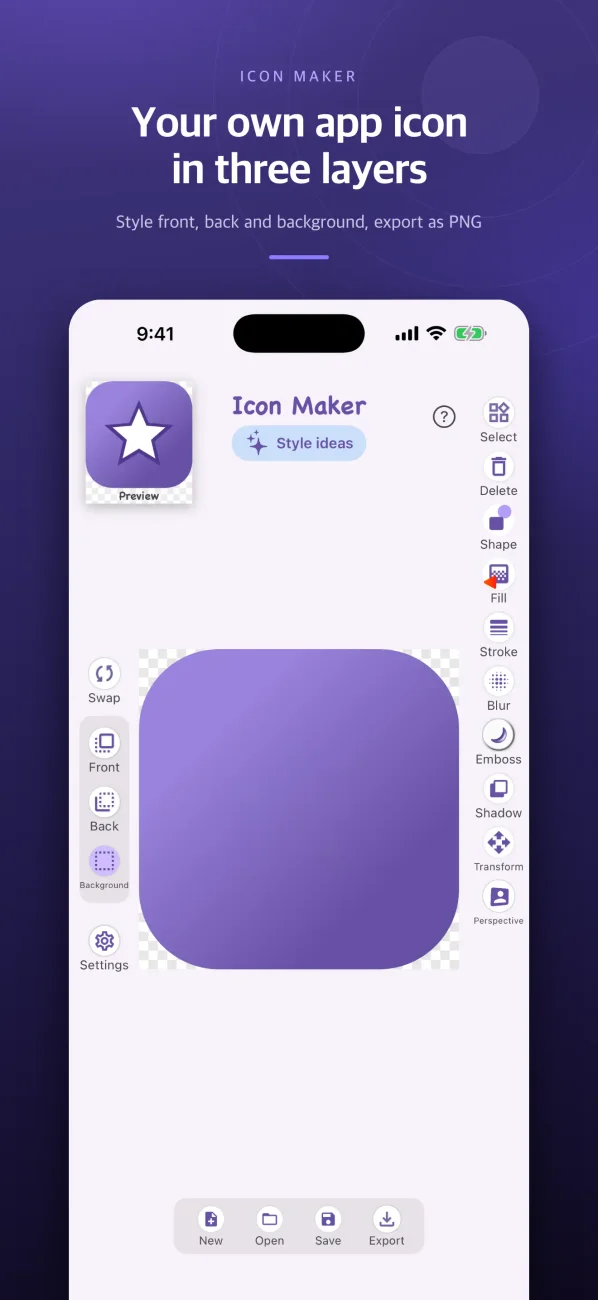
Icon Maker is an easy way to make your own app icons, logos and profile images. Combine two icon layers with a background layer, fill them with colors, gradients or photos, and export as PNG. No design skills needed.
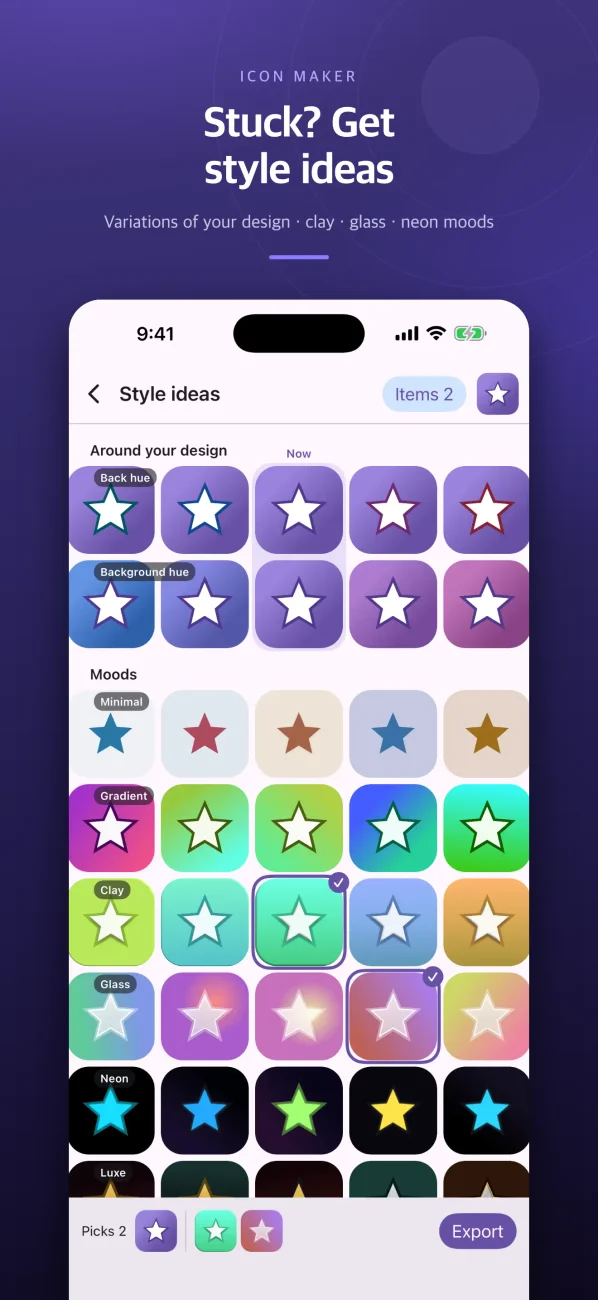
STYLE IDEAS
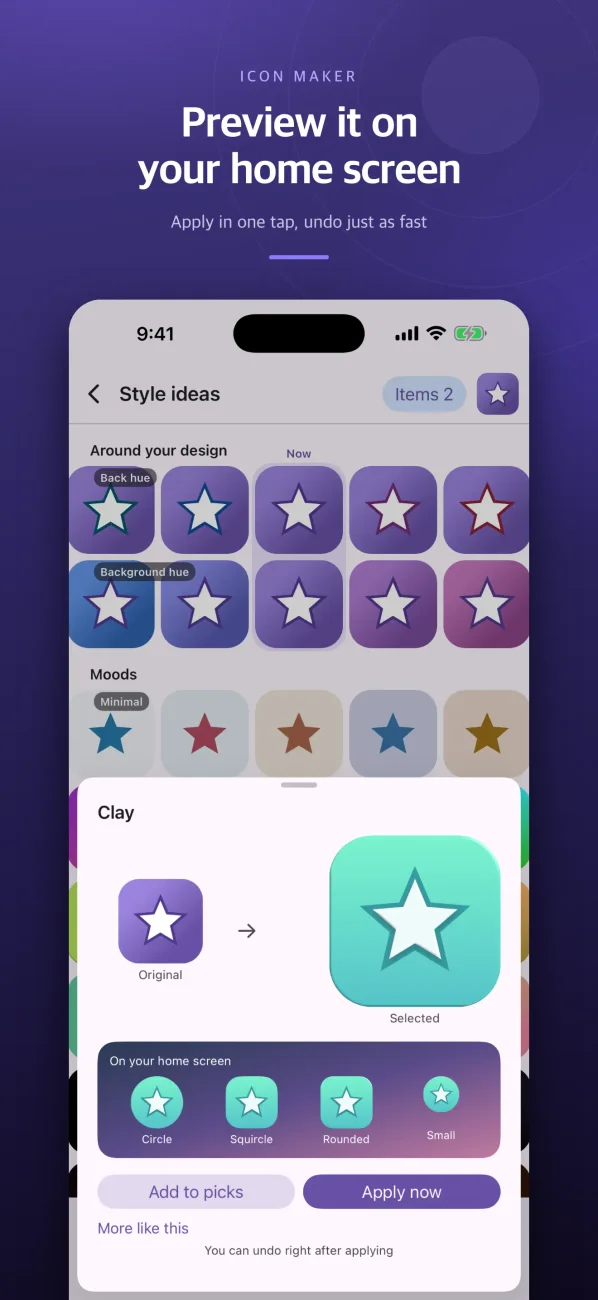
Not sure where to go next? Get variations around your current design, plus mood sets such as minimal, gradient, clay, glass and neon.
Preview a style on a home screen in circle, squircle and rounded shapes, apply it in one tap, and undo just as fast.
THREE LAYERS
Top icon, bottom icon and background, each styled independently.
THOUSANDS OF ICONS, FONTS AND PHOTOS
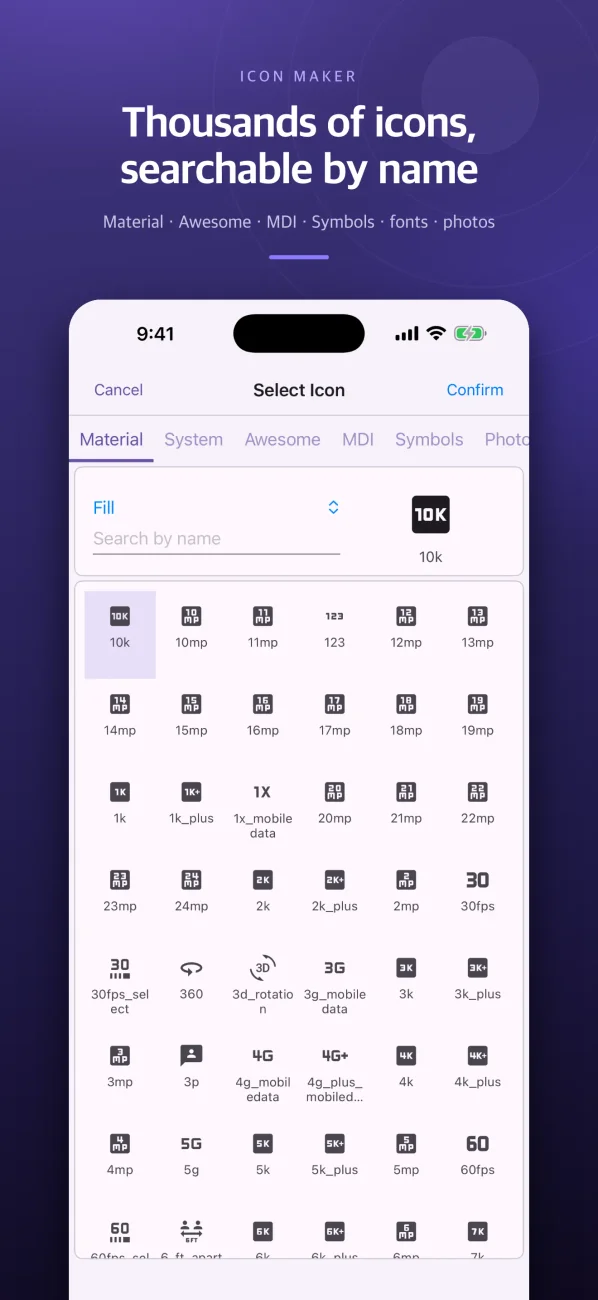
Material Icons, Material Symbols, Font Awesome and Material Design Icons, searchable by name.
Type letters with fonts on your device, or start from your own photo.
FILL
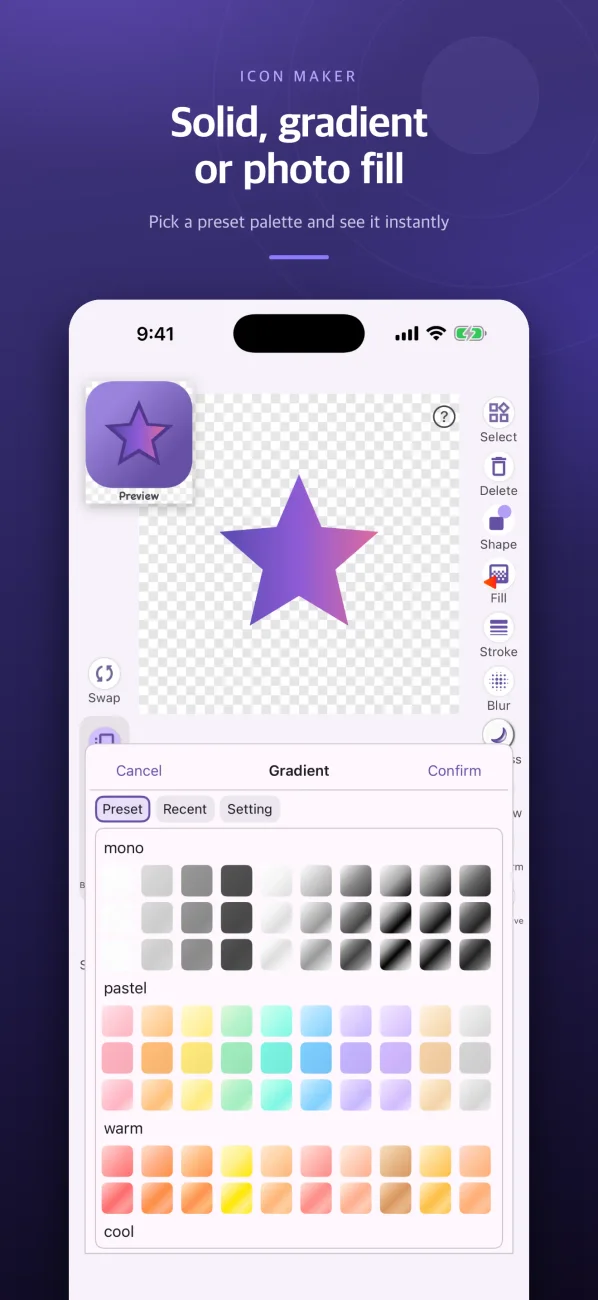
Solid colors, gradients and photo fills with a live preview.
Linear, radial and sweep gradients with preset palettes and adjustable direction.
EFFECTS
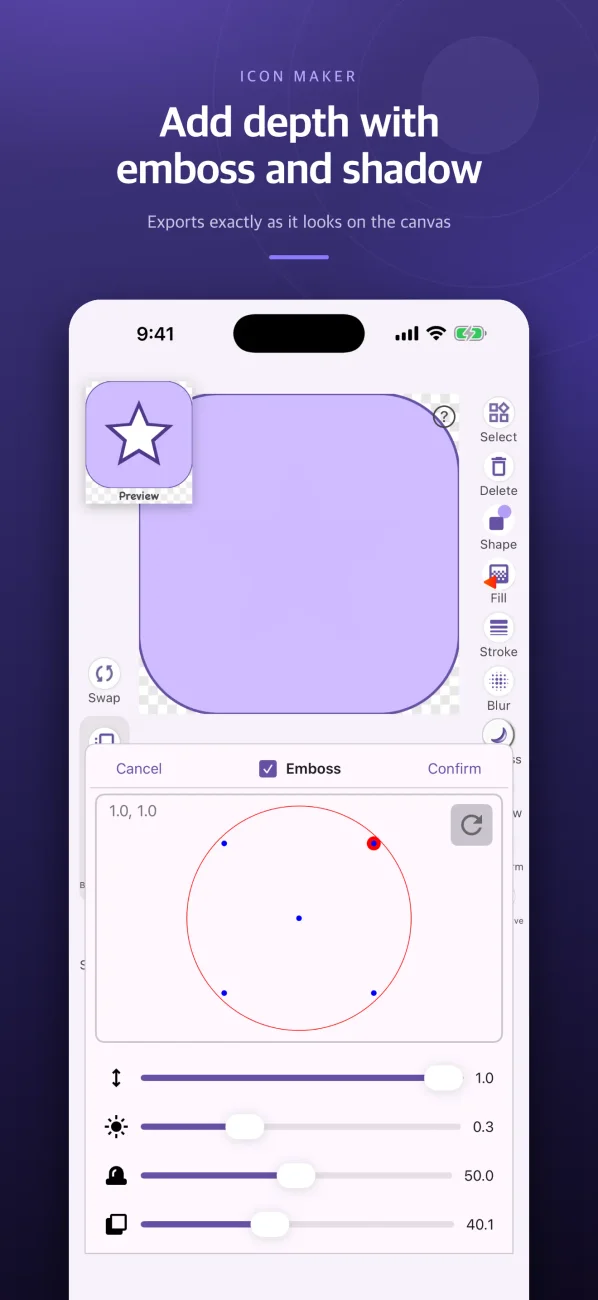
Border, blur, emboss and shadow with full control of color, size and position.
SHAPES AND TRANSFORM
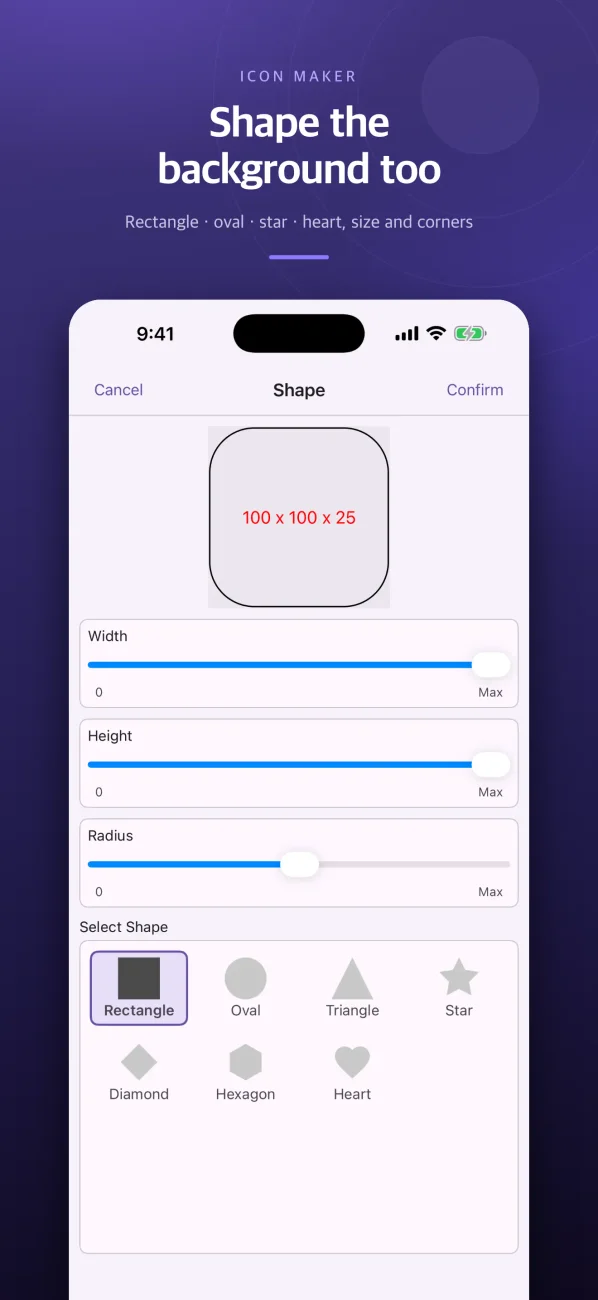
Rectangle, oval, triangle, star, diamond, hexagon and heart, with width, height and corner radius.
Move, rotate, scale, skew and even 3D perspective.
EXPORT
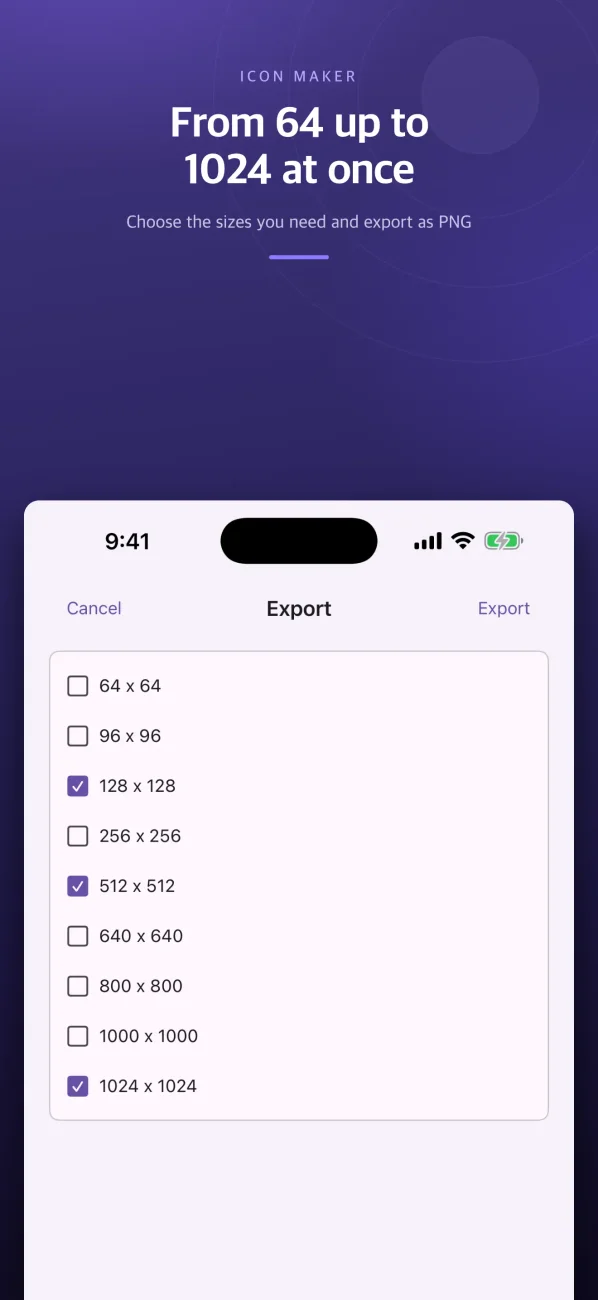
Save PNG images from 64 to 1024 pixels, several sizes at once, straight to your Photos.
What you see on the canvas is exactly what you export.
SAVE YOUR WORK
Save projects and open them later to keep editing.
PERFECT FOR
- App developers who need a custom app icon fast
- Designers trying out ideas and variations
- Anyone making a profile icon or social media image
- Small brands creating a simple logo
Open-source icon fonts used in this app:
- Material Icons and Material Symbols - Apache License 2.0
- Font Awesome Free - SIL Open Font License 1.1
- Material Design Icons - Apache License 2.0
Full license texts are available in the app settings.
What’s new
Version 1.3 · Nov 18, 2026
Icon Maker now speaks Spanish, Portuguese, German, Indonesian and French. The app follows your device language, or you can pick one in Settings > Icon Maker > Language.
App privacy
What CHANG GOO KIM declares on the App Store about how this app handles data.
-
Data used to track you
May be used to track you across apps and websites owned by other companies.
- Identifiers
- Usage data
-
Data not linked to you
May be collected but is not linked to your identity.
- Identifiers
- Usage data
Privacy practices may vary, for example with the features you use or your age.
Information
- Seller
- CHANG GOO KIM
- Category
- Graphics & Design
- Version
- 1.3
- Updated
- Nov 18, 2026
- Released
- Oct 28, 2026
- Size
- 17.2 MB
- Requires
- iOS 16.0 or later
- Age rating
- 4+
- Price
- Free
- Languages
- English, French, German, Indonesian, Korean, Portuguese, Spanish
- Copyright
- © 2026 cgKim