IConmingo
Icon & Drawing
Designed for iPhone, iPad, iPod touch
Free · In-app purchases
- Age rating4+
- CategoryGraphics & Design
- DeveloperJules Spitz
- LanguagesEnglish+ 6 more
- Size14.0 MB
Links to the official App Store page
Download.org hosts no file of IConmingo. The button opens its official App Store page, published by Jules Spitz. Listing last checked on Nov 20, 2026.
Screenshots


About
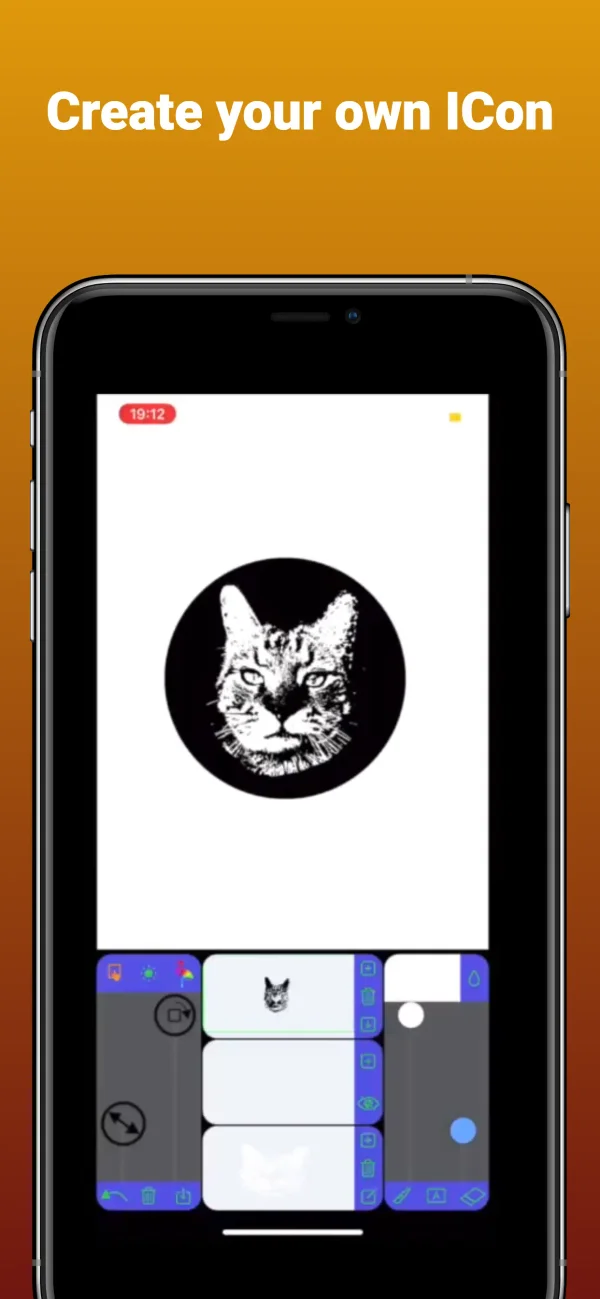
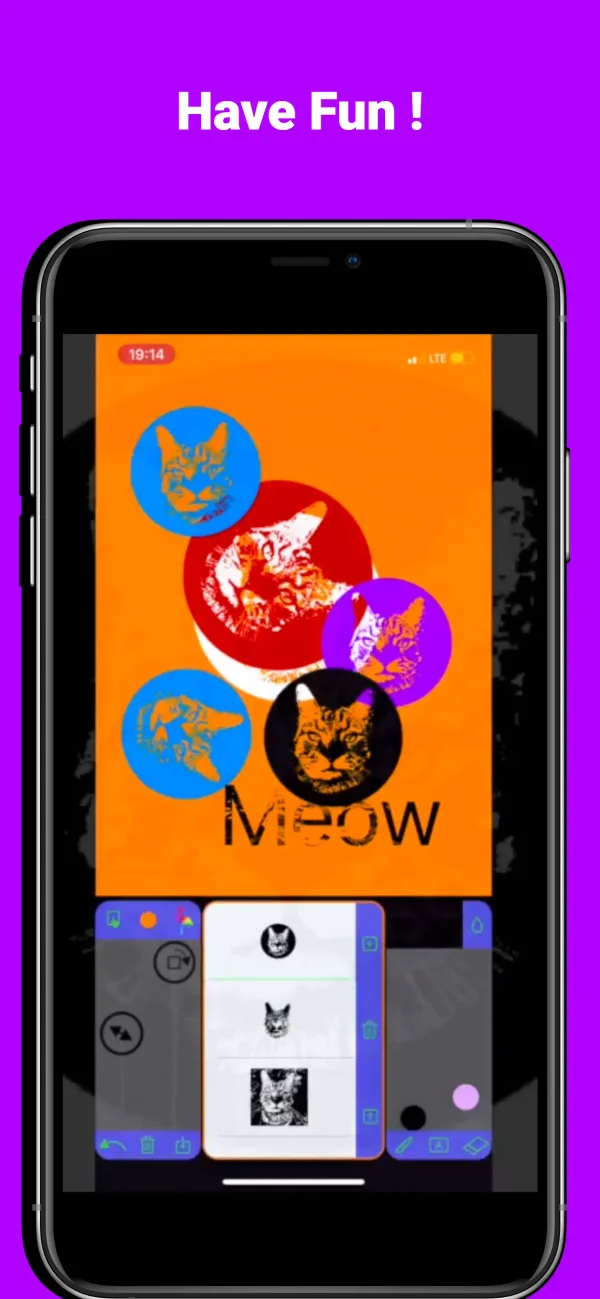
This app allow you to take photo or image from your library and transform it into Icons . Many tools are at your disposition.
You can Apply Image into your Icon shape and more. A list or tool you can use : Drawing, create mask Icon , insert text , merging image and text , erase , change background colour, use opacity and intensity, Size and rotation of Object you make or draw , a magnifying glass to view more precisely what you're doing , save in PNG or save in JPEG , undo button , Icon collection library and more..
What’s new
Version 1.3 · Oct 19, 2026
Added new easter egg feature - fixing bug - new gallery backup
App privacy
What Jules Spitz declares on the App Store about how this app handles data.
-
Data not collected
The developer does not collect any data from this app.
Privacy practices may vary, for example with the features you use or your age.
Information
- Seller
- Jules Spitz
- Category
- Graphics & Design
- Version
- 1.3
- Updated
- Oct 19, 2026
- Released
- May 6, 2022
- Size
- 14.0 MB
- Requires
- iOS 15.0 or later
- Age rating
- 4+
- Price
- Free
- In-app purchases
- Yes
- Languages
- English, French, German, Italian, Japanese, Spanish, Turkish
- Copyright
- © Copyright 2022, Jules S Developer
You might also like
-
 Icon CREATECreate gorgeous app icons
-
 Logo Maker & Poster CreatorCreate IG Story & Invitations
-
 Traceelementsconvert images to svg
-
 Stunning IconsCreate stunning app icons
-
 Icon Maker - Graphic DesignerCreate Posters, Diagrams, Maps
-
 AI Image Generator & EditorPhoto, Drawing & Image Creator
-
 O!Pico - image&photo cutoutEraser background+Make collage
-
 MixArt Photo EditorCollage, Filter, Edit Pics
-
 AI Photo Editor & Image ArtEdit, Merge Photos with Text
-
 Letterforms - Font CreatorDesign fonts and export them