
- Age rating17+
- CategoryUtilities
- DeveloperJason Cox
- LanguagesEnglish
- Size8.7 MB
Links to the official App Store page
Download.org hosts no file of iCurlHTTP. The button opens its official App Store page, published by Jason Cox. Listing last checked on Nov 6, 2026.
Screenshots

About
HTTP Web Server Response Diagnostic Tool - Curl for iPhone and iPad
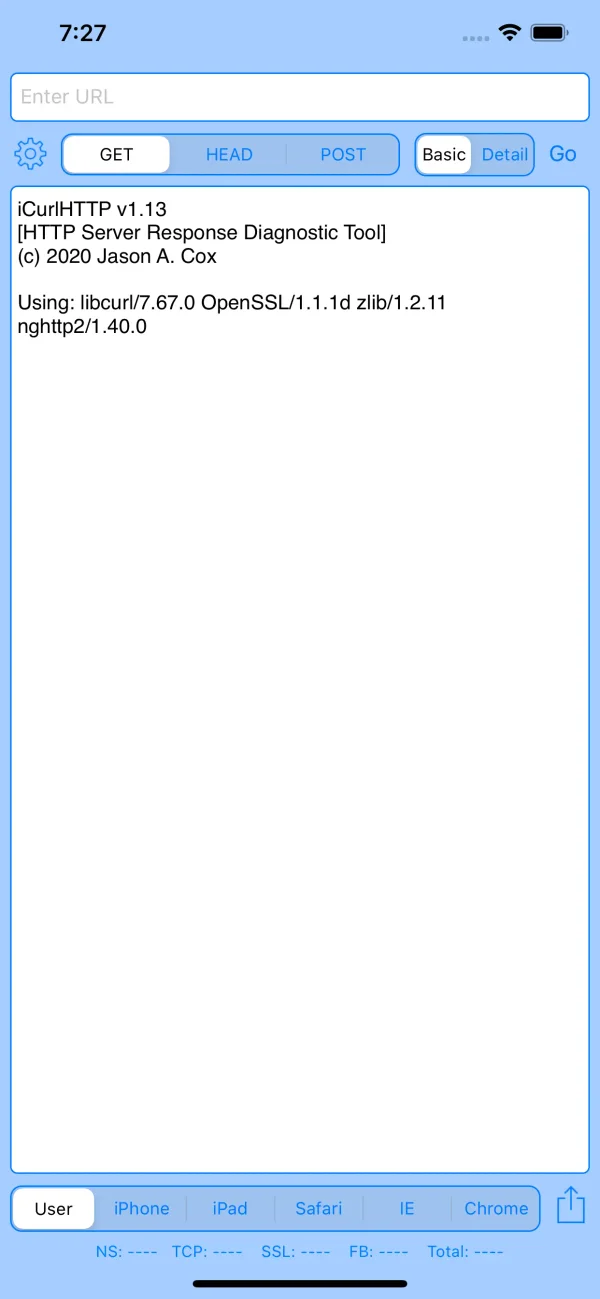
iCurlHTTP is a simple, easy to use app that allows you to run MacOS/Linux-like cURL tests against URLs. It can simulate different web browsers (user-agents) to retrieve the raw HTTP headers and HTML response from web servers.
** GET, HEAD & POST Requests (GET, HEAD, POST, PUT, DELETE, OPTIONS and TRACE on iPad)
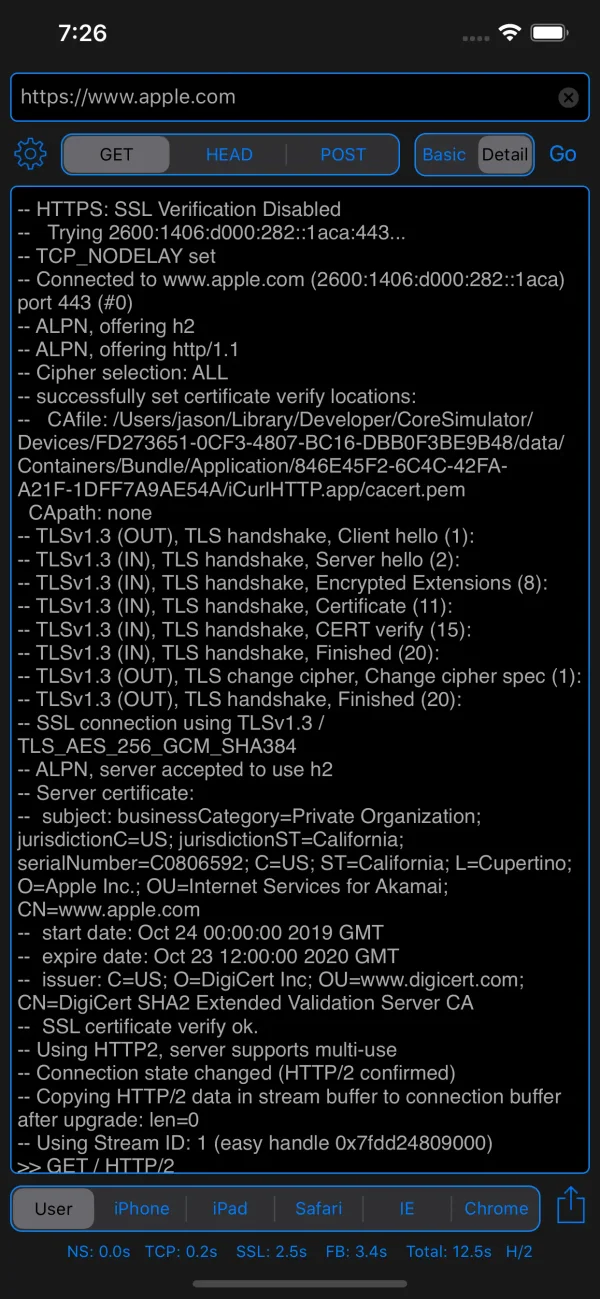
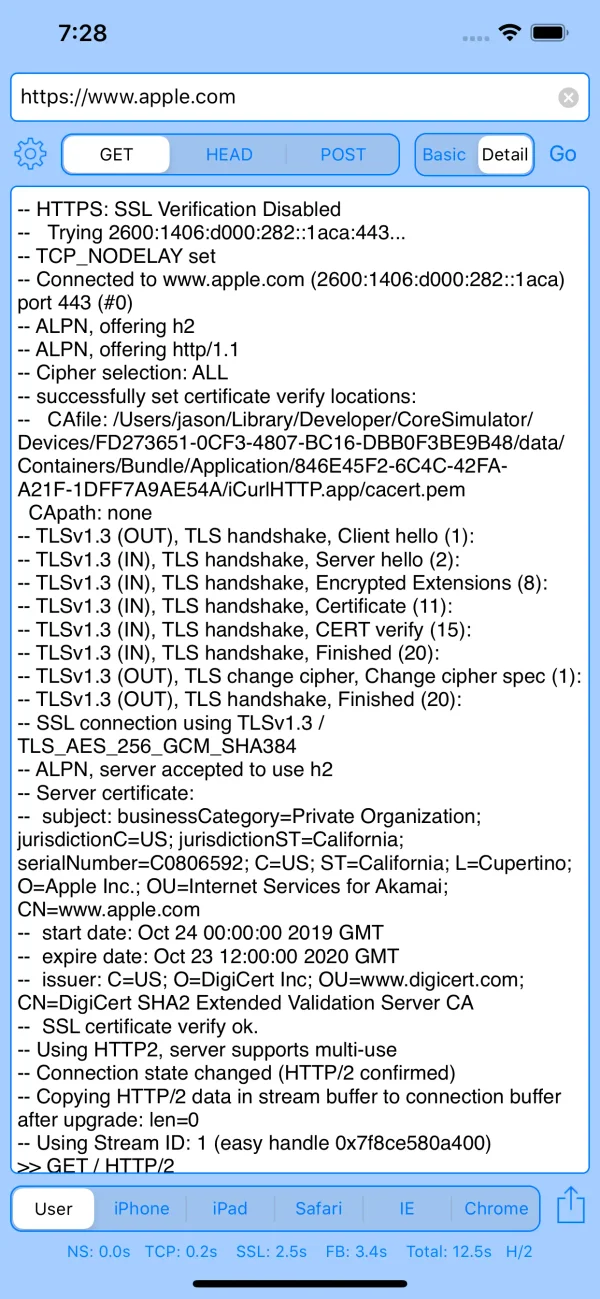
** SSL Support - https requests with basic certificate and handshake information
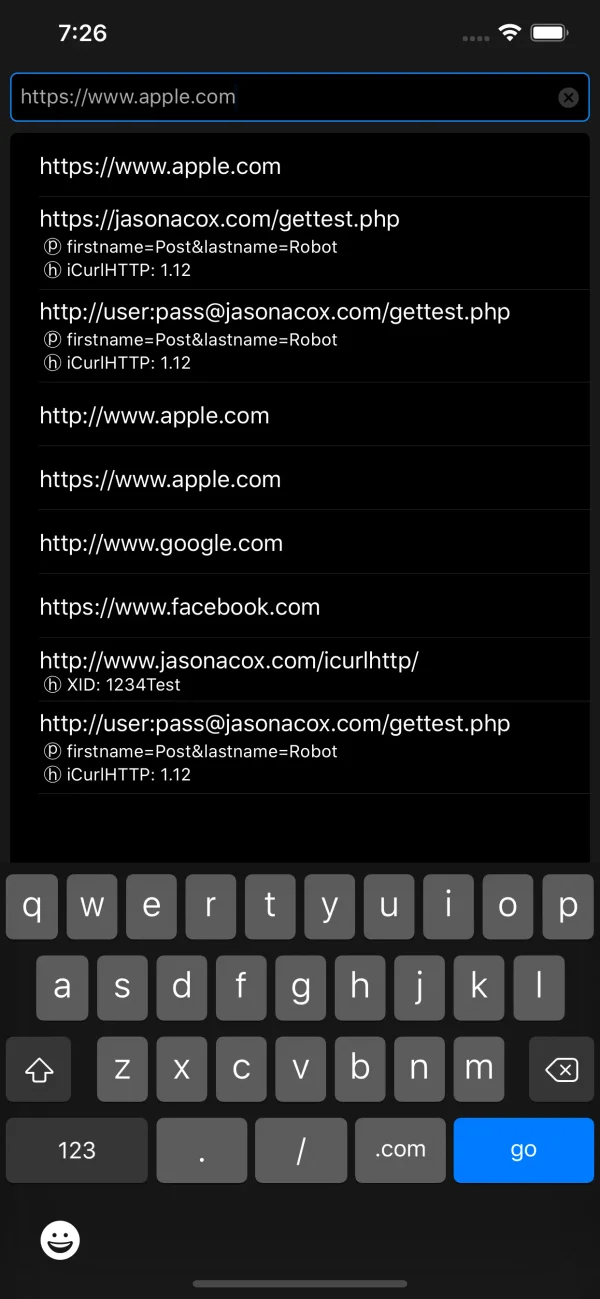
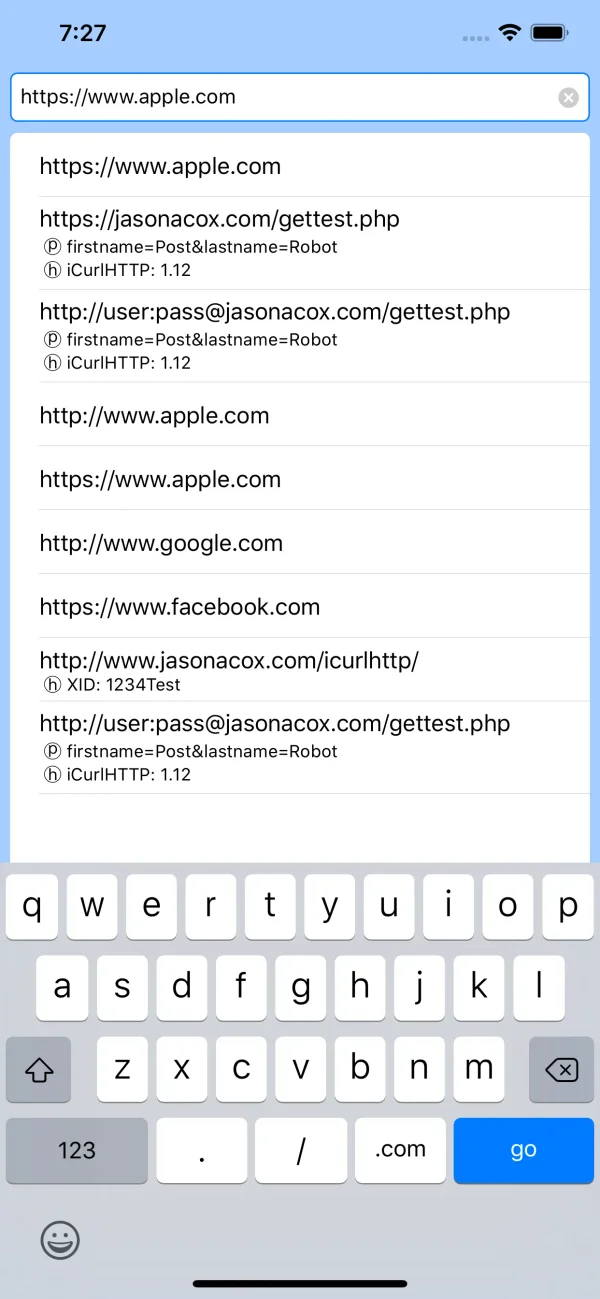
** Keeps a history of URLs tested with HEADER and POST data and provides them in a dropdown for easy repeated testing
** Simulates curl, iPhone, iPad, Safari, IE, Chrome and custom user-agent browsers
** Simple single-view interface with realtime result screen.
** iPhone and iPad support
** Verbose and Basic Detail
** HTTP Timing Details (Name Lookup, TCP Connect, SSL Handshake, First Byte and Total)
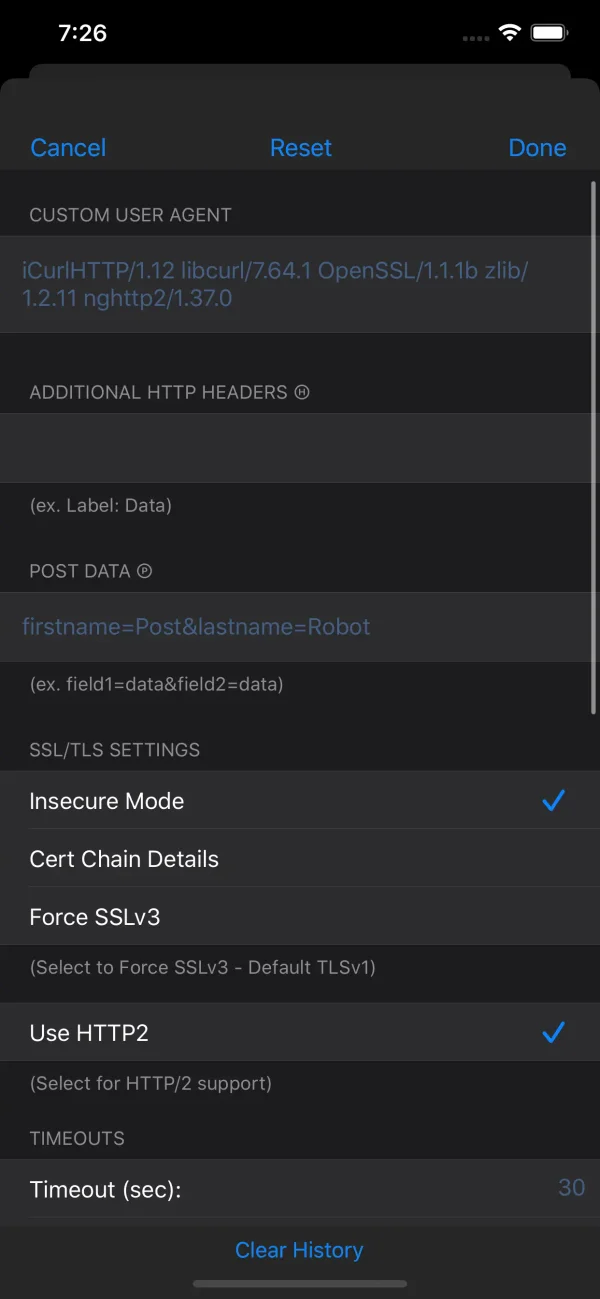
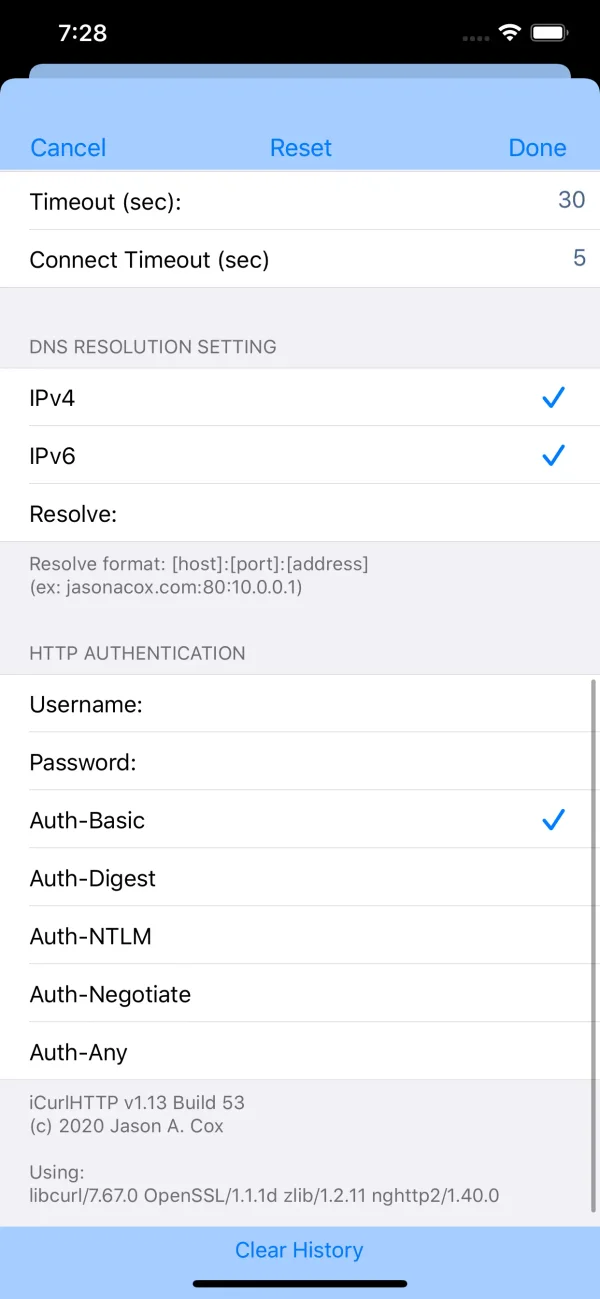
** Set custom User-Agent, Host Headers, Timeouts, HTTP Authentication, SSL Mode and POST Data
** Share Feature to send output to Clipboard, Printer and Email
** HTTP/2 Support
** IPv4 and IPv6 DNS Resolution with Option for Manual Address Resolution (via HOST:PORT:ADDRESS)
What’s new
Version 1.19 · Aug 16, 2026
Version 1.19
• New: Display Headers Only mode – skip the response body for faster testing of large downloads (like curl -o /dev/null)
• New: Fixed Width Font option for the response viewer
• New: Manually override the proxy – set a custom proxy or force a direct connection, independent of your device's system proxy
• Increased the large file warning threshold to 2MB to match today's web pages
• Fixed layout on newer iPhones with a notch or Dynamic Island
• Major performance improvements – faster loading and much smoother scrolling on large responses, with several UI freezes fixed
• General compatibility and stability updates
App privacy
What Jason Cox declares on the App Store about how this app handles data.
-
Data not collected
The developer does not collect any data from this app.
Privacy practices may vary, for example with the features you use or your age.
Information
- Seller
- Jason Cox
- Category
- Utilities
- Version
- 1.19
- Updated
- Aug 16, 2026
- Released
- Mar 12, 2013
- Size
- 8.7 MB
- Requires
- iOS 13.0 or later
- Age rating
- 17+
- Price
- Free
- Languages
- English
- Copyright
- © 2026 Jason A. Cox
You might also like
-
 TLS InspectorTrust & Safety On-the-go.
-
 Best NetToolsA Good Network Utility
-
 Web Inspector - code debuggerMobile html javascript css xml
-
 Inspect - View TLS certificateCertificate Inspector
-
 HE.NET Network ToolsUtilities
-
 Device System Services - ToolsSystem Services - Tools
-
 Web ToolboxWebsites and pages monitoring
-
 cURL SendPaste cURL, Test APIs
-
 NetTools - Network UtilitiesUtilities
-
 Deep Whoiswhois for all domains and IPs