iCut: Background Remover
Remove photo backgrounds fast
Designed for iPhone, iPad
Free · In-app purchases
- Age rating4+
- CategoryPhoto & Video
- DeveloperKoichiro Umemiya
- LanguagesEnglish+ 15 more
- Size12.0 MB
Links to the official App Store page
Download.org hosts no file of iCut: Background Remover. The button opens its official App Store page, published by Koichiro Umemiya. Listing last checked on Nov 21, 2026.
Screenshots
About
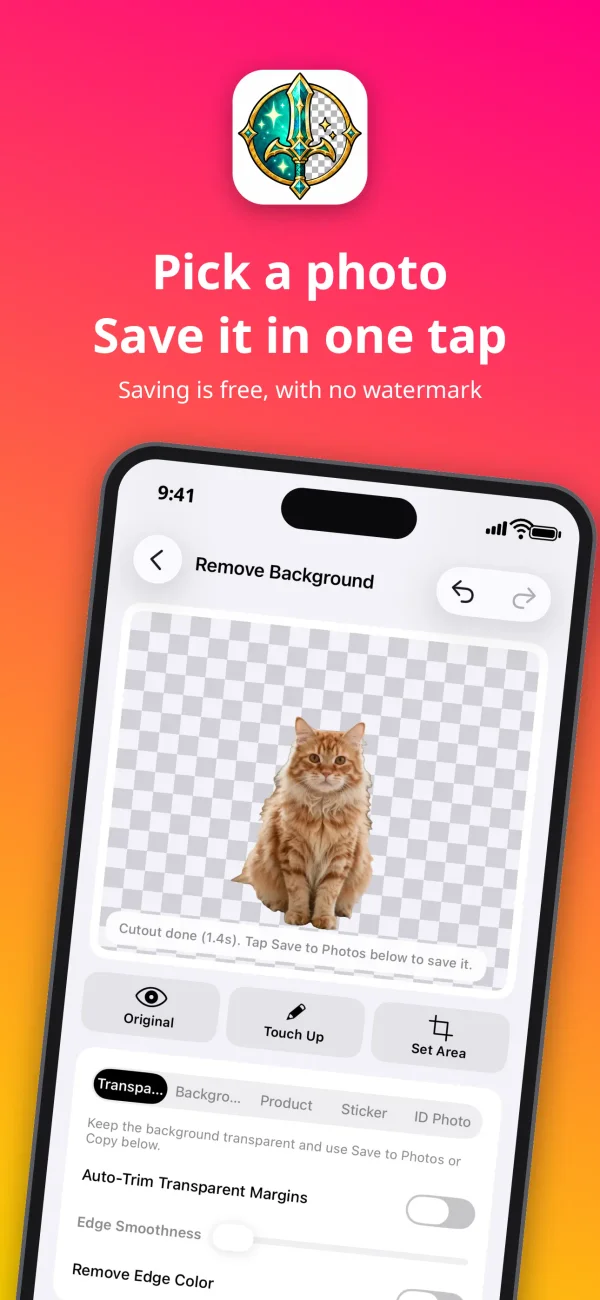
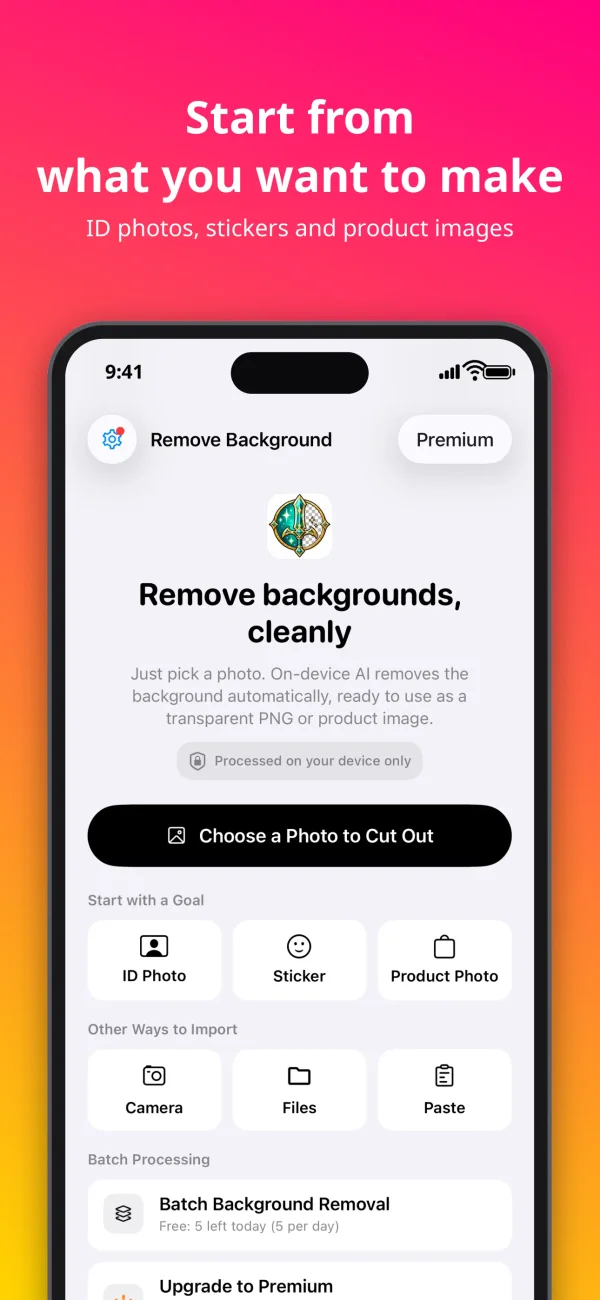
Pick a photo and iCut removes the background cleanly.
Works on the latest iOS. Saving is free with no watermark, and your photos never leave your device.
Great for marketplace and online shop listings, social posts and stickers.
■ Remove the background, just by picking a photo
• On-device AI finds the subject and removes the background automatically
• Copy, share or save the result as a transparent PNG
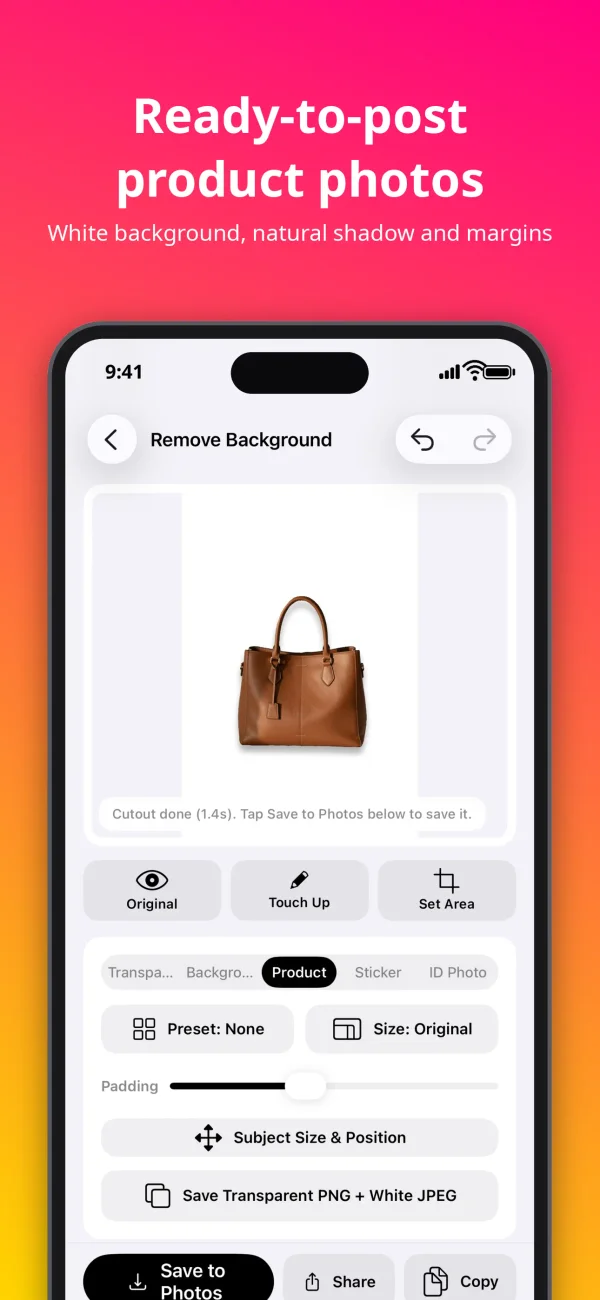
■ Finish it as a product photo
• Use white, black, any color or one of your photos as the background
• Adjust a natural shadow, margins, and the subject's size and position
• Choose the output size (original / 1024 / 2000 / 3000 px)
• Save a transparent PNG and a white-background JPEG at once
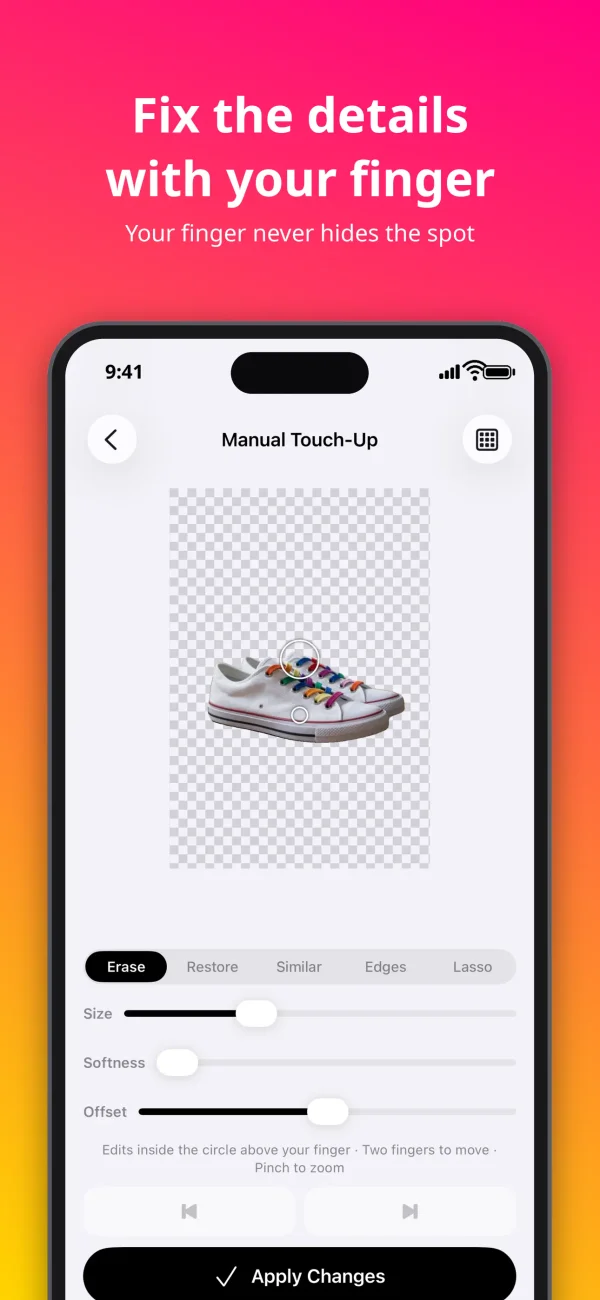
■ Fix the details by hand
• Trace to erase or restore, with the cursor just above your finger so it never hides the spot
• Erase similar colors in one tap to cut out logos and illustrations
• Choose which subjects to keep, or set an area before cutting out
• Change how the edges are cut and try again
■ Batch background removal
• Process many photos at once (up to 20 per run; 5 photos a day in the free version)
■ Peace of mind
• All processing happens on your device. Photos are never sent to a server
• Open images from the camera, Photos, Files or the clipboard
• Supports iPad drag and drop, side-by-side layout and Shortcuts
• Available in 16 languages, with Dark Mode
■ New in 1.1
• Lasso: draw around what you want to keep and erase everything outside it (or erase/restore inside)
• Magnifier: see a close-up around your finger while you fix the details
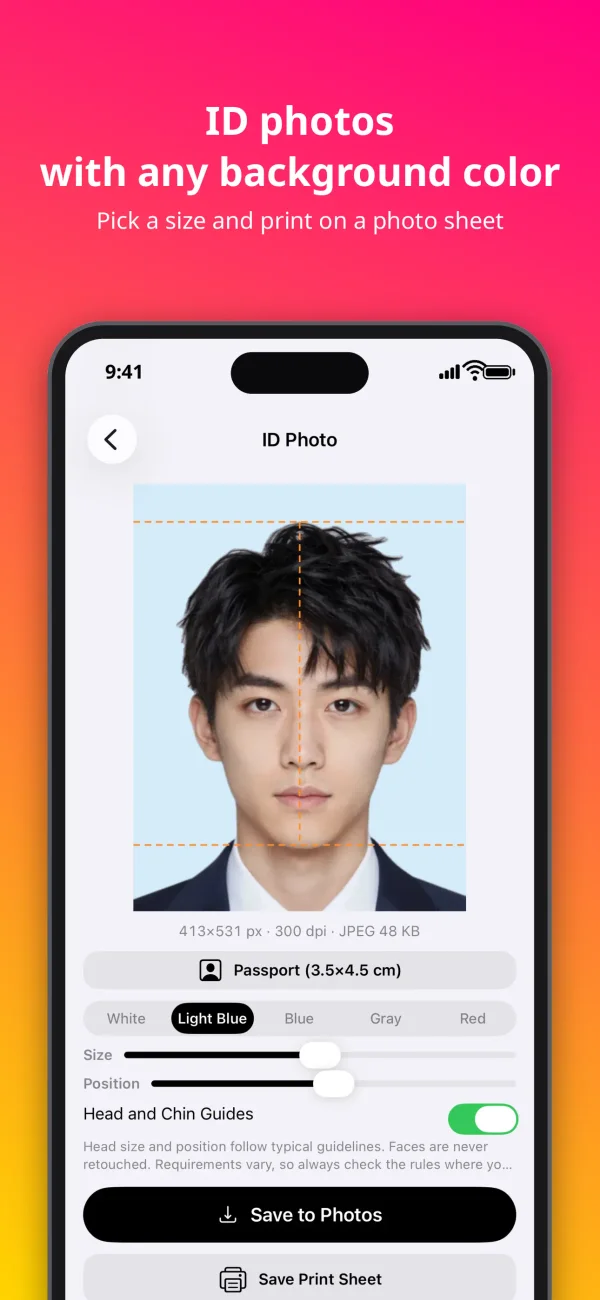
• ID photos: automatically sized from the face position for résumé, passport and other formats, with a background color of your choice, plus a print sheet (faces are never retouched)
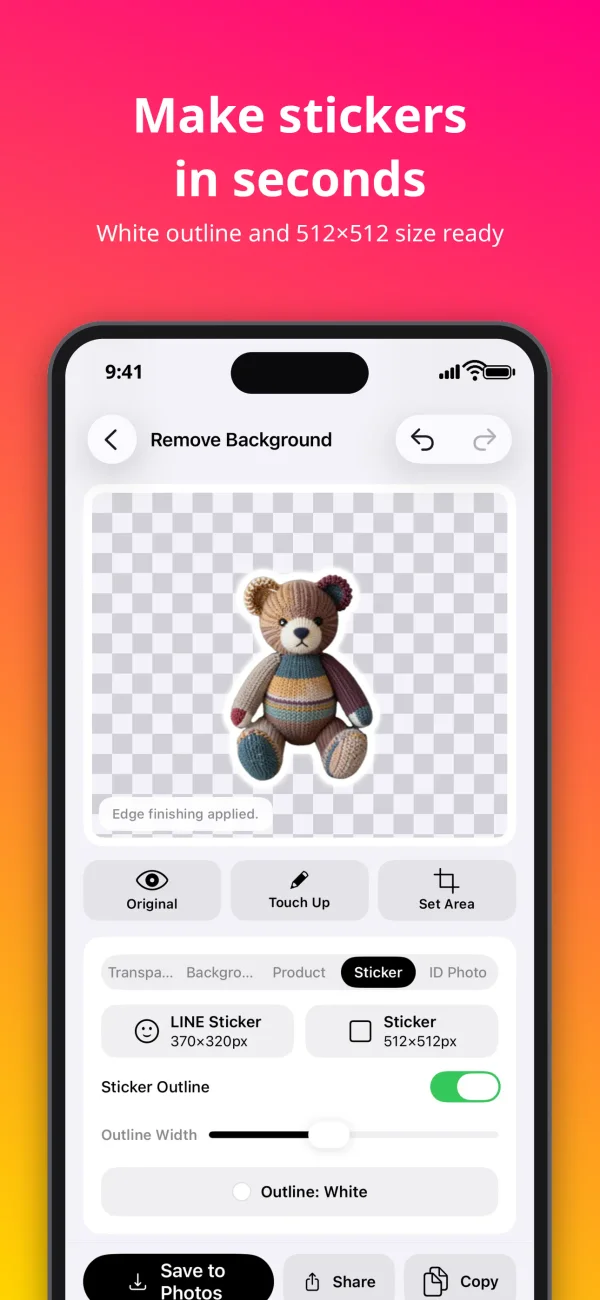
• Export stickers at 370×320 and 512×512
• Manual edits are kept until you save, so you can pick up where you left off
• Open photos straight from the Share menu of Photos and other apps
• Choose the sticker outline color: white, black or any color
• ID photos: red background option, saved with 300 dpi information, and print sheets in 4×6 in too
• Draw with Apple Pencil and move the picture with your finger (double-tap the Pencil to switch erase/restore)
■ Saving is free
• Cutting out, manual edits, saving and sharing are free with no watermark, at the original size
• Transparent PNGs stay transparent. iCut also explains how to send them when a chat app turns them white
■ iCut Premium
• Removes ads and unlocks unlimited batch background removal
• Unlocks background photos and subject placement
• Choose a one-time purchase or a monthly plan
Terms of Use: https://umebo.net/en/terms/
What’s new
Version 1.3 · Nov 15, 2026
• Save each subject as its own transparent PNG when a photo has two or more subjects (Sticker tab)
• Export a LINE stamp submission set as a ZIP: numbered PNGs, a main image and a tab image
• Product photos: background scenes, floor reflection and automatic brightness adjustment
• ID photos: face direction and size checks, plus China visa, Canada and India formats (approximate), and a Save All Sizes button
• On iPad, drag a cutout straight into other apps
• When you use up the free batch limit, watch an ad to add 5 more photos (up to 15 a day)
• A new app icon and button color
App privacy
What Koichiro Umemiya declares on the App Store about how this app handles data.
-
Data not linked to you
May be collected but is not linked to your identity.
- Identifiers
- Usage data
- Diagnostics
Privacy practices may vary, for example with the features you use or your age.
Information
- Seller
- Koichiro Umemiya
- Category
- Photo & Video
- Version
- 1.3
- Updated
- Nov 15, 2026
- Released
- Oct 3, 2026
- Size
- 12.0 MB
- Requires
- iOS 17.0 or later
- Age rating
- 4+
- Price
- Free
- In-app purchases
- Yes
- Languages
- English, French, German, Indonesian, Japanese, Korean, Polish, Portuguese, Simplified Chinese, Spanish, Swedish, Thai + 4 more
- Copyright
- © 2026 umebo.net
You might also like
-
 Background Remover・Eraser ToolObject Remover & Retouch
-
 スタンプ抜き - イラスト背景透過・切り抜きPhoto & Video
-
 Koutuxia: Background RemoverOne-tap cutout, all on-device
-
 Sweep: Background RemoverCutout & eraser, on device
-
 BGAway: AI Background RemoverOne-Tap Photo Cutouts
-
 CutOutPhoto & Video
-
 Background Remover OfflineWhite Background, No Watermark
-
 EasyCut - 画像切り取り・背景透明化Photo & Video
-
 imagenimbleImage tools — 100% on-device
-
 着画スタジオPhoto & Video