- Age rating4+
- CategoryUtilities
- DeveloperJames Baker
- LanguagesEnglish
- Size6.0 MB
Links to the official App Store page
Download.org hosts no file of IDFA & Device Stats. The button opens its official App Store page, published by James Baker. Listing last checked on Nov 13, 2026.
Screenshots
About
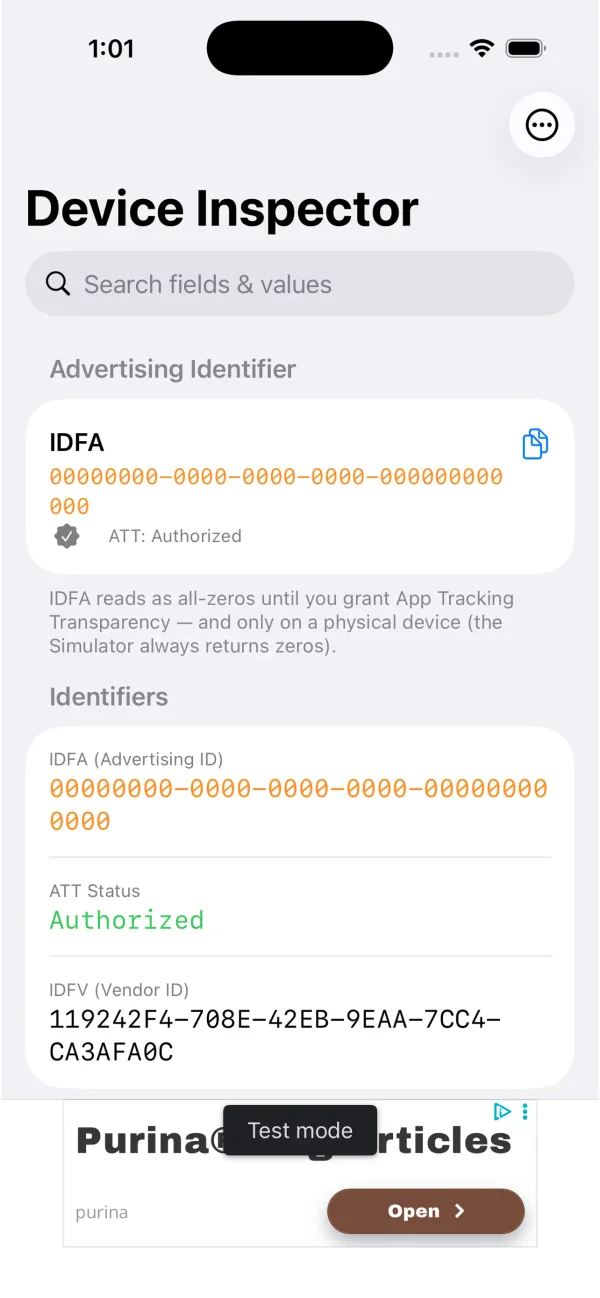
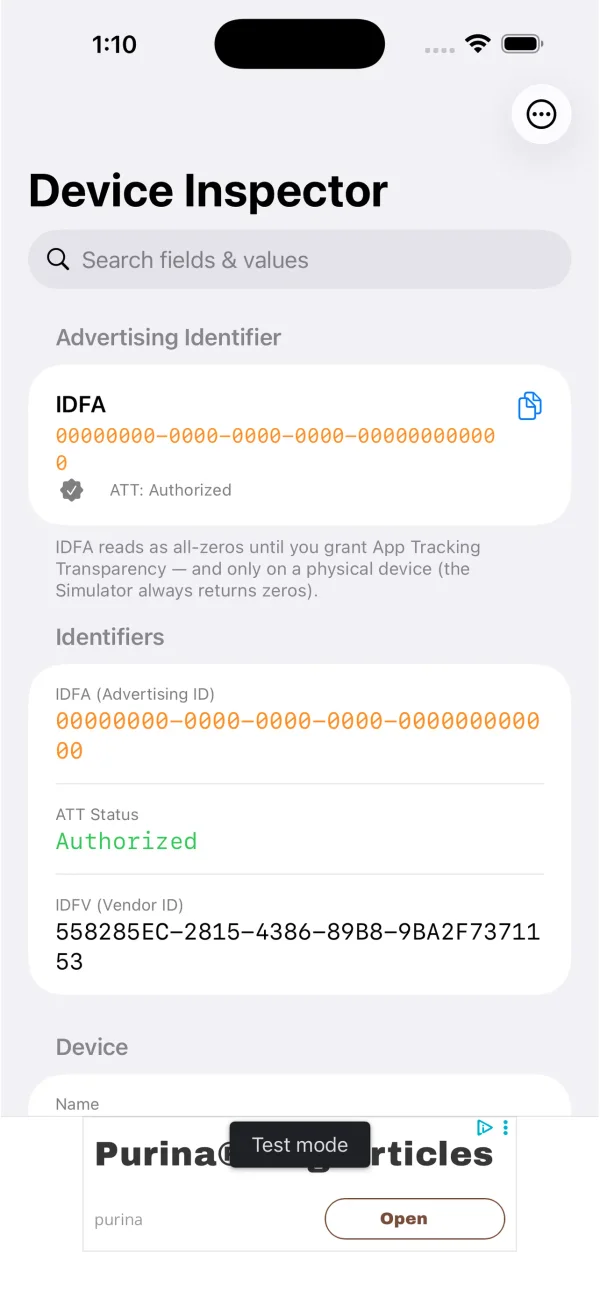
Device Inspector gives you a complete, real-time view of your iPhone or iPad's hidden configuration — the same data that ad networks, analytics SDKs, and diagnostic tools read every time you open an app.
WHAT YOU CAN SEE
• Advertising Identifier (IDFA) — your device's unique ad ID, shown clearly with its current status (zeroed-out when tracking is off)
• App Tracking Transparency (ATT) status — Authorized, Denied, Restricted, or Not Determined
• Device model, OS version, build number, and kernel info
• Screen resolution, scale factor, and display metrics
• Locale, region, preferred languages, and timezone
• Network interface details (Wi-Fi, Cellular, VPN)
• Carrier name, MCC/MNC, and radio access technology
• Battery level, charging state, and low-power mode
• Processor count, memory, and thermal state
• Push notification permission status
• And more — updated every time you pull to refresh
WHY IT'S USEFUL
If you work in mobile advertising, analytics, or app development, knowing exactly what your device reports is essential for debugging attribution, verifying ATT consent flows, or checking that your privacy controls are working correctly. Device Inspector shows you precisely what the OS exposes — no guessing.
PRIVACY FIRST
Everything you see stays on your device. No data is collected, no network requests are made (other than loading ads via AdMob), and no account is required. The app is open source.
NOTES
• IDFA reads as all-zeros until you grant App Tracking Transparency permission.
• The iOS Simulator always returns zeros for IDFA — use a real device.
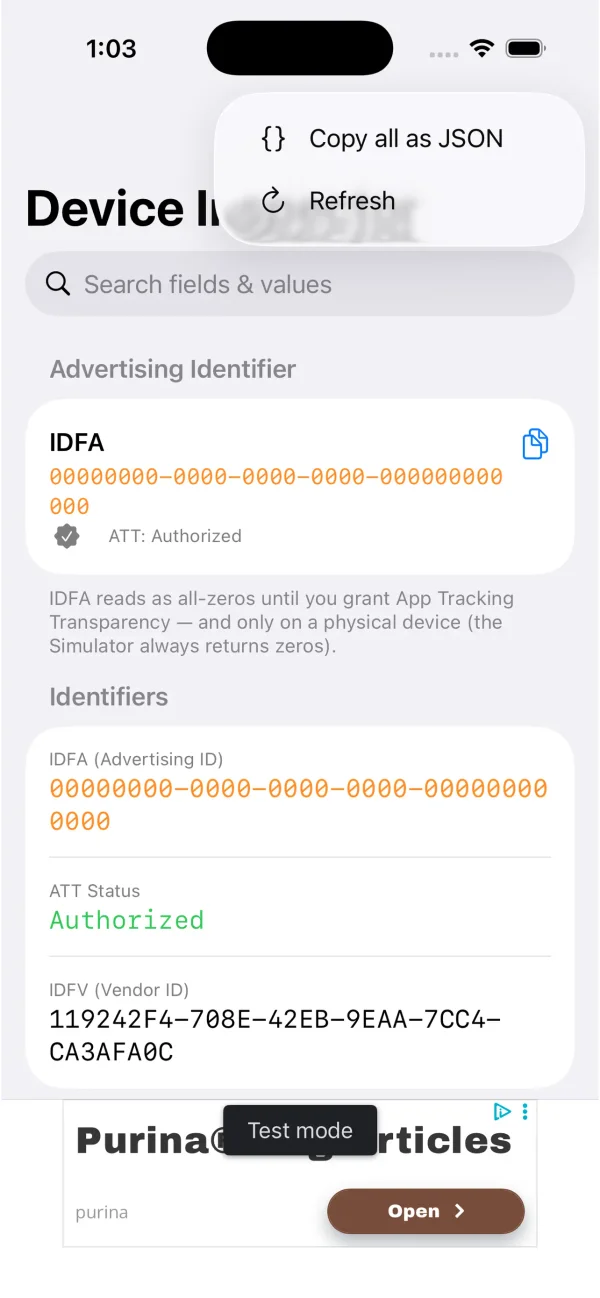
• Tap any row to copy its value to the clipboard.
• Use the search bar to filter across all fields instantly.
What’s new
Version 1.3 · Jul 22, 2026
Under-the-hood improvements plus anonymous feature-usage insights (which sections you check, never your identifiers) to guide what we build next.
App privacy
What James Baker declares on the App Store about how this app handles data.
-
Data used to track you
May be used to track you across apps and websites owned by other companies.
- Identifiers
- Usage data
-
Data not linked to you
May be collected but is not linked to your identity.
- Identifiers
- Usage data
Privacy practices may vary, for example with the features you use or your age.
Information
- Seller
- James Baker
- Category
- Utilities
- Version
- 1.3
- Updated
- Jul 22, 2026
- Released
- Jul 4, 2026
- Size
- 6.0 MB
- Requires
- iOS 16.0 or later
- Age rating
- 4+
- Languages
- English
- Copyright
- © 2026
You might also like
-
 Nyzra: AI Scam DetectorSpot scams in seconds
-
 NetProbeX - Network ScannerWi-Fi Devices & Open Ports
-
 Clock4Key World Clock KeyboardWorld clock on your keyboard
-
 MyfantuPrivacy Tools & Security Suite
-
 PasteKey: Auto Paste KeyboardOne tap to paste keyboard.
-
 Din: Decibel & Sound MeterAccurate Noise Level dB Reader
-
 PandaCalc – Notes CalculatorSave, Track & Recover Numbers
-
 Q Headphones Finder -BluetoothLost BT device scanner locator
-
 Device Info XDevice Specs & System Info
-
 PlayapodCross Platform Podcast App