- Age rating4+
- CategoryUtilities
- DeveloperTidy Bear, LLC
- LanguagesJapanese
- Size2.3 MB
Links to the official App Store page
Download.org hosts no file of iDock - App Launcher. The button opens its official App Store page, published by Tidy Bear, LLC. Listing last checked on Nov 12, 2026.
Screenshots
About
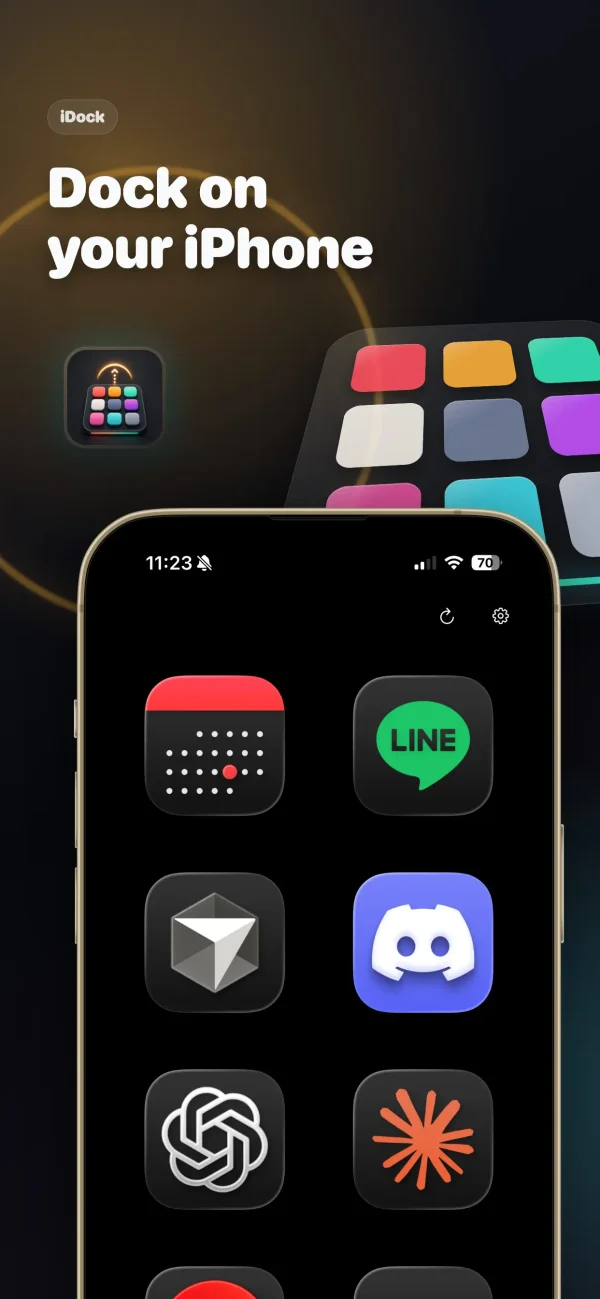
iDock is a remote launcher that allows you to quickly launch Mac applications from your iPhone.
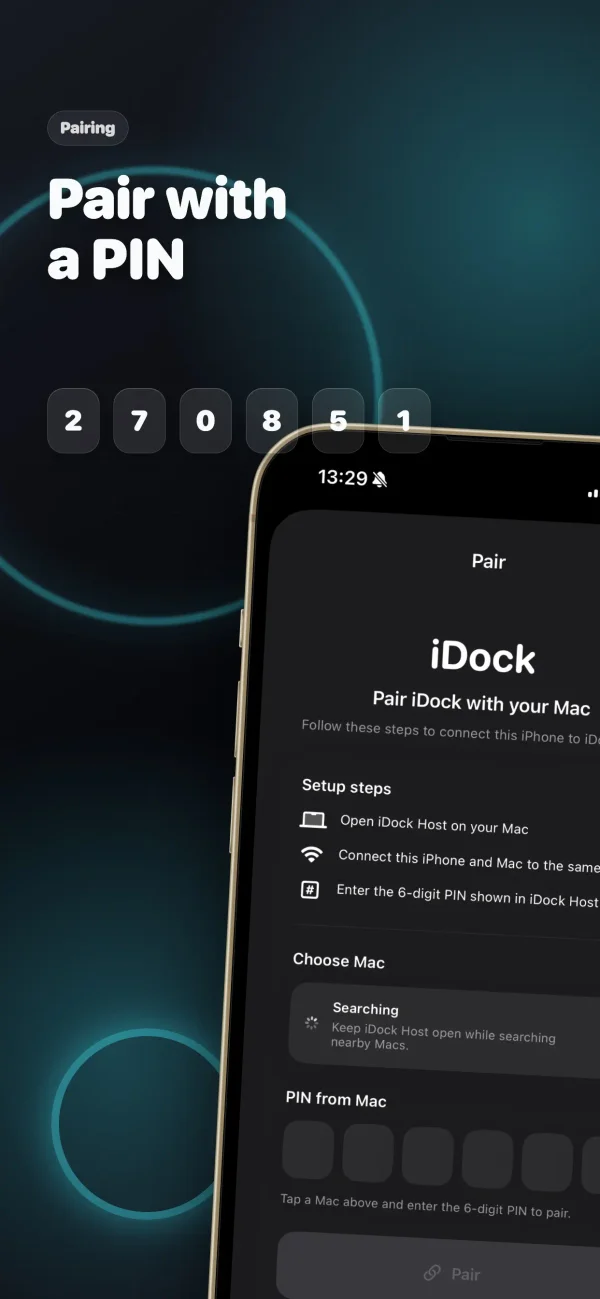
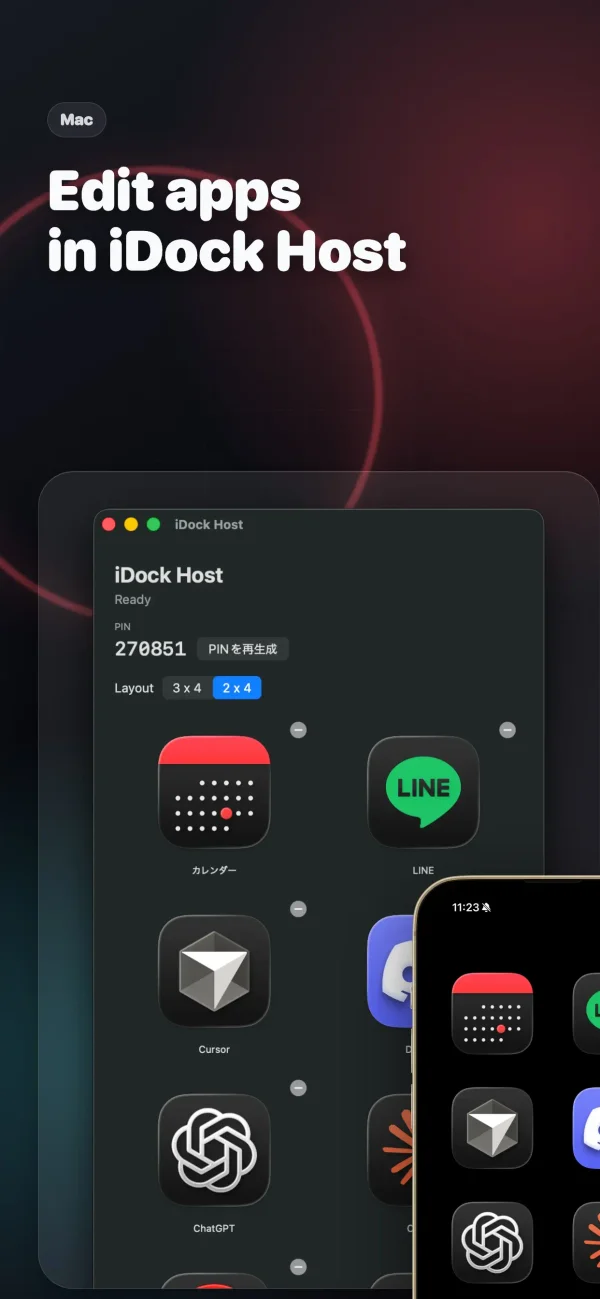
Simply launch iDock on your Mac and pair it with an iPhone connected to the same Wi-Fi network to place your frequently used Mac apps on the iPhone's launcher screen.
Tapping an icon will instantly open the corresponding Mac application.
It supports a simple grid layout, drag-to-reorder functionality, and adding or removing apps.
You can place your iPhone on your desk and smoothly control your Mac apps right from your fingertips.
App privacy
What Tidy Bear, LLC declares on the App Store about how this app handles data.
-
Data not collected
The developer does not collect any data from this app.
Privacy practices may vary, for example with the features you use or your age.
Information
- Seller
- Tidy Bear, LLC
- Category
- Utilities
- Version
- 1.0
- Updated
- May 19, 2026
- Released
- May 19, 2026
- Size
- 2.3 MB
- Requires
- iOS 18.0 or later
- Age rating
- 4+
- Price
- Free
- Languages
- Japanese
- Copyright
- © 2026 TidyBear Inc.
You might also like
-
 ReMacYour machine, in your pocket
-
 Luvelo LauncherLuvelo, Launch, Launcher
-
 Lock Dock-Widget App LauncherFast shortcuts, no delays
-
 IPSW CheckerCheck firmware infomations
-
 App Folder Launcher WidgetLoftHome & Lock Screen Widgets
-
 Remote Control for Apple TVCast, Mirror & Remote Control
-
 Update All Apps: Phone GuideUpdates My Apps: You Helper
-
 MiniFolder App Folder LauncherMany Apps in One Widget
-
 Super Agent for SafariBlock cookie pop-ups
-
 Vivaldi Powerful Web BrowserWeb Browser that adapts to you