iEmulator
Supports all ROM formats
Designed for iPhone, iPad, Mac
Free · In-app purchases
- Age rating4+
- CategoryUtilities
- DeveloperWeigan Technology (Shenzhen) Co., Ltd.
- LanguagesEnglish+ 76 more
- Size1.1 GB
Links to the official App Store page
Download.org hosts no file of iEmulator. The button opens its official App Store page, published by Weigan Technology (Shenzhen) Co., Ltd. Listing last checked on Nov 23, 2026.
Screenshots
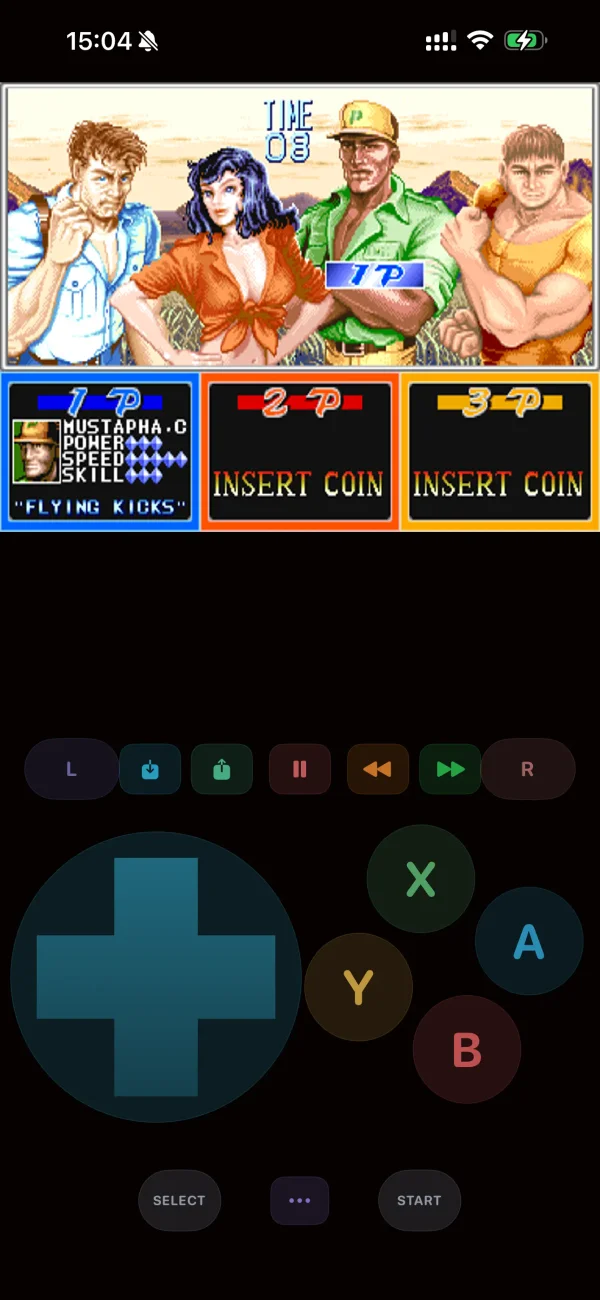
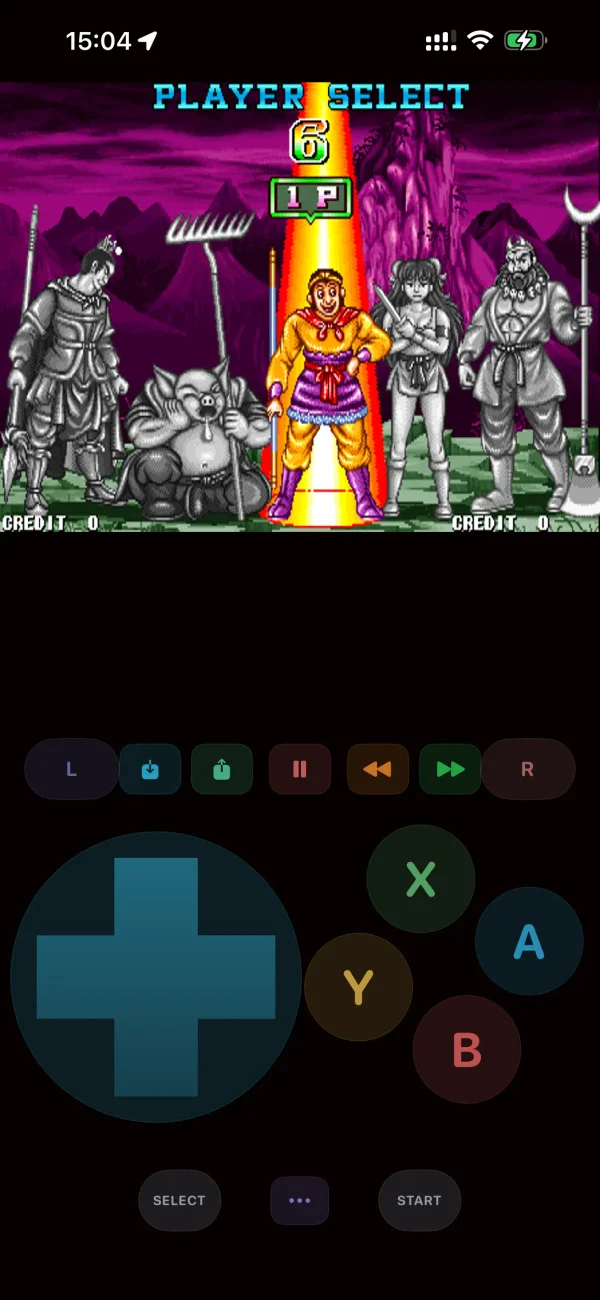
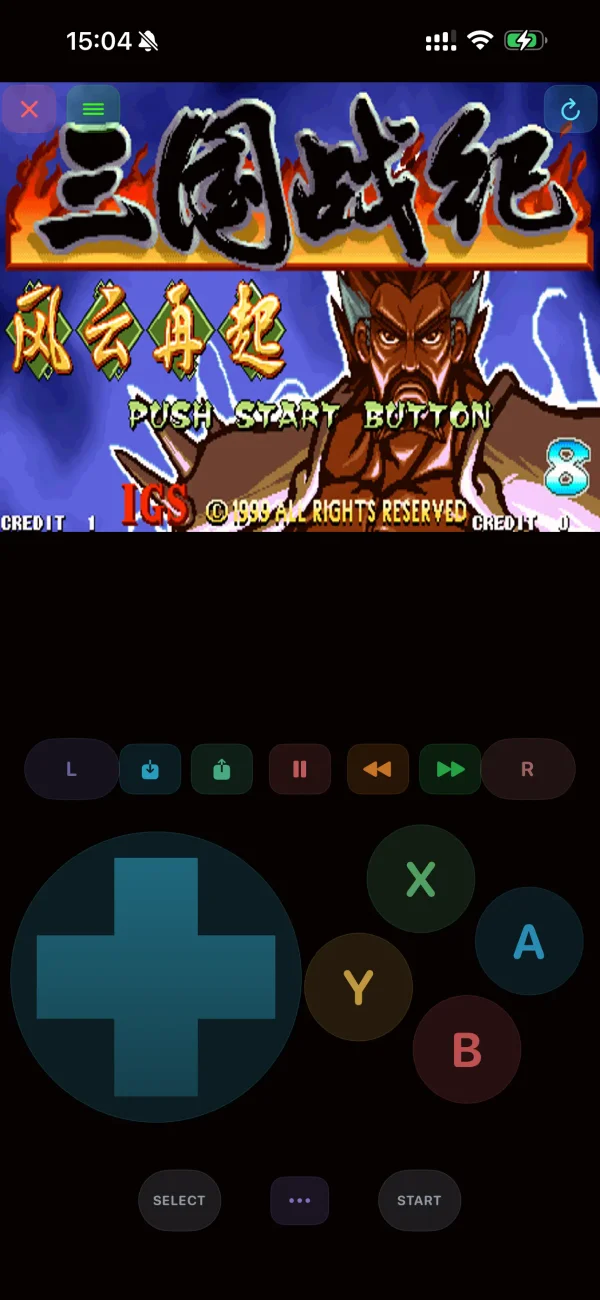
About
Terms of Use (EULA): https://www.apple.com/legal/internet-services/itunes/dev/stdeula/
Controller Lab — Professional Gamepad Diagnostic Tool for iOS & macOS, Supports all ROM file formats.
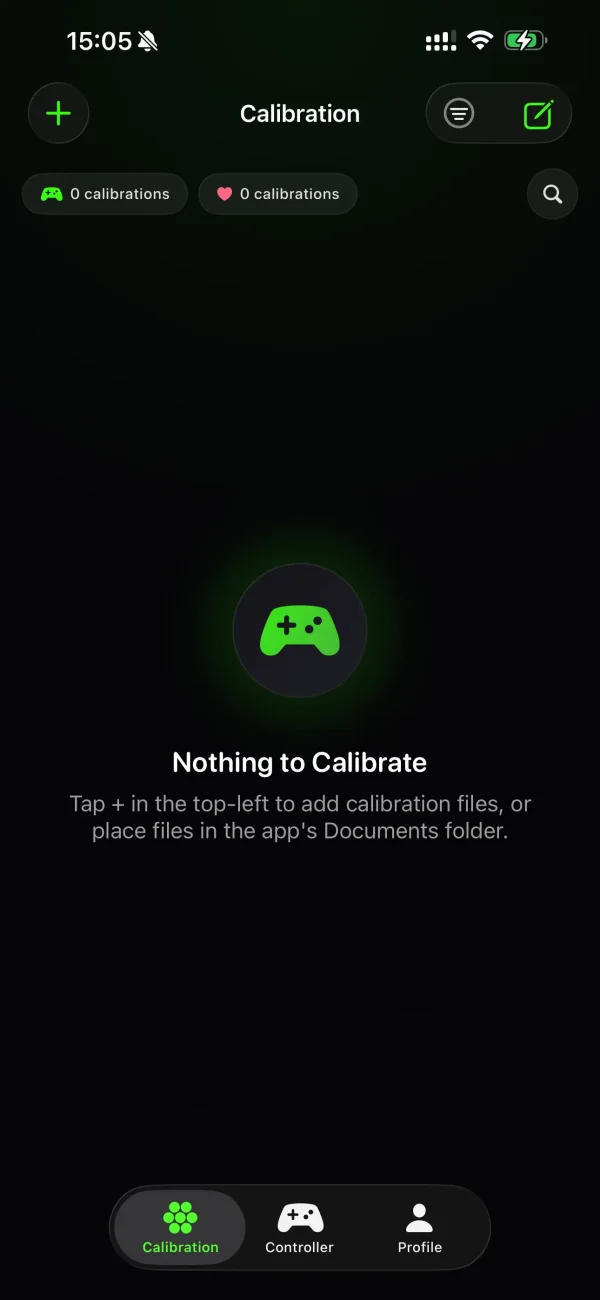
iEmulator is a standalone utility built for iOS/macOS gamers who want to test, calibrate, and optimize their Bluetooth game controllers.
Whether your stick drifts, a button sticks, or you want to fine-tune dead zones before your next session, Controller Lab gives you clear, measurable answers—right on your devices.
SUPPORTED CONTROLLERS
• Xbox Wireless Controller (Xbox One / Series)
• PlayStation DualSense & DualShock 4
• Nintendo Switch Pro Controller
• MFi-certified Bluetooth gamepads
• Siri Remote & micro gamepad (fallback)
KEY FEATURES
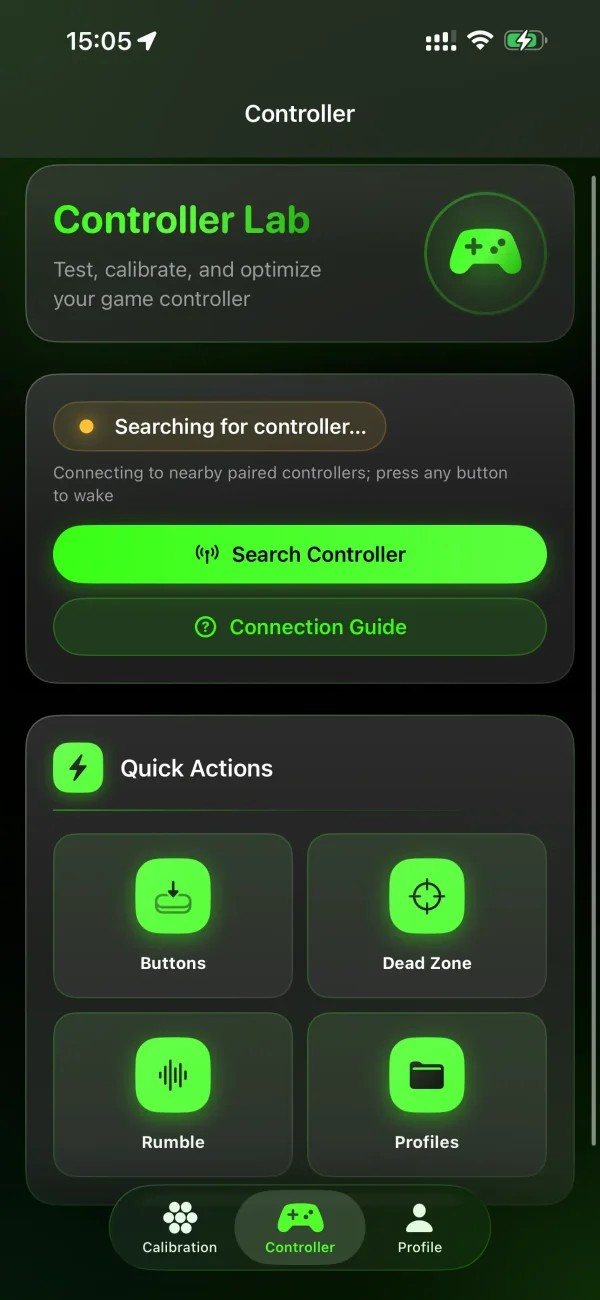
Dashboard
See connection status, battery level, Bluetooth info, and switch between multiple connected controllers. Built-in pairing guide helps you connect your pad step by step.
Button Tester
Visual controller skin shows every button press in real time. Monitor trigger pressure (raw and processed values), view an event log, and measure app-layer input latency (average and p99).
Stick Lab — Dead Zone & Drift Analysis
• Live dual-stick canvas with dead zone sliders
• 10-second quick drift check
• 30-second full drift report with health score, standard deviation, and 16×16 heatmap
• Shareable diagnostic report for troubleshooting or repair reference
Rumble Lab
Test left and right motors independently. Try preset haptic patterns, adjust intensity, and control DualSense light bar colors.
Game Profiles
Save per-game configurations including stick dead zones, trigger dead zones, and haptic presets. Apply profiles instantly, duplicate, edit, or back up your settings.
WHY CONTROLLER LAB?
Unlike basic button testers, Controller Lab combines drift diagnosis, latency measurement, haptic testing, and profile management in one focused tool—designed specifically for the iOS GameController framework.
No games are emulated. No ROMs are loaded. No copyrighted game content is involved. The app only reads input from connected controllers and helps you understand their behavior.
REQUIREMENTS
• iOS 18 or later
• A Bluetooth game controller paired via system Settings
What’s new
Version 1.1.1 · Nov 22, 2026
Fix user-reported Bugs.
App privacy
What Weigan Technology (Shenzhen) Co., Ltd. declares on the App Store about how this app handles data.
-
Data used to track you
May be used to track you across apps and websites owned by other companies.
- Identifiers
-
Data not linked to you
May be collected but is not linked to your identity.
- Identifiers
Privacy practices may vary, for example with the features you use or your age.
Information
- Seller
- Weigan Technology (Shenzhen) Co., Ltd.
- Category
- Utilities
- Version
- 1.1.1
- Updated
- Nov 22, 2026
- Released
- Jun 26, 2026
- Size
- 1.1 GB
- Requires
- iOS 18.0 or later
- Age rating
- 4+
- Price
- Free
- In-app purchases
- Yes
- Languages
- English, Afrikaans, Albanian, Amharic, Arabic, Armenian, Azerbaijani, Basque, Belarusian, Bengali, Bosnian, Bulgarian + 65 more
- Copyright
- © weigan
You might also like
-
 BitPrismRetro Game Emulator
-
 SpatialEMUSpatial retro game emulator
-
 Memory Game SimulatorMemory Retro · Smooth Play
-
 emu: Retro Game EmulatorClassic games, 2-player online
-
 emu98PC-98 Emulator
-
 Let's NESOnline coop retro games
-
 Bitty: Retro Game EmulatorPlay classic handheld games
-
 Lambda - Retro with FriendsMulti-system LAN emulator
-
 Tinbox EmulatorGBA & GB Emulator
-
 Nova EmulatorFast, Smooth & No Pop-up Ads