iFocusFlow: ADHD Planner
Private Tasks, Habits & Timer
Designed for iPhone, iPad, Mac
Free · In-app purchases
- Age rating4+
- CategoryProductivity
- DeveloperRyan Shand
- LanguagesEnglish+ 3 more
- Size786.5 MB
Links to the official App Store page
Download.org hosts no file of iFocusFlow: ADHD Planner. The button opens its official App Store page, published by Ryan Shand. Listing last checked on Nov 18, 2026.
Screenshots



About
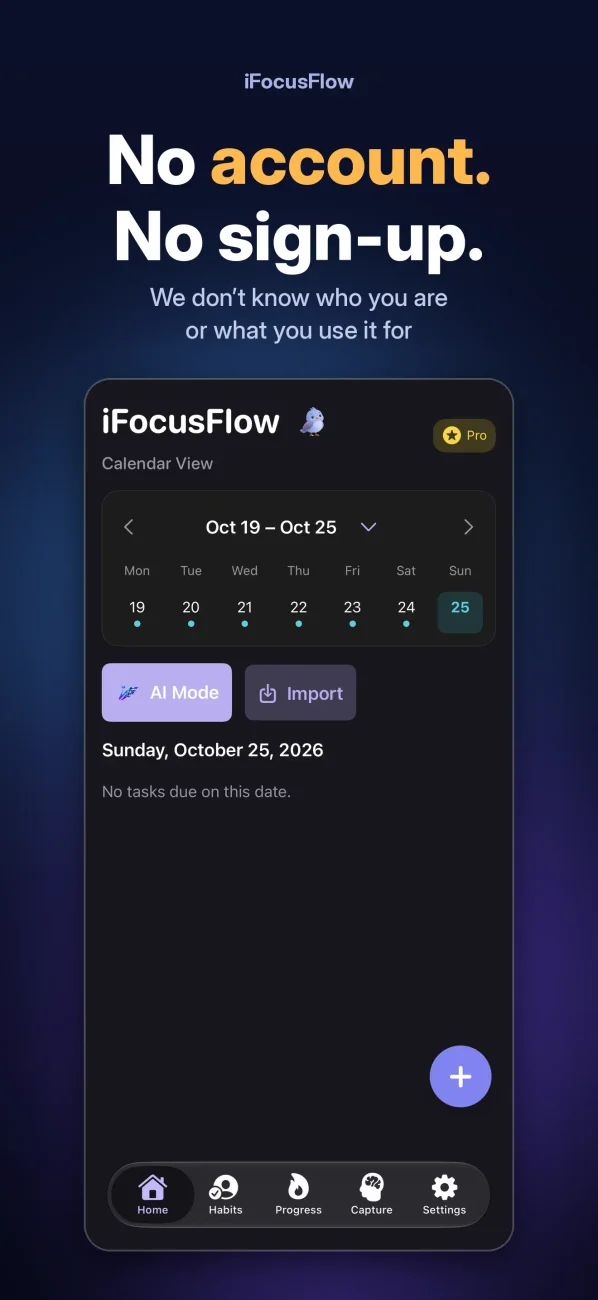
No account. No sign-up. We don't know who you are or what you're using the app for.
iFocusFlow is a private planner for ADHD minds. It turns tasks and habits into tiny micro-steps, so getting started feels possible again.
PRIVATE FROM THE FIRST TAP
Open the app and start planning. There's no account to create and nothing to sign up for.
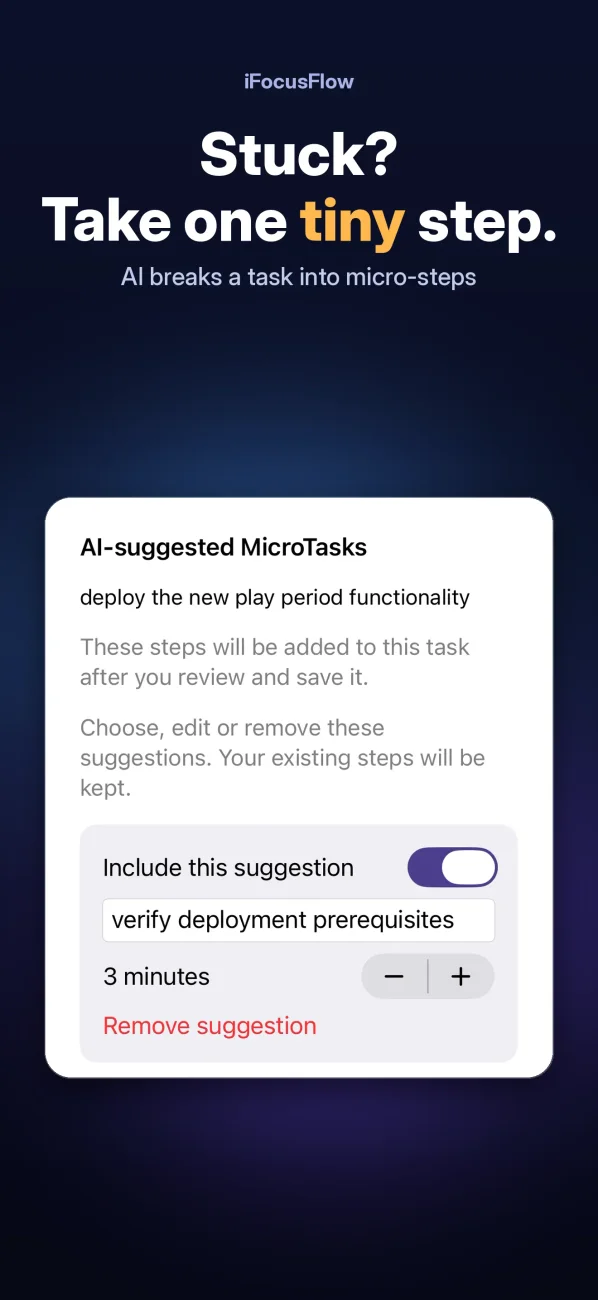
MICRO-STEPS THAT GET YOU MOVING
Big tasks can feel impossible to begin. Break any task or habit into small, clear micro-steps, then just take the first one.
AI MODE: PLAN ONE TASK
Tell AI Mode about one specific task, by voice or text, and it plans that task into micro-steps you can start right away. AI Mode uses Apple Intelligence. Complex requests go to Apple Private Cloud Compute, and when Private Cloud Compute is unavailable or you're offline, AI Mode falls back to on-device processing. Requires a device that supports Apple Intelligence.
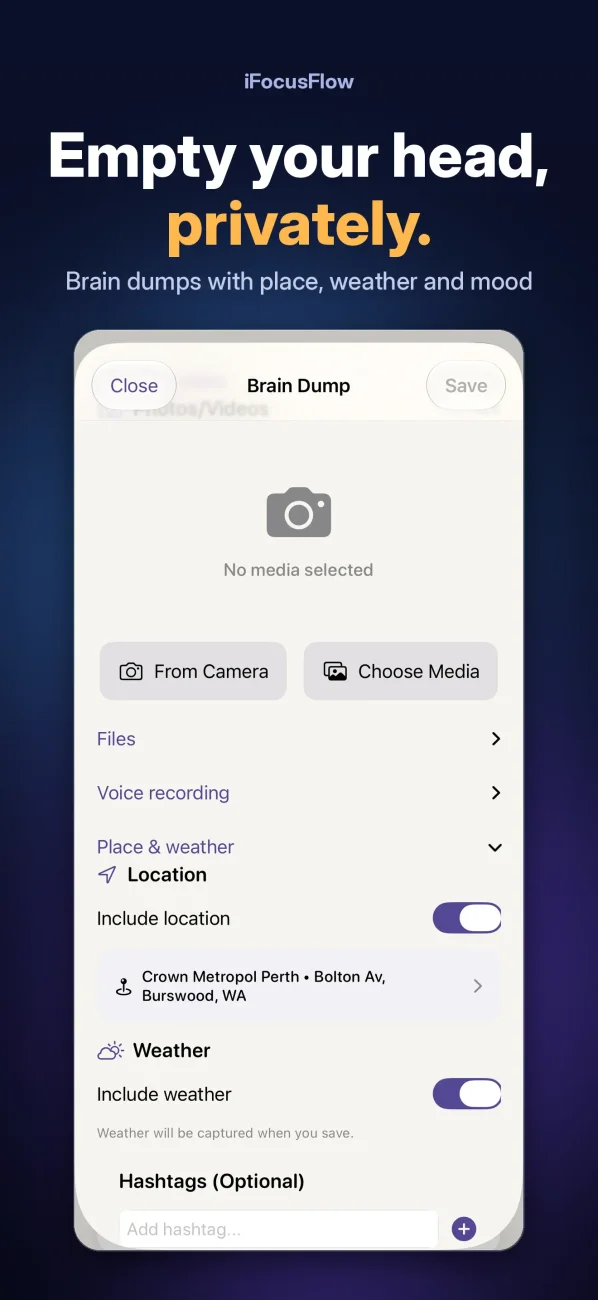
BRAIN DUMP, YOUR PRIVATE JOURNAL
When your head is full, empty it. Each brain dump doubles as a private journal entry, with mood and mindfulness check-ins, and the place and weather saved with it. Lock your brain dumps with Face ID.
REAL ALARMS, YOUR SOUNDS
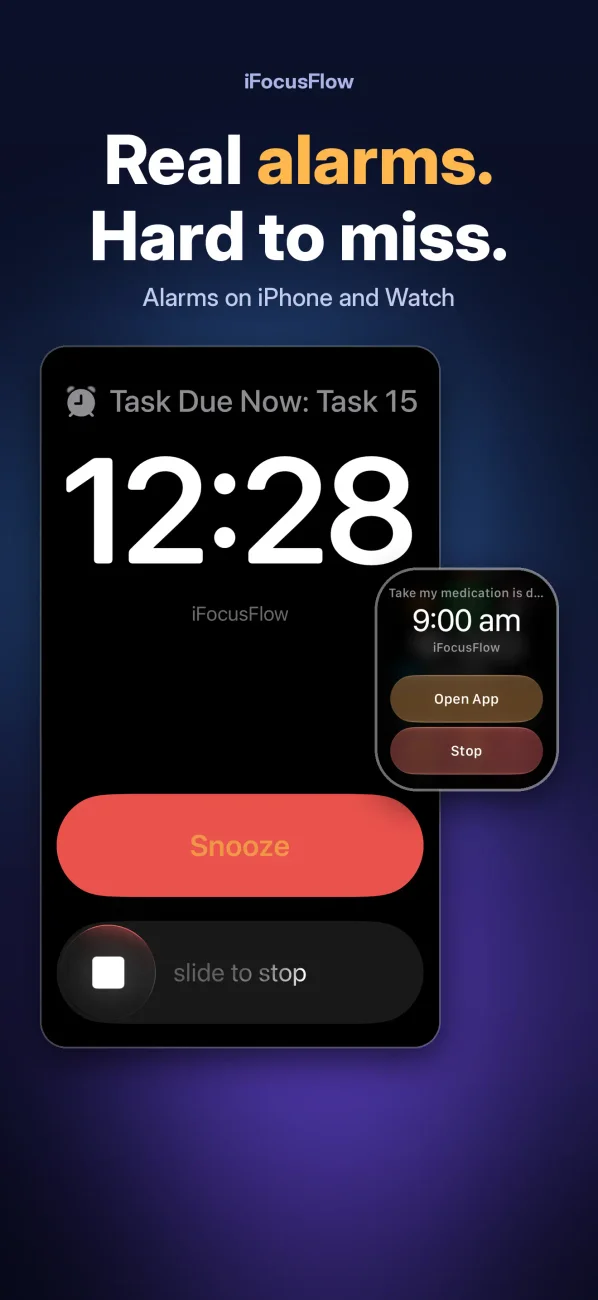
Time-critical tasks can ring a real alarm through AlarmKit, not just a quiet notification. Choose your own alarm sounds. Alarms work on iPhone and Apple Watch.
STAY ON ONE THING
Start a focus session and keep the countdown on your Lock Screen with a Live Activity, with buttons right there to control it. Focus mode linking blocks distracting notifications while you work.
FITS THE TOOLS YOU ALREADY USE
• Import from Apple Calendar, Reminders and iCloud Files
• Import from Google Calendar and Google Tasks (Pro)
• Tags with colors to sort your tasks and habits
• Widgets on iOS and Mac
• Siri and Shortcuts support
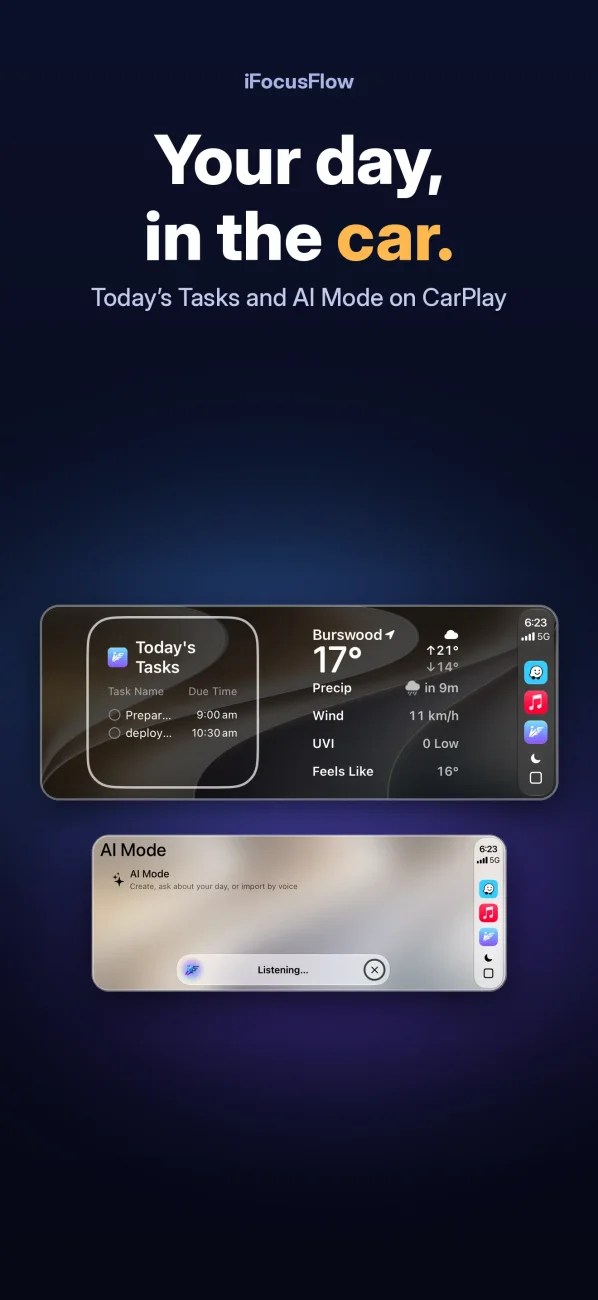
• CarPlay: see Today's Tasks and use AI Mode by voice
• Apple Watch app
• Game Center: earn XP and take on challenges against your friends
FREE AND PRO
iFocusFlow is free to start. The free version includes 5 AI Mode activations, 3 brain dumps and 3 habits or tasks. Analytics and Google import aren't included.
Upgrade to iFocusFlow Pro, monthly or lifetime. Pro removes every limit and unlocks analytics and Google Calendar and Tasks import. Pro can be shared with your family through Family Sharing. The monthly plan is an auto-renewing subscription that you can cancel any time in your Apple Account settings. Lifetime is a one-time purchase.
Start small. Take the first step today.
Privacy Policy: https://ifocusflow.cc/privacy/
Terms of Use (EULA): https://www.apple.com/legal/internet-services/itunes/dev/stdeula/
What’s new
Version 1.7.2 · Oct 19, 2026
What's new in 1.7.2
• AI Mode now uses Apple Private Cloud Compute for complex requests.
• When Private Cloud Compute is unavailable or you're offline, AI Mode falls back to on-device processing.
App privacy
What Ryan Shand declares on the App Store about how this app handles data.
-
Data not linked to you
May be collected but is not linked to your identity.
- Identifiers
- Other data
Privacy practices may vary, for example with the features you use or your age.
Information
- Seller
- Ryan Shand
- Category
- Productivity
- Version
- 1.7.2
- Updated
- Oct 19, 2026
- Released
- Dec 17, 2025
- Size
- 786.5 MB
- Requires
- iOS 18.6 or later
- Age rating
- 4+
- Price
- Free
- In-app purchases
- Yes
- Languages
- English, Simplified Chinese, Swedish, Traditional Chinese
- Copyright
- © Ryan Shand 2025
You might also like
-
 Rapid CoworkingProductivity
-
 RonieAttendance, simplified.
-
 Virmina: Bad Habit TrackerQuit Smoking, Drinking, Vaping
-
 Humans: Habit Routine PlannerTracker Calm Focus Glow Simple
-
 WORKMOREProductivity
-
 OneTask - ADHD Daily PlannerOne Task Focus, Neurodivergent
-
 Unstuck: ADHD Planner FocusTo-do list, tasks & routines
-
 Momentum - Daily Habit TrackerSmall routines, huge results!
-
 flexworxProductivity
-
 Collative WorkspacesProductivity