- Age rating4+
- CategoryUtilities
- DeveloperGreg Goralczyk
- LanguagesFrench+ 4 more
- Size36.4 MB
Links to the official App Store page
Download.org hosts no file of iFoldHub. The button opens its official App Store page, published by Greg Goralczyk. Listing last checked on Nov 12, 2026.
Screenshots

About
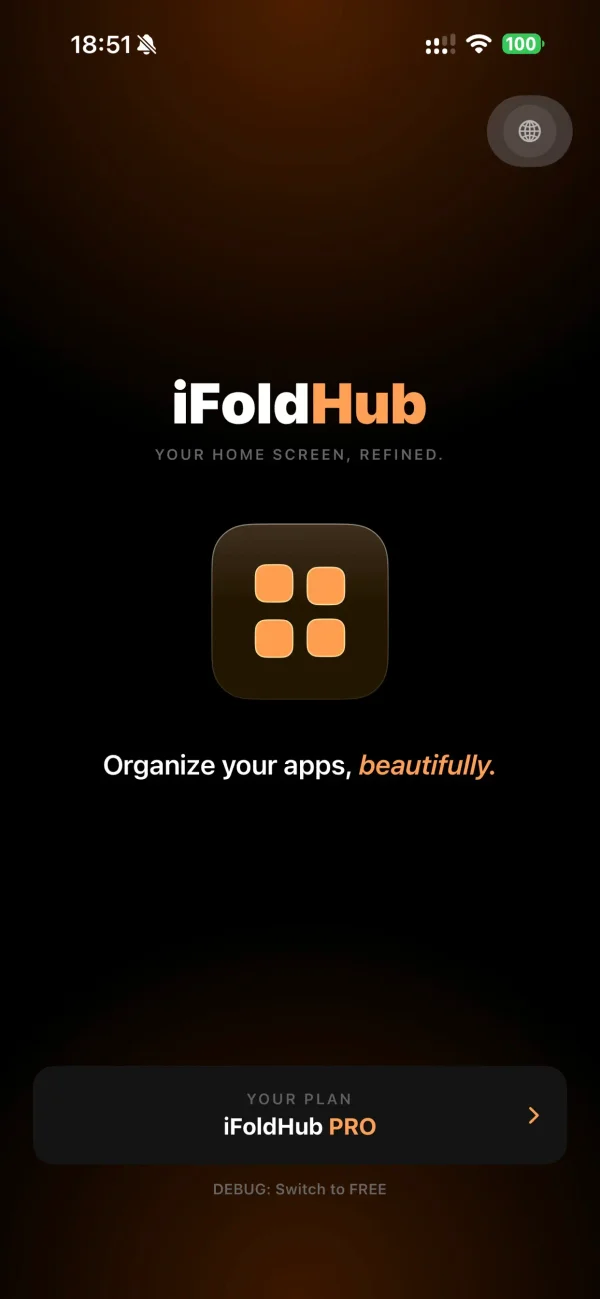
Organize your apps, beautifully.
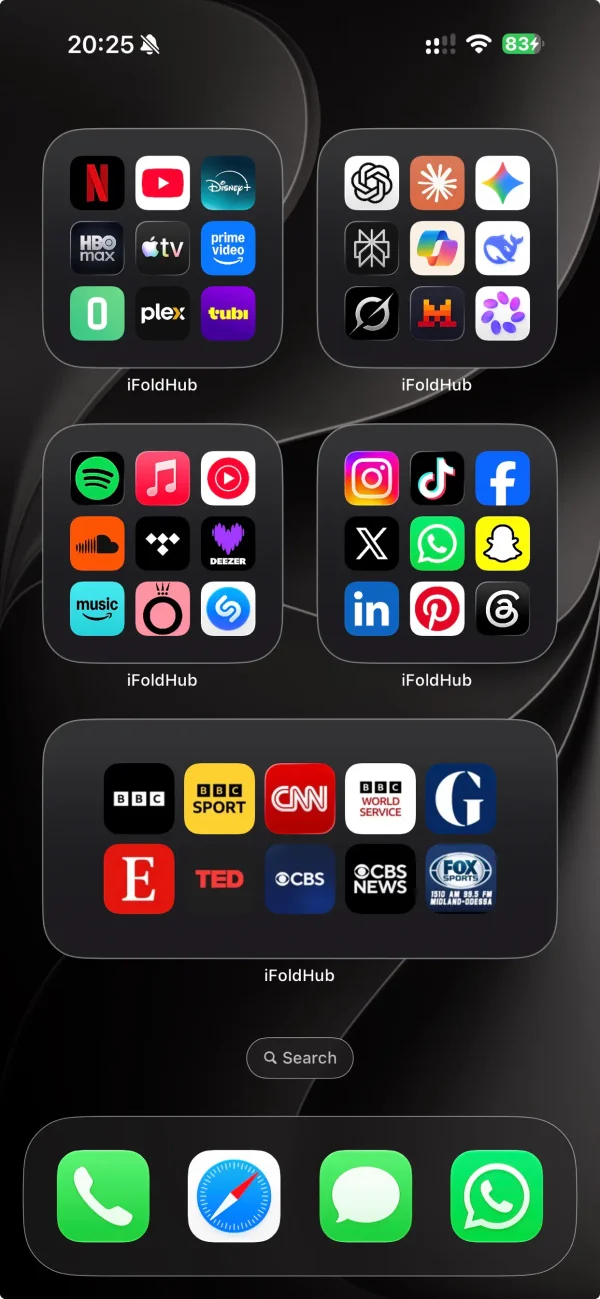
iFoldHub turns your home screen into a personal command center — organize every app into custom folder widgets, and put the information you check every day right on your home screen.
FOLDER WIDGETS
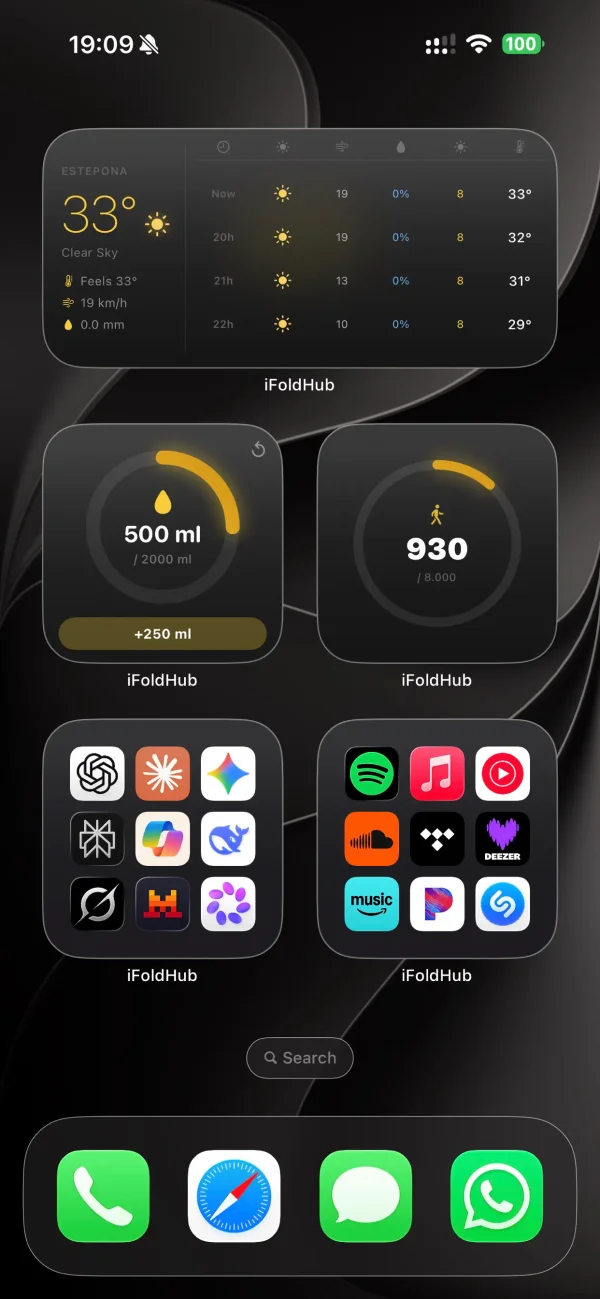
Group your apps into beautifully designed folder icons. Tap once to jump straight into the app you need — no more hunting through screens of icons.
WIDGETS FOR EVERYDAY LIFE
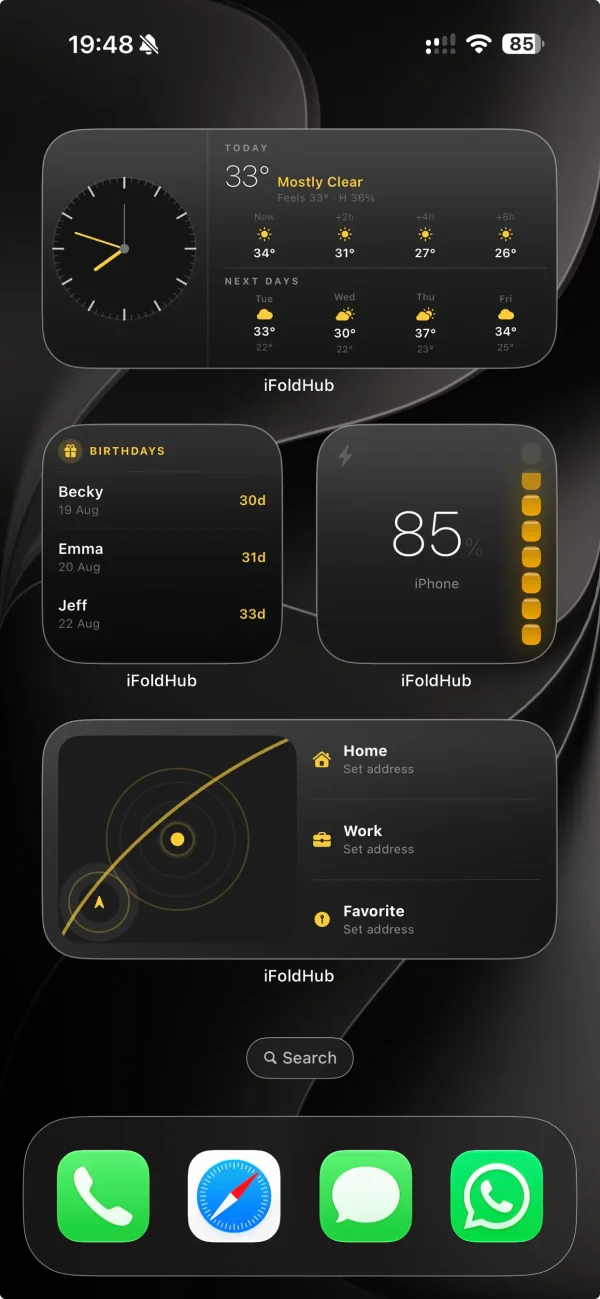
• Clock+ — a live clock with your day plan, weather, or health stats built in
• Weather — current conditions and forecast at a glance
• Water & Steps — track your daily health goals right from your home screen
• Birthday — never miss a birthday again
• Next Up — your next calendar event or reminder, always visible
• Time To — countdown to any moment that matters
MAKE IT YOURS
Choose from dozens of shapes, themes, and wallpapers to match your style. Every folder and widget can be customized independently.
iFoldHub PRO
Unlock unlimited folders and widget slots, every premium shape and theme, and the full customization suite — with a single one-time purchase. No subscription, ever.
Everything you need to stay organized.
What’s new
Version 1.7 · Oct 24, 2026
Make your Home Screen yours.
iPhone DUO support!
• Made for foldables — iFoldHub now fits the iPhone Duo's inner and outer displays, and widgets scale cleanly to the space they get.
• Icon Hub — give any app in a folder its own icon: symbols, letters, emoji or your own photo. Start from ready-made styles, then fine-tune app by app.
• Themes — ten ready-made looks that restyle a whole folder in one tap: background and icons together. Gold, rose gold, emerald, sapphire, amethyst and more.
• Wallpapers — new abstract wallpapers drawn in code (silk, dunes, ribbons, glitter, mesh, brushed metal) plus a collection of photographs. Save any of them straight to Photos.
• A redesigned Studio — create folders and widgets, browse themes and wallpapers, and manage everything you've made from one clear screen.
• 80 new apps in the app list, refreshed app icons, and apps that are no longer on the App Store removed.
• PRO: a clear list of what you get, and you can redeem an App Store offer code right from the PRO screen.
• Better translations across the app and its widgets (English, Polski, Deutsch, Español, Français).
• Fixes and smaller layout and stability improvements.
App privacy
What Greg Goralczyk declares on the App Store about how this app handles data.
-
Data used to track you
May be used to track you across apps and websites owned by other companies.
- Identifiers
-
Data not linked to you
May be collected but is not linked to your identity.
- Health and fitness
- Location
- Identifiers
- Usage data
Privacy practices may vary, for example with the features you use or your age.
Information
- Seller
- Greg Goralczyk
- Category
- Utilities
- Version
- 1.7
- Updated
- Oct 24, 2026
- Released
- Aug 3, 2026
- Size
- 36.4 MB
- Requires
- iOS 26.0 or later
- Age rating
- 4+
- In-app purchases
- Yes
- Languages
- French, English, Polish, Spanish, German
- Copyright
- © 2026, www.iappshub.com
You might also like
-
 Simple CountDown: Widget & DayEvent CountDown & Day Counter
-
 One Big Widget: MakerCustom widgets. No monthly fee
-
 Grammar Checker & FixFix Grammar & Spelling Easily
-
 WrapelyWebsite 2 Native App Converter
-
 Visorix: IP Security CamerasStay Connected with PiP Mode
-
 TireOpticScan tread depth in seconds
-
 Minimal Clock — Retro WidgetDigital LCD, world time, night
-
 PDF Converter, Document ReaderScan Your Docs, Photos, Images
-
 Hands: Analog Clock WidgetsCustom Weather & Clock Dials
-
 Fine widgetRich widgets