
iFox Browser
Browser with Family Safety
Designed for iPhone, iPad, iPod touch
Free · In-app purchases
- Age rating17+
- CategoryUtilities
- Developer宁 王
- LanguagesEnglish+ 2 more
- Size6.3 MB
Links to the official App Store page
Download.org hosts no file of iFox Browser. The button opens its official App Store page, published by 宁 王. Listing last checked on Nov 15, 2026.
Screenshots


About
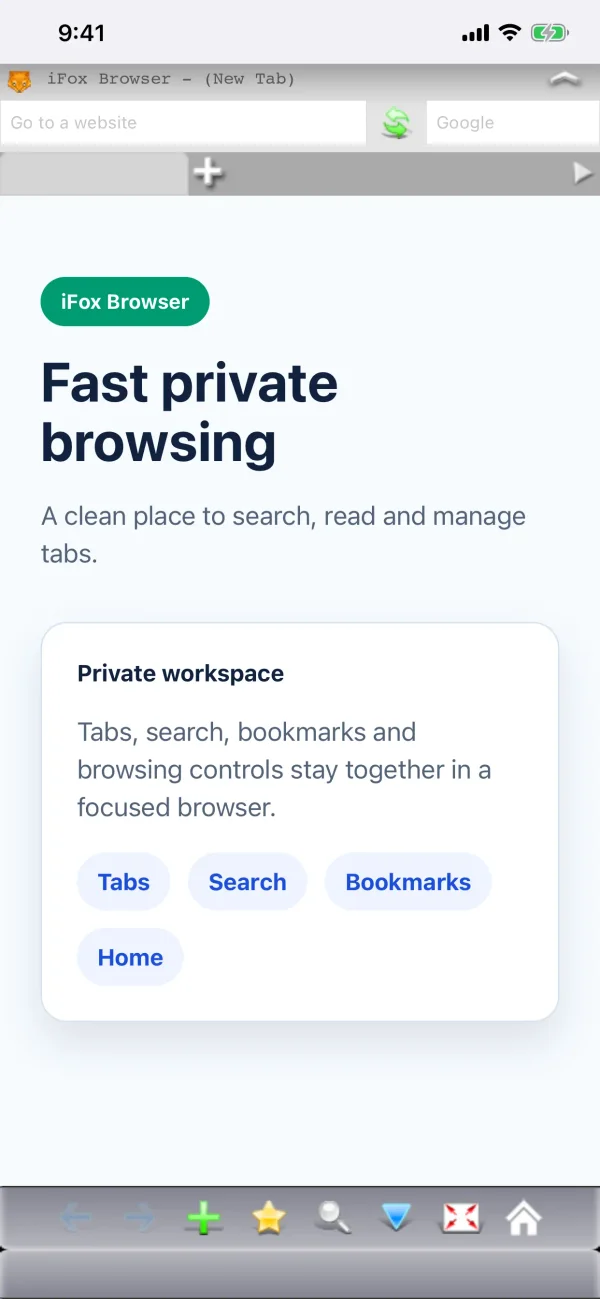
iFox Browser is a lightweight web browser for iPhone and iPad, designed for full-screen browsing, tab management, bookmarks, history, quick search, and family-friendly browsing controls.
Highlights:
- Fullscreen browsing
Use more of the screen for web pages and hide browser controls when you need a cleaner view.
- Tabs
Open and switch between multiple pages quickly.
- Bookmarks and history
Save frequently visited pages, revisit recent browsing history, and organize pages for later use.
- Search
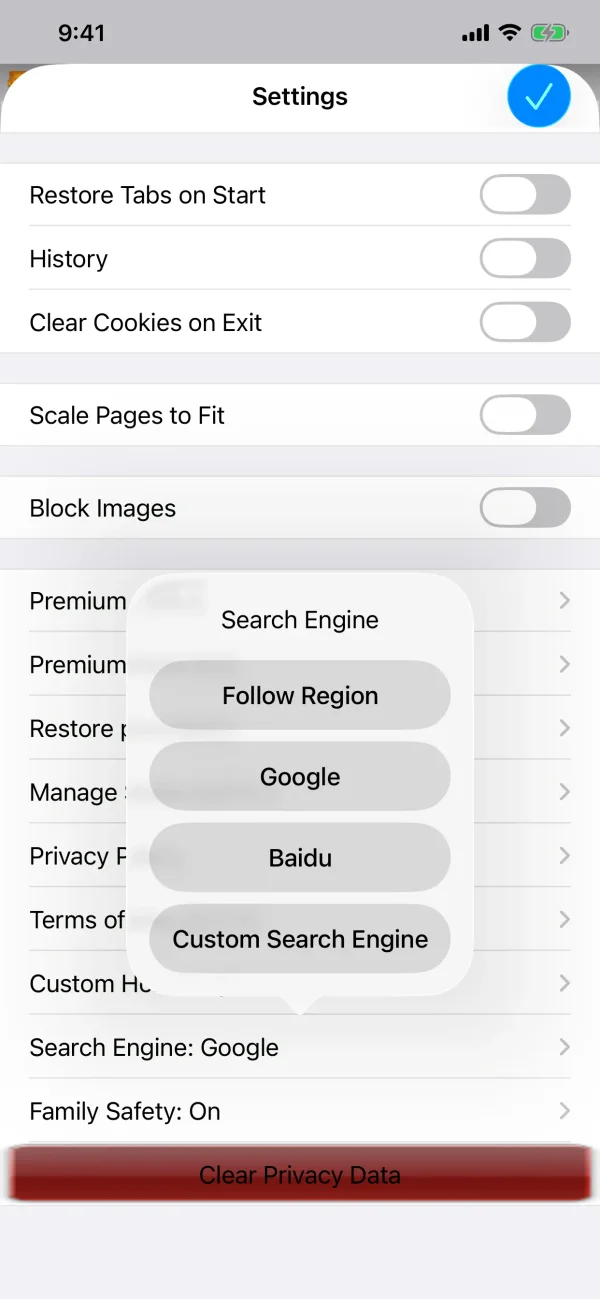
Search the web from the address bar and choose your preferred search engine.
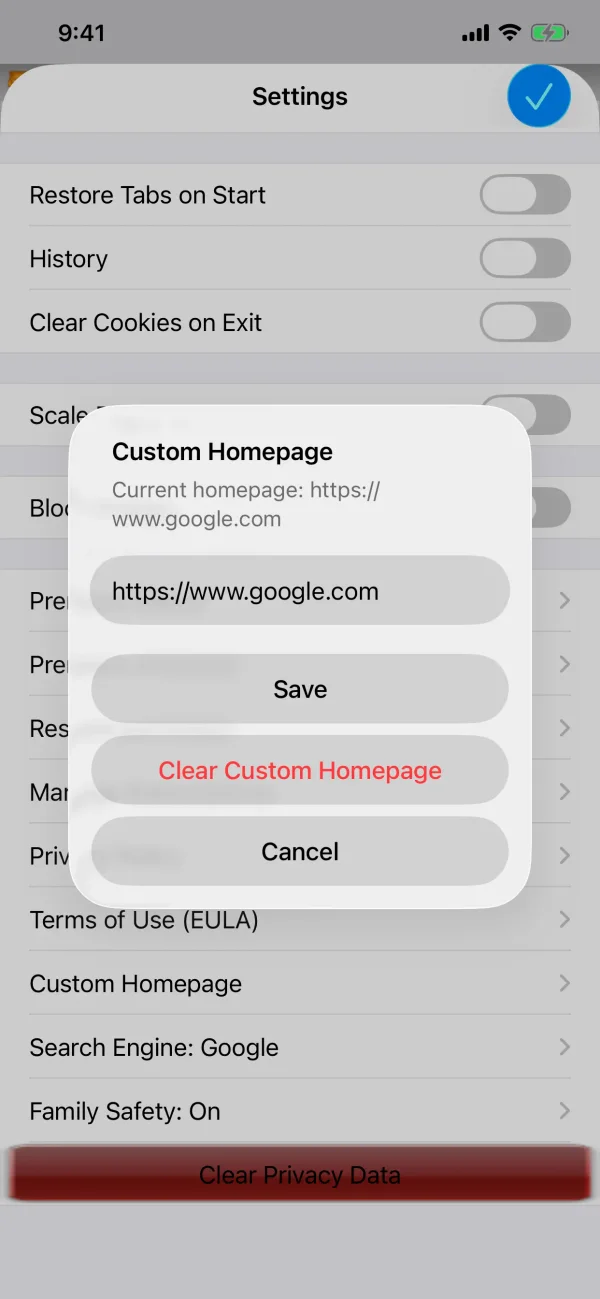
- Custom homepage
Set a homepage that fits the way you browse.
- Family Safety
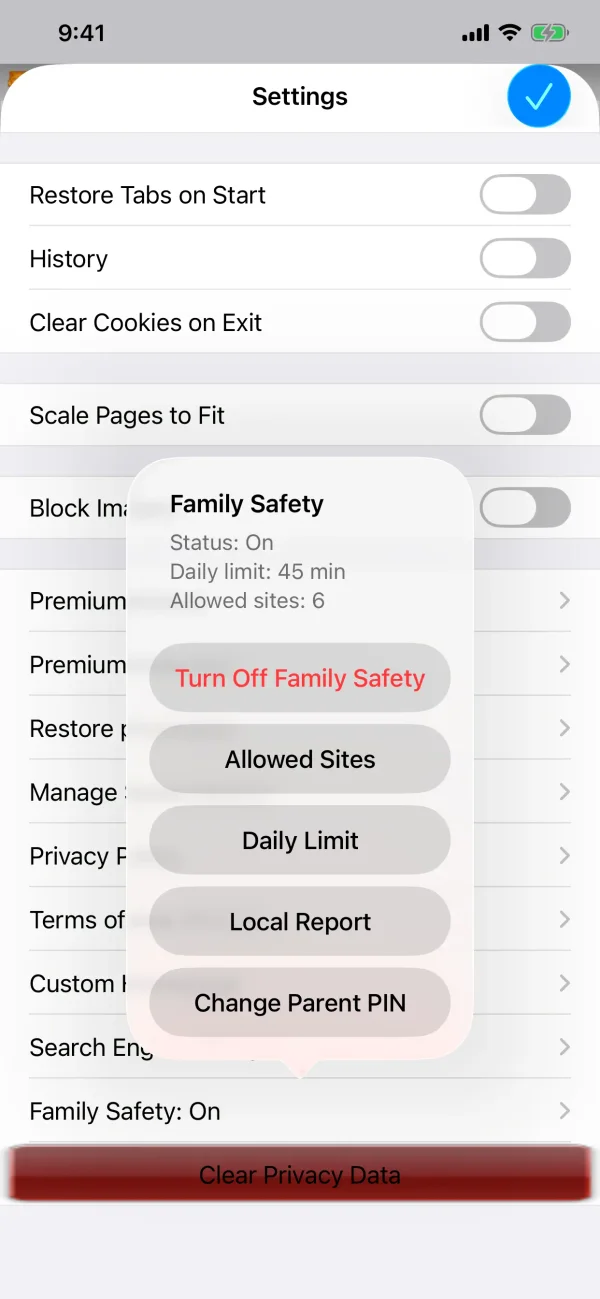
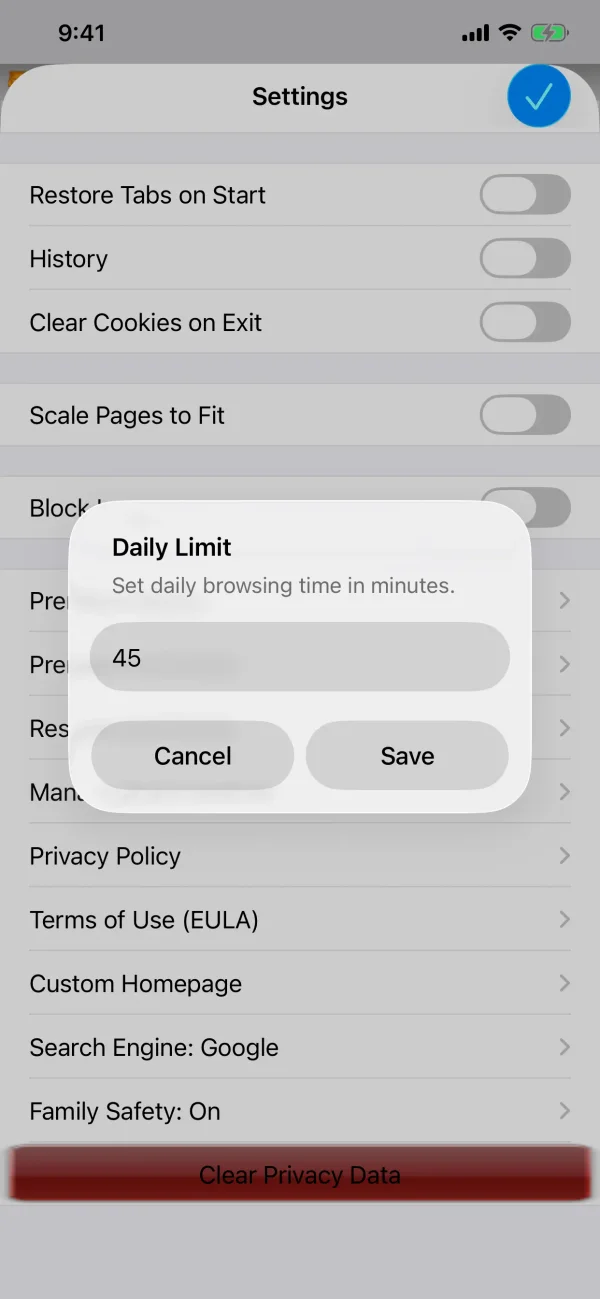
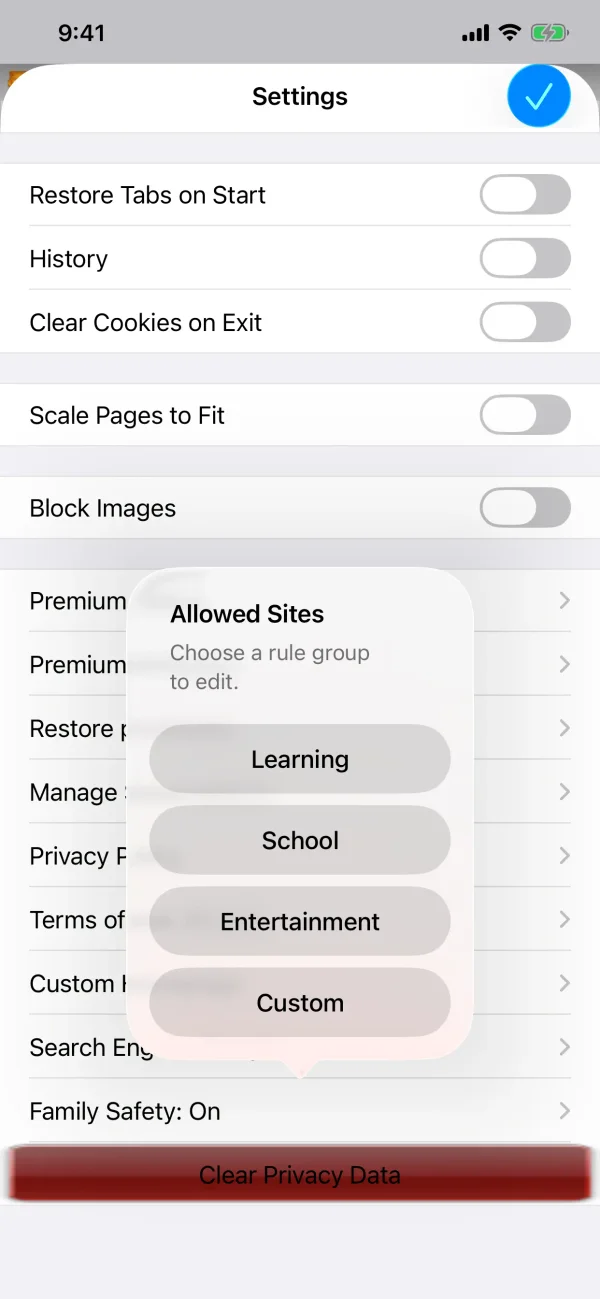
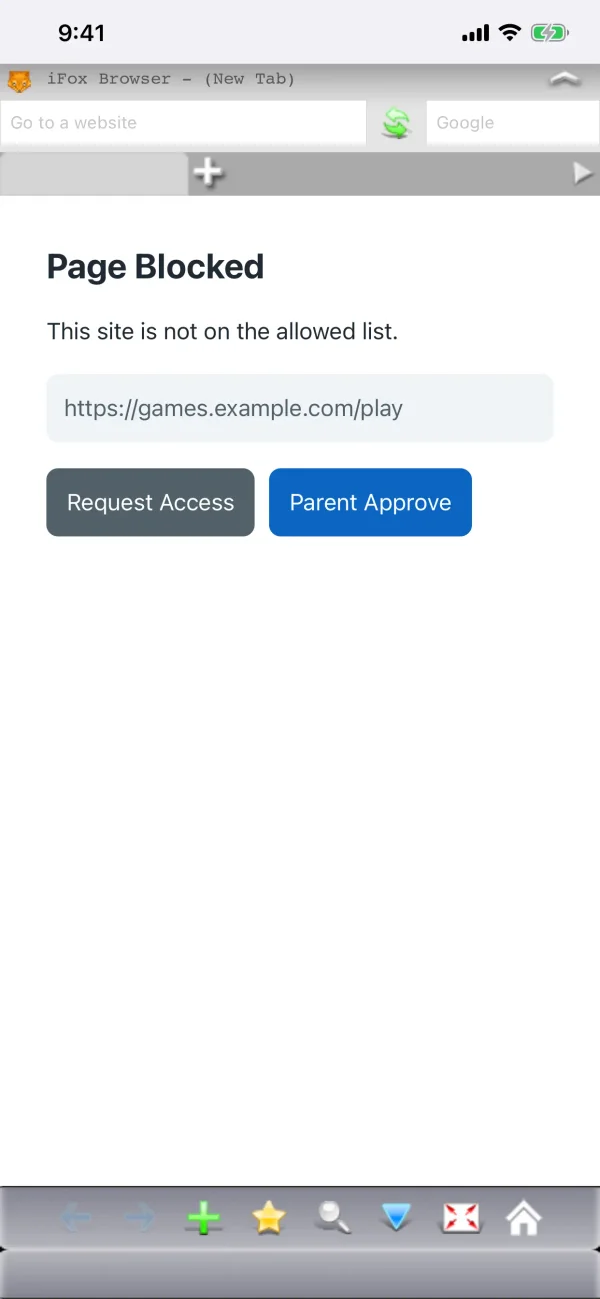
Parents can turn on Family Safety, create a parent PIN, manage allowed sites, set daily browsing limits, and review local activity reports.
- Child browsing with fewer interruptions
When Family Safety is enabled, third-party ads are hidden during child browsing.
- Privacy options
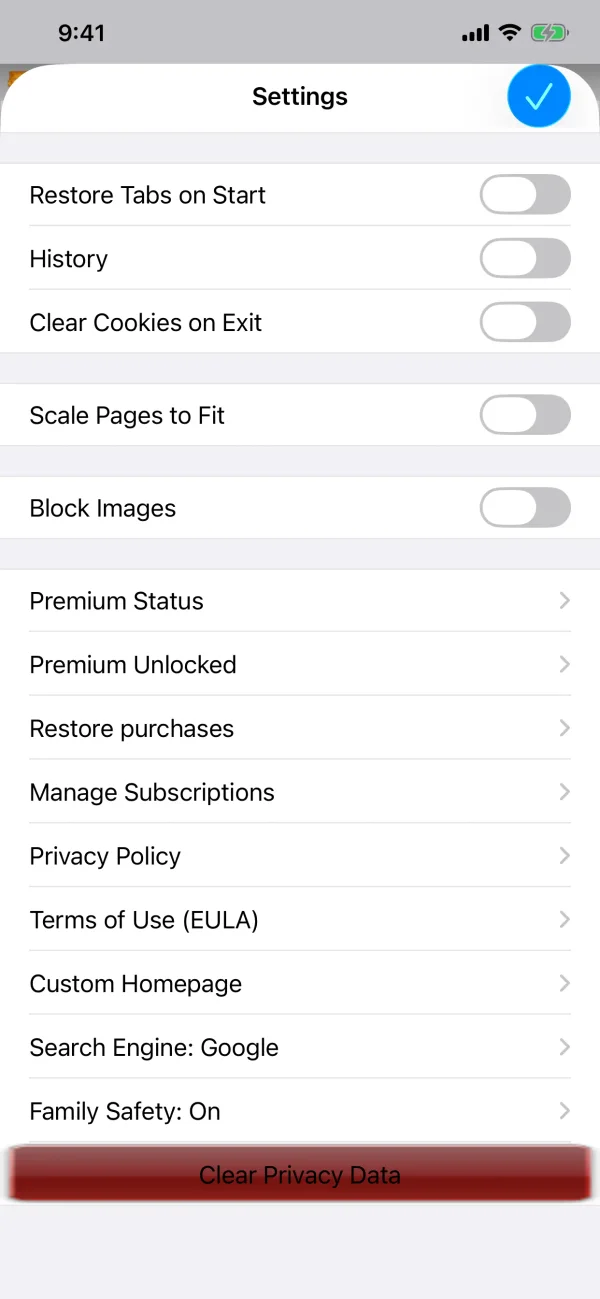
Use privacy-related settings and cleanup tools to reduce local browsing traces, including history, cookies, and cache.
- In-page search
Find words or phrases within the current web page.
- Share by email
Send the current page link by email.
Free version includes basic browsing features with ads. Family Safety basics are free, including the Family Safety switch, parent PIN, basic protection, and hiding third-party ads during child browsing.
Premium unlocks advanced features and removes ads. Premium options include monthly subscription, 6-month subscription, annual subscription, or lifetime access.
Privacy Policy:
http://mindkey.xyz/index.php/mindkey/privacy-policy/
Terms of Use (EULA):
https://www.apple.com/legal/internet-services/itunes/dev/stdeula/
Official Website:
http://mindkey.xyz
What’s new
Version 4.5.0 · May 8, 2026
New in this version:
- Added Family Safety with parent PIN protection.
- Added allowed site controls for guided browsing.
- Added daily browsing time limits.
- Added local Family Safety activity reports.
- Family Safety mode hides third-party ads during child browsing.
- Reorganized Settings into clearer sections for current status, subscriptions, browsing, Family Safety, privacy, and legal information.
- Improved Premium status and subscription management access.
- Improved privacy cleanup access for browsing history, cookies, and cache.
- Fixed and polished multiple iPhone and iPad settings flows.
App privacy
What 宁 王 declares on the App Store about how this app handles data.
-
Data used to track you
May be used to track you across apps and websites owned by other companies.
- Location
- Identifiers
- Usage data
-
Data linked to you
May be collected and linked to your identity.
- Location
- Identifiers
- Usage data
-
Data not linked to you
May be collected but is not linked to your identity.
- Location
- Identifiers
- Usage data
- Diagnostics
Privacy practices may vary, for example with the features you use or your age.
Information
- Seller
- 宁 王
- Category
- Utilities
- Version
- 4.5.0
- Updated
- May 8, 2026
- Released
- Jul 12, 2011
- Size
- 6.3 MB
- Requires
- iOS 12.0 or later
- Age rating
- 17+
- Price
- Free
- In-app purchases
- Yes
- Languages
- English, Simplified Chinese, Traditional Chinese
- Copyright
- © MBI.edu
You might also like
-
 RedApp Lite: Private BrowserFast, Secure & Incognito
-
 Private Full Screen BrowserSecure Incognito Web Browsing
-
 Go Browser: Private,Pure,FastBrowser built for privacy.
-
 Private Browser: Web BrowserFast & Secure Proxy Browser
-
 Browser Pro Fast & SecureFast & Secure Browser
- Gear Browser: AI Web ExtensionWeb Browser for Geek
-
 Dark Browser- Private&SecureDark Mode Web Browser
-
 Herond BrowserPrivate browsing, ad-block AI
-
 Pure Web BrowserLite & Fast Internet Browsing
-
 RedApp BrowserFast, Secure & Search Engine