iGrader teacher grading table
Quickly grade a stack of tests
Designed for iPhone, iPad
Free · In-app purchases
- Age rating4+
- CategoryEducation
- DeveloperTenTal
- LanguagesEnglish+ 1 more
- Size6.6 MB
Links to the official App Store page
Download.org hosts no file of iGrader teacher grading table. The button opens its official App Store page, published by TenTal. Listing last checked on Nov 15, 2026.
Screenshots
About
iGrader turns grading a stack of tests into a single glance.
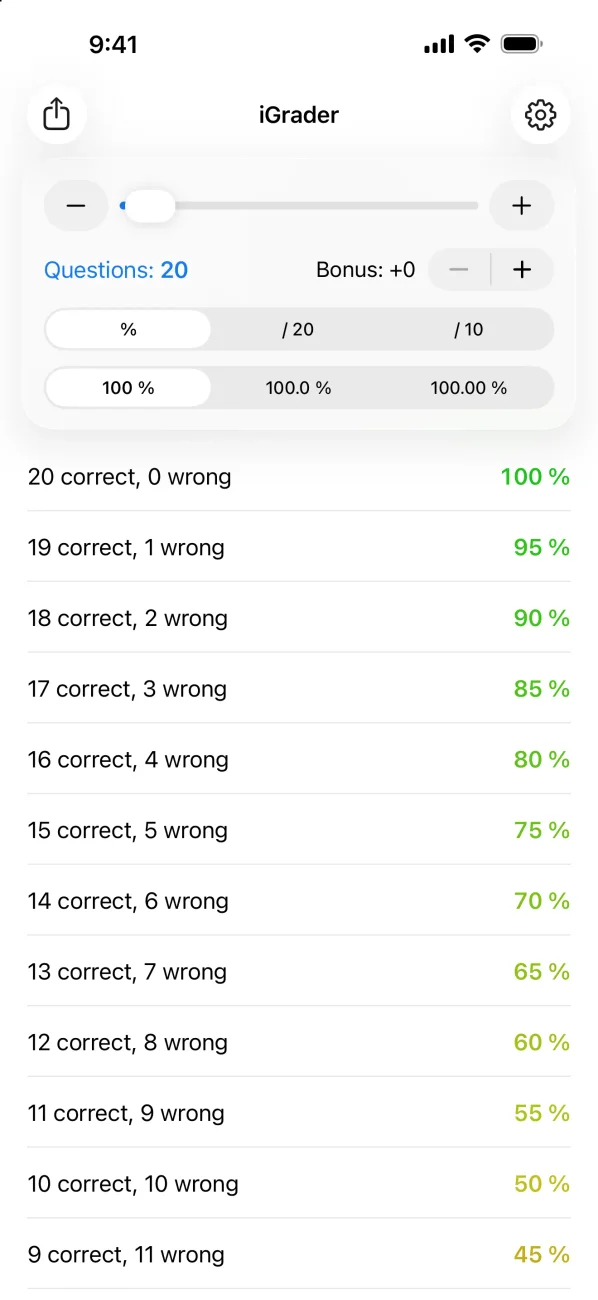
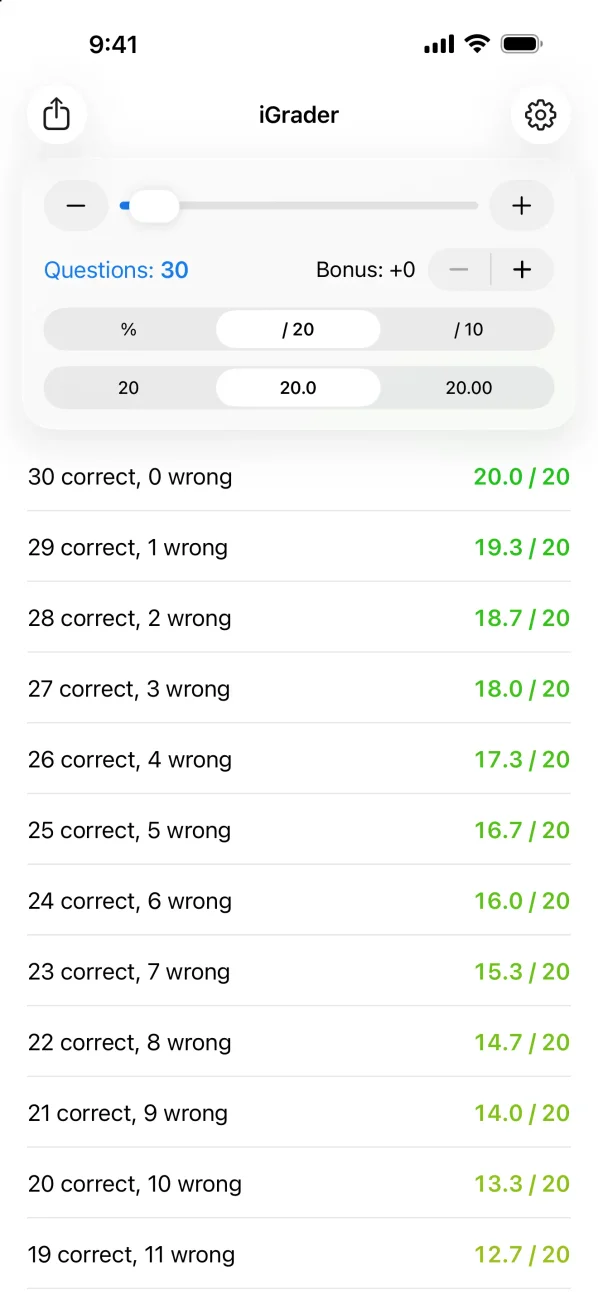
Set the number of questions on the test, and iGrader instantly builds the complete grading table: for every possible number of wrong answers, the exact grade — no calculator, no spreadsheet.
MADE FOR TEACHERS
• Any test from 1 to 1000 questions — drag the slider or type the number
• Grades as percentages, out of 20, or out of 10
• 0, 1 or 2 decimal places
• Bonus points (up to +10) added to every grade
• Color-coded grades from green to red, readable at a glance
FAST WHILE YOU GRADE
• Tap a row to highlight it and keep your place in the table
• Long-press any row to copy a grade
• Keep-screen-awake option for long grading sessions
• Export the whole table as a CSV file to share or print
DESIGNED FOR YOUR DEVICES
• All-new design for the latest iPhone and iPad
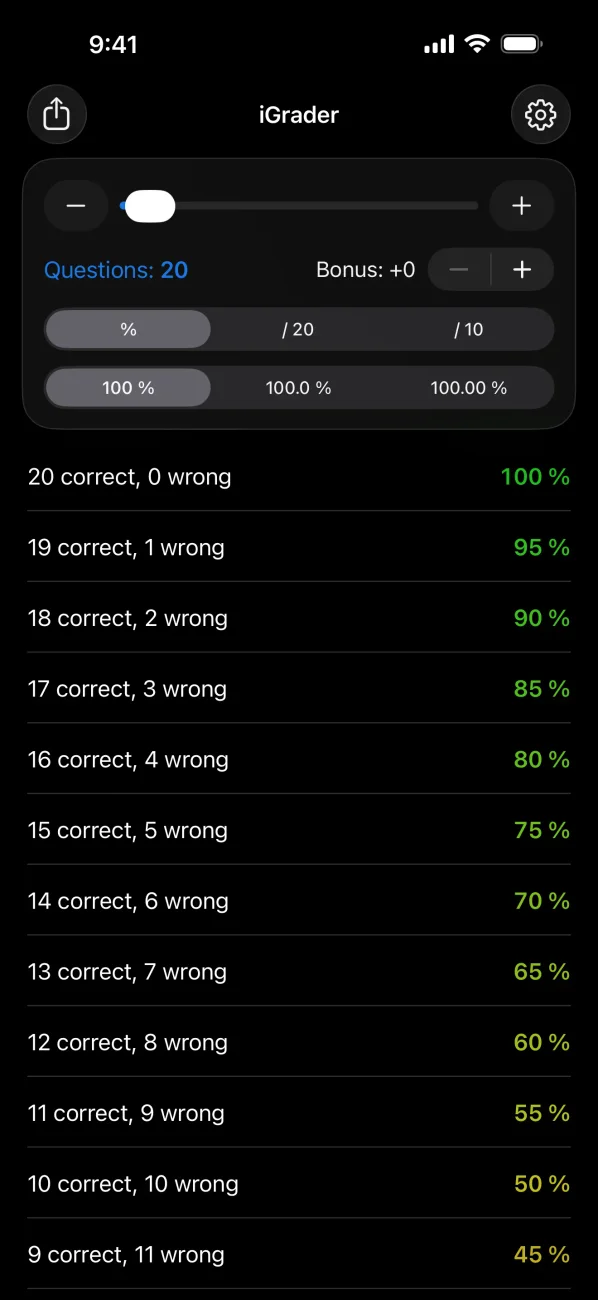
• Light and dark themes, or follow the system automatically
• Portrait and landscape, Split View on iPad
• Available in English and French
iGrader has been helping teachers since 2010. Version 3.0 is a complete rebuild of the simple tool teachers have trusted for over fifteen years.
iGrader is free with a small banner ad. A one-time purchase removes ads forever — and if you bought Remove Ads in an earlier version, your purchase is still honored.
What’s new
Version 3.0.0 · Jun 13, 2026
iGrader 3.0 is a complete rebuild:
• All-new modern design, with Liquid Glass on iOS 26
• Dark mode, with an Auto / Light / Dark theme setting
• iPad support, landscape, and Split View
• Grades out of 20 or out of 10, in addition to percentages
• Tap a row to highlight it and keep your place while grading
• Long-press a row to copy a grade
• Export the whole table as a CSV file
• Keep-screen-awake option for grading sessions
If you purchased Remove Ads in an earlier version, your purchase still applies — use Restore Purchases in Settings if needed.
App privacy
What TenTal declares on the App Store about how this app handles data.
-
Data used to track you
May be used to track you across apps and websites owned by other companies.
- Identifiers
- Usage data
-
Data not linked to you
May be collected but is not linked to your identity.
- Identifiers
- Usage data
Privacy practices may vary, for example with the features you use or your age.
Information
- Seller
- Tental Software
- Category
- Education
- Version
- 3.0.0
- Updated
- Jun 13, 2026
- Released
- Aug 4, 2010
- Size
- 6.6 MB
- Requires
- iOS 17.0 or later
- Age rating
- 4+
- Price
- Free
- In-app purchases
- Yes
- Languages
- English, French
- Copyright
- © 2010 Ary Tebeka
You might also like
-
 Grade GridEducation
-
 Elegant GraderGrading, Made Simple
-
 Grade Aid -Grading made easy!
-
 Grader+Your grading assistant
-
 GradeBook Pro: Teacher ToolkitAttendance & Behavior Tracking
-
 Easy GradeEducation
-
 Easy Grade - EZ GraderGrade Calculator for Teachers
-
 Teacher Aide (cloud)By a teacher, for teachers
-
 iGradePlusStudent and Parent Portal App