
Ike Organizer
Eisenhower Matrix Manager
Designed for iPhone, iPad, Mac
Free · In-app purchases
- Age rating17+
- CategoryProductivity
- DeveloperLewis Edward Garrett
- LanguagesEnglish+ 1 more
- Size4.2 MB
Links to the official App Store page
Download.org hosts no file of Ike Organizer. The button opens its official App Store page, published by Lewis Edward Garrett. Listing last checked on Nov 20, 2026.
Screenshots


About
End User License Agreement: https://www.apple.com/legal/internet-services/itunes/dev/stdeula/
Universal Purchase: Create and maintain Task (To Do) lists using the Eisenhower Matrix method of prioritization on macOS, iOS and iPadOS devices synchronized via iCloud.
Multiplatform Ike Organizer provides an easy to use interface for managing Eisenhower Matrixes on Macintosh computers, as well as iOS and iPadOS devices. Matrix data is synchronized across devices via user's iCloud account.
Eisenhower matrixes provide a visual guide to organize tasks by urgency and importance, optimizing focus and productivity. It’s a vital tool that cuts through the noise, eliminates time-wasters, and leaves space for what truly matters. This could be your ticket to game-changing productivity! See Productivity Patrol (https://productivitypatrol.com/eisenhower-matrix/) for a great explanation of The Eisenhower Matrix: What It Is and How to Use It. Also see slab (https://slab.com/blog/eisenhower-matrix/) for another great explanation of The Eisenhower Matrix: Prioritize Your Time on What Matters Most.
Ike Organizer is a a multi-platform tool for creating and maintaining Eisenhower matrixes across iOS and macOS devices. Eisenhower matrix data is maintained in the user's iCloud, as well as the user's iPhone and/or Macintosh computer. Ike Organizer is a Universal Purchase: pay one price and get both the iOS and macOS Ike Organizer apps.
Multiplatform Ike Organizer provides an easy to use interface for managing Eisenhower Matrixes on Macintosh computers, as well as iOS and iPadOS devices. Matrix data is synchronized across devices via user's iCloud account.
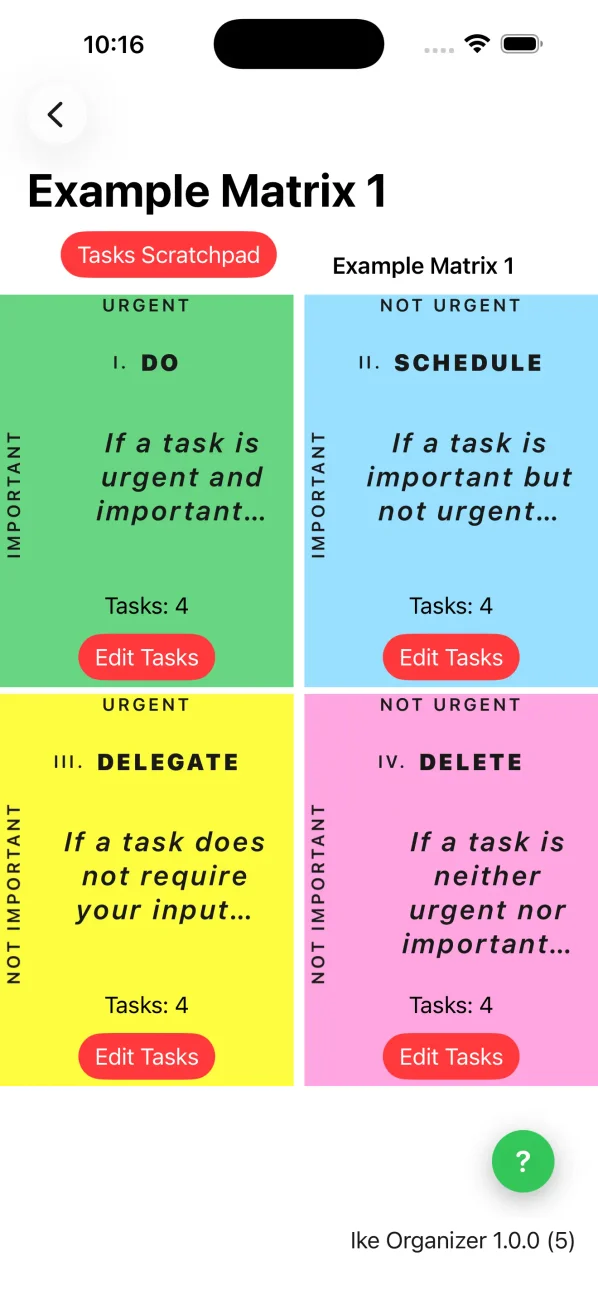
Ike Organizer manages multiple Eisenhower Matrixes via an easy to navigate Split View interface.
Ike Organizer Features:
Multiplatform iOS, iPadOS and macOS.
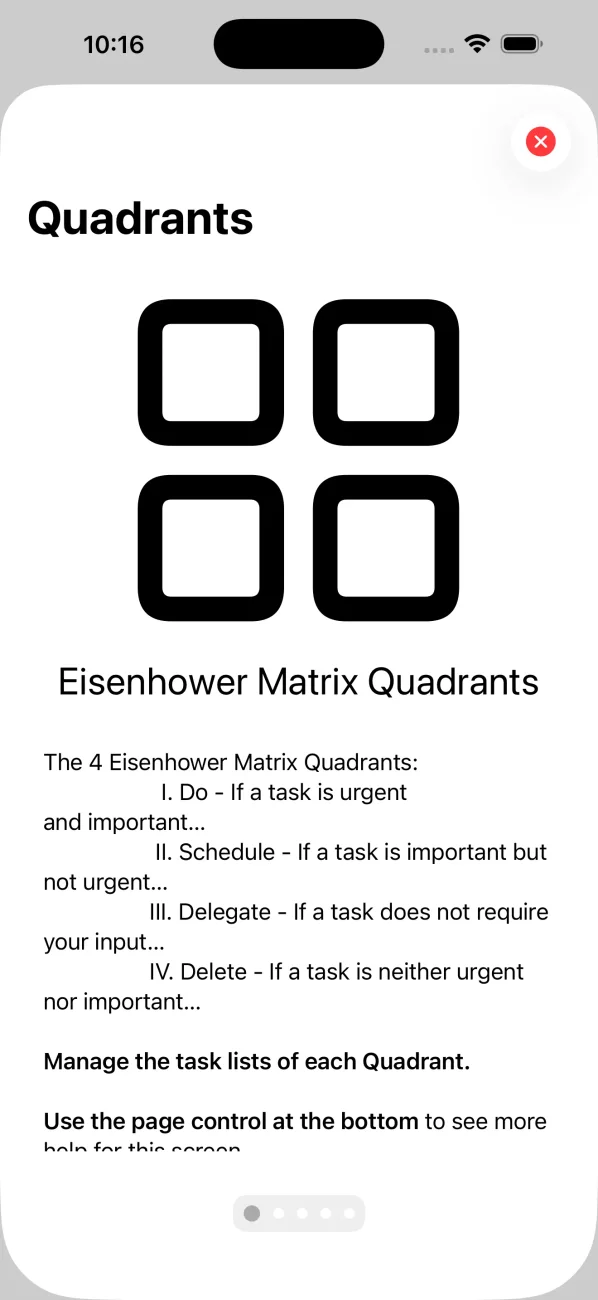
Help screens available throughout.
iCloud synchronization of Matrix data.
Almost all features are present in the iOS, iPadOS and macOS apps.
Create and manage unlimited number of Eisenhower matrixes.
Sample Eisenhower matrix loadable from toolbar.
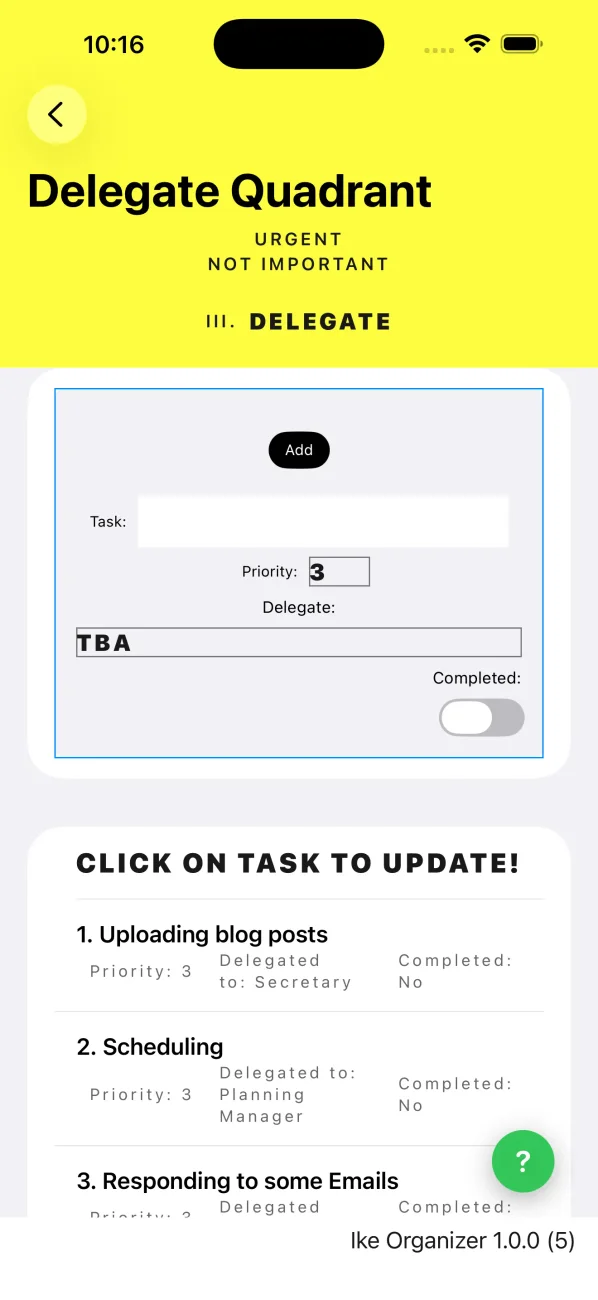
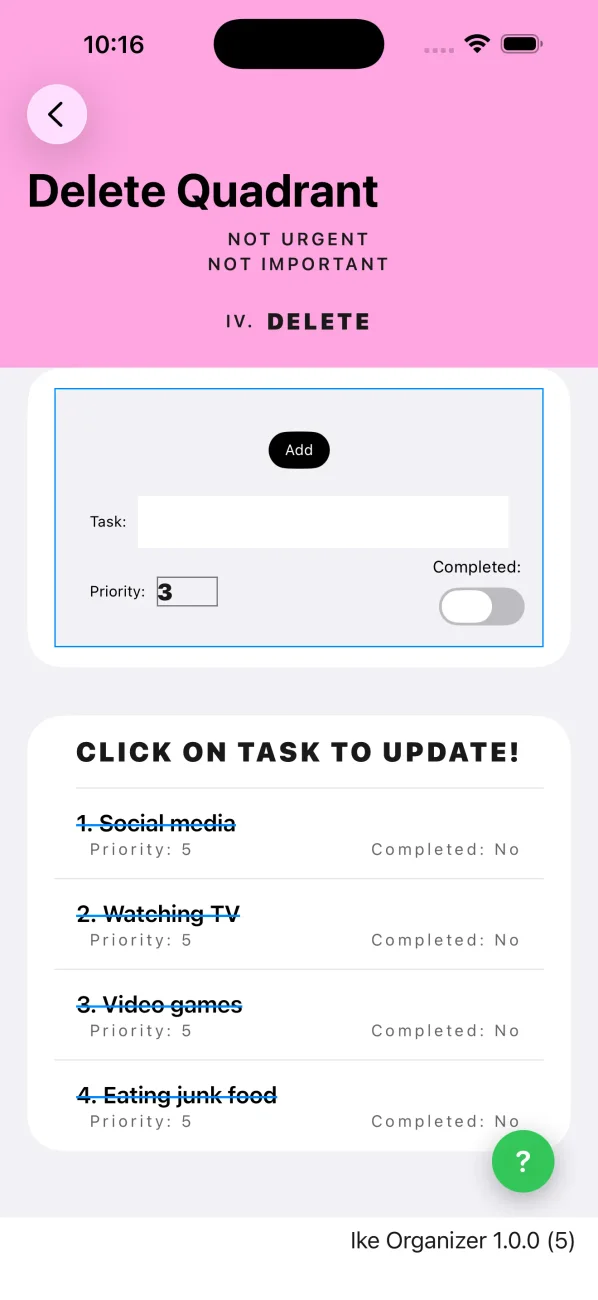
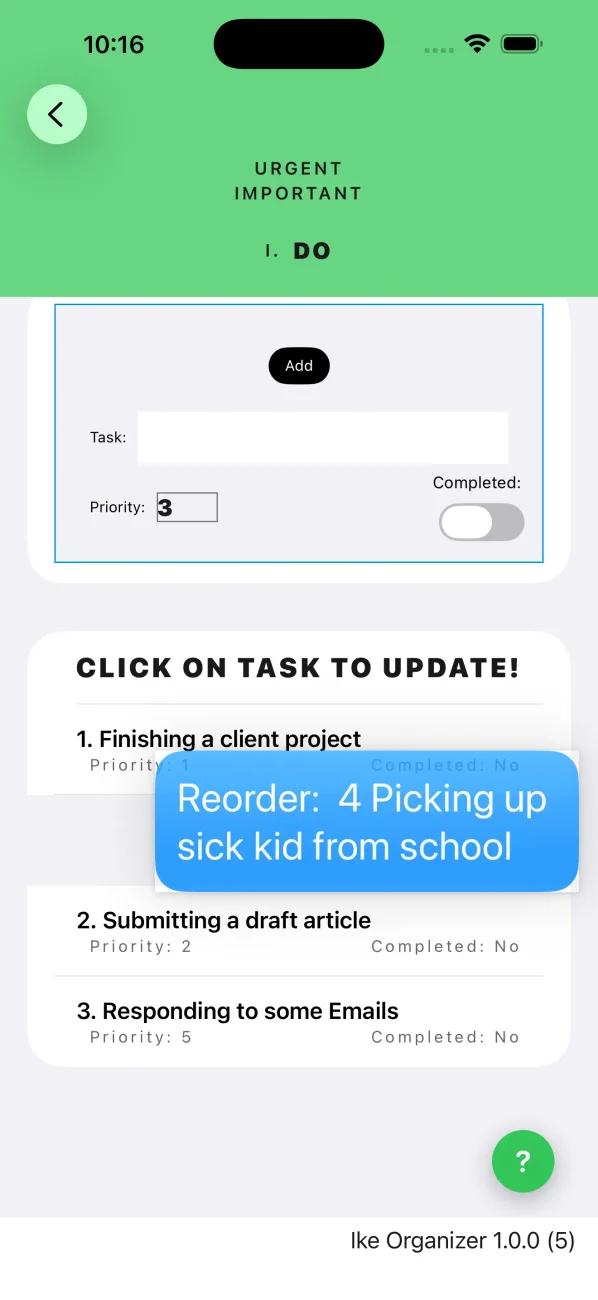
Color coded Quadrants are automatically created when adding a new Eisenhower matrix.
Each of the 4 Quadrants display a text summary of the Quadrant's mission.
Tapping on the summary text reveals a full statement of the Quadrant's mission.
Quadrant tasks can be entered in multiple ways:
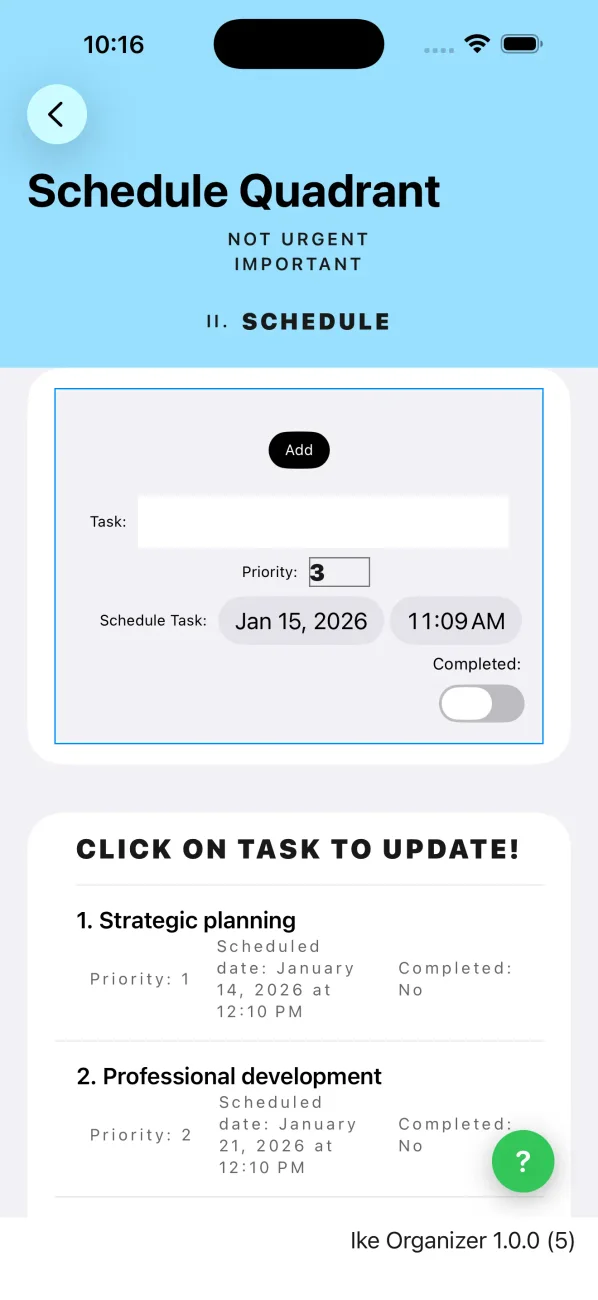
New tasks can be added to the Quadrant via the Edit Tasks mode.
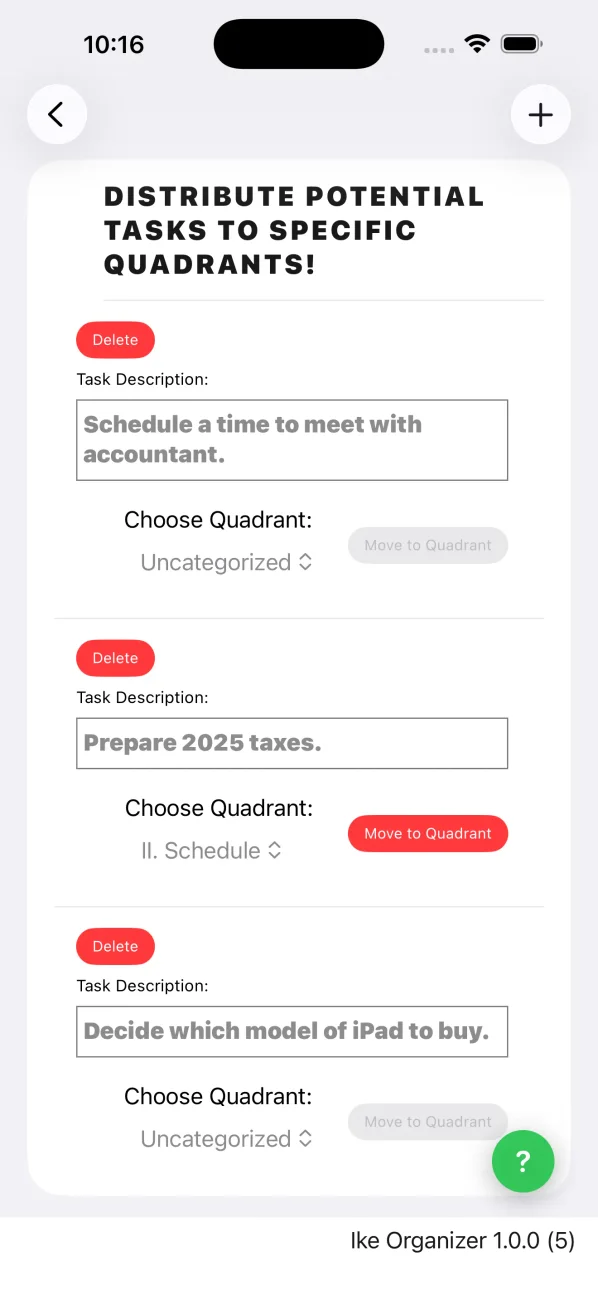
The text description of a task can be added into the Potential Tasks List and then distributed to the appropriate Quadrant.
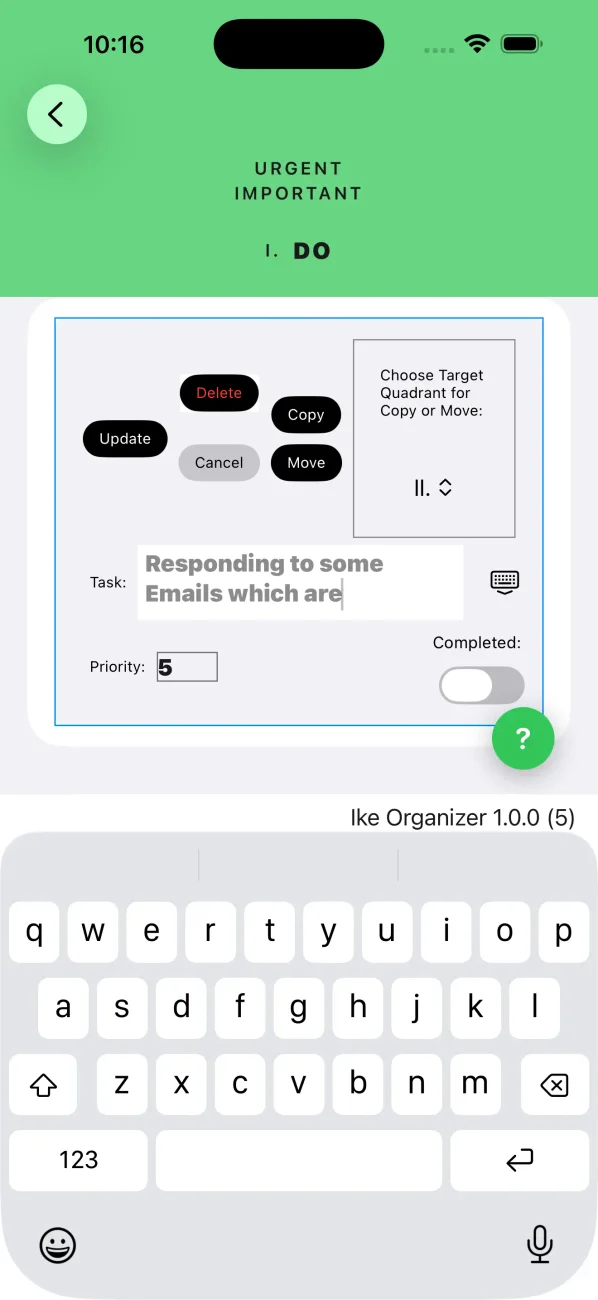
Quadrant tasks can be easily copied or moved to another quadrant, as well as deleted.
Quadrant's task lists can easily be reordered by dragging and dropping.
All Task data is editable simply by tapping on the Task in the Quadrant Task List.
Completed Tasks are maintained in the Quadrant Task List, struck-through in red, sorted to the bottom of the list.
Tasks in the Delete Quadrant are automatically struck-through in blue to remind the user that tasks in this Quadrant are time wasters.
What’s new
Version 2.0.1 · Aug 6, 2026
Fixed issues with Dark Appearance mode.
Fixed issues within Tasks Scratchpad.
App privacy
What Lewis Edward Garrett declares on the App Store about how this app handles data.
-
Data not collected
The developer does not collect any data from this app.
Privacy practices may vary, for example with the features you use or your age.
Information
- Seller
- Lewis Edward Garrett
- Category
- Productivity
- Version
- 2.0.1
- Updated
- Aug 6, 2026
- Released
- Jan 19, 2026
- Size
- 4.2 MB
- Requires
- iOS 17.6 or later
- Age rating
- 17+
- Price
- Free
- In-app purchases
- Yes
- Languages
- English, Spanish
- Copyright
- © 2026 Lewis Edward Garrett
You might also like
-
 MyQdoLet's get into Q! get it done
-
 WhatNext To-do ListSmart tasks for real life
-
 DonewardVoice Memos Into Tasks
-
 Nomen MemoryRemember people and details
-
 Andours: Couples To-DoShared Tasks for Couples
-
 Truly Simple InventoryTrack Home Assets & Receipts
-
 Clutch: Screenshot to ReminderTo-Do List & Task Planner
-
 Priority Task ManagerProductivity
-
 ToolVault - Tool TrackingTool inventory and loans