- Age rating4+
- CategoryPhoto & Video
- DeveloperSeunghun Yang
- LanguagesEnglish+ 1 more
- Size12.3 MB
Links to the official App Store page
Download.org hosts no file of illumeter. The button opens its official App Store page, published by Seunghun Yang. Listing last checked on Nov 17, 2026.
Screenshots



About
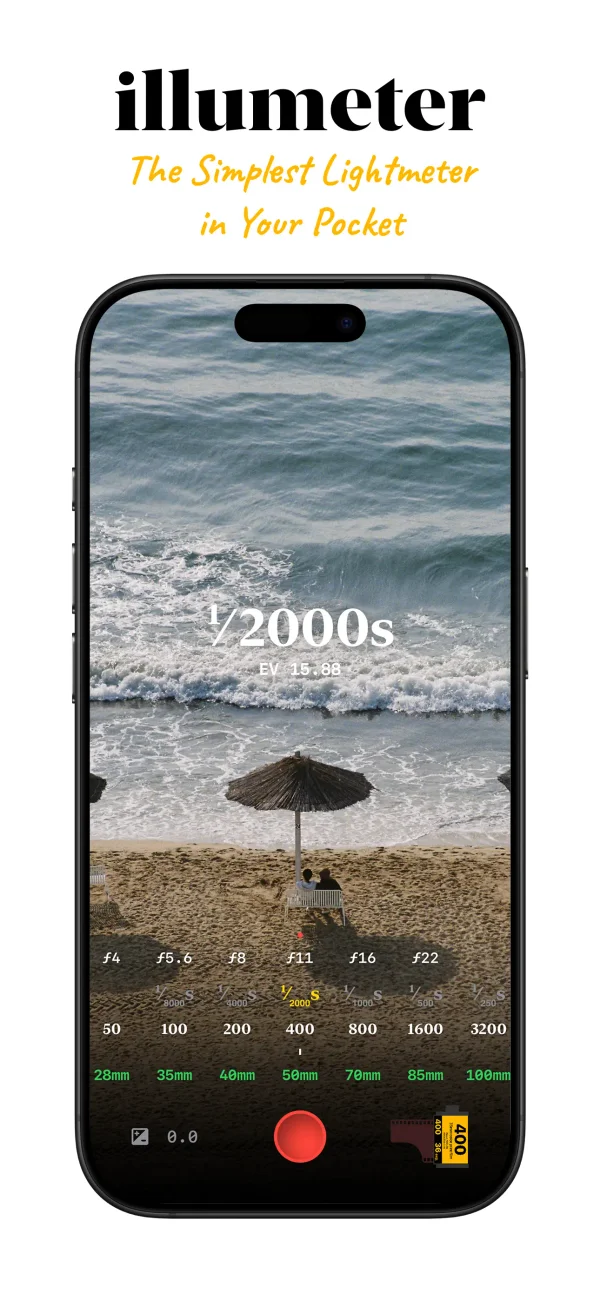
illumeter, The Simplest Light Meter in Your Pocket.
Exposure Meter
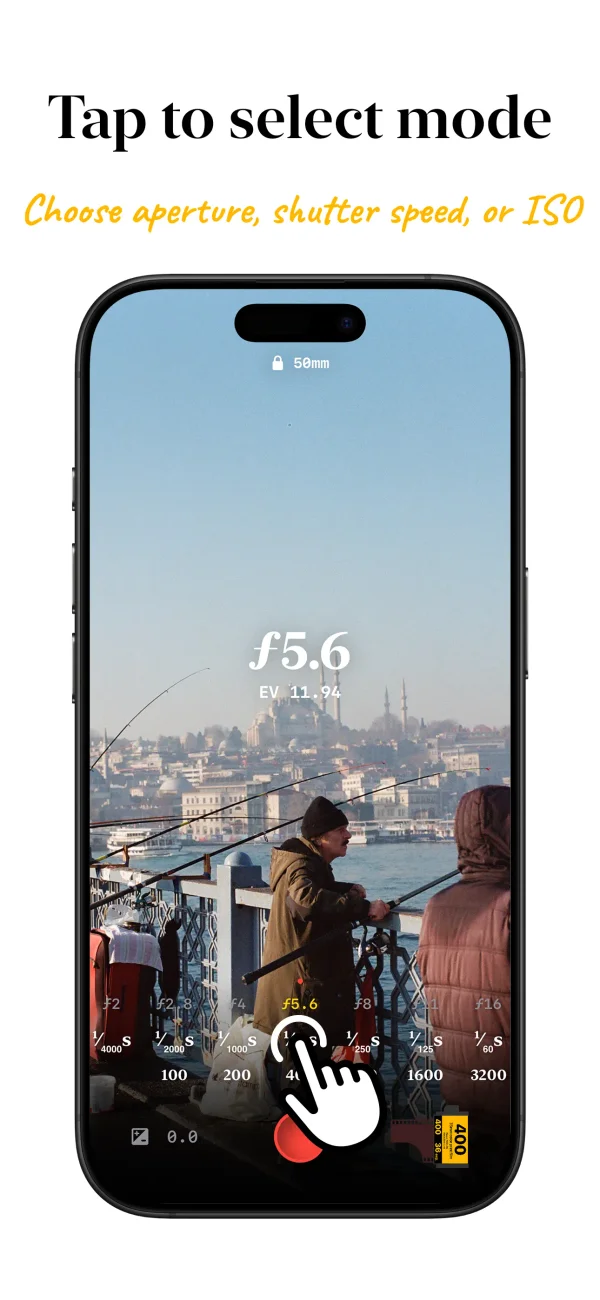
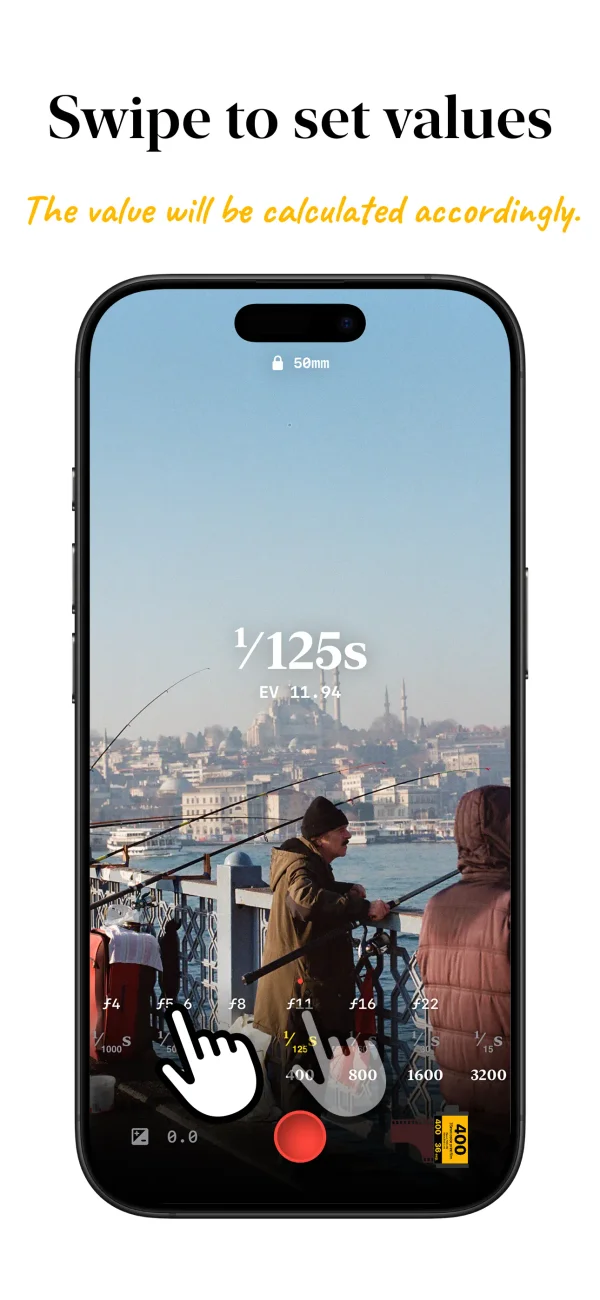
• Choose the value you want to measure from Aperture, Shutter Speed, or ISO.
• The selected value automatically adjusts based on changes in the other two settings.
• Tap a specific point on the screen to lock the exposure to that area.
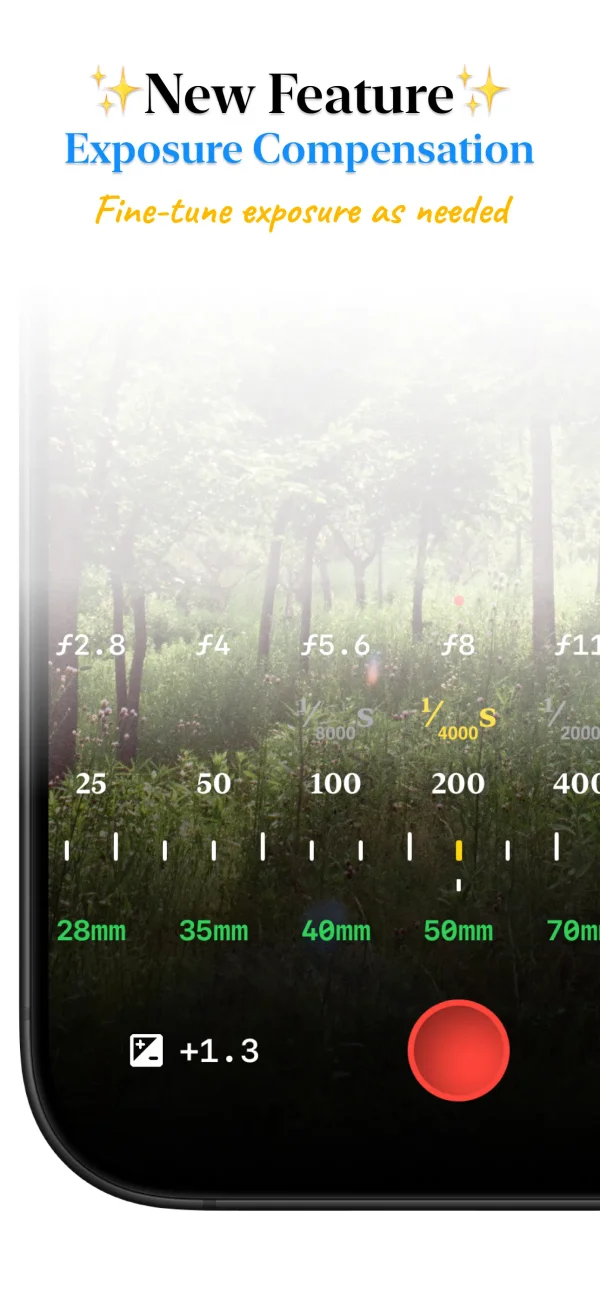
• An exposure compensation feature is provided to help you handle various challenging lighting conditions.
Frame Logging
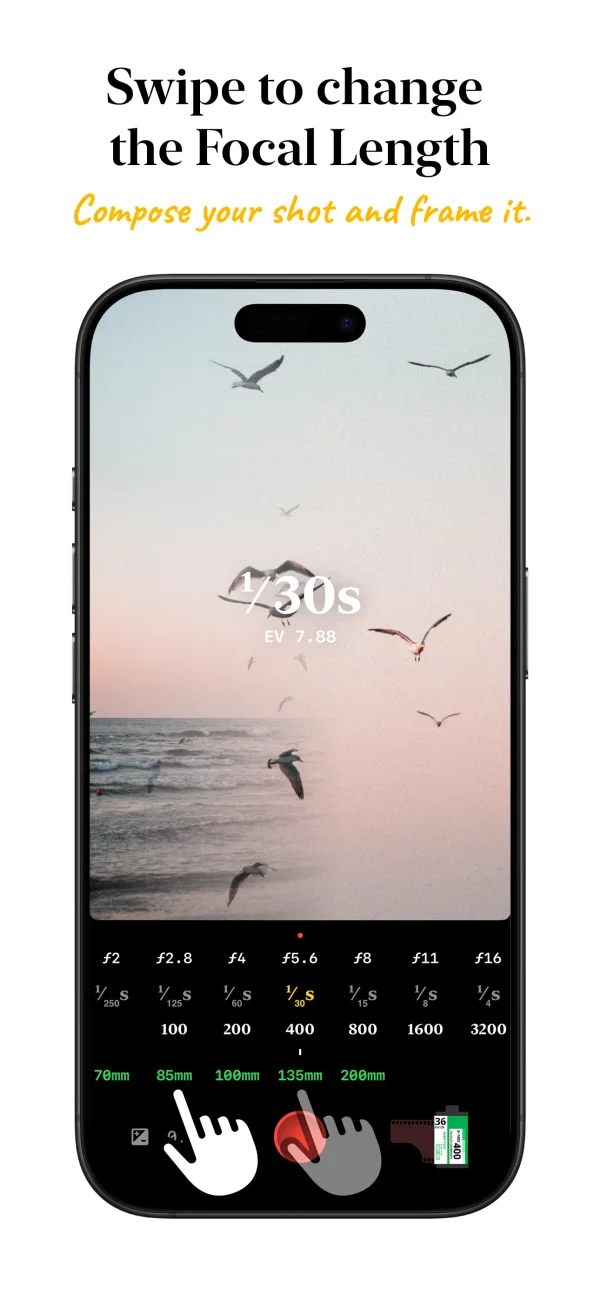
• Log your frames by composing your shot and pressing the shutter button.
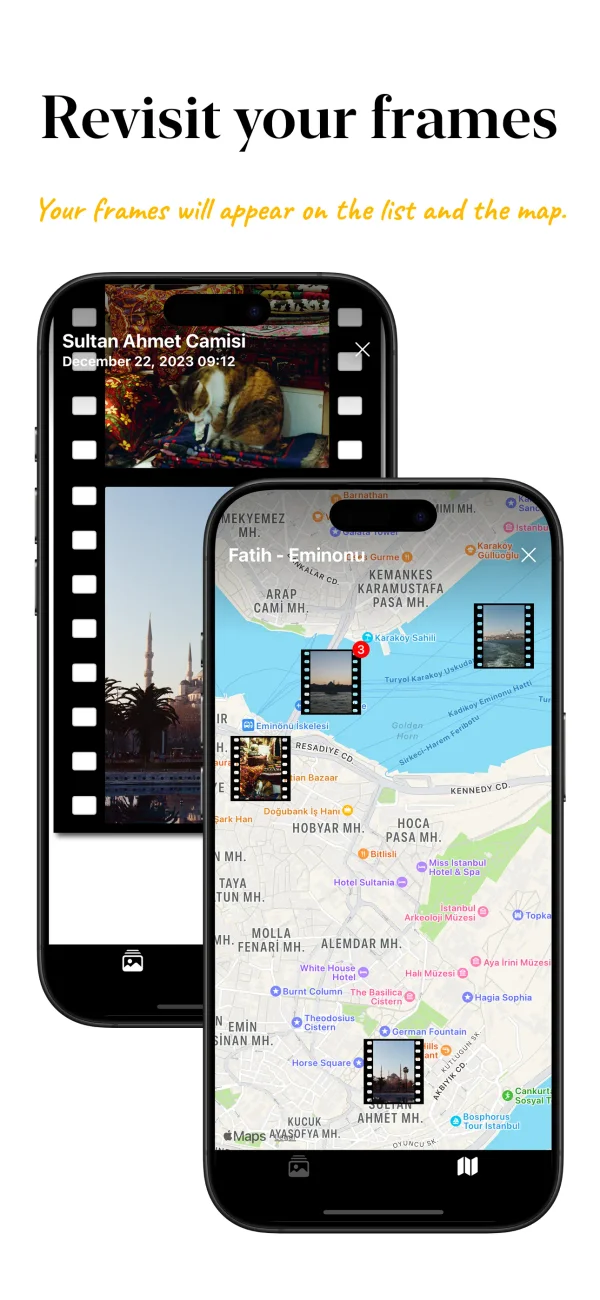
• Location, date and time, EV value, and settings are recorded with each frame.
• Review your recorded frames in a list and on a map.
• Easily delete or edit incorrect frames.
Settings & Personalization
• Easily toggle various features on or off.
• Deactivate or remove unused values.
• Customize the app's appearance and feedback to your preference.
What’s new
Version 1.5.0 · Jun 9, 2025
New Features
• Exposure Compensation has been added. You can now adjust exposure values from -2.0 to 2.0.
• Exposure Compensation Feedback settings are now available. Choose your preferred feedback for the exposure compensation dial.
• Screen Rotation has been added. The UI will now rotate with your device's orientation.
• Screen Rotation settings are now available. You can toggle screen rotation on or off.
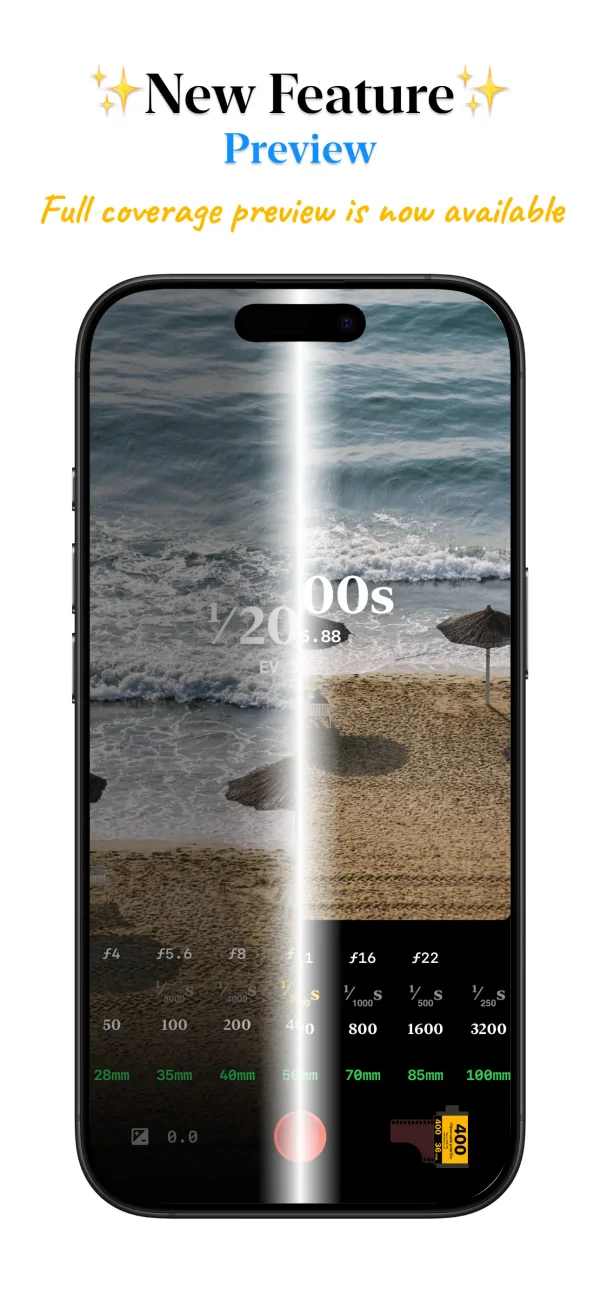
• Full Coverage Preview Mode has been added. This mode displays the entire frame without cropping in the preview.
• Preview Mode settings are now available. Choose between Full Screen (default) and Full Coverage.
Improvements
• Exposure Measurement logic has been improved. Enjoy more accurate and a wider range of exposure measurements.
• Exposure Measurement responsiveness has been enhanced. Exposure calculations are now reflected more instantly.
• Animations for exposure-related UI have been improved.
• Layout for the Full Screen(default) Preview Mode has been refined.
Bug Fixes
• Fixed an issue where decimal input was not possible in certain languages/regions.
App privacy
What Seunghun Yang declares on the App Store about how this app handles data.
-
Data not collected
The developer does not collect any data from this app.
Privacy practices may vary, for example with the features you use or your age.
Information
- Seller
- Seunghun Yang
- Category
- Photo & Video
- Version
- 1.5.0
- Updated
- Jun 9, 2025
- Released
- Dec 11, 2023
- Size
- 12.3 MB
- Requires
- iOS 16.0 or later
- Age rating
- 4+
- Price
- Free
- Languages
- English, Korean
- Copyright
- © Seunghun Yang
You might also like
-
 Shutter Button - A Light MeterShutter Button - Light meter
-
 Light Meter - TsinglandNeumorphism & Simple
-
 Light LambAuto mode for your film camera
-
 LightMeter & Shot Log for FilmCheck Shutter Speed + Aperture
-
 Good Light MeterSimple tool for light metering
-
 Luminis Light MeterPhoto & Video
-
 Light Meter ProMeasure Light: ISO, LUX
-
 LightMeter ExpressPRO Camera Light Meter
-
 Crown & FlintYour digital analog assistant.
-
 Easy Light MeterMeasure light exposure