
Image and Video Compressor
Always ad-free. Target MB size
Designed for iPhone, iPad, Mac
Free
- Age rating4+
- CategoryPhoto & Video
- DeveloperJonathan Ng
- LanguagesEnglish
- Size6.7 MB
Links to the official App Store page
Download.org hosts no file of Image and Video Compressor. The button opens its official App Store page, published by Jonathan Ng. Listing last checked on Nov 17, 2026.
Screenshots
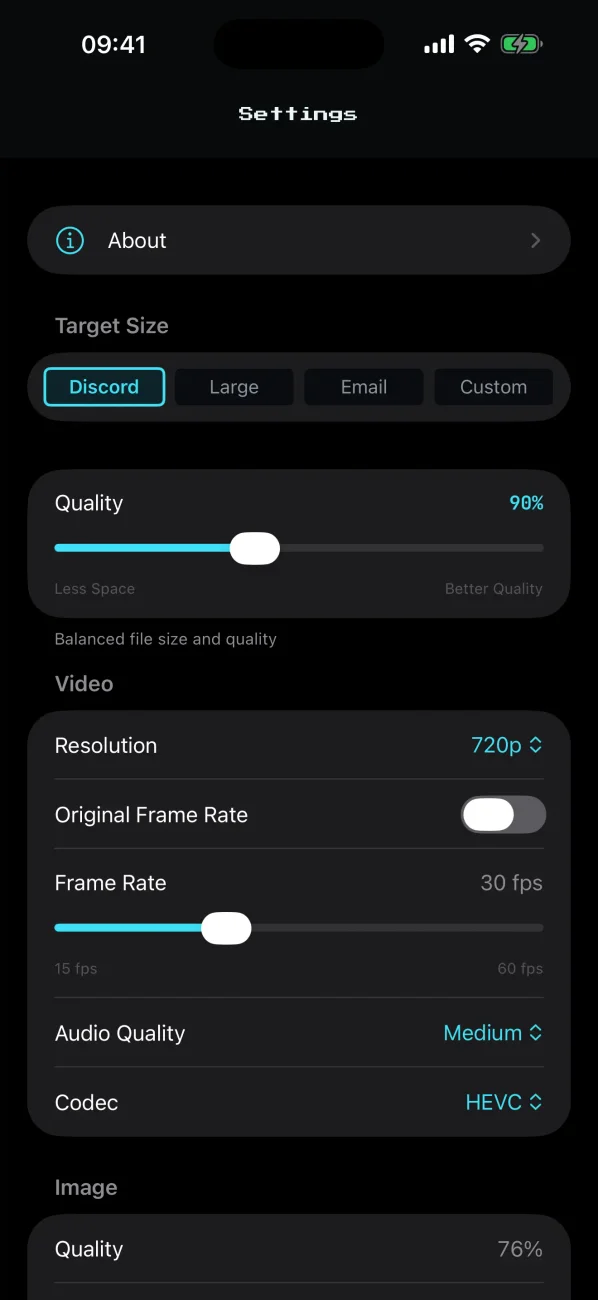

About
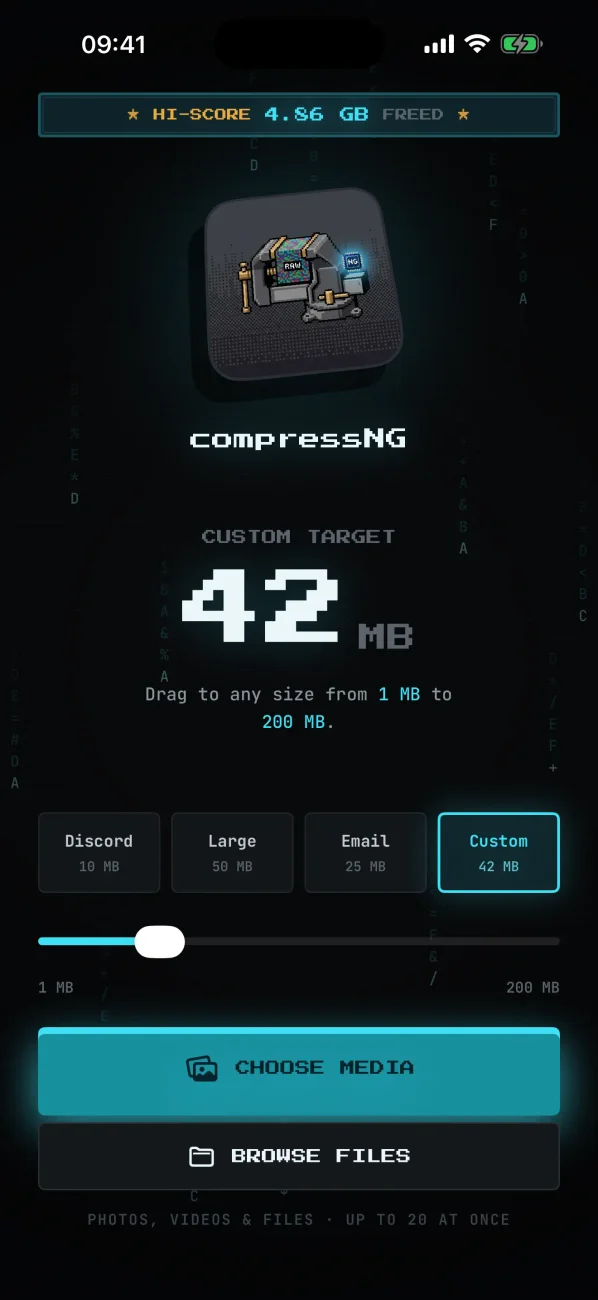
Choose a file-size target. Skip the bitrate math.
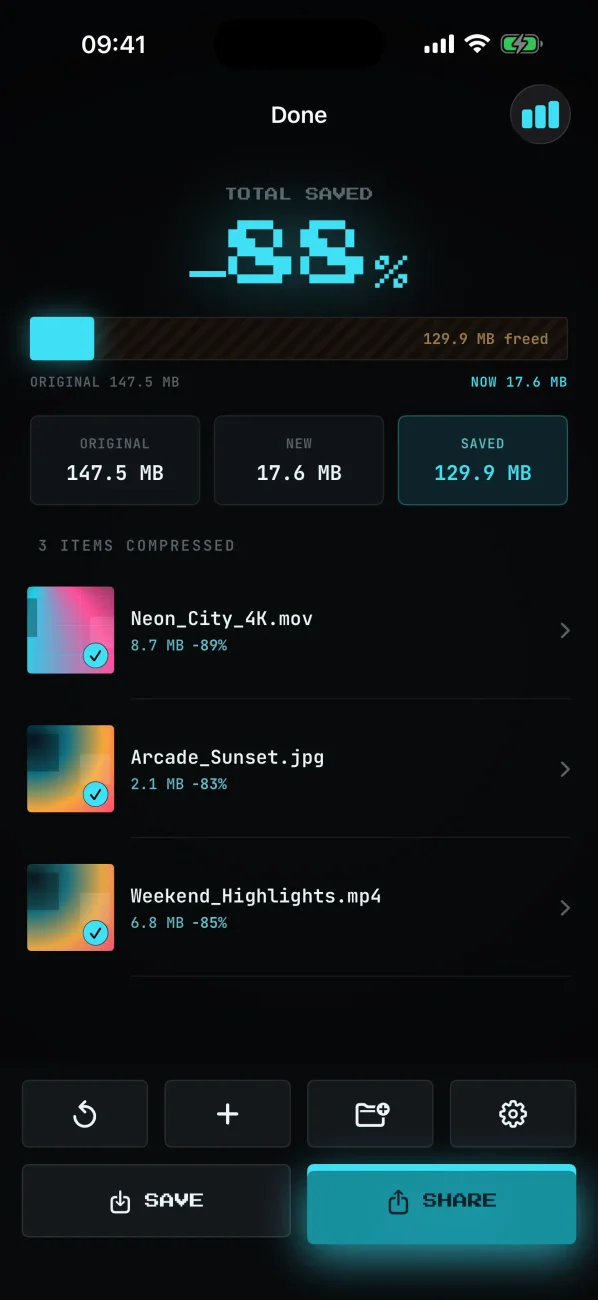
CompressNG uses the MB target you choose to calculate compression for photos and videos. Select 10 MB, 25 MB, 50 MB, or a custom target from 1–200 MB. Add media from Photos or Files—or send it from another app's Share menu. Compress a mixed batch, inspect the result, then save or share the output where you need it.
Built for email attachments, school or work forms, messaging, upload limits, and reclaiming storage.
PRIVATE BY DESIGN
• Photo and video processing happens on your device
• No developer server, media uploads, account, ads, analytics, or tracking
• Works offline with media already stored on your device
VIDEO CONTROLS
• H.264 for compatibility or HEVC for efficiency
• Resolution caps: Original, 1080p, 720p, and 480p
• Frame-rate controls from 15–60 fps
• Audio quality from 64–192 kbps
• A warning when a video already fits your target
• If a result lands above target, Recompress adjusts the encoding budget for another pass
PHOTO CONTROLS
• Adjustable image quality
• Resize by longest side or exact dimensions
• Crop, rotate, and resize before export
• Preserve transparency in PNG images
BATCH PHOTOS AND VIDEOS
Process up to 20 photos and videos in one queue. Follow progress in the app or, on supported iPhone and iPad devices, with a Live Activity.
COMPARE BEFORE YOU SHARE
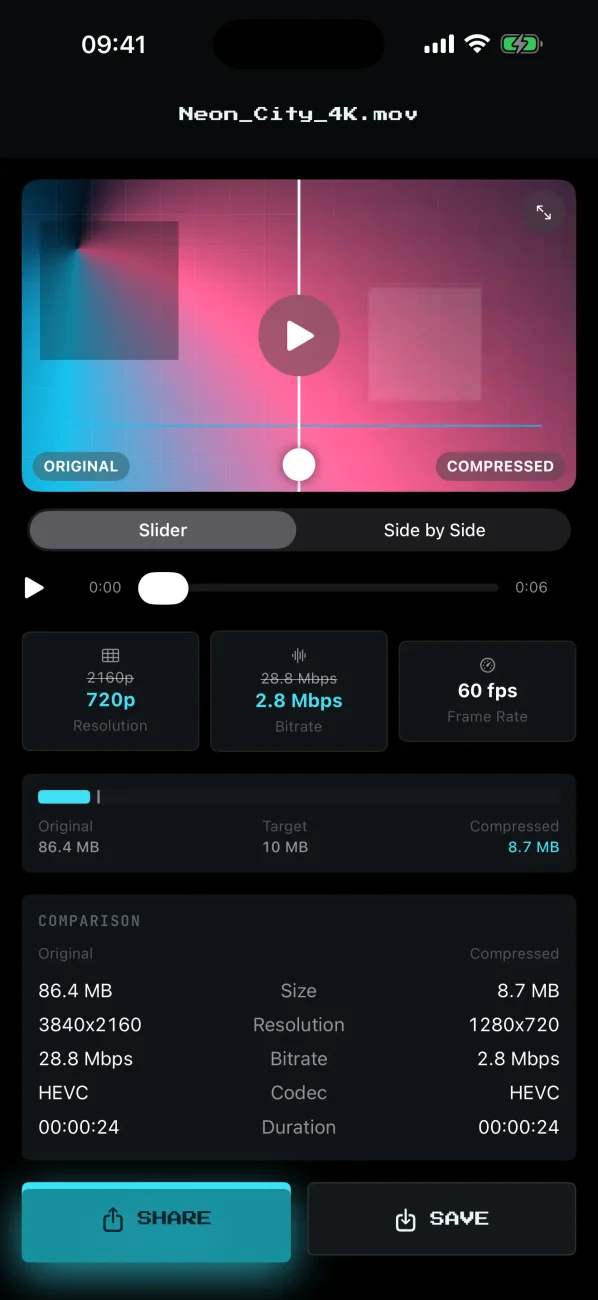
Review photos with a before-and-after slider and videos with synchronized comparison playback. See output size, dimensions, codec, bitrate, and space saved before export.
PRIVACY CONTROLS
Strip EXIF metadata such as location and camera information. Anonymize exported filenames when you do not want the original name attached.
TRACK YOUR SAVINGS
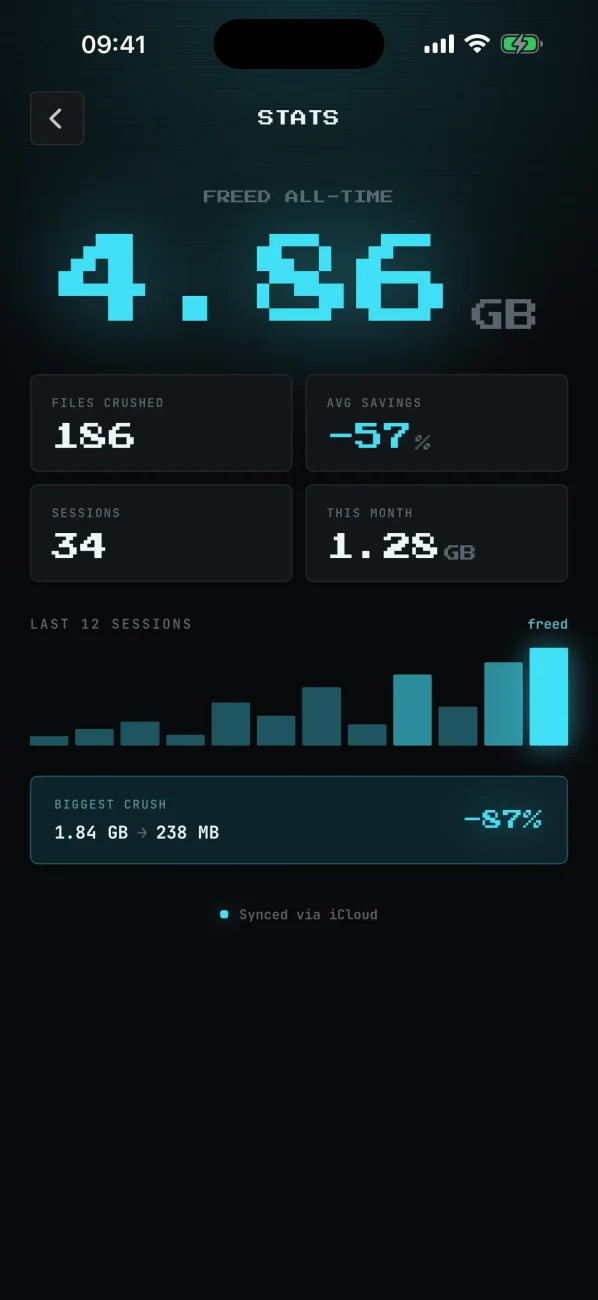
See files compressed, average savings, recent sessions, monthly savings, and your biggest result. Aggregate lifetime stats can sync through your private iCloud account.
Private, target-based compression with precise controls and a retro terminal look.
What’s new
Version 1.3 · Oct 15, 2026
• Compress photos and videos directly from the Share menu. Choose 10, 25, or 50 MB, then share the smaller files without opening the app.
• Improved private iCloud syncing for your lifetime compression stats and personal bests across iPhone, iPad, and Mac.
• The stats screen now confirms when your latest totals have synced, while keeping them available offline.
App privacy
What Jonathan Ng declares on the App Store about how this app handles data.
-
Data not collected
The developer does not collect any data from this app.
Privacy practices may vary, for example with the features you use or your age.
Information
- Seller
- Jonathan Ng
- Category
- Photo & Video
- Version
- 1.3
- Updated
- Oct 15, 2026
- Released
- Jul 21, 2026
- Size
- 6.7 MB
- Requires
- iOS 17.0 or later
- Age rating
- 4+
- Price
- Free
- Languages
- English
- Copyright
- © 2026 Jonathan Ng
You might also like
-
 Slim: Photo & Video CompressorCompress photos & videos
-
 Tiny Photo CompressorOffline photo resizing
-
 Shrink Video: CompressorResize 4K Clips, Save Storage
-
 Photo, Video, PDF - ShrinkFile Compressor to KB or MB
-
 HDMI Monitor - CineFocus peaking, LUT & scopes
-
 Comprezio: Video CompressorCompress Video, Image, File
-
 AI Duplicate Photos RemoverClean Photo Gallery Storage
-
 Photo Compressor: MB to KBReduce Image Size for Uploads
-
 Video Compressor - SquishShrink & resize video to fit
-
 Resize Photo Size in KB, KBoraCompress Image for Exam Forms