- Age rating4+
- CategoryProductivity
- DeveloperYihang Huang
- LanguagesEnglish
- Size13.7 MB
Links to the official App Store page
Download.org hosts no file of Image Batch Convert. The button opens its official App Store page, published by Yihang Huang. Listing last checked on Nov 16, 2026.
Screenshots

About
Batch processing photo crop,resize,color adjustment,temperature,collage
1. Crop and Resize
1.1 Resize: It can be set to automatically calculate the size of the thumbnail according to the length of the long side or the short side
1.2 Cropping: The method of cropping is that after setting a ratio, the size will be automatically calculated, and the picture will be cut into a fixed scale.
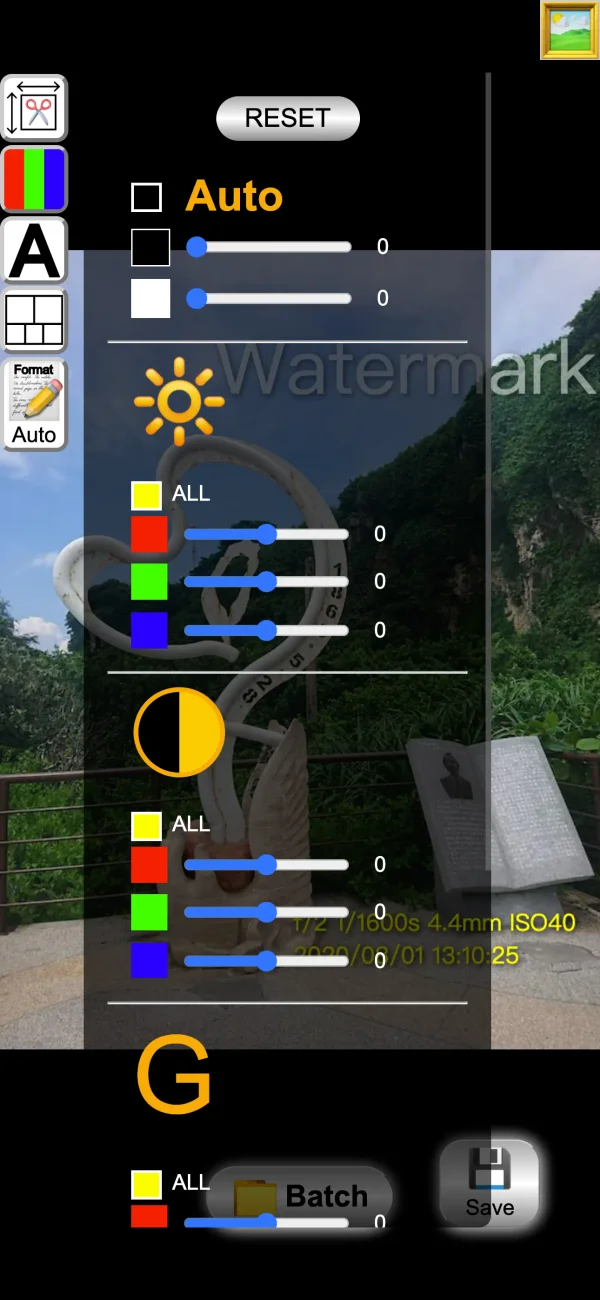
2. Color adjustment
2.1 Brightness
2.2 Comparison
2.3 Saturation
2.4 Gamma
2.5 color temperature
2.6 Automatic, especially the automatic mode, which can remove the fog and fog in the photo by adjusting the color level.
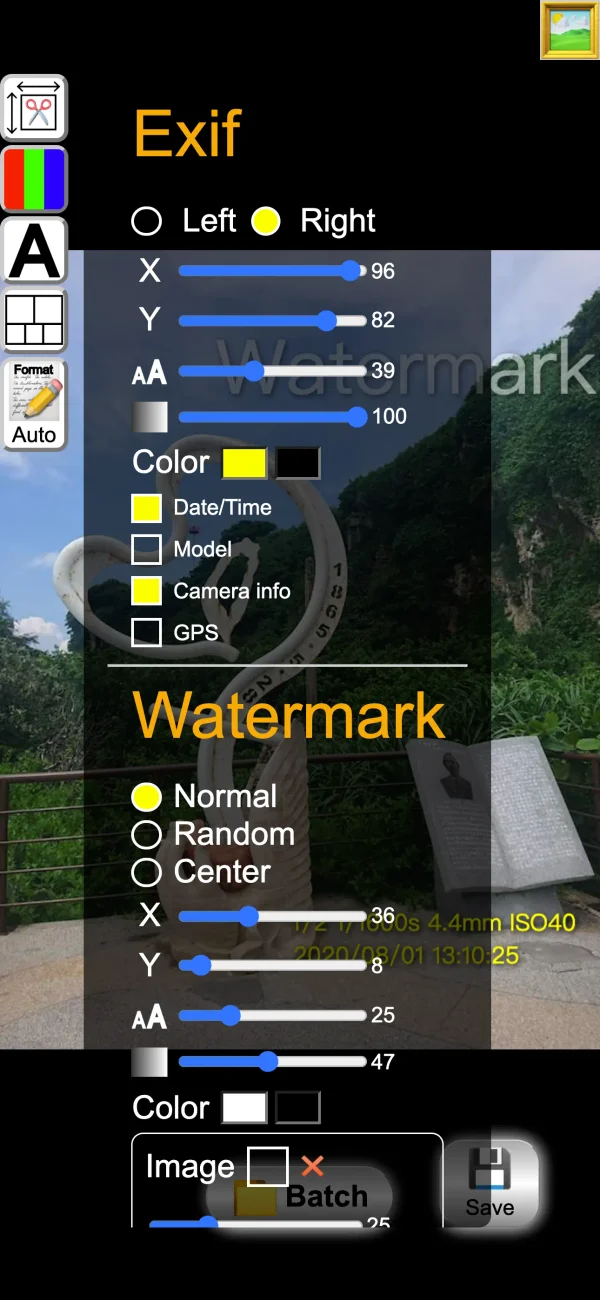
3. Text and Frames
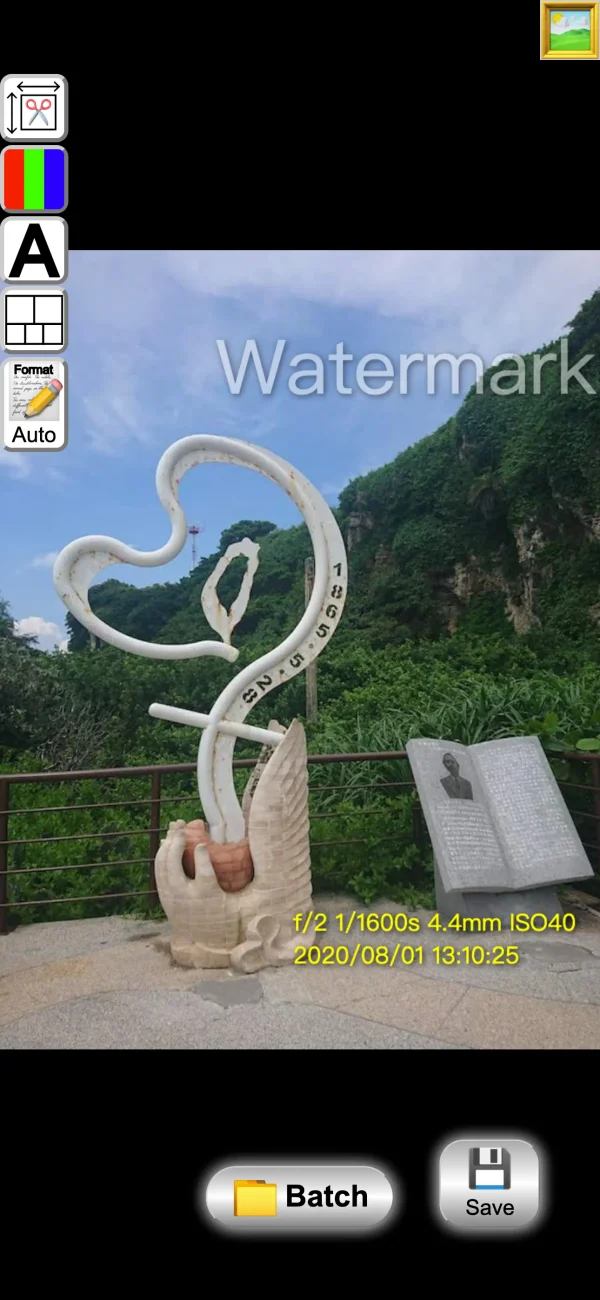
3.1 Write Exif information in the photo
3.2 You can add watermarks for pictures and texts, or you can use the pictures in the frame to make the size larger, and you can add frames to photos in batches
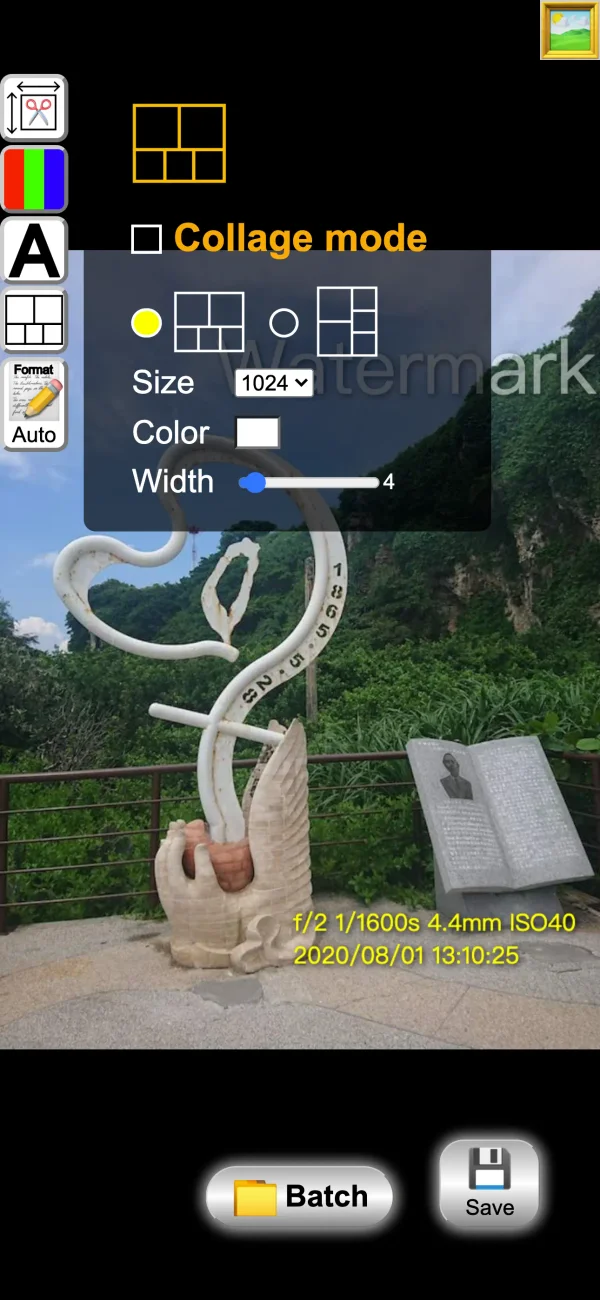
4. Collage mode
4.1 Select multiple photos, it will be automatically calculated and combined into one photo
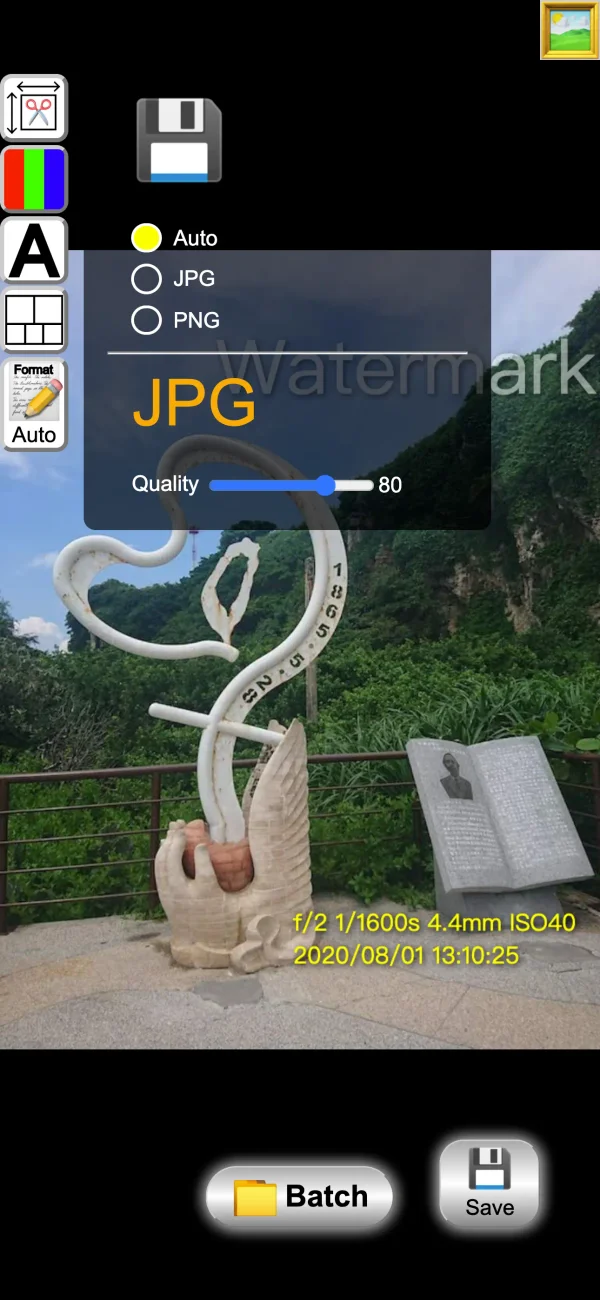
5. Save
5.1 You can set to dump all jpg or png files, and set the quality of jpg files
What’s new
Version 1.3.1 · Dec 4, 2024
1.Added the ability to directly save the current picture
2.Bug fix.
App privacy
What Yihang Huang declares on the App Store about how this app handles data.
-
Data used to track you
May be used to track you across apps and websites owned by other companies.
- Identifiers
- Usage data
-
Data linked to you
May be collected and linked to your identity.
- Identifiers
- Usage data
Privacy practices may vary, for example with the features you use or your age.
Information
- Seller
- Yihang Huang
- Category
- Productivity
- Version
- 1.3.1
- Updated
- Dec 4, 2024
- Released
- Feb 3, 2022
- Size
- 13.7 MB
- Requires
- iOS 12.0 or later
- Age rating
- 4+
- Price
- Free
- Languages
- English
- Copyright
- © Yi-hang Huang
You might also like
-
 Snapnote: Quick Image AnnotateMarkup photos & capture ideas
-
 Favorite Contacts: LauncherWidgets Clean & Backup contact
-
 DaviAIAI Voice to Speech
-
 Clairify AIThe Executive Awareness App
-
 Totalist: Smart Shopping listSimple task and Price list
-
 Captureist – screenshot toolAI Powered Screenshots manager
-
 Flexo - Pomodoro, TimerDeep Work, Study & Break Time
-
 What’s Today? - Desk CalendarBig Date Daily Desk Calendar
-
 Fast Paste Keyboard+ Auto CopyAuto Paste with Text & Image
-
 SoftExpert MaintenancePerform your maintenance