Image Compare.
Before/after slider & overlay
Designed for iPhone, iPad, iPod touch
Free
- Age rating4+
- CategoryPhoto & Video
- DeveloperReiji Kobayashi
- LanguagesEnglish+ 8 more
- Size12.7 MB
Links to the official App Store page
Download.org hosts no file of Image Compare. The button opens its official App Store page, published by Reiji Kobayashi. Listing last checked on Nov 20, 2026.
Screenshots

About
Compare two photos, instantly.
Image Compare. is an iOS app that puts two images side by side, under a slider, as an overlay, or as a pixel difference, so you can see exactly what changed. From photo edits and DIY projects to plant growth records and screenshot checks, spot the difference in seconds.
# Four Comparison Modes
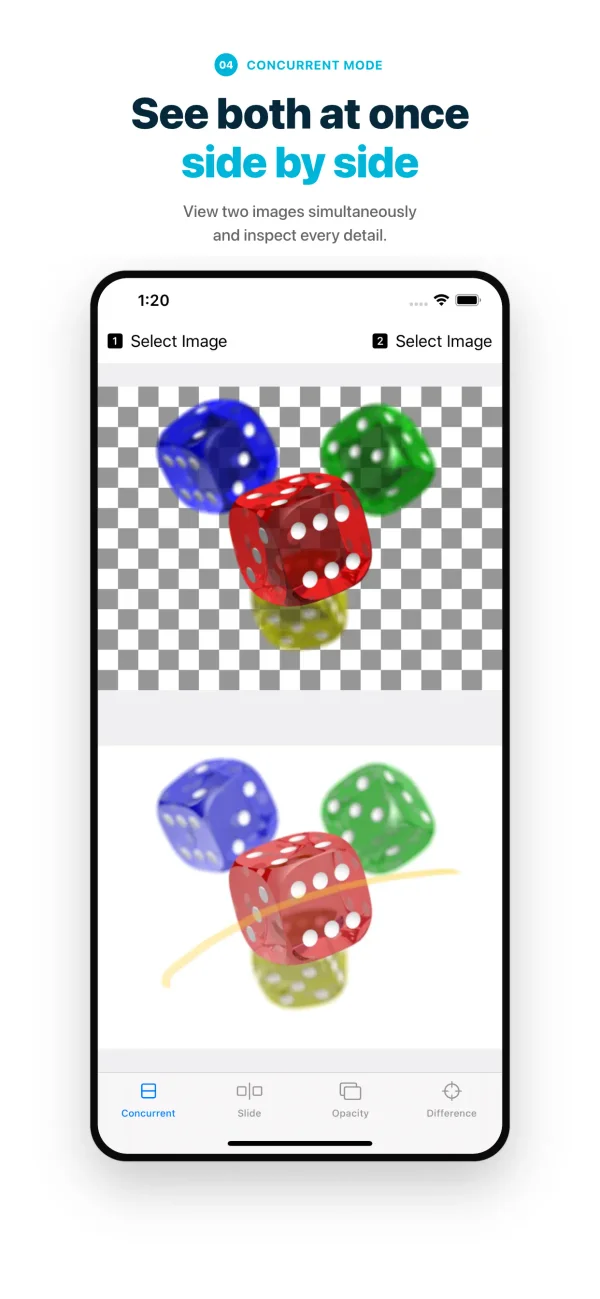
▼ Side by Side
View both images at once.
Perfect for before/after and progress photos.
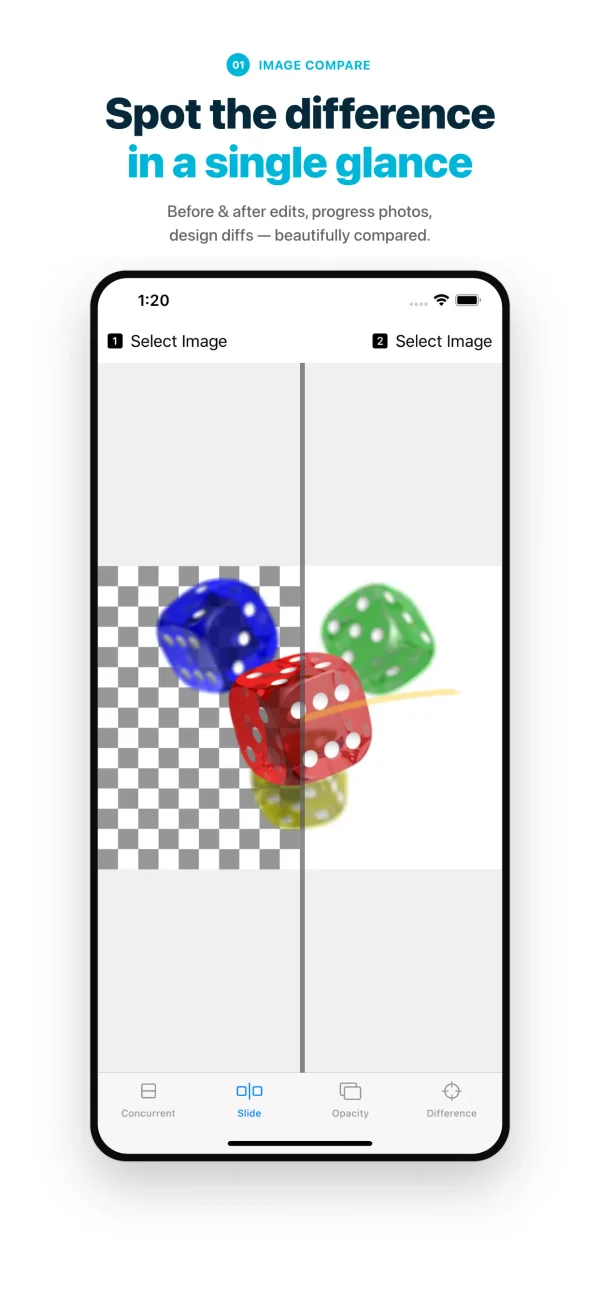
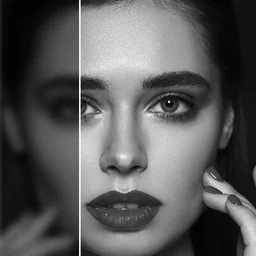
▼ Slider
Drag a slider across one image to reveal the other underneath.
Smoothly check before/after photo edits.
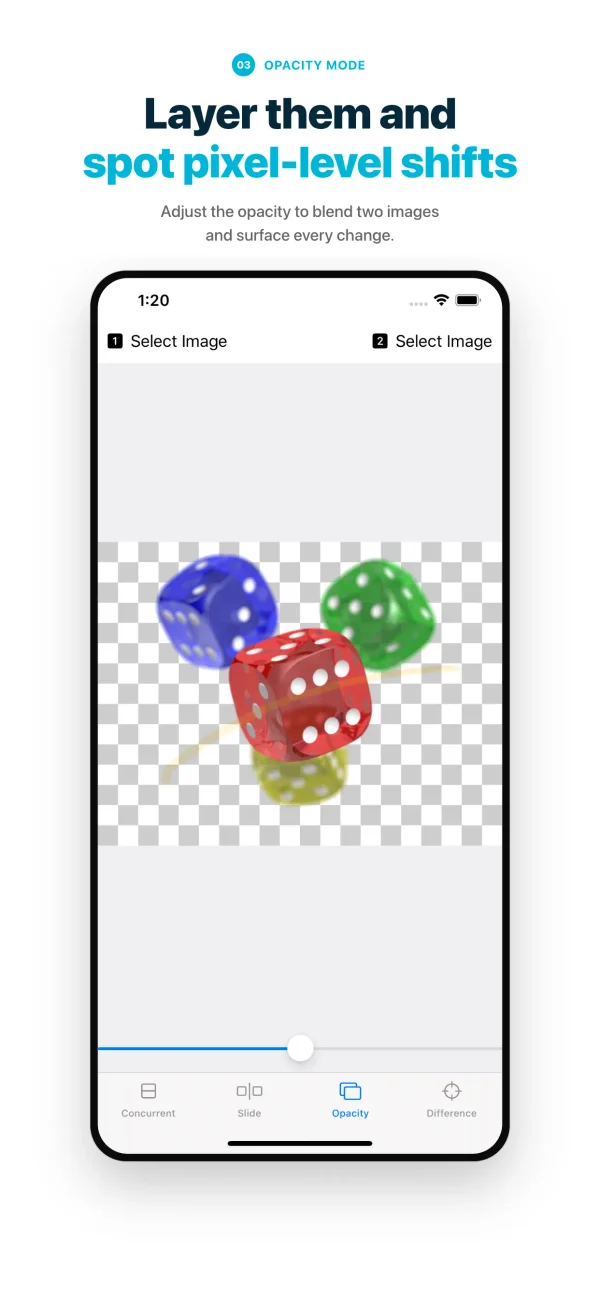
▼ Opacity
Overlay two images and adjust transparency.
Great for spotting alignment shifts and subtle changes.
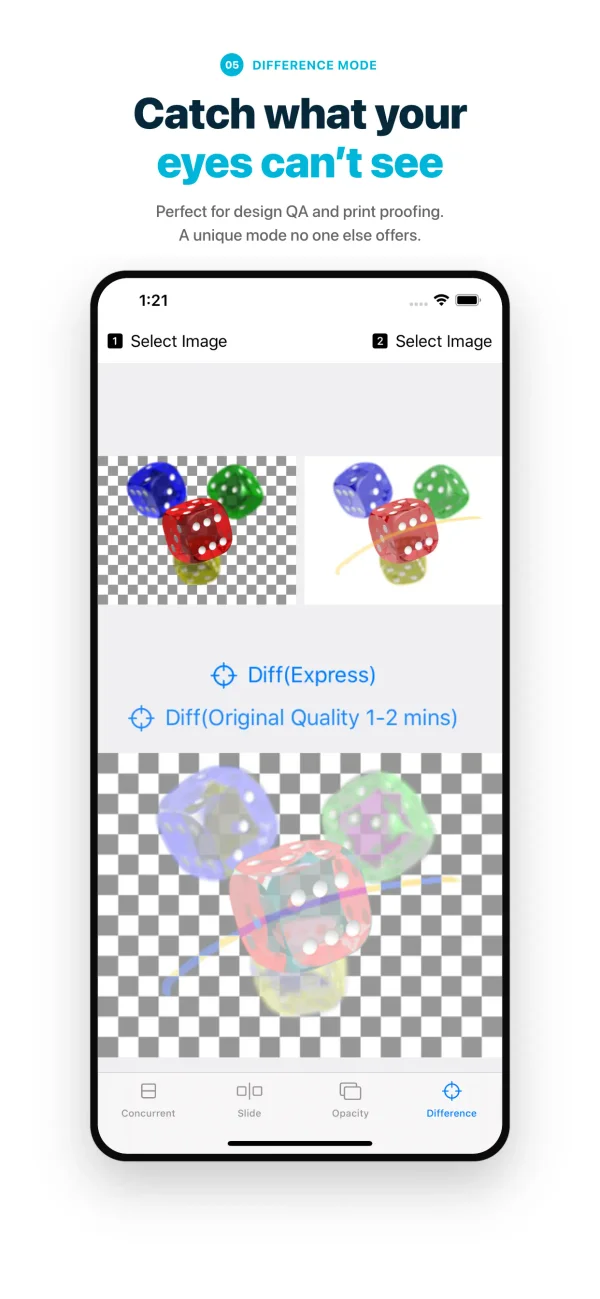
▼ Difference
Subtract one image from the other to highlight only what's changed.
Reveals details invisible to the naked eye.
* You can save the difference image to your Photos.
# Position Adjustment — Line Up Your Images
When two photos were not taken from exactly the same spot, use Position Adjustment mode to align them before comparing.
・Drag to move one image over the other.
・Pinch to scale it.
・NEW: Rotate with two fingers to fix a tilted shot.
Once aligned, the slider and opacity views show real changes instead of camera offset.
# Features
・Pinch to zoom in Slider, Opacity, and Difference modes for detailed inspection.
・Difference mode resizes to screen width before processing (Express).
・Full-resolution Difference (Original Quality) is available in Image Compare+.
・Export the difference image to Photos or share it directly.
# Common Uses
・How to compare two photos on iPhone: pick two images from your library and switch between modes.
・Check a before/after photo edit or retouch.
・Find the difference between two screenshots or design mockups.
・Track progress: DIY, renovation, fitness, plants, cleaning, and more.
・Verify that two images are identical or detect subtle changes.
# Privacy First
・Works completely offline. Your images never leave your device.
・Photo library access is only used when selecting images to compare.
What’s new
Version 1.5.9 · Nov 11, 2026
New menu: swipe from the left edge of the screen to open it, read the user guide, and contact the developer. Difference in Original Quality is now an Image Compare+ feature. Image Compare+ can also open original photos and pick images from the Files app.
New Blink tab: touch and hold to switch instantly between two sample images. To use Blink with your own photos, get Image Compare+.
Image Compare. now speaks 9 languages: English, Japanese, German, French, Italian, Polish, Korean, Simplified Chinese and Traditional Chinese.
We also improved how ads are shown. Tracking permission is now requested after your first comparison instead of at launch.
App privacy
What Reiji Kobayashi declares on the App Store about how this app handles data.
-
Data used to track you
May be used to track you across apps and websites owned by other companies.
- Identifiers
- Usage data
-
Data not linked to you
May be collected but is not linked to your identity.
- Identifiers
- Usage data
Privacy practices may vary, for example with the features you use or your age.
Information
- Seller
- Reiji Kobayashi
- Category
- Photo & Video
- Version
- 1.5.9
- Updated
- Nov 11, 2026
- Released
- Dec 15, 2020
- Size
- 12.7 MB
- Requires
- iOS 15.0 or later
- Age rating
- 4+
- Price
- Free
- Languages
- English, French, German, Italian, Japanese, Korean, Polish, Simplified Chinese, Traditional Chinese
- Copyright
- © SoNice
You might also like
-
 TwinViewerSide-by-Side Photo Viewer
-
 CameraOverlay - Compare photosRecreate photos easily
-
 similar facessimilar faces
-
 Photo Compare - Before & AfterSide-by-Side Photo Comparison
-
 Before and After Photo СompareSide by Side Photo Slider BA
-
 Easy OverlayOverlay images in just 3 steps
-
 Compare photos before afterCreate collages with 2 photos
-
 Collage Maker: Picture LayoutBefore and After Photo Compare
-
 Before & After - Photo CompareBeely - Side by Side Pic Maker
-
 Before/After: Photo CompareVideo comparison & collage