
Image Compressor - ImageShrink
Exact size, resize & ID photos
Designed for iPhone, iPad
In-app purchases
- Age rating4+
- CategoryPhoto & Video
- Developer云涛 贾
- LanguagesJapanese+ 3 more
- Size3.0 MB
Links to the official App Store page
Download.org hosts no file of Image Compressor - ImageShrink. The button opens its official App Store page, published by 云涛 贾. Listing last checked on Nov 12, 2026.
Screenshots

About
Compress photos to a specific file size and resize images to exact pixel dimensions.
This app is designed for online applications, government forms, exam registrations, ID photos, and websites that require strict image specifications.
Whether you need a photo under 50KB, 100KB, or 200KB, or an exact size such as 295 × 413 pixels, the app helps you prepare a suitable image without repeated trial and error.
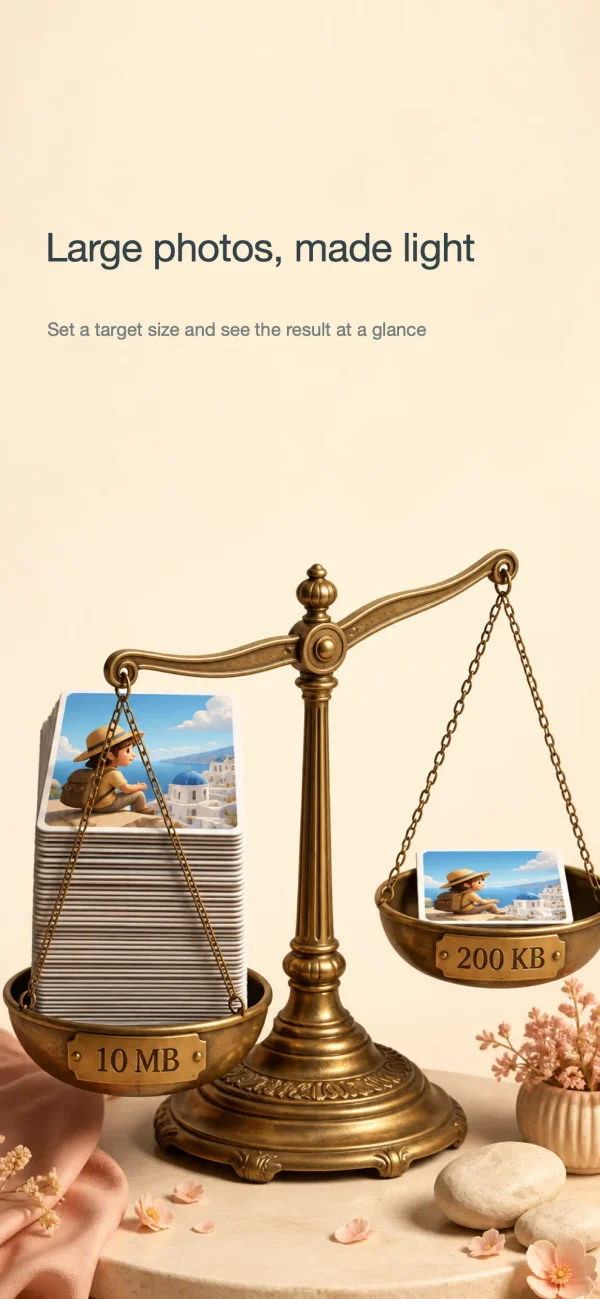
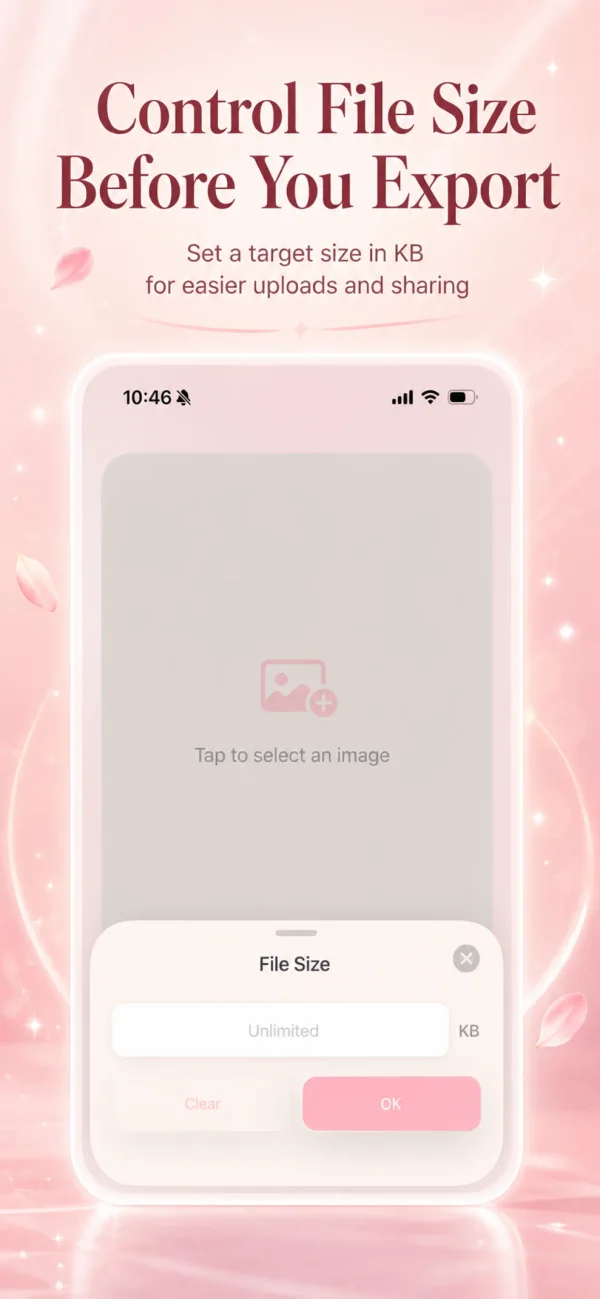
Compress to a Target File Size
Enter the maximum file size you need, and the app automatically adjusts image quality and resolution to keep the exported file within that limit.
Useful for:
• Images under 50KB, 100KB, or 200KB• Online registration requirements• Government and application forms• ID photo and document uploads• Email and website attachments
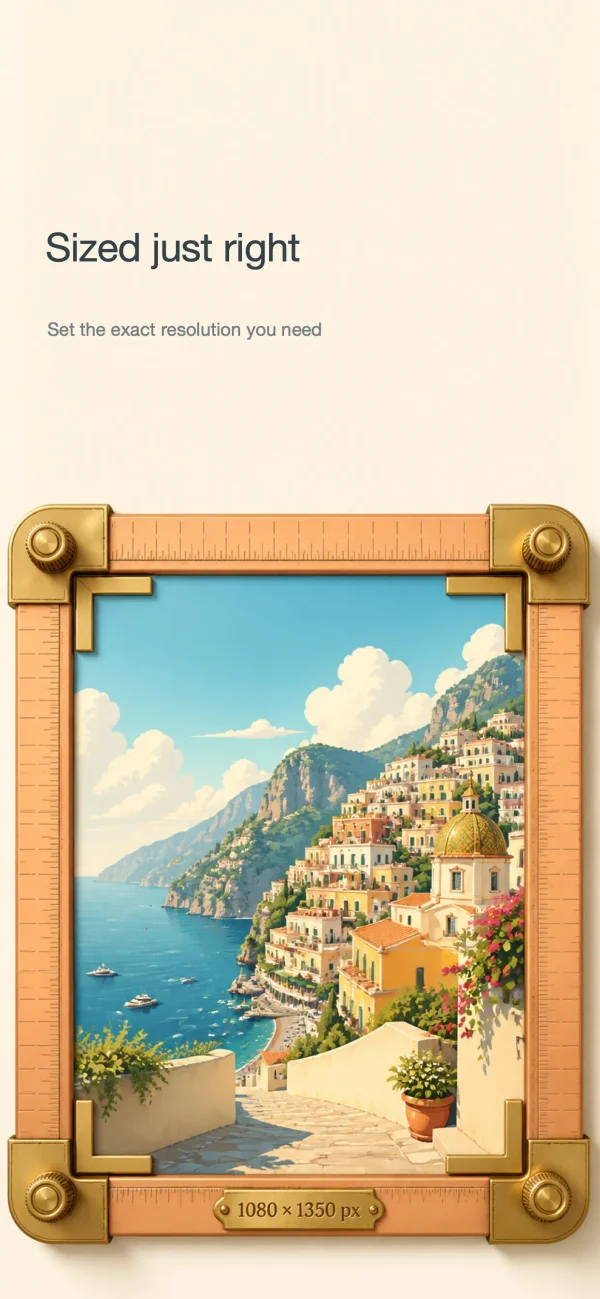
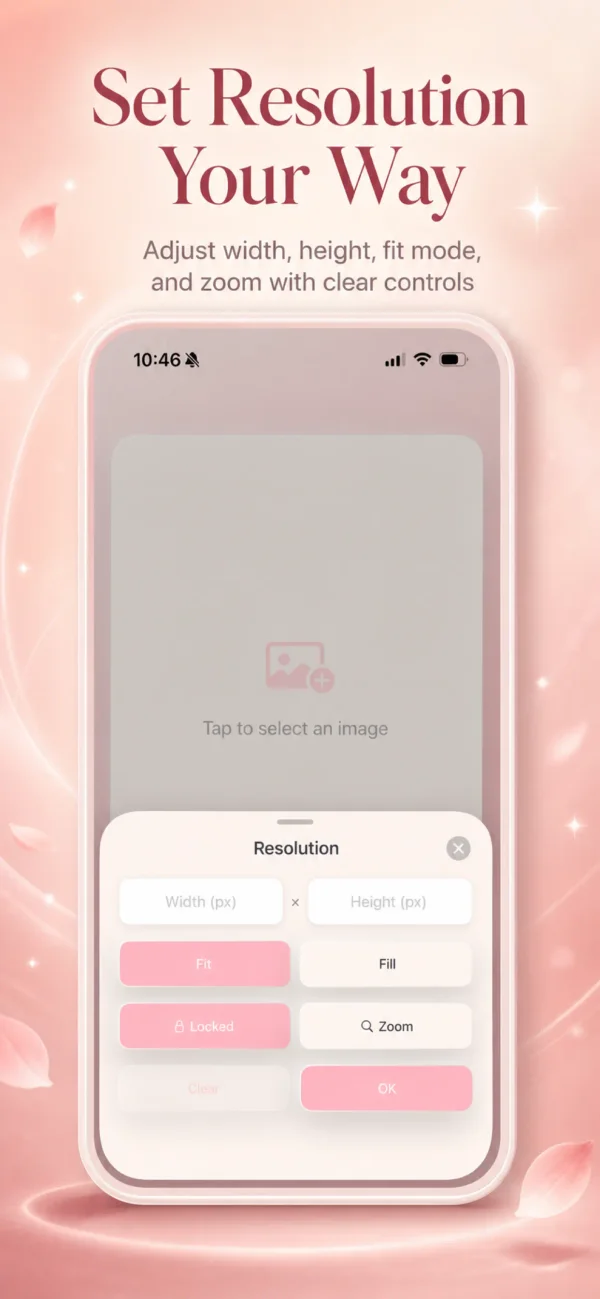
Resize to Exact Pixels
Set a custom width and height, including:
• 295 × 413 pixels• 300 × 400 pixels• 480 × 640 pixels• Any other custom dimensions
Choose between Fit and Fill modes to control how the image is resized and cropped.
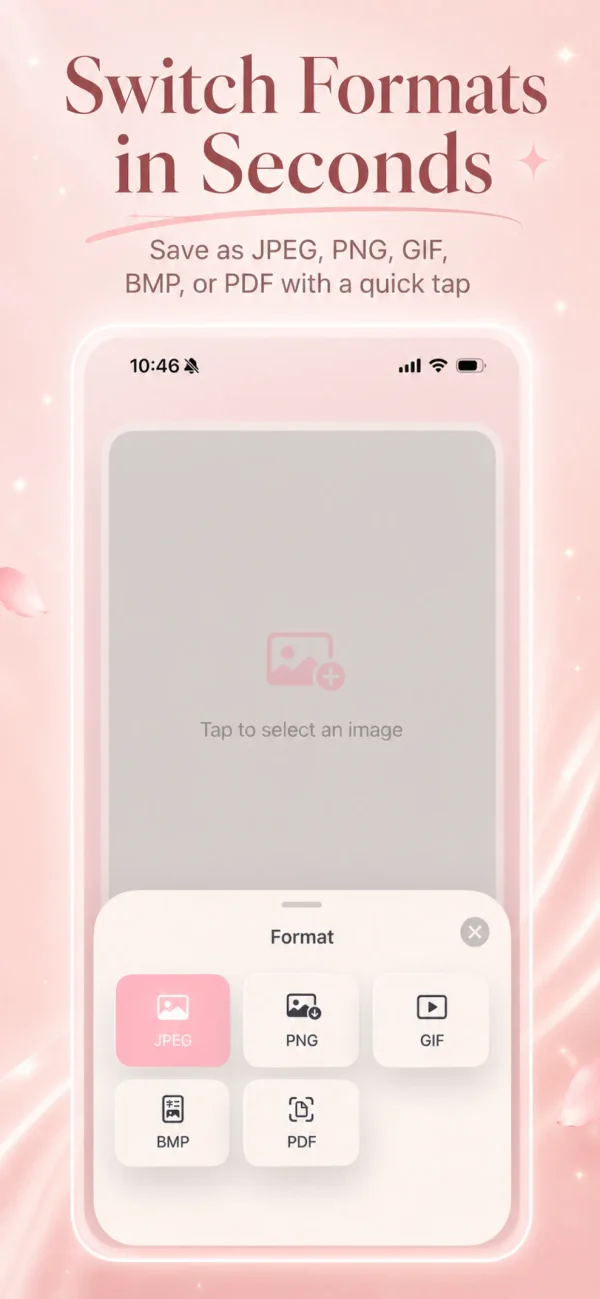
Multiple Image Formats
Supports common formats including JPEG, PNG, GIF, HEIF, BMP, TIFF, and PDF.
You can also convert HEIC photos from an iPhone into JPG files that are easier to upload to many websites.
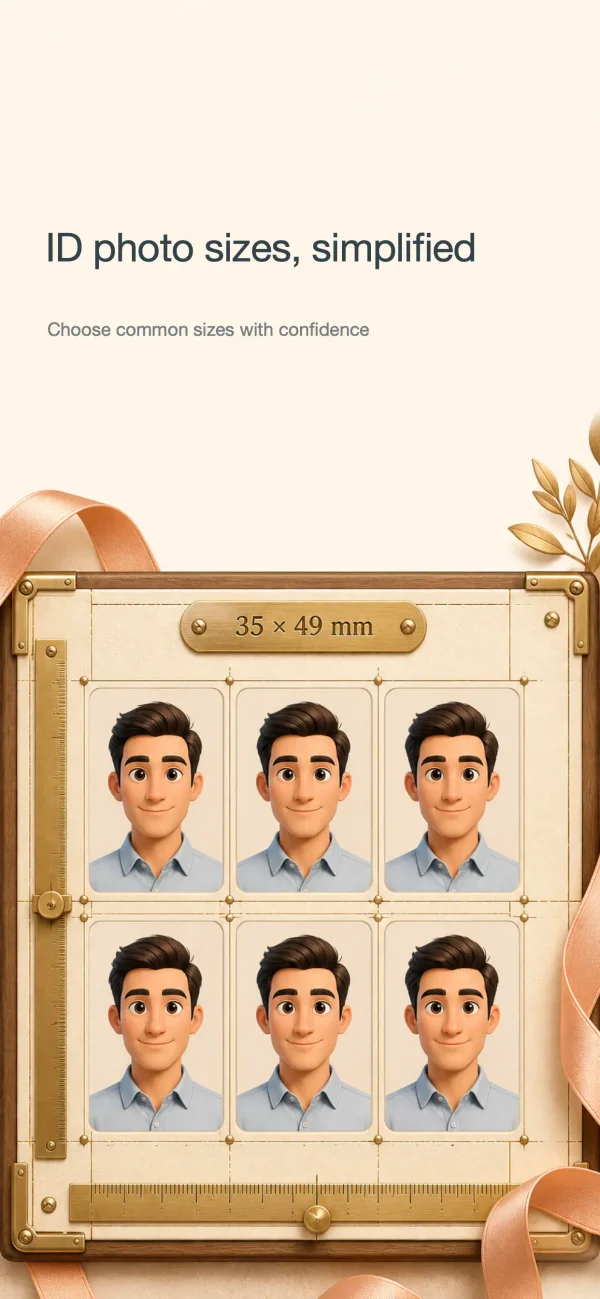
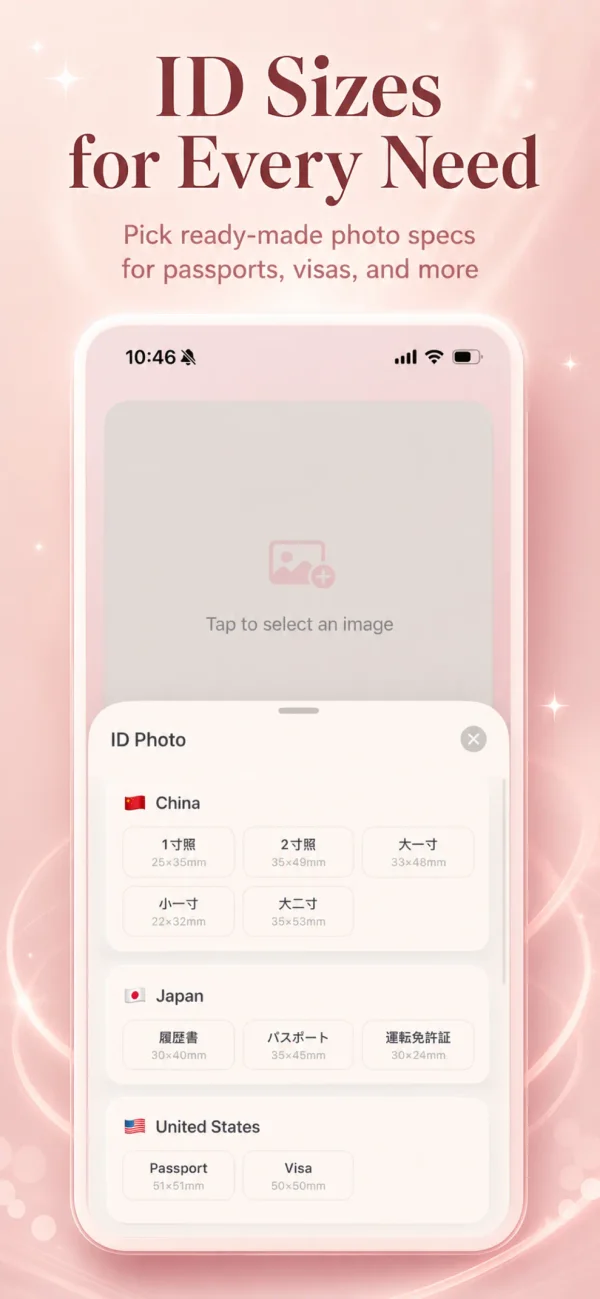
ID Photo Templates
Choose from standard photo templates, including:
• One-inch photos• Two-inch photos• Chinese ID photo sizes• Japanese ID photo sizes• US visa photos• Other common specifications
Select a template to quickly apply the required size and aspect ratio.
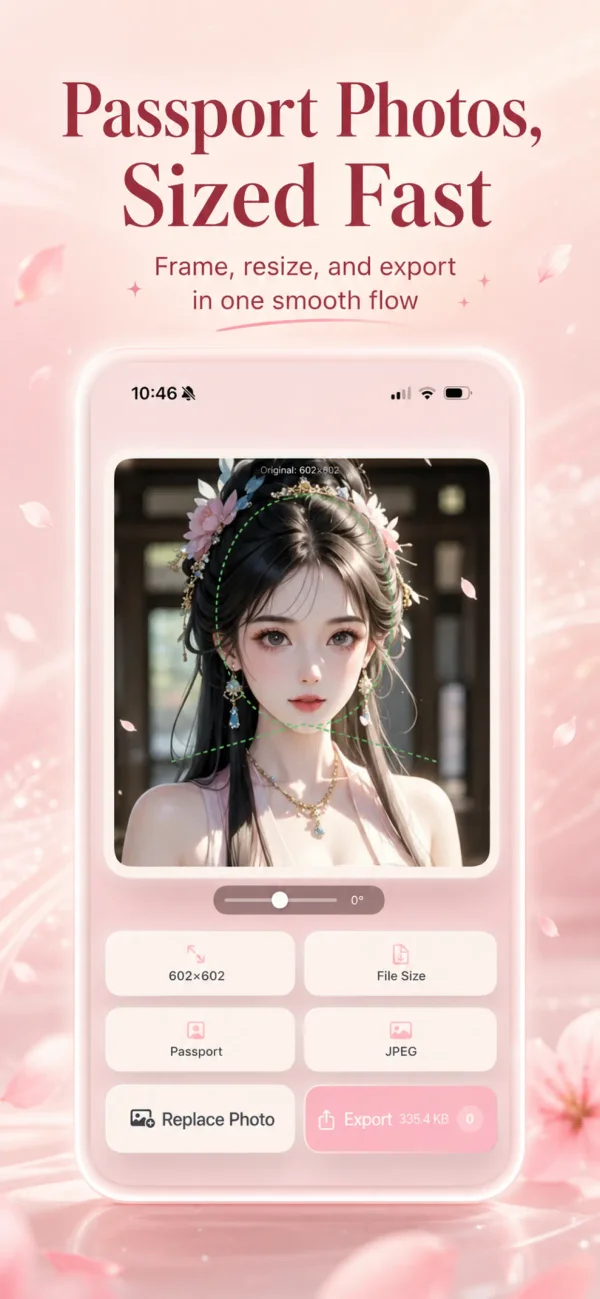
Fine Rotation Adjustment
In ID photo mode, make small rotation adjustments to correct slightly tilted photos.
Adjustable Image Quality
Fine-tune the compression quality to balance image clarity and file size.
Great for:
• Government and online applications• Exams and registration forms• School and employment documents• Passport, visa, and ID photos• Websites requiring exact pixels or file sizes• HEIC-to-JPG conversion• Everyday photo compression and resizing
Adjust the file size, pixels, format, and ID photo dimensions in one convenient workflow.
What’s new
Version 1.4 · Aug 30, 2026
Improved the user experience and fixed known issues.
App privacy
What 云涛 贾 declares on the App Store about how this app handles data.
-
Data not collected
The developer does not collect any data from this app.
Privacy practices may vary, for example with the features you use or your age.
Information
- Seller
- 云涛 贾
- Category
- Photo & Video
- Version
- 1.4
- Updated
- Aug 30, 2026
- Released
- Jun 11, 2026
- Size
- 3.0 MB
- Requires
- iOS 17.6 or later
- Age rating
- 4+
- In-app purchases
- Yes
- Languages
- Japanese, Simplified Chinese, Traditional Chinese, English
- Copyright
- Copyright © 2026 浅水鱼
You might also like
-
 Image Resizer - Compress PhotoPhotos Size Editor & Cropper
-
 Photo KB: Resize & CompressExact Pixels & HEIC to JPG
-
 Photo Compressor: Resize to KBShrink exam, ID, resume photos
-
 Image Resizer: Resize PhotoCompress Photo & Batch Resize
-
 PixelResize: Photo ResizerImage Size, Compress & Convert
-
 IntelliSize: Resize & Clean UpCrop, PDF, Cut Out & Compress
-
 compress photo ° Resize ImageCompress & resize photos
-
 PhotoFit – Resize & CompressExact KB or pixels, first try
-
 Apricamera 100KBLow Res Camera for Tiny Photos
-
 Resize Photo Size in KB, KBoraCompress Image for Exam Forms