
Image Compressor - Pixoma
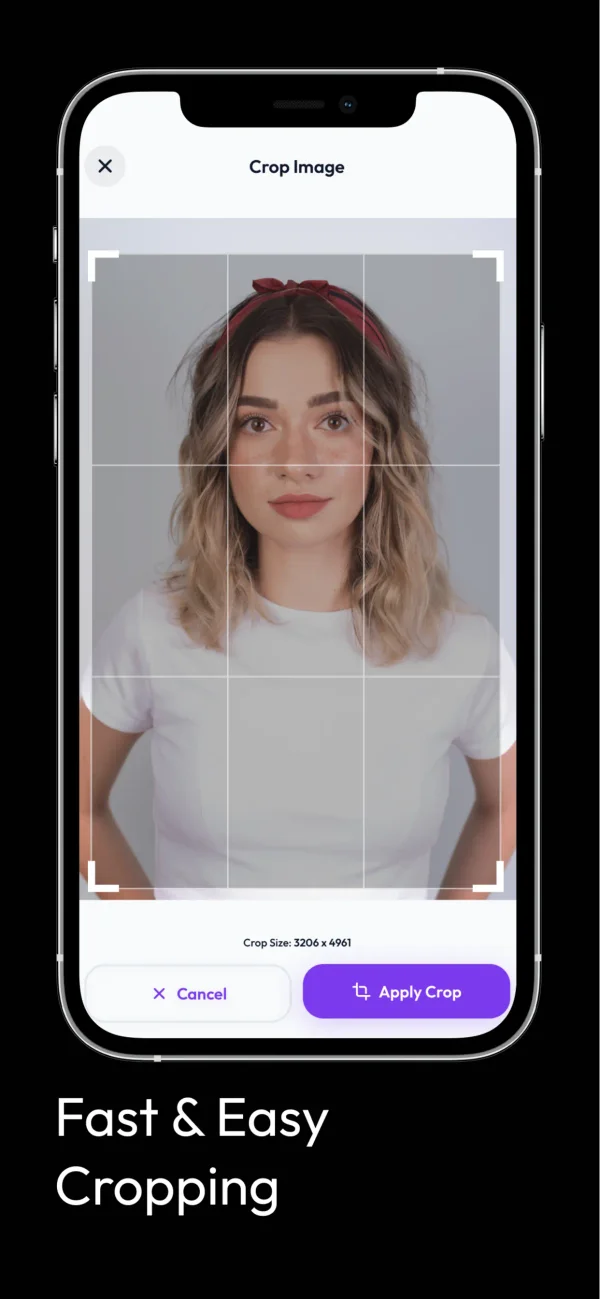
Crop, Compress, Resize Photos
Designed for iPhone
Free · In-app purchases
- Age rating4+
- CategoryPhoto & Video
- DeveloperSoufiane Bouziane
- LanguagesEnglish
- Size65.4 MB
Links to the official App Store page
Download.org hosts no file of Image Compressor - Pixoma. The button opens its official App Store page, published by Soufiane Bouziane. Listing last checked on Nov 17, 2026.
Screenshots
About
Pixoma Image Compressor is a fast image converter and photo compressor for iOS.
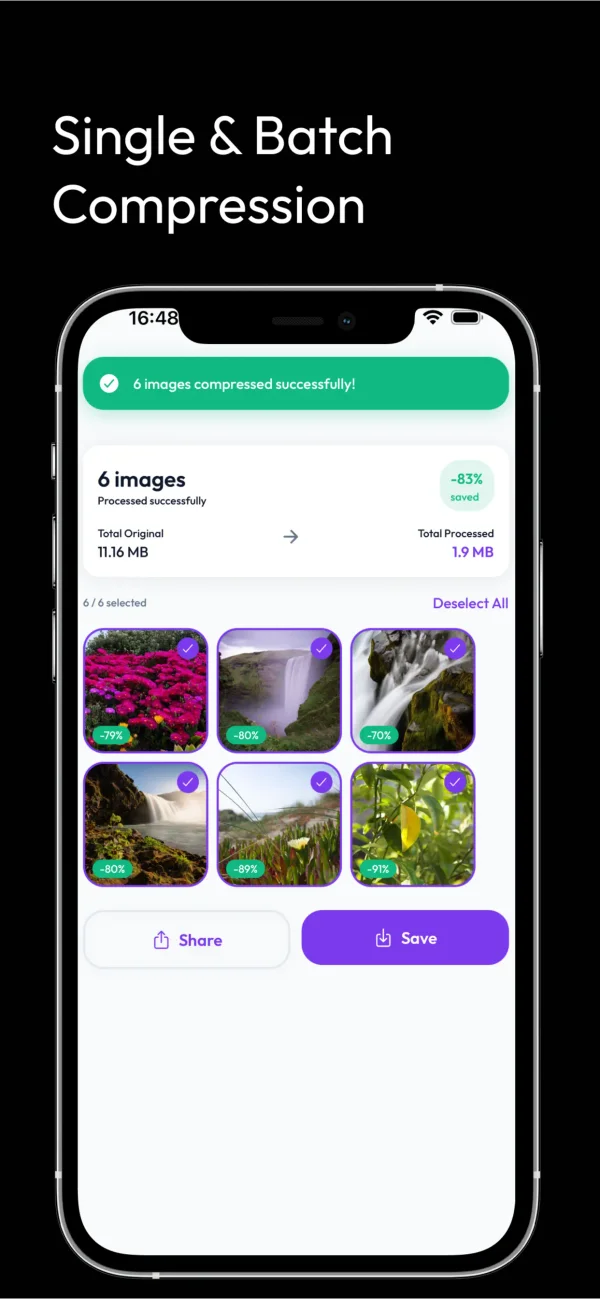
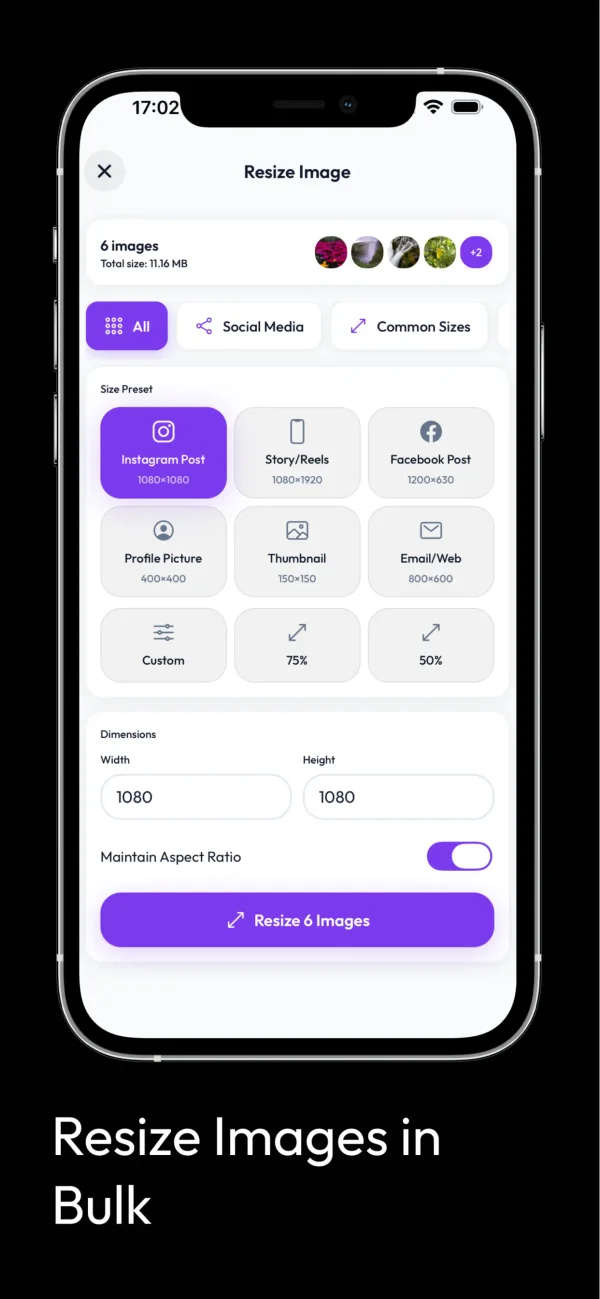
Reduce image size, resize photos, and convert formats directly on your device. Whether you're working with a single image or processing multiple files at once, everything is done locally — fast, private, and reliable.
Batch compress, resize, or convert images in just a few taps, with no uploads and no unnecessary complexity.
What you can do:
Compress photos:
Shrink file sizes without sacrificing visual quality — perfect for sharing, uploading, or freeing up storage space instantly.
Resize images:
Change dimensions with smart scaling to fit any platform, screen, or requirement.
Convert image formats:
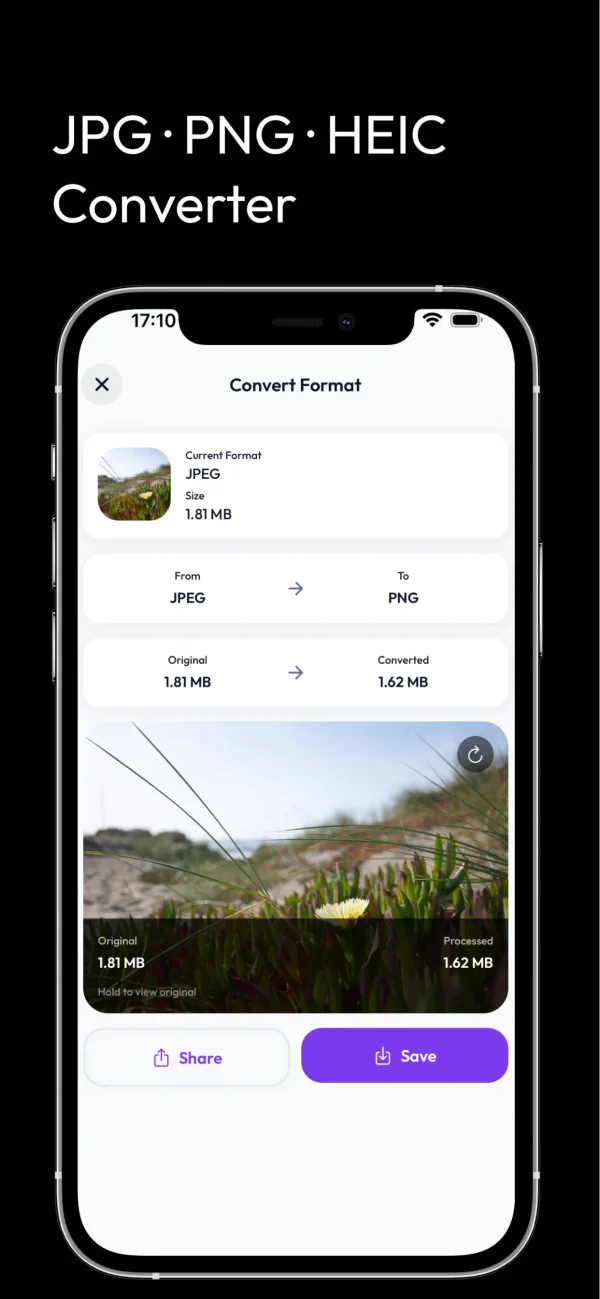
Switch between JPG, PNG, and HEIC quickly and reliably — no desktop tools needed.
Batch processing:
Handle multiple images at once so you're never stuck doing things one by one.
Supported formats:
JPG - PNG - HEIC - WebP
Designed for real use:
Pixoma is built for people who work with images regularly — designers, developers, sellers, students, and anyone who values speed and simplicity. All processing happens offline on your device. Your images stay private and never leave your phone.
Premium Subscription:
Unlock full access with Pixoma Premium. Start with a 3-day free trial, automatically renewed each week. Your subscription will auto-renew unless cancelled at least 24 hours before the end of the current period. You can manage or cancel your subscription anytime in your Apple ID settings. Payment will be charged to your Apple ID account upon purchase confirmation.
Contact: support@pixoma.app
Terms of Use: https://www.apple.com/legal/internet-services/itunes/dev/stdeula/
Privacy Policy: https://www.pixoma.app/legal/privacy
What’s new
Version 1.3.0 · Oct 26, 2026
Location removed by default; GPS and place names removed without recompression where supported.
Already compressed originals kept when possible. Fixed small WebP target-size compression.
History thumbnails, full-screen viewing and safety fixes.
History now also records results you share, not just ones you save.
Better defaults, more input formats and Pro options matched to your task.
HEIC output on supported iOS devices in Convert and full-resolution/manual Compress.
iOS Free up space: free estimates; batch compression with Pro. Deletion requires iOS confirmation.
Find duplicates is now its own tool on Home: review each group with large previews, choose which copy to keep, then delete with iOS confirmation (Pro).
Find your language faster with search, plus clearer haptic and message feedback.
App privacy
What Soufiane Bouziane declares on the App Store about how this app handles data.
-
Data not collected
The developer does not collect any data from this app.
Privacy practices may vary, for example with the features you use or your age.
Information
- Seller
- Soufiane Bouziane
- Category
- Photo & Video
- Version
- 1.3.0
- Updated
- Oct 26, 2026
- Released
- Feb 14, 2026
- Size
- 65.4 MB
- Requires
- iOS 16.4 or later
- Age rating
- 4+
- Price
- Free
- In-app purchases
- Yes
- Languages
- English
- Copyright
- © 2026 - SoftaDev
You might also like
-
 Video Compressor - reduceCompress videos & resize
-
 PreCamPhoto & Video
-
 MemoClean : Photo CleanerSwipe Albums Like Short Videos
-
 Video to Live Wallpaper HDBatch export, trim & wallpaper
-
 NeatPixClean up duplicated photos
-
 Cat Camera - Efiko Pet PhotosCat sounds for better photos
-
 Easy Clean & DuplicatesDuplicate Photo Cleaner
-
 Video to GIF Maker: Video2GifAI Images, GIFs & Collages
-
 Easy AlbumsUltra-fast Photo Grouping
-
 Photos Slim-Photo Cleaner&MapPhoto Vault,Video Compressor