Image Converter: Any Format
Convert to HEIC, JPG, PNG, PDF
Designed for iPhone, iPad
Free · In-app purchases
- Age rating12+
- CategoryPhoto & Video
- DeveloperDanish Khan
- LanguagesEnglish+ 6 more
- Size23.1 MB
Links to the official App Store page
Download.org hosts no file of Image Converter: Any Format. The button opens its official App Store page, published by Danish Khan. Listing last checked on Nov 27, 2026.
Screenshots

About
Convert images, resize photos and create PDFs, right on your device.
SAVED SETTINGS AND MORE CONTROL
Save named presets and reuse your format, quality, metadata and resize settings in Single and Batch. Enter custom dimensions with an aspect-ratio lock, fit the whole image, crop from the centre or add white padding.
Compare the original and converted image with shared zoom, dimensions, file sizes and savings. For supported lossy formats, size targeting tries quality first and can reduce dimensions if needed. Results depend on your source and settings.
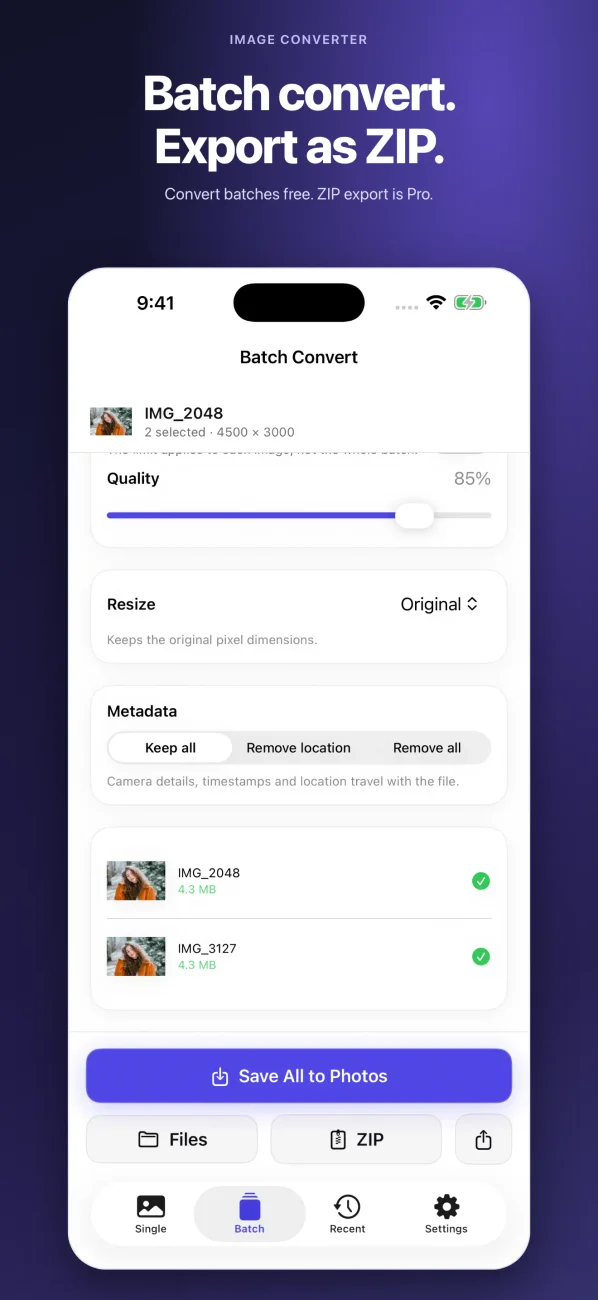
Browse batch images in a swipeable preview with a thumbnail strip. Remove individual images and undo accidental removals. Batch preview and removal are free. Rename batch outputs with a prefix, starting number and number padding, with filenames shown before conversion.
Send optional feedback from Settings. Choose a feedback type and feature, add comments, and optionally include app/system version and device model. Submit feedback directly in-app (with an email fallback if offline); images are not attached automatically.
FORMATS THAT FIT YOUR WORKFLOW
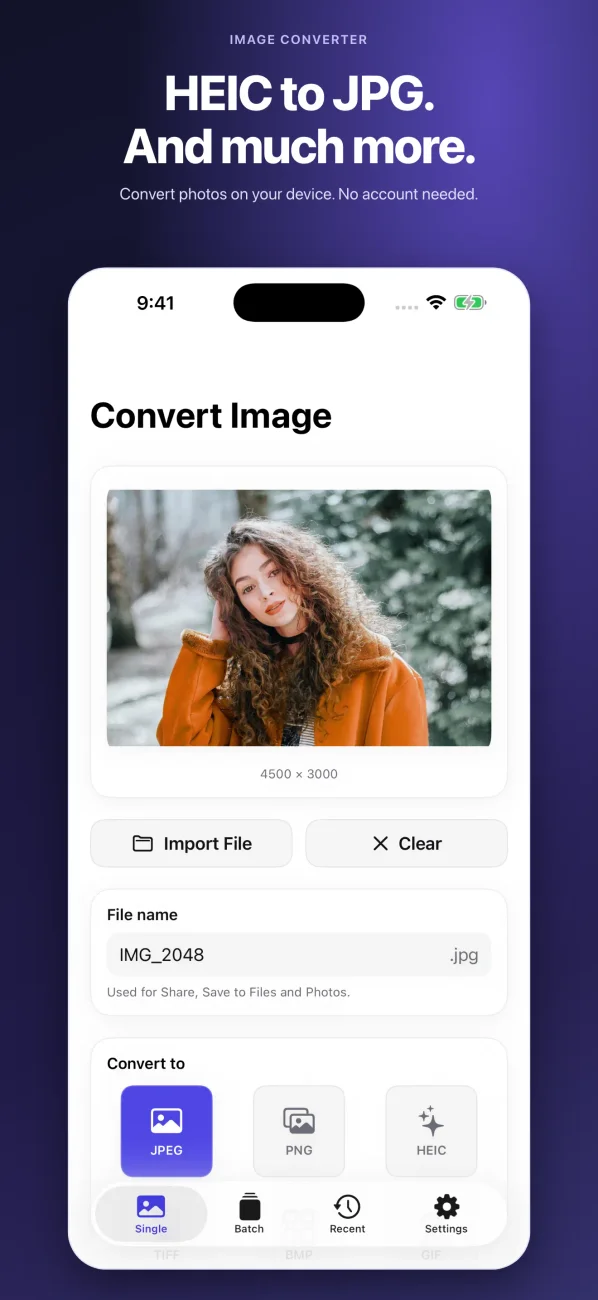
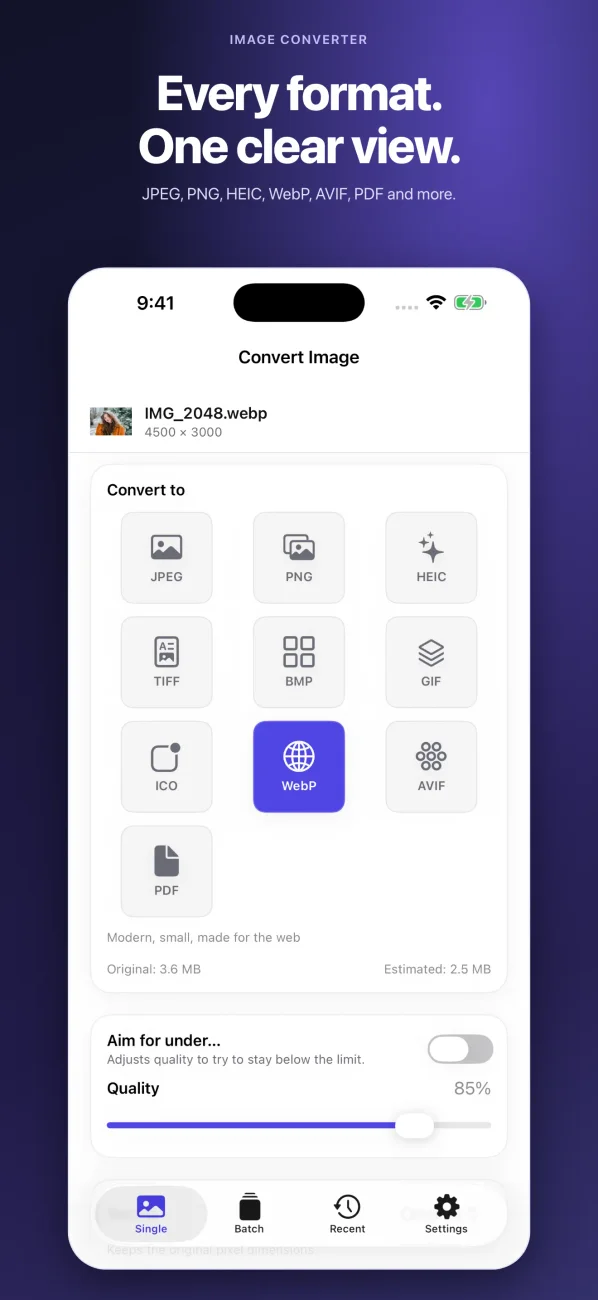
Convert to JPEG, PNG, HEIC, WebP, AVIF, TIFF, BMP, GIF, ICO or PDF. Import supported camera RAW files. Save compatible formats to Photos, or export to Files and share with other apps.
SINGLE OR BATCH
Work on one photo or several at a time. The workspace adapts to iPad window sizes, with larger format buttons and previews that preserve your image proportions. A compact filename and dimensions header stays visible as you scroll.
AIM FOR SMALLER FILES
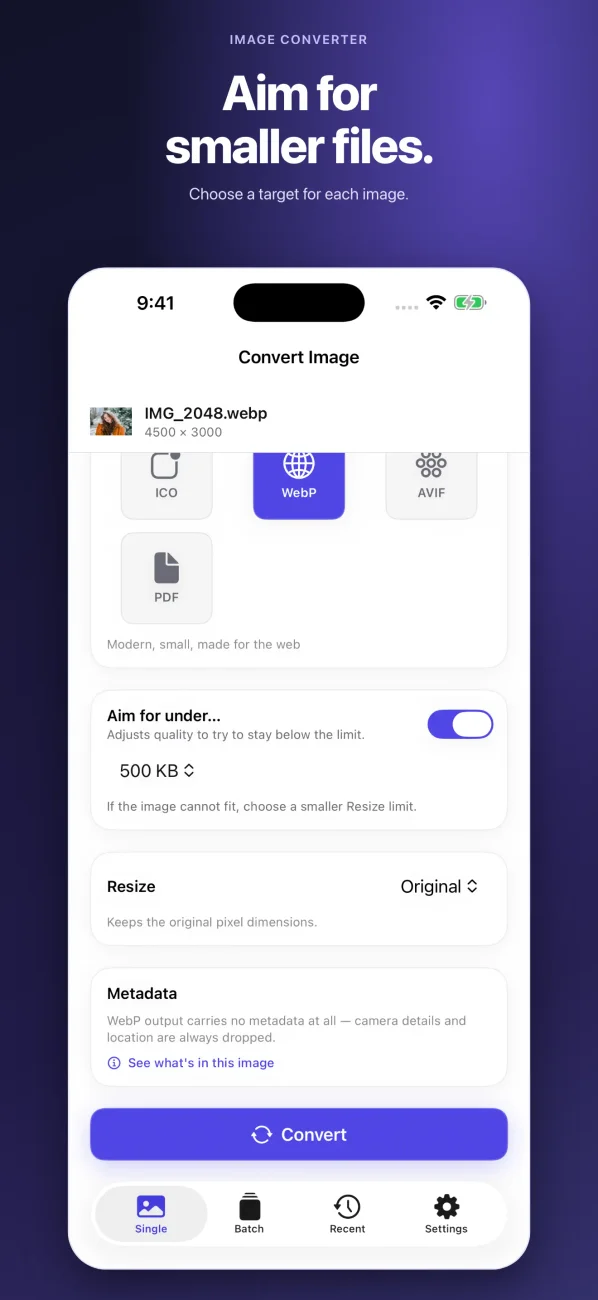
Choose JPEG, HEIC, WebP or AVIF and aim to stay below a file-size limit such as 500 KB. The limit applies to each image in a batch. Results depend on your image; use a smaller resize limit if quality adjustment alone cannot reach your target. PNG and other formats without adjustable quality can be resized instead.
PHOTOS TO PDF
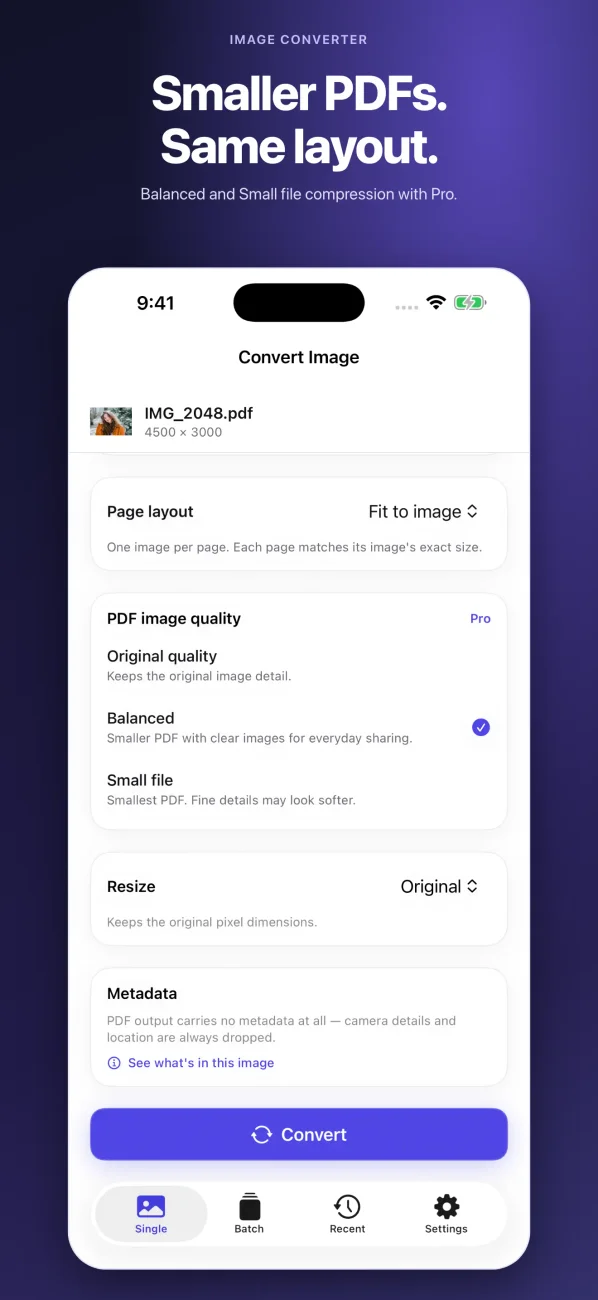
Combine images into one PDF with image-sized, A4 or US Letter pages, including multi-image layouts. Original-quality PDF export is available free. Pro adds Balanced and Small file PDF compression in both Single and Batch, preserving page layout and image proportions.
USEFUL EVERY DAY
• Inspect camera details and remove location metadata before sharing
• Re-save or share your last 20 conversions
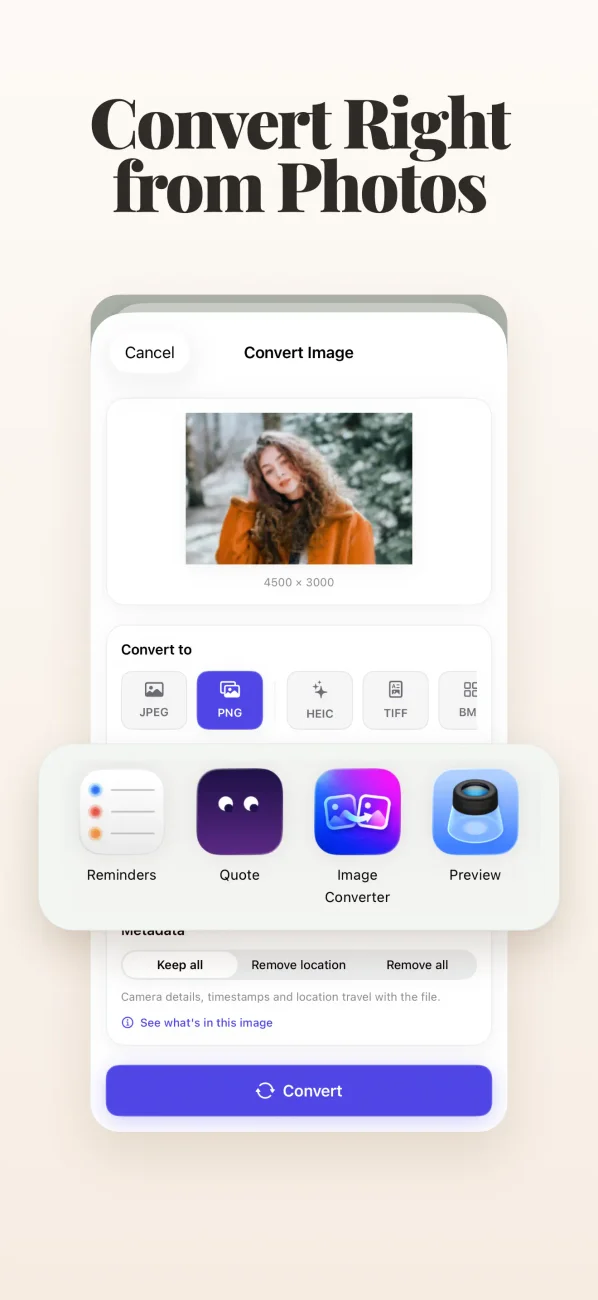
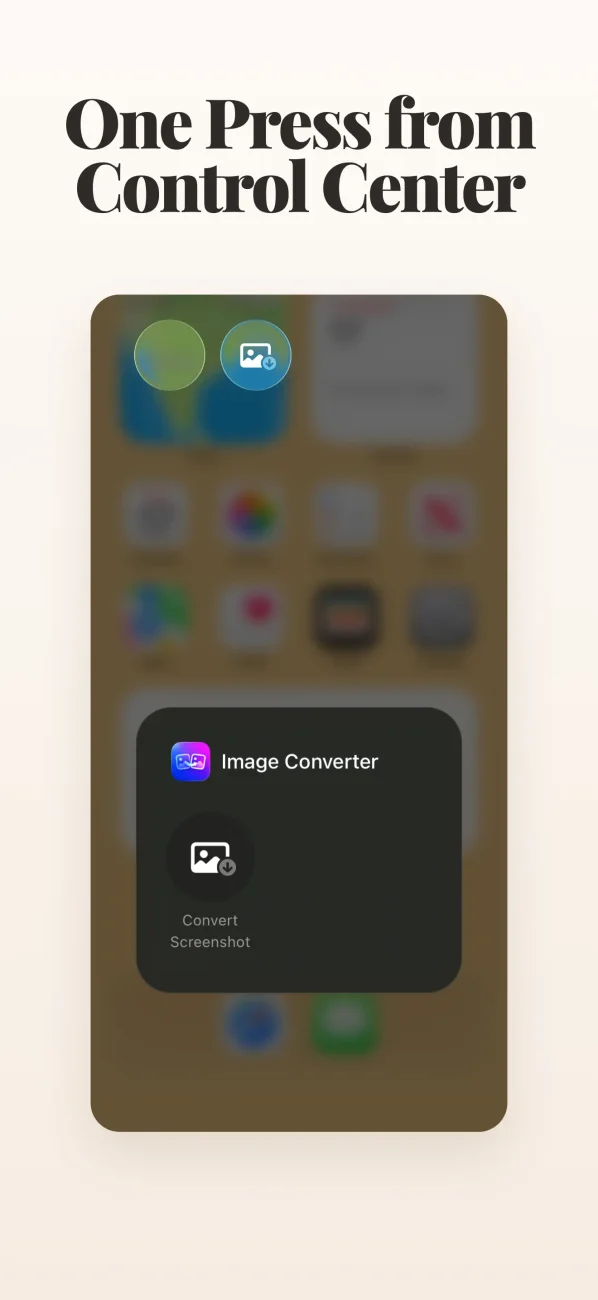
• Convert from the share sheet, Shortcuts and supported system controls
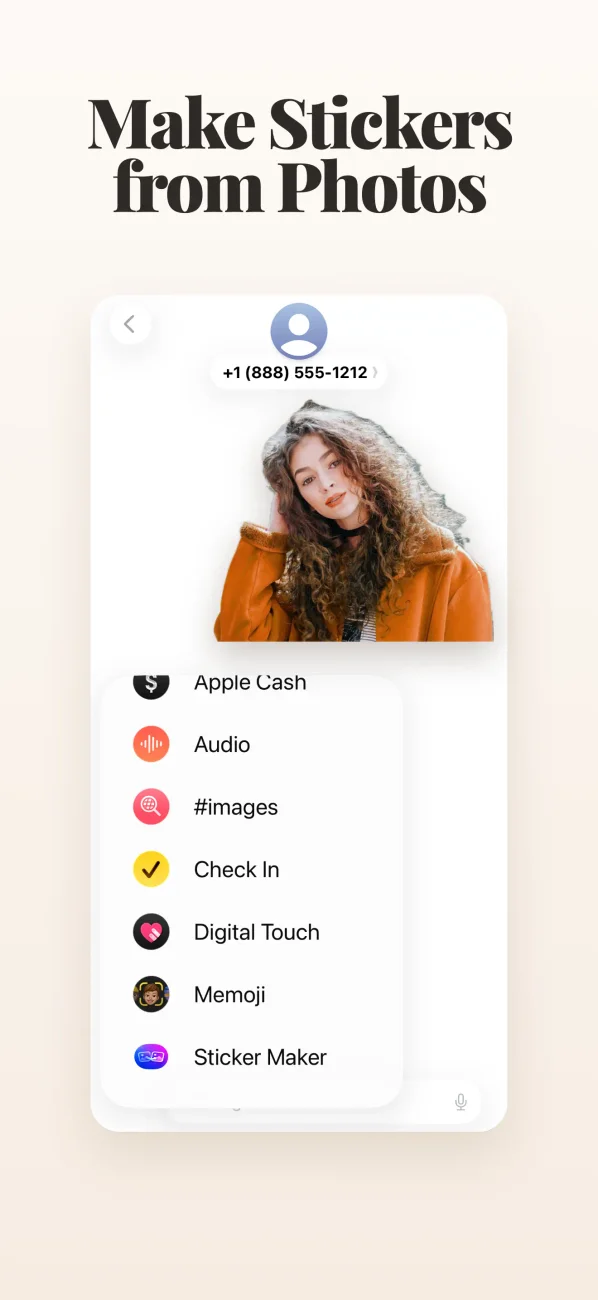
• Use the Safari extension for web images and create photo stickers in Messages
FREE AND PRO
Convert 3 images per day free (up to 2 per batch, 1 saved preset), with optional rewarded ads for extra conversions. The free iPhone and iPad app includes ads. A one-time lifetime Pro purchase removes ads and unlocks unlimited images, unlimited batches, target file size limits, unlimited presets, compressed PDFs and ZIP export. No subscription.
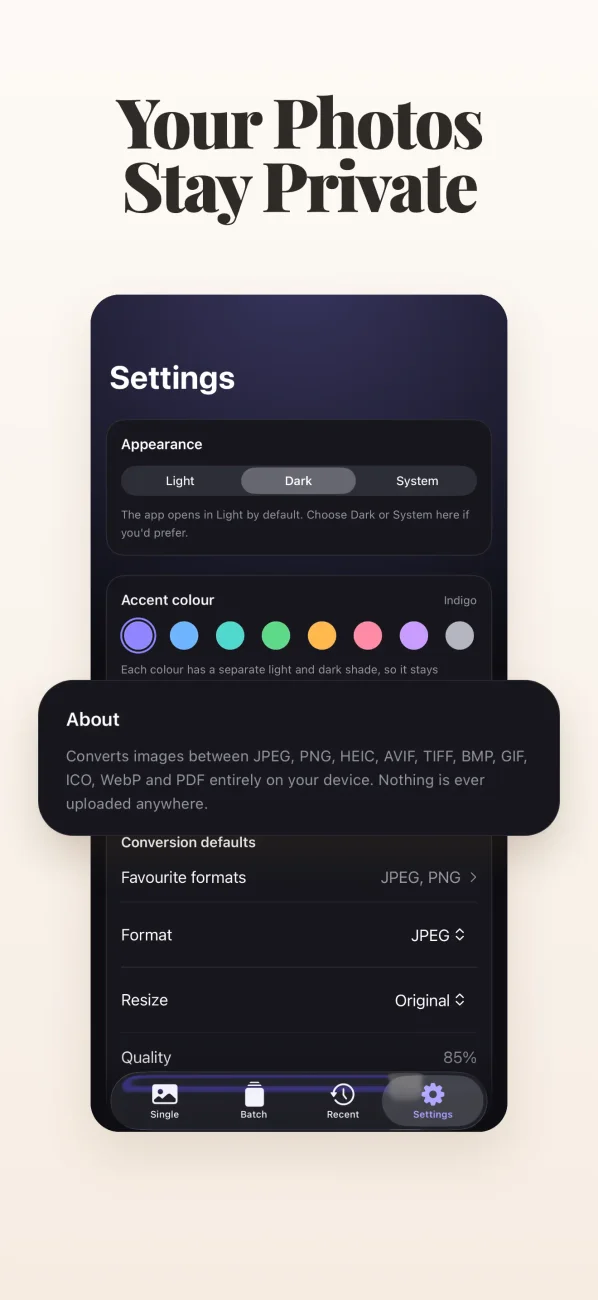
Conversions process your images on-device; no photo upload or account is required. Ad services use network access in the free version.
Available in English, Japanese, German, French, Korean, Traditional Chinese and Arabic.
Lifetime Pro includes all future app updates.
Privacy Policy: https://danish-khan01.github.io/danishiosapps/imageconverter-support.html
What’s new
Version 2.4 · Nov 25, 2026
• Lifetime Pro offer during onboarding with a clear Free vs Lifetime comparison
• Target file size ("Aim for under…"), 3+ image batches, and 2+ saved presets are now Lifetime Pro features
• Shared daily allowance (3 free images/day) across the app, Share Extension, and Safari Extension
• Direct in-app feedback submission (no email setup required) and smoother rating requests
App privacy
What Danish Khan declares on the App Store about how this app handles data.
-
Data used to track you
May be used to track you across apps and websites owned by other companies.
- Identifiers
-
Data linked to you
May be collected and linked to your identity.
- Identifiers
- Usage data
- Diagnostics
-
Data not linked to you
May be collected but is not linked to your identity.
- User content
- Identifiers
- Usage data
- Diagnostics
Privacy practices may vary, for example with the features you use or your age.
Information
- Seller
- Danish Khan
- Category
- Photo & Video
- Version
- 2.4
- Updated
- Nov 25, 2026
- Released
- Aug 10, 2026
- Size
- 23.1 MB
- Requires
- iOS 18 or later
- Age rating
- 12+
- Price
- Free
- In-app purchases
- Yes
- Languages
- English, Arabic, French, German, Japanese, Korean, Traditional Chinese
- Copyright
- © 2026 Danish Khan
You might also like
-
 Image Lite:画像リサイズ・軽量化Photo & Video
-
 Image Converter: Offline BatchHEIC WebP AVIF JPG to PDF
-
 Image Converter - Batch PhotosJPG, PNG, HEIC, PDF & More
-
 Image Converter - HEIC JPG PNGEasy Image Format Conversion
-
 Image Converter – HEIC & WebPBatch convert JPG, PNG & PDF
-
 Photo Widget: Crop & PositionPets & family, faces stay in
-
 HEIC to JPG Image ConverterBatch PNG, WebP, TIFF offline
-
 Image Converter: HEIC JPG WebPBatch Compress, Resize, GIF
-
 Lossless Video TrimmerPhoto & Video
-
 Photo Converter JPEG HEIC PNGImage to PNG JPG WEBP GIF PDF