- Age rating4+
- CategoryPhoto & Video
- DeveloperGeekme
- LanguagesEnglish+ 30 more
- Size2.5 MB
Links to the official App Store page
Download.org hosts no file of Image Resizr. The button opens its official App Store page, published by Geekme. Listing last checked on Nov 15, 2026.
Screenshots
About
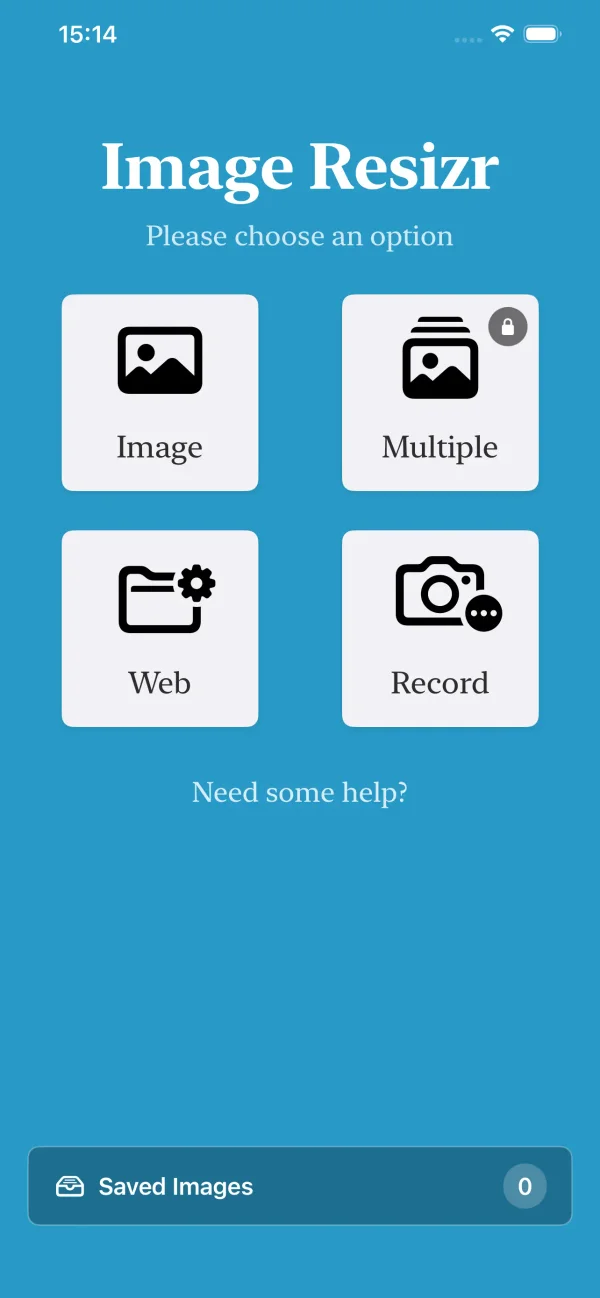
Resize and compress photos in a native app for iPhone and iPad.
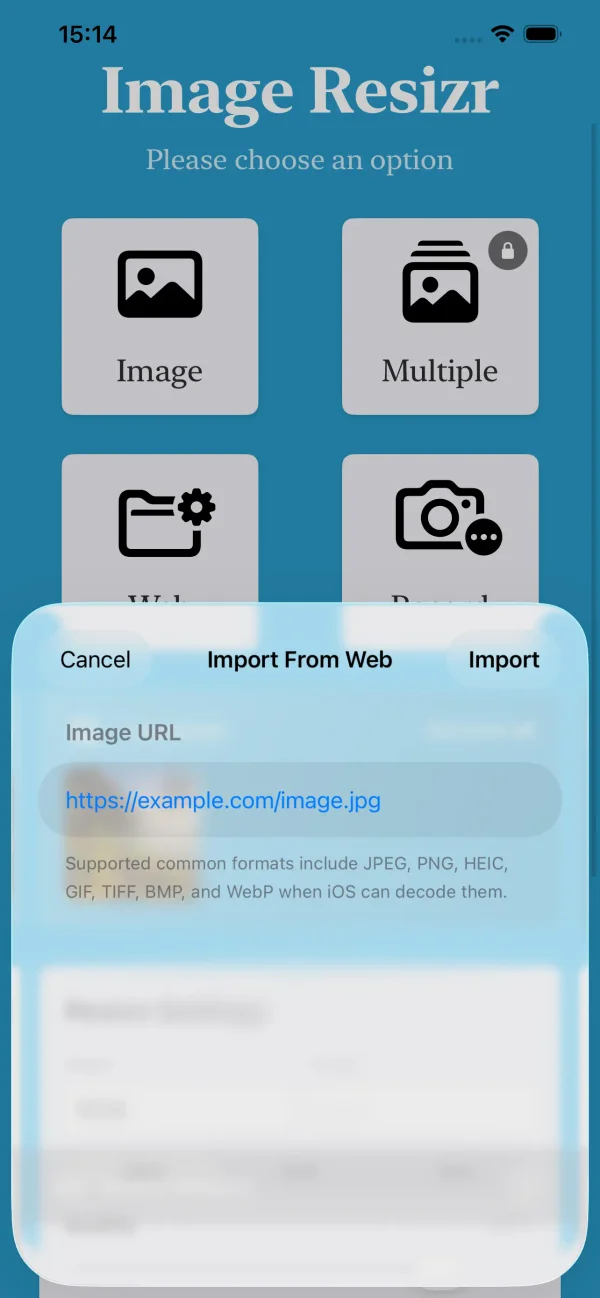
Choose Photos, a web URL or the camera, then preview your changes before resizing.
:: Size and presets
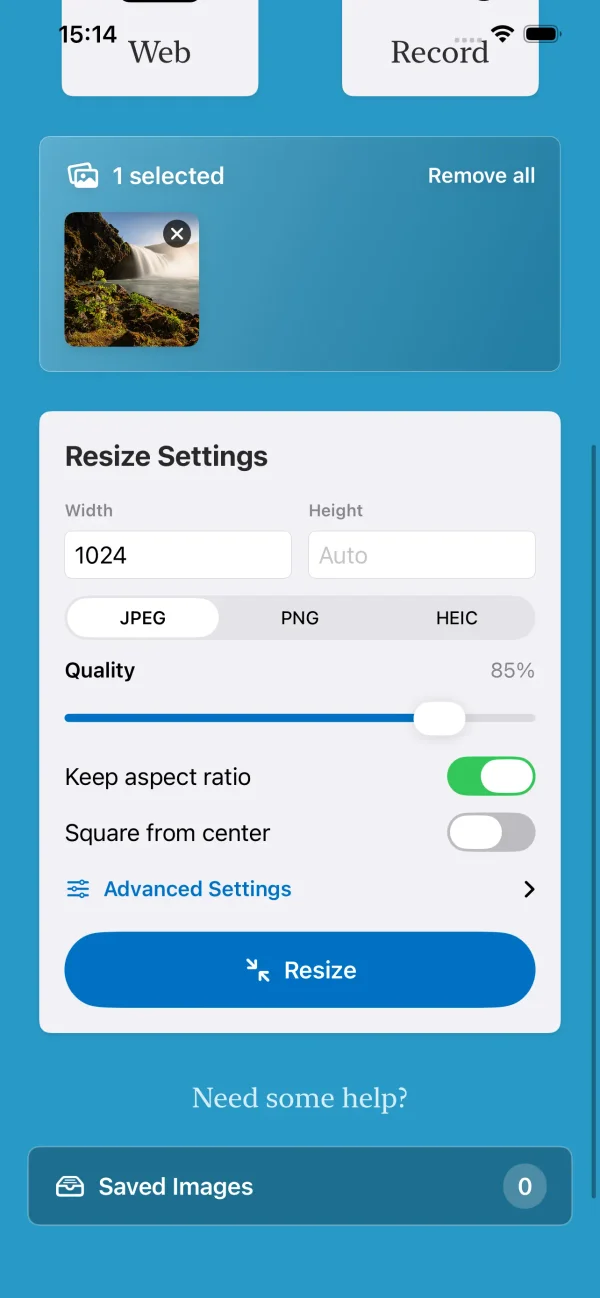
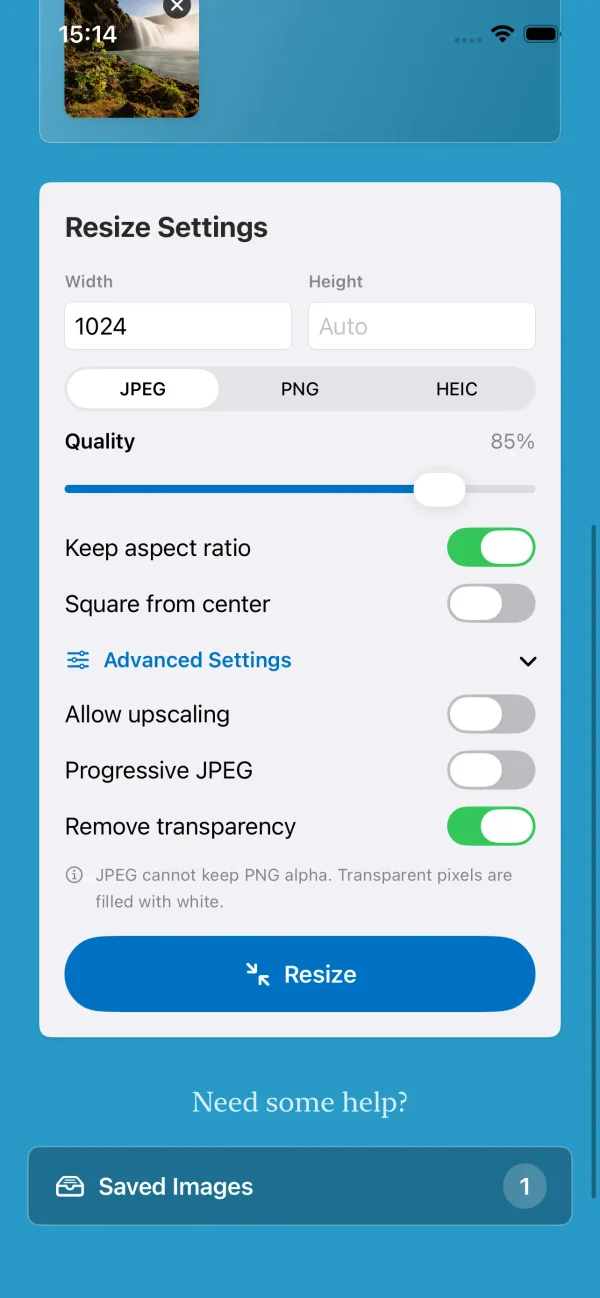
Use pixels, percentages or the longest edge. Choose Fit, Fill, Pad, Stretch or a centered square crop, and save your own presets.
:: File size and formats
Export JPEG, PNG or HEIC. Set a KB/MB limit and minimum quality; allow smaller dimensions when needed. Unreachable limits are reported.
:: Real preview
Compare original and resized images, dimensions and actual file sizes before starting.
:: Transparency and metadata
Keep PNG transparency or choose a background color. Photo details are optional, with GPS off by default.
:: Large batches with Pro
Unlock multiple-image resizing with a one-time in-app purchase. Follow progress, pause and resume after restarting; completed results stay saved.
:: Saved images and export
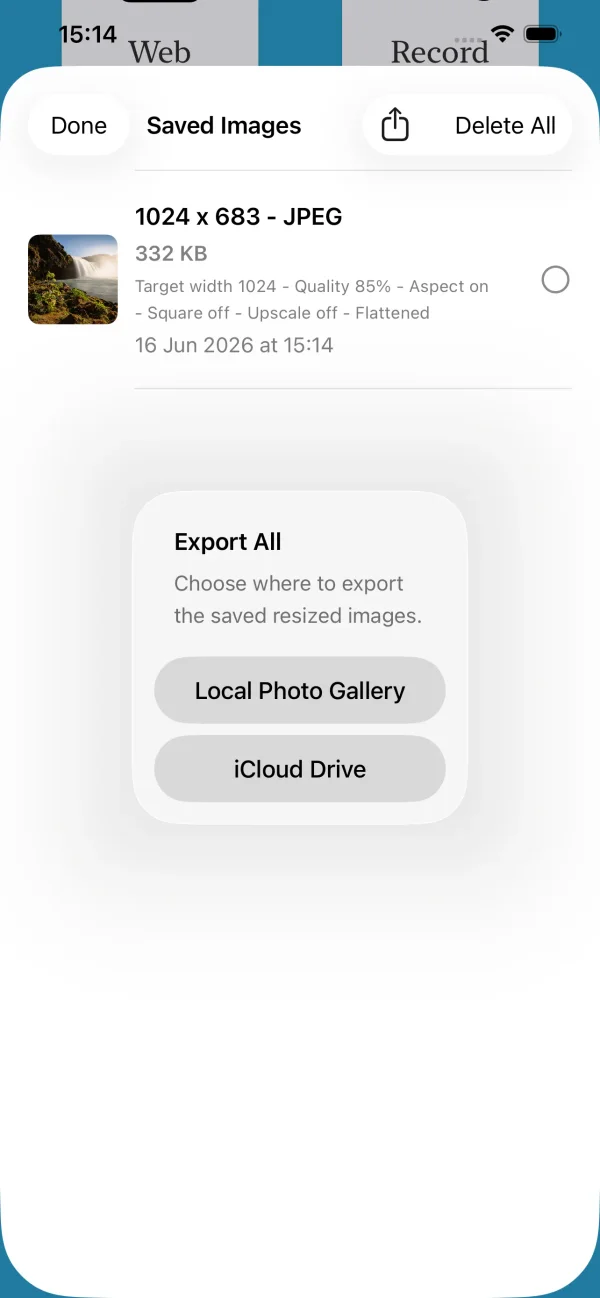
See results automatically in Saved Images. Export selected images or all results to a chosen Photos album or Files/iCloud, with readable filenames.
:: Language and help
Change the app's supported language without restarting. Find help, Free/Pro status, upgrade and restore in Settings.
:: On-device resizing
Resizing runs locally. Web imports, iCloud and purchases need internet. Animated sources are saved as still images.
What’s new
Version 5.0 · Nov 11, 2026
5.0
Resize and compress photos in a native app for iPhone and iPad.
- Size and presets: Use pixels, percentages or the longest edge. Choose Fit, Fill, Pad, Stretch or a centered square crop, and save your own presets.
- File size and formats: Export JPEG, PNG or HEIC. Set a KB/MB limit and minimum quality; allow smaller dimensions when needed. Unreachable limits are reported.
- Real preview: Compare original and resized images, dimensions and actual file sizes before starting.
- Transparency and metadata: Keep PNG transparency or choose a background color. Photo details are optional, with GPS off by default.
- Large batches with Pro: Unlock multiple-image resizing with a one-time in-app purchase. Follow progress, pause and resume after restarting; completed results stay saved.
- Saved images and export: See results automatically in Saved Images. Export selected images or all results to a chosen Photos album or Files/iCloud, with readable filenames.
- Language and help: Change the app's supported language without restarting. Find help, Free/Pro status, upgrade and restore in Settings.
- On-device resizing: Resizing runs locally. Web imports, iCloud and purchases need internet. Animated sources are saved as still images.
App privacy
What Geekme declares on the App Store about how this app handles data.
-
Data not collected
The developer does not collect any data from this app.
Privacy practices may vary, for example with the features you use or your age.
Information
- Seller
- Geekme GmbH
- Category
- Photo & Video
- Version
- 5.0
- Updated
- Nov 11, 2026
- Released
- Apr 4, 2014
- Size
- 2.5 MB
- Requires
- iOS 17.0 or later
- Age rating
- 4+
- Price
- Free
- In-app purchases
- Yes
- Languages
- English, Arabic, Bengali, Czech, Danish, Dutch, Finnish, French, German, Greek, Hebrew, Hindi + 19 more
- Copyright
- © Geekme
You might also like
-
 Photo Editor (Resizing)( Resizing , Rotation )
-
 Photo Resizer Image ConverterResize & Compress JPG PNG HEIC
-
 Compress Photos Size ImageResize Photos - Image Resizer
-
 Resize ImagePhoto & Video
-
 PhotoResizing - Resize ImagePhoto Resizer, No Payment
-
 Image Size - Photo CompressPhoto resize and compress
-
 Photo Resizer & CompressorCompress Image, Resize JPG PNG
-
 ReSIZER - Simple Photo ResizerPhoto and Image Resizing Tool
-
 NoCrop Photo - Picture ResizerFit size. No crop image resize
-
 PhoTop - Check Image SizeCheck Image & Video Size