
Image Search - Reverse Image
Snap, tap & learn quick facts
Designed for iPhone, iPad
Free · In-app purchases
- Age rating4+
- CategoryUtilities
- DeveloperCoreBit Solutions
- LanguagesEnglish+ 10 more
- Size27.5 MB
Links to the official App Store page
Download.org hosts no file of Image Search - Reverse Image. The button opens its official App Store page, published by CoreBit Solutions. Listing last checked on Nov 15, 2026.
Screenshots


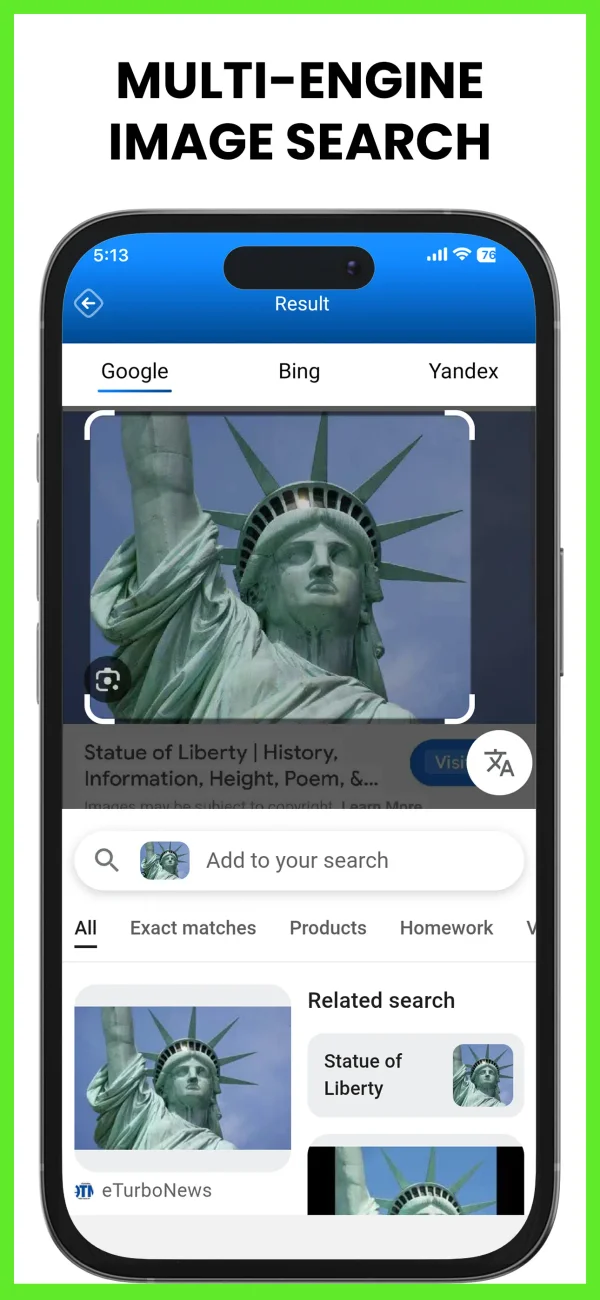

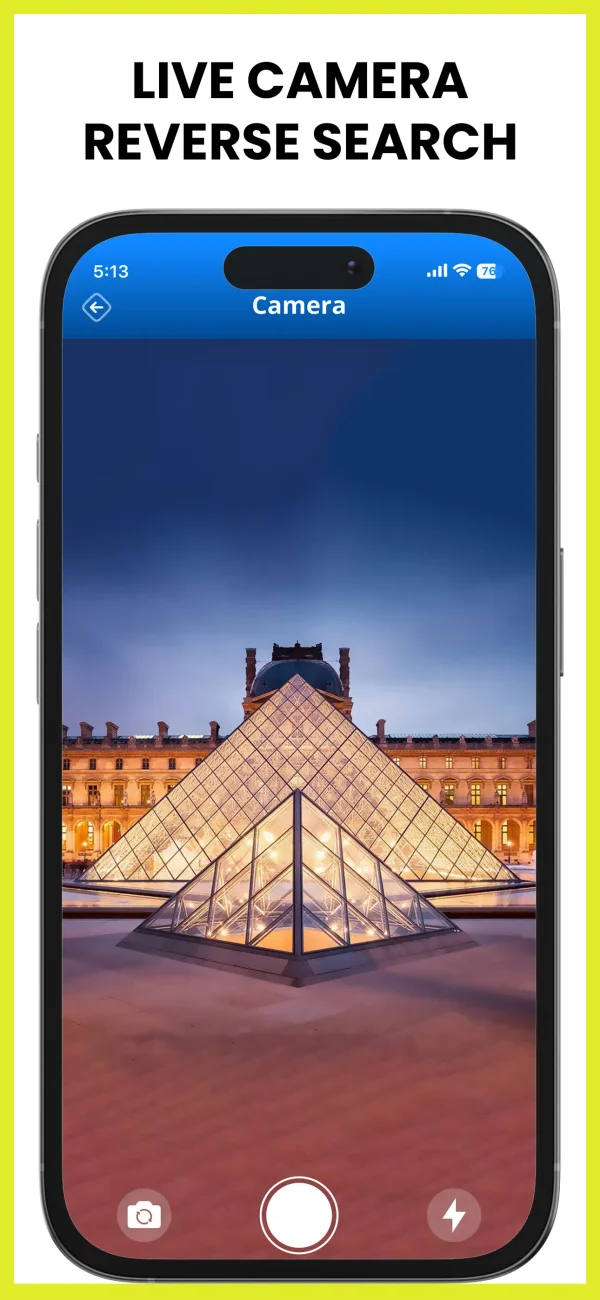

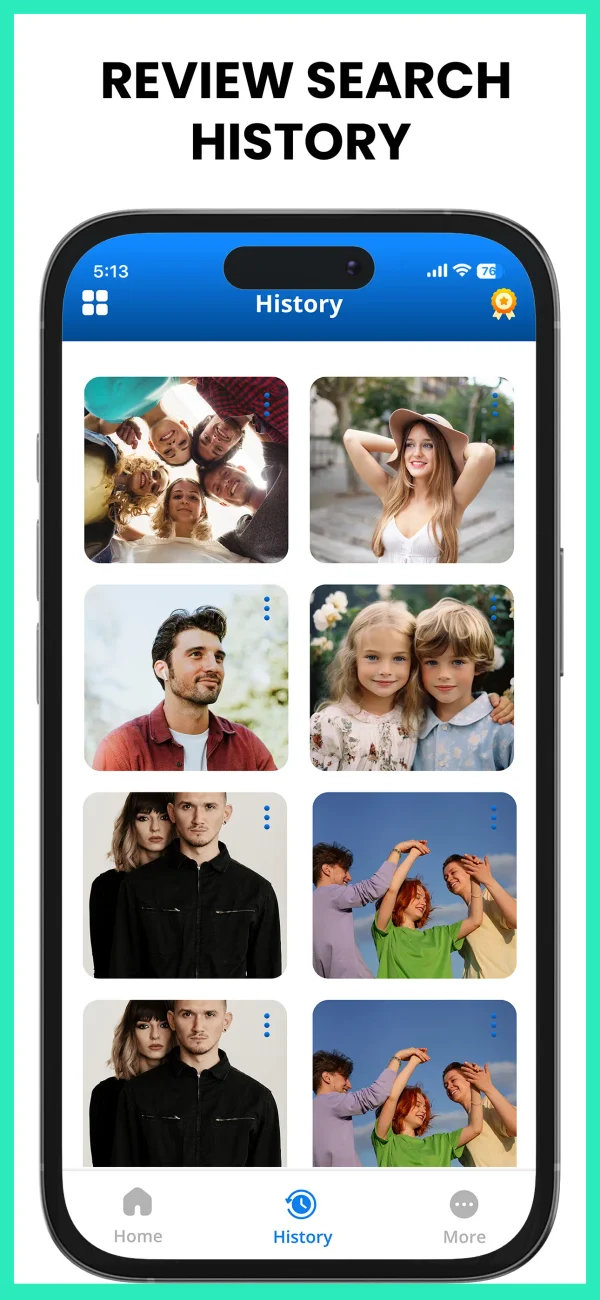
About
Are you trying to find the source of a photo or get more information about its contents? Image Search - Reverse Image simplifies the process using just a picture. Upload a photo to initiate a reverse image search that provides fast and accurate results. Whether the image shows a person, product, or location, matching sources appear in seconds. No typing is needed; a picture search reveals key information with a single tap.
Some Main Features of Image Search - Reverse Image app:
• Upload any image to begin a reverse image search
• Instant photo search with the camera
• Supports photo search via URLs from multiple search engines
• Check the history for future purposes
Quick Image Upload: Uploading a photo begins a reverse image search that analyzes visual content using detection tools supported by the image finder. Visually similar images are identified through a photo search, which also detects known versions across various platforms. The results are displayed in a clean, easy-to-navigate interface within your in-app web browser.
Instant Photo Search via Camera: Taking a new photo instantly launches a photo search that utilizes image finder techniques to analyze image details. If a face appears in the capture, the people search finds possible matches using reference sources. While True People Search provides more detailed and accurate information about individuals.
URL Support from Search Engines: Entering an image URL initiates a reverse image search, which scans linked content from a web browser. Visual checks are initiated by search by image tools to collect matching content from trusted sources. When facial features are found, true people search expands scanning to improve recognition. The whole process works smoothly within a web browser.
Search History Tracking: Each time a photo search is performed in the Image Search - Reverse Image app, the activity is saved automatically for later access. Search entries are stored separately, and true people search results are also saved for review. Records from picture searches stay organized for quick browsing, and past search by image actions remain available at any time.
Benefits of Image Search - Reverse Image:
• Perform an instant reverse search using the camera, gallery, or screenshots
• Accurate results powered by global search engines via built-in web browser
• Acts as a quick image finder to identify objects, places, or people
• Supports all major image formats and multiple languages
Curious about a photo? Download Image Search - Reverse Image app and dive into details in a snap!
By using our app, you accept to our Privacy Policy and Terms of Use.
Privacy Policy: https://sites.google.com/view/corebitsolutionsios/image-search/privacy-policy
Terms of Use: https://sites.google.com/view/corebitsolutionsios/image-search/terms-of-use
What’s new
Version 1.0.8 · Sep 9, 2026
Bug Fixes & Improvements
App privacy
What CoreBit Solutions declares on the App Store about how this app handles data.
-
Data used to track you
May be used to track you across apps and websites owned by other companies.
- Usage data
-
Data not linked to you
May be collected but is not linked to your identity.
- Usage data
- Diagnostics
Privacy practices may vary, for example with the features you use or your age.
Information
- Seller
- Simple Start Technologies
- Category
- Utilities
- Version
- 1.0.8
- Updated
- Sep 9, 2026
- Released
- Jul 17, 2025
- Size
- 27.5 MB
- Requires
- iOS 16.6 or later
- Age rating
- 4+
- Price
- Free
- In-app purchases
- Yes
- Languages
- English, Arabic, Dutch, French, German, Hindi, Italian, Japanese, Korean, Portuguese, Spanish
- Copyright
- © 2025 CoreBit Solutions
You might also like
-
 Reverse Image Search – RIMGReverse Image Lookup Tool
-
 Photo Shield AIReverse image alerts & removal
-
 Reverse Image SearchImage finder, photo lookup
-
 AI Lens - Photo Search & ScanIdentify, Translate & Chat
-
 Lens - Image SearchAI Identify Anything in Photo
-
 Reverse Image Search +Images & Pictures Search
-
 AI Face Scan AppOfficial Image Search App
-
 Lens AI: Image Search & ValueIdentify Anything by Photo
-
 Finder – Reverse Image SearchPhoto & Picture Identifier Pic
-
 AI Lens - AI Face SearchFind People by Photo Instantly