Image Stack
Batch convert, resize, rename
Designed for iPhone, iPad, Mac
Free · In-app purchases
- Age rating4+
- CategoryPhoto & Video
- DeveloperDaniel Witt
- LanguagesEnglish+ 5 more
- Size13.3 MB
Links to the official App Store page
Download.org hosts no file of Image Stack. The button opens its official App Store page, published by Daniel Witt. Listing last checked on Nov 18, 2026.
Screenshots

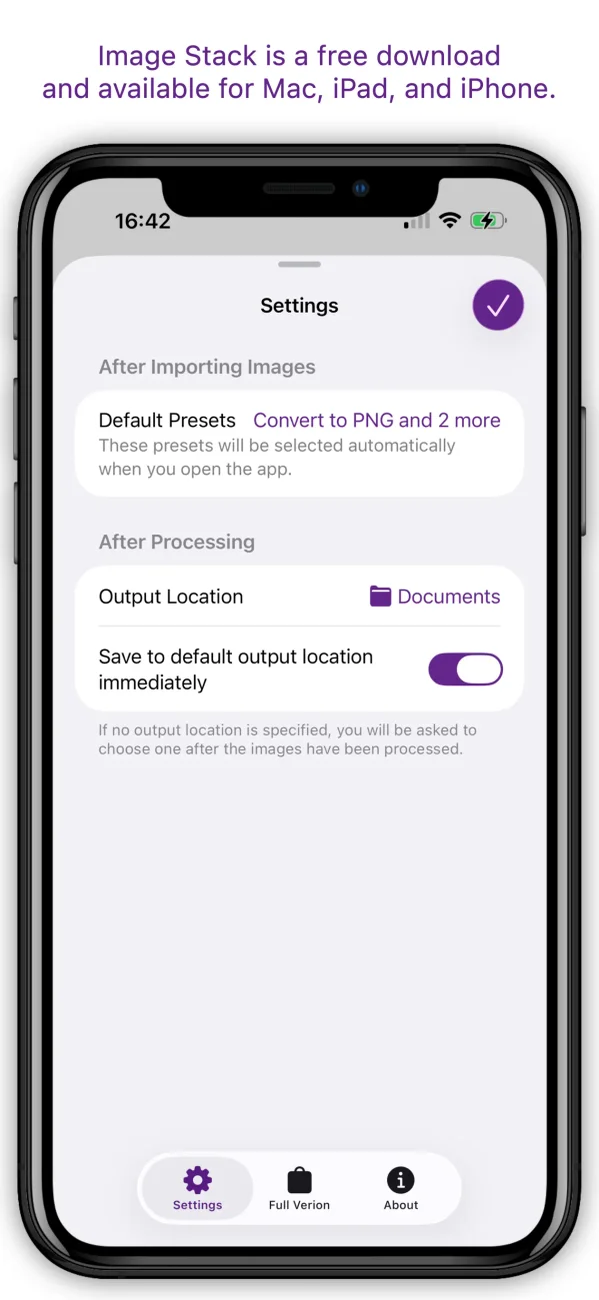
About
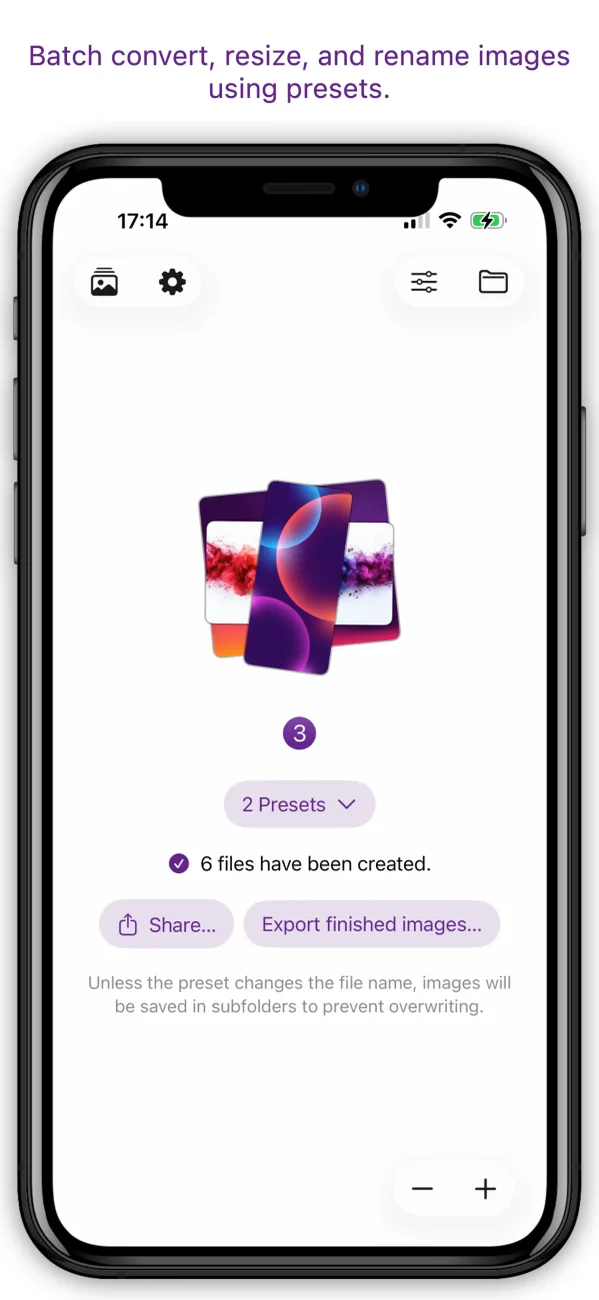
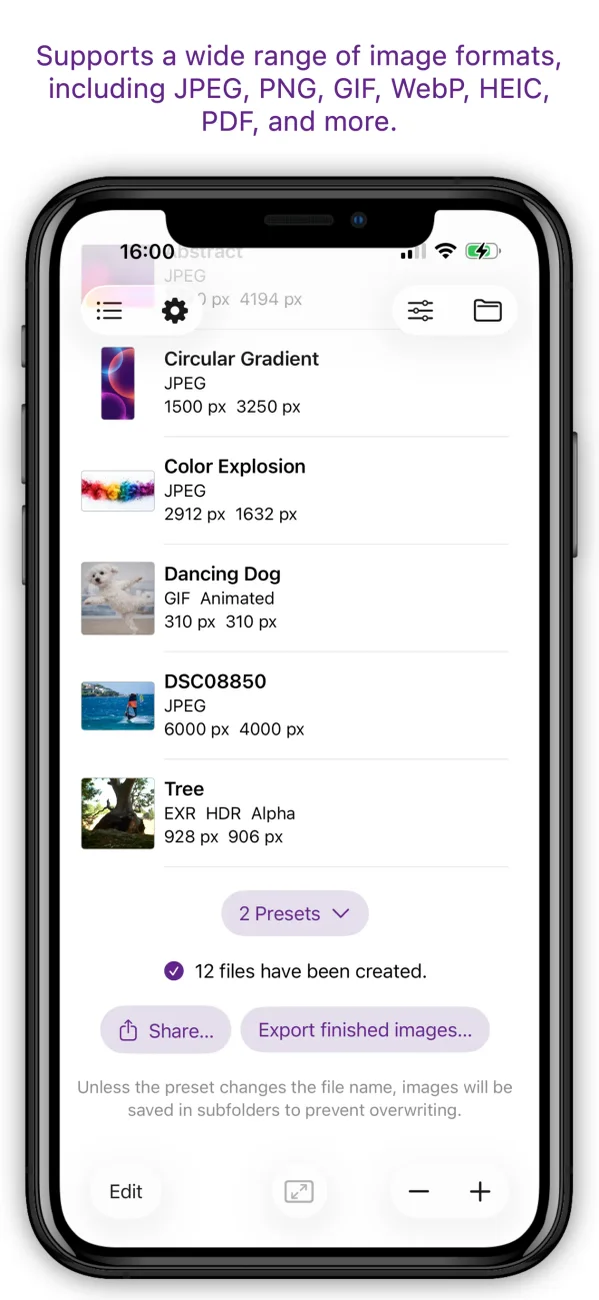
Image Stack converts images using presets to change formats, resize, rename, and more—whether you’re processing one image or thousands, everything is ready with just a few taps.
KEY FEATURES
• Batch convert images into modern formats
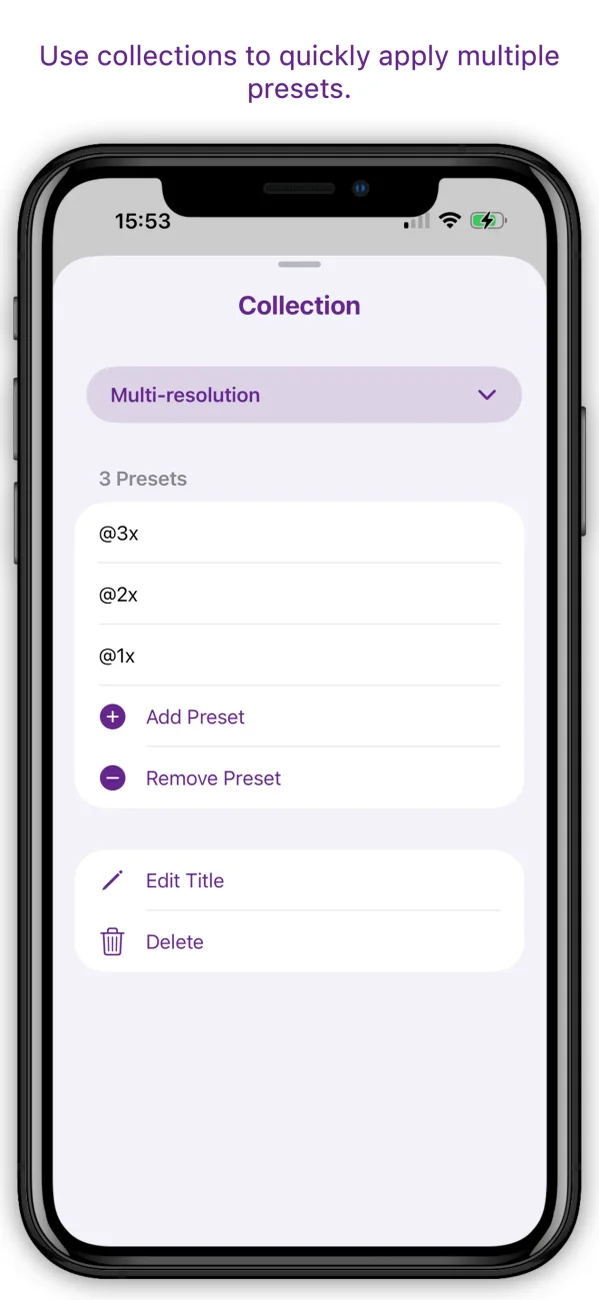
• Apply one or more presets to avoid repetitive work
• Rename files with prefixes, suffixes, or replacements
• Resize images to match your requirements
• Add overlays such as watermarks
• Adjustable quality and metadata options
• Drag-and-drop simplicity
• Presets sync via iCloud for all your devices
• Ultra-fast processing
• Works on both macOS and iOS and iPadOS
IDEAL FOR
• Photographers organizing shoots
• Designers exporting assets
• Content creators preparing media
• Anyone converting or renaming small or large image sets
Image Stack is free to download and use.
You can work with the app for as long as you like. To unlock the full experience and remove trial limits—such as the daily image limit—you can activate the full version with a one-time in-app purchase. The purchase is valid across all versions of Image Stack, including Mac, iPhone, and iPad.
Is there any feature you are missing? Let me know!
What’s new
Version 1.1.2 · Sep 1, 2026
FIX: Cropping, animated image, HDR, OpenEXR, and HEICS edge cases.
FIX: An addresses race issues involving cancellation, progress, and output publication.
NEW: The app now supports offer codes for future promotions.
FIX: Fixed an issue where images selected from the Files app sometimes failed to import.
App privacy
What Daniel Witt declares on the App Store about how this app handles data.
-
Data not collected
The developer does not collect any data from this app.
Privacy practices may vary, for example with the features you use or your age.
Information
- Seller
- Daniel Witt
- Category
- Photo & Video
- Version
- 1.1.2
- Updated
- Sep 1, 2026
- Released
- Feb 5, 2026
- Size
- 13.3 MB
- Requires
- iOS 18.0 or later
- Age rating
- 4+
- Price
- Free
- In-app purchases
- Yes
- Languages
- English, French, German, Italian, Simplified Chinese, Spanish
- Copyright
- © 2026 Daniel Witt
You might also like
-
 Stack: Before & After PhotosAuto-Align Before & Afters
-
 AstroPile: Astro Image StackerLong Exposure & Frame Report
-
 Eagle Image StackerAstro stacking and RAW tools
-
 AstroStacker: Stack the SkyAstrophotography on iPhone
-
 Focus Stacking - Macro CameraCapture every detail in focus.
-
 BulkPix: Photo Compress ResizeHEIC to JPG Batch Converter
-
 StackArtCreate 4-part carousel images
-
 Photo Compressor & Image SizeCompress Photos & Reduce Size
-
 PixelPress - Image CompressorCompress & Resize Images Fast
-
 Orbiar Scan – 3D CapturePro photogrammetry capture