- Age rating4+
- CategoryUtilities
- DeveloperTemperstone
- LanguagesEnglish+ 1 more
- Size7.9 MB
Links to the official App Store page
Download.org hosts no file of Image to PDF Batch. The button opens its official App Store page, published by Temperstone. Listing last checked on Nov 13, 2026.
Screenshots

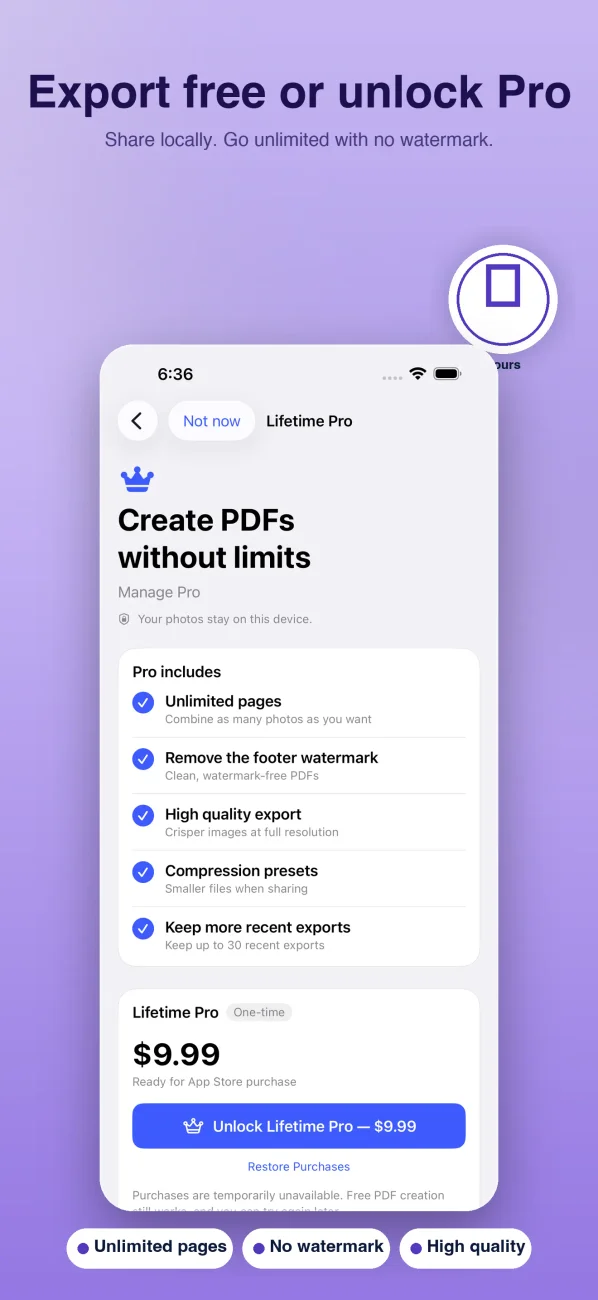
About
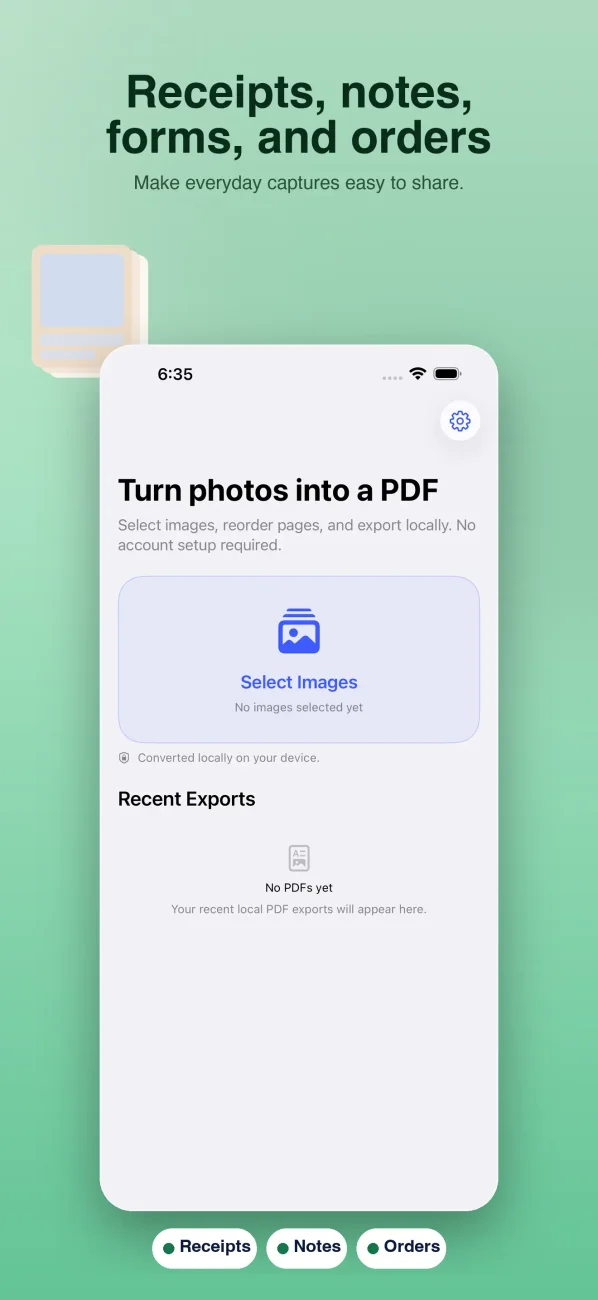
Image to PDF Batch turns selected photos into a shareable PDF in a few taps.
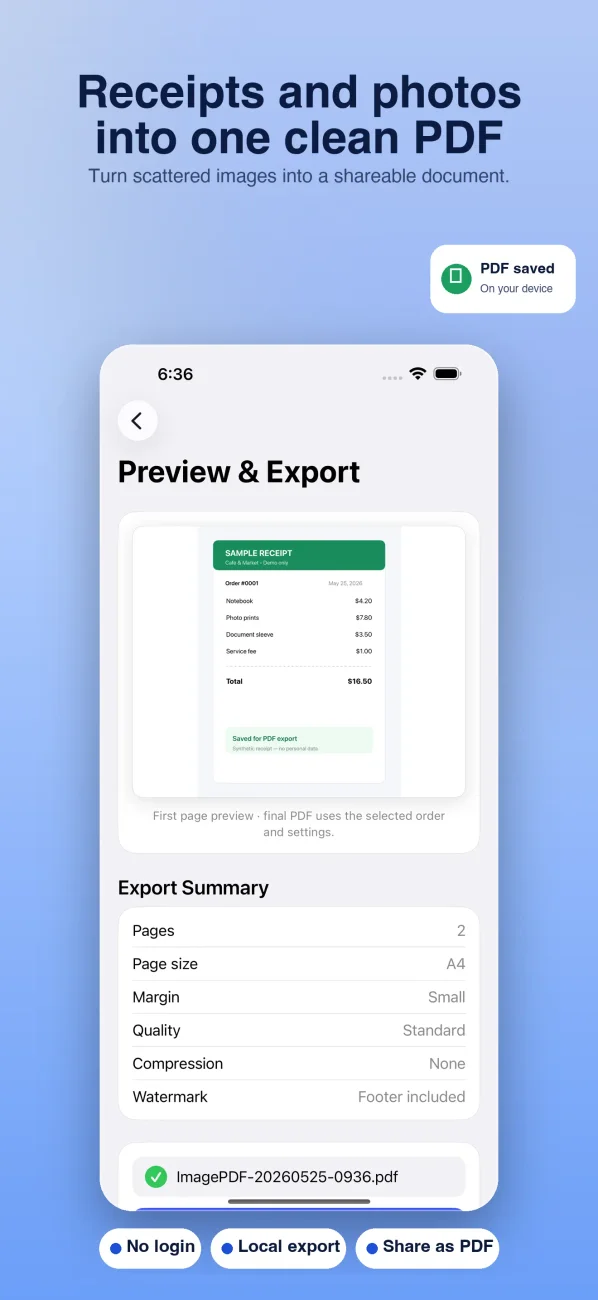
Pick images from your library, reorder pages, choose A4, Letter, or original size, then export and share from your device. No account setup is required.
Core features:
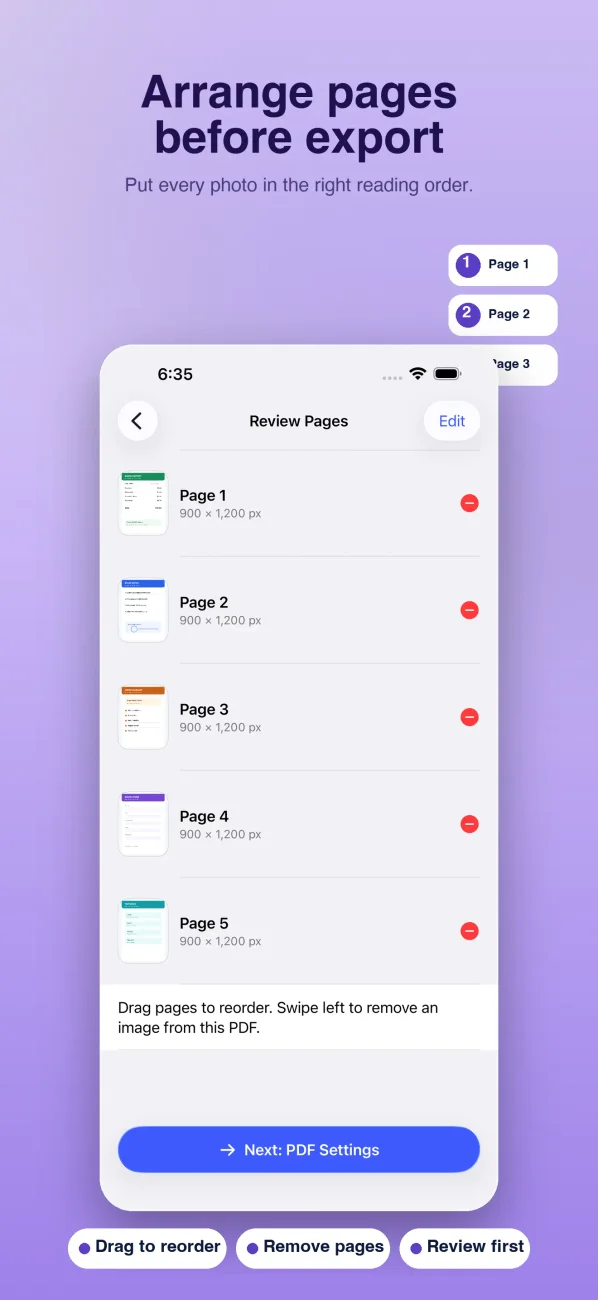
• Select multiple photos
• Reorder PDF pages before export
• Choose A4, Letter, or original page size
• Add no margin or a small margin
• Export with the iOS share sheet
• Re-share recent PDFs stored locally
Free users can create useful PDFs up to 5 pages with a small footer watermark. Lifetime Pro unlocks unlimited pages, watermark removal, high quality export, compression presets, and longer recent history.
Your photos and generated PDFs stay on your device unless you choose to share them. This version focuses on photo-to-PDF export and does not edit existing PDFs or sync files to the cloud.
App privacy
What Temperstone declares on the App Store about how this app handles data.
-
Data not linked to you
May be collected but is not linked to your identity.
- Purchases
Privacy practices may vary, for example with the features you use or your age.
Information
- Seller
- Temperstone
- Category
- Utilities
- Version
- 1.0.0
- Updated
- Jun 2, 2026
- Released
- Jun 2, 2026
- Size
- 7.9 MB
- Requires
- iOS 18.0 or later
- Age rating
- 4+
- In-app purchases
- Yes
- Languages
- English, Korean
- Copyright
- © 2026 TemperStone
You might also like
-
 Convert Doc to PDFUtilities
-
 PDF Photos — Image to PDFJPG & Photo to PDF Converter
-
 Convert Image to PDF: Scan2AllJPG Photo to PDF Converter
-
 Convert Image to Pdf+Document Scanner, Scan Photo
-
 FileNookPrivate Local File Workspace
-
 My Garden Planner & JournalPlanning, Tracking, Tips
-
 SIEGENIA HomeConnectUtilities
-
 Photos to PDF: Image ConverterJPG/PNG to PDF Maker & Scanner
-
 Convert Picture to PDF +JPG, PNG, JPEG to PDF
-
 SecuWiz OTP 2.1Utilities