
Image2text -Text Scanner
Text Capture, translate & read
Designed for iPhone, iPad
Free
- Age rating4+
- CategoryProductivity
- DeveloperShivang Mishra
- LanguagesEnglish
- Size7.1 MB
Links to the official App Store page
Download.org hosts no file of Image2text -Text Scanner. The button opens its official App Store page, published by Shivang Mishra. Listing last checked on Nov 18, 2026.
Screenshots
About
Welcome to Image2Text – Your Ultimate All-in-One Text Scanner App!
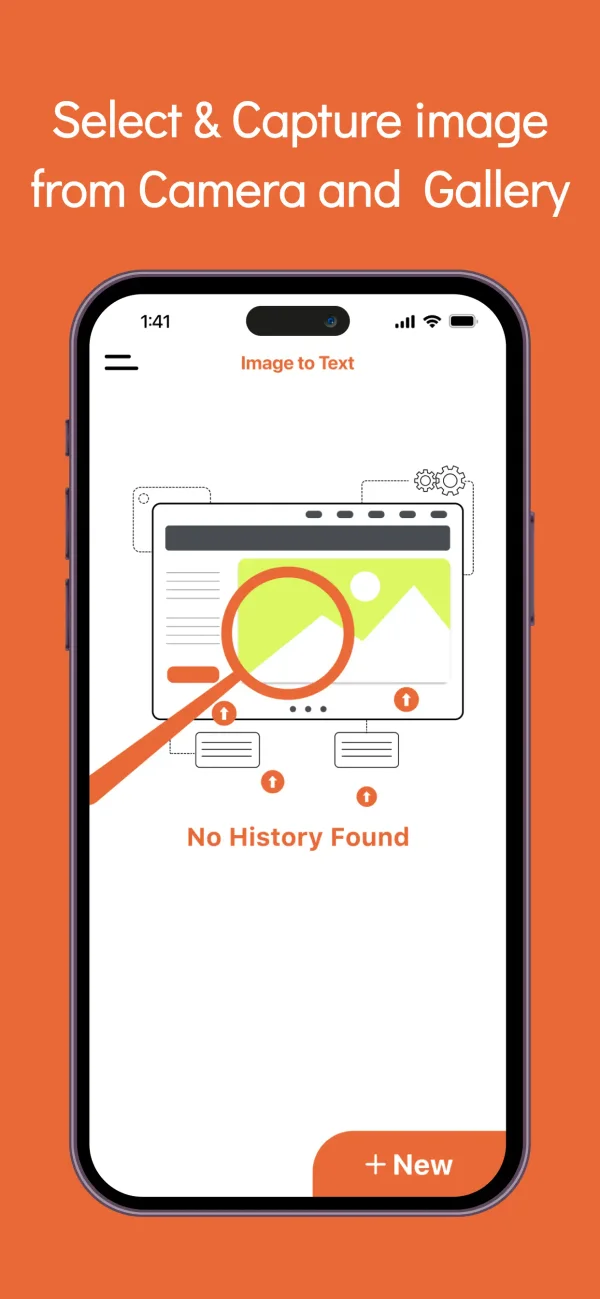
Experience the future of text digitization with Image2Text, your go-to app for effortlessly extracting text from images using cutting-edge OCR (Optical Character Recognition) technology. Whether you’re a student, professional, or someone who values efficiency, Image2Text simplifies the process of converting images to text, making your life easier.
Key Features:
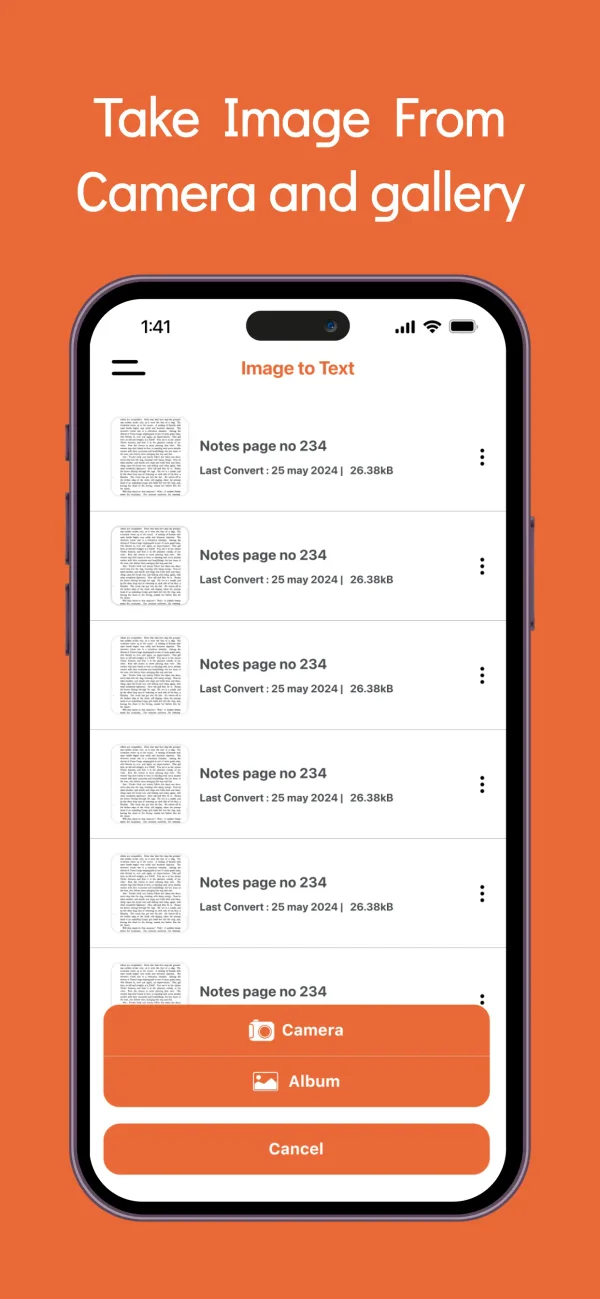
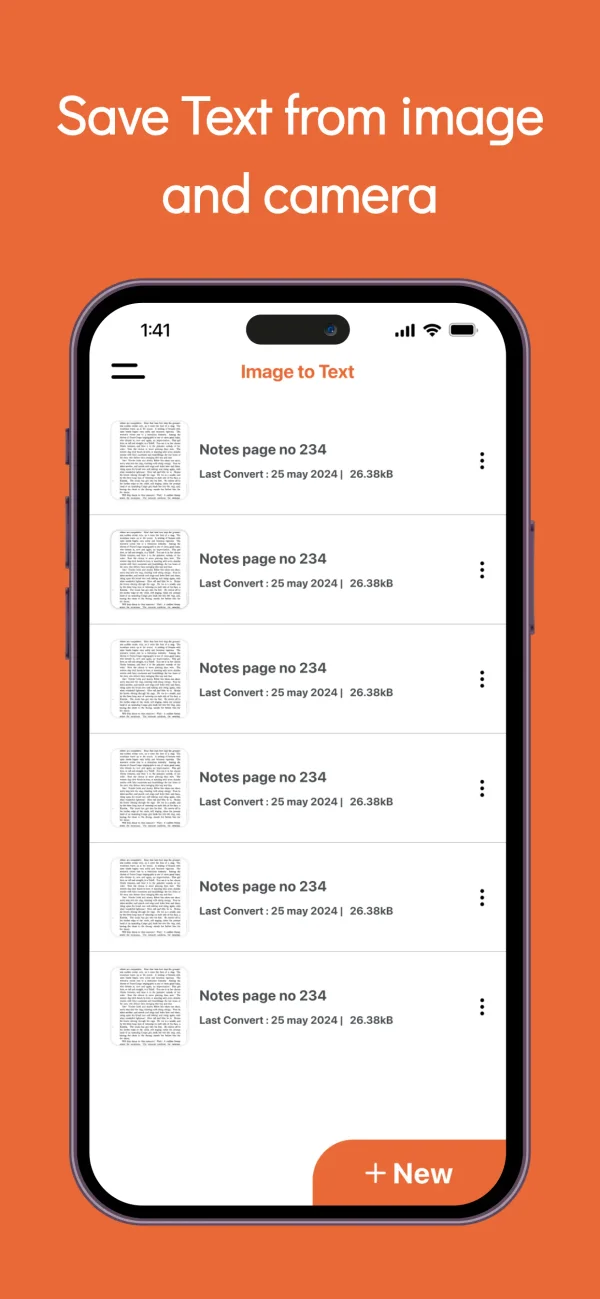
Advanced OCR Technology: Effortlessly extract text from images captured via your Camera or selected from your Gallery. Image2Text ensures accurate and reliable text extraction every time, turning photos into editable text in seconds.
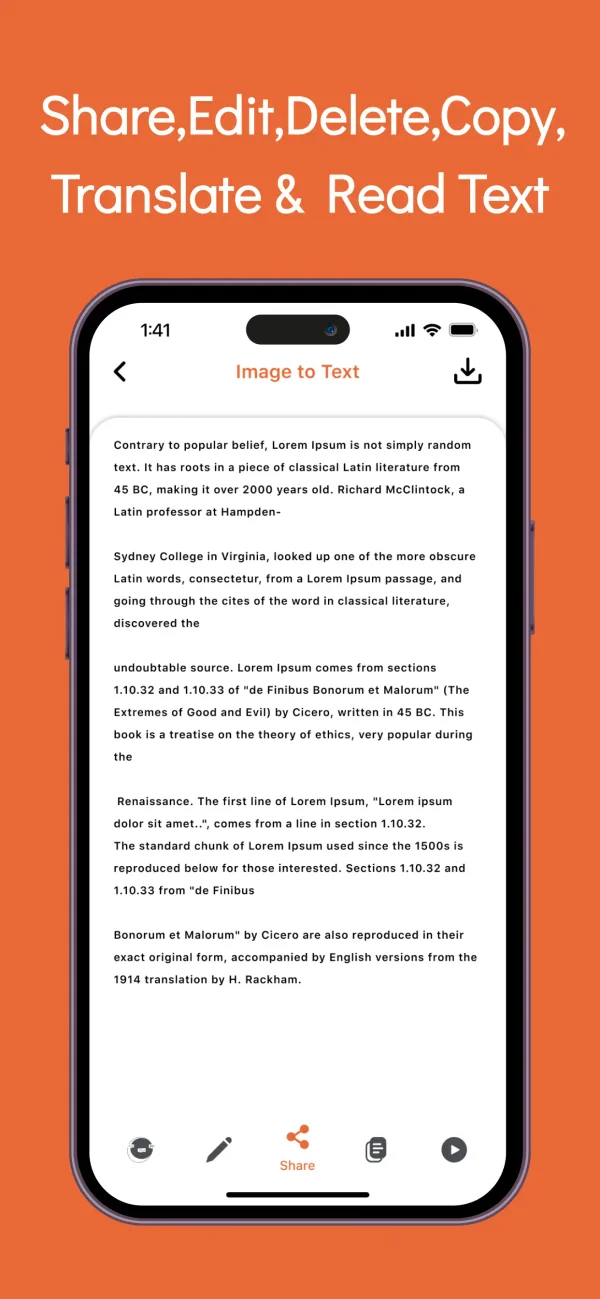
Share: Instantly share your scanned text with friends, family, or colleagues via email, messaging apps, or social media platforms. Image2Text makes sharing information a breeze.
Edit: Make modifications to the extracted text directly within the app. Correct errors or adjust formatting with ease, ensuring your text is perfect before saving or sharing.
Read: Convert extracted text into speech and listen to it on the go. This hands-free reading feature is ideal for commuting, exercising, or multitasking.
Translate: Seamlessly translate extracted text into multiple languages. Break down language barriers and communicate effectively across borders with our built-in translation feature.
Copy: Copy the extracted text to your clipboard for easy pasting into other apps, documents, or notes. Enhance your productivity with simple and quick text copying.
No More Logins Required: Enjoy a hassle-free experience with no sign-ups or passwords required. Simply launch the app and start scanning text immediately – convenience at your fingertips!
Why Choose Image2Text?
High Accuracy: Our advanced OCR technology ensures precise text extraction, minimizing errors and saving you time on corrections.
User-Friendly Interface: Image2Text is designed with a clean, intuitive interface, making it easy for anyone to use.
Versatile Applications: Perfect for digitizing printed materials, capturing notes from presentations, extracting information from business cards, and more.
Enhanced Productivity: Streamline your workflow by quickly converting physical text to digital format, ready for editing, sharing, or archiving.
Privacy and Security: Your data is safe with us. Image2Text does not require logins, ensuring your scanned texts remain private and secure.
Who Can Benefit from Image2Text?
Students: Easily digitize handwritten notes, textbooks, and research materials for better organization and study efficiency.
Professionals: Extract information from business cards, documents, and reports to streamline your workflow.
Travelers: Translate signs, menus, and documents in foreign languages effortlessly.
Everyone: Anyone looking to save time and effort by converting physical text into digital format.
Download Image2Text now and unlock the power of text scanning at your fingertips!
Discover how Image2Text can revolutionize the way you handle text. Join thousands of satisfied users and make text extraction, editing, sharing, and translating a seamless part of your daily routine. With Image2Text, the future of text scanning is here.
What’s new
Version 6.3 · Dec 31, 2024
Bugs are fixed
App privacy
What Shivang Mishra declares on the App Store about how this app handles data.
-
Data not collected
The developer does not collect any data from this app.
Privacy practices may vary, for example with the features you use or your age.
Information
- Seller
- Shivang Mishra
- Category
- Productivity
- Version
- 6.3
- Updated
- Dec 31, 2024
- Released
- May 7, 2024
- Size
- 7.1 MB
- Requires
- iOS 17.4 or later
- Age rating
- 4+
- Price
- Free
- Languages
- English
- Copyright
- © Shivang Mishra
You might also like
-
 TasklifyAI assistant for tasks
-
 HourglassInteractiveWork-rest rhythm, simplified
-
 Jotpad NotesProductivity
-
 do | minimalist tasks managerfinish what you've started
-
 Cardz - Reinvented BookmarksSave Anything Swipe Everything
-
 Pomodoro Focus Study TimerProductive task timeboxing
-
 Simple Item FinderRemember where you put things
-
 Paper Scanner: Image to TextPhoto OCR, Copy & Edit Notes
-
 MobilityControlTake control of your system.
-
 Private Contacts: Secure VaultWhatsApp Dialer & Phonebook