
Imagio - Reverse Image Search
Search by Images & Pictures
Designed for iPhone, iPad
$3.99
- Age rating17+
- CategoryUtilities
- Developer磊 汪
- LanguagesEnglish+ 1 more
- Size22.8 MB
Links to the official App Store page
Download.org hosts no file of Imagio - Reverse Image Search. The button opens its official App Store page, published by 磊 汪. Listing last checked on Nov 17, 2026.
Screenshots


About
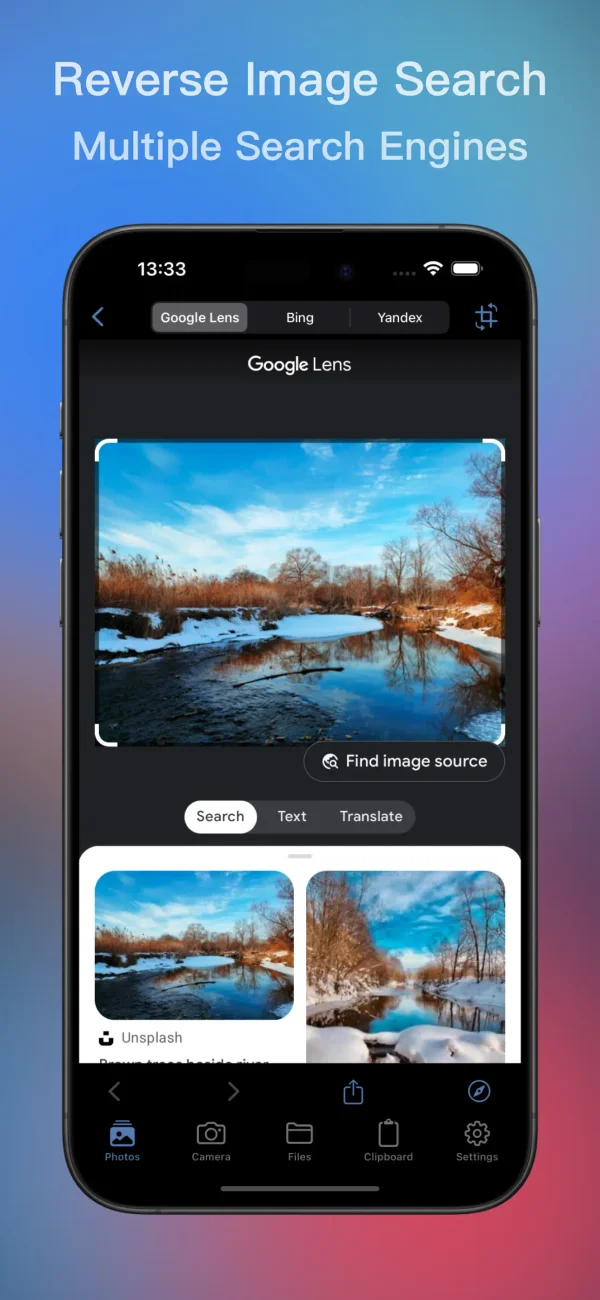
Imagio is your indispensable tool for conducting reverse image searches effortlessly. Discover the origins, related content, and visual connections of any image instantly.
Key Features:
◆ Versatile Image Sources:
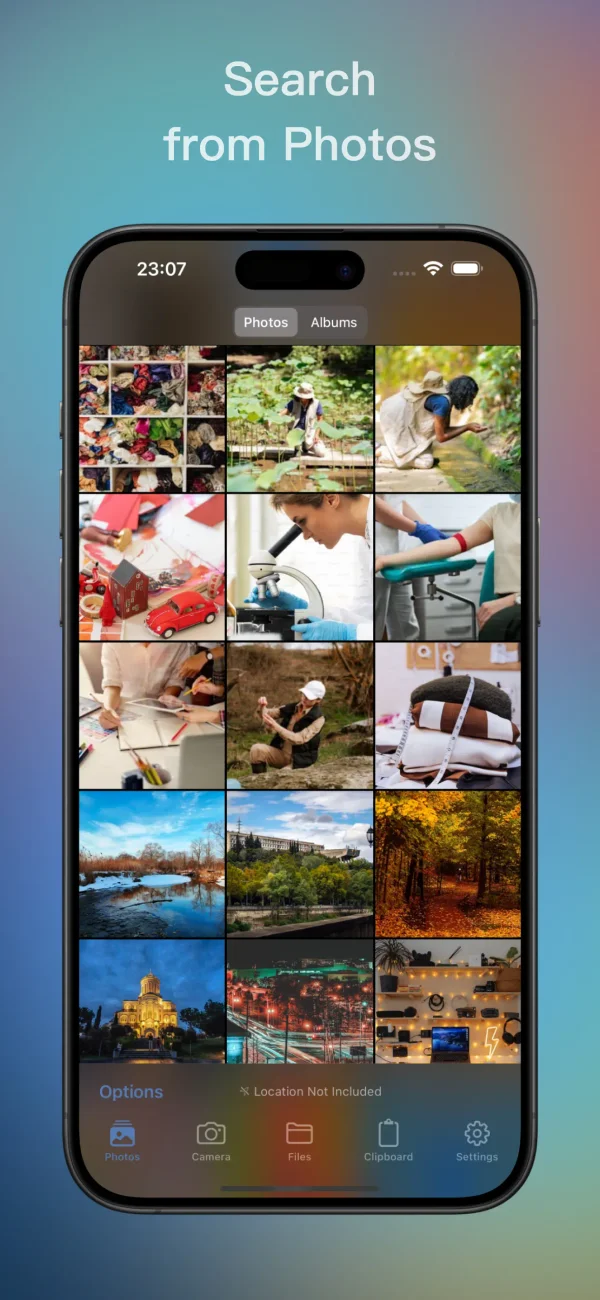
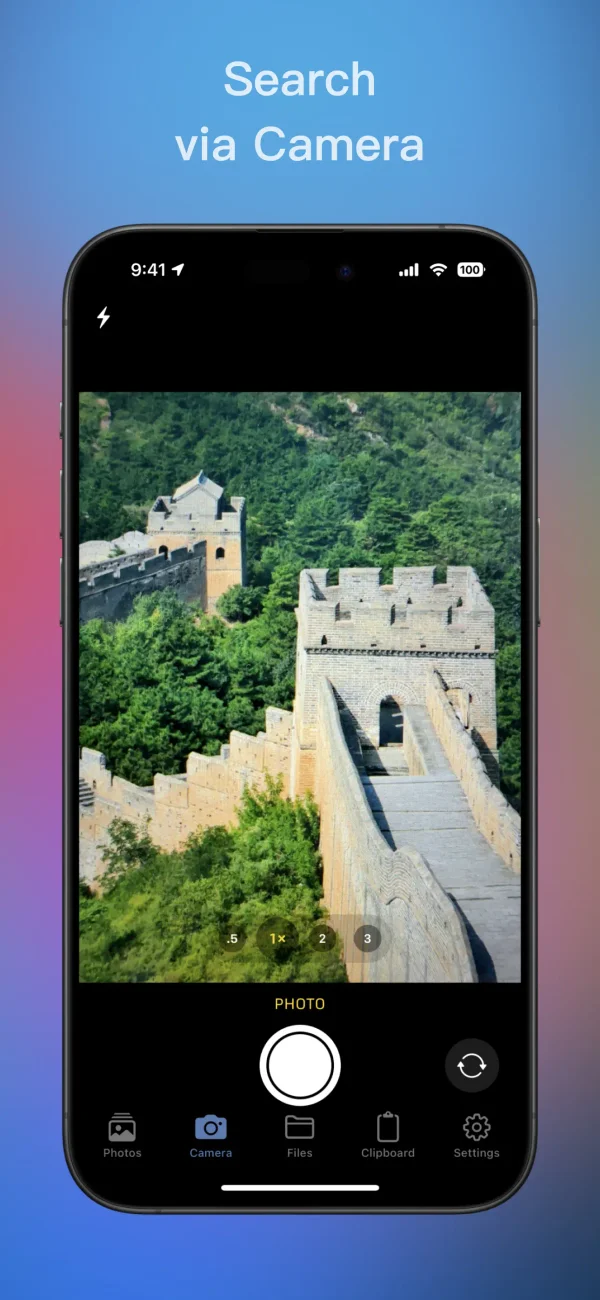
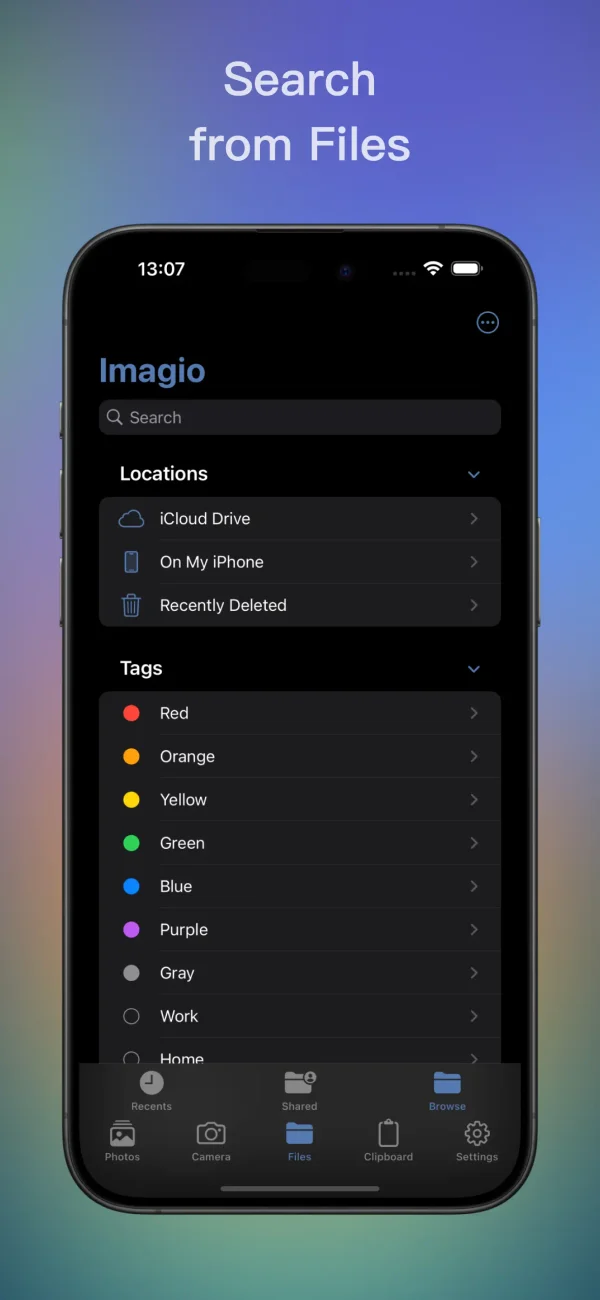
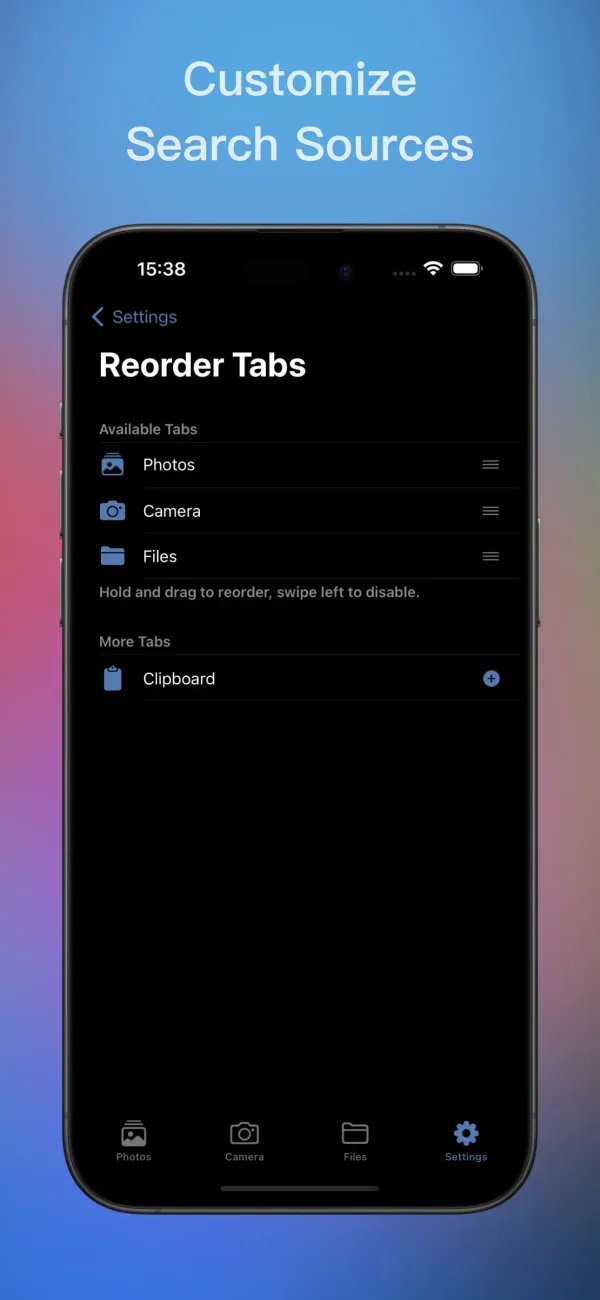
Conduct reverse image searches directly from your Photos, Camera, Files, or Clipboard. Imagio seamlessly integrates with your device's media and storage.
◆ Extensive Search Engine Support:
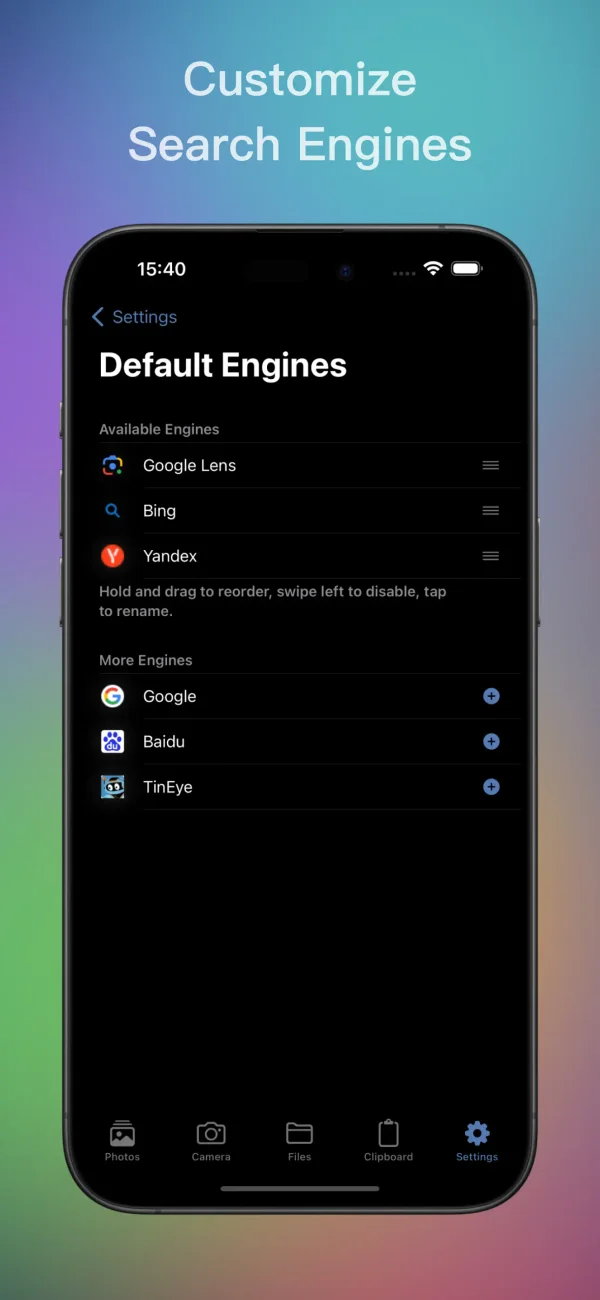
Explore a variety of search engines with Imagio, including Google, Google Lens, Bing, Yandex, Baidu, and TinEye. Access multiple engines to ensure comprehensive search results.
◆ Reverse Image Search:
Upload or paste an image URL to instantly search for its source or find similar images across the web. Discover where else an image appears online.
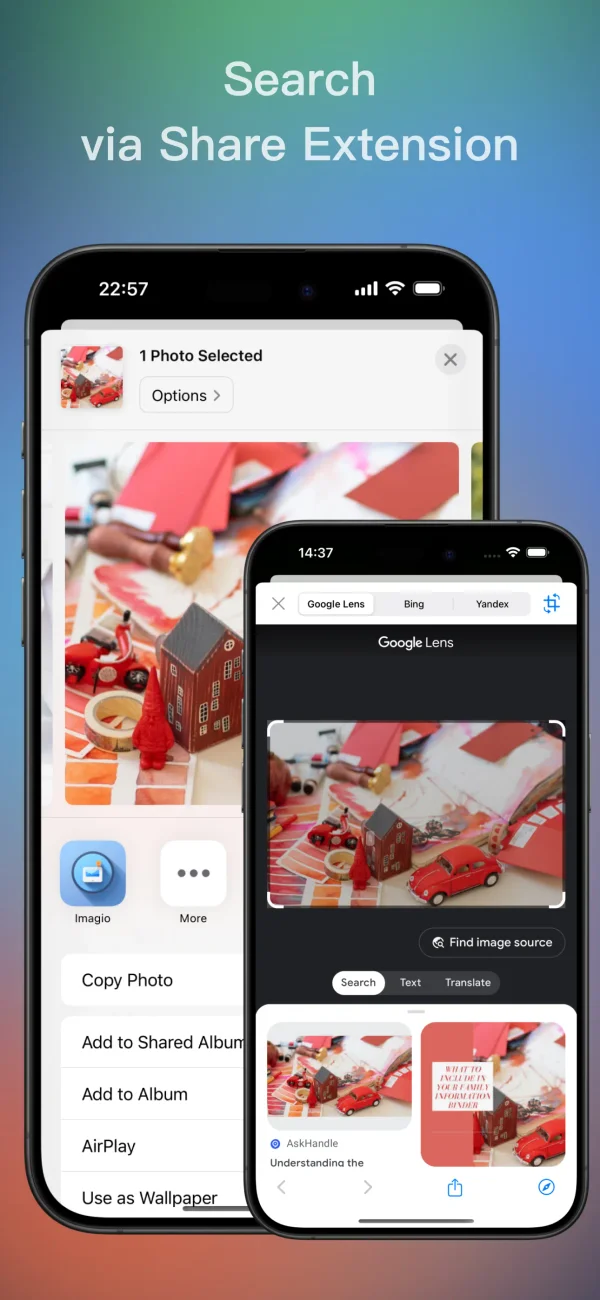
◆ Share Extension Support:
Imagio offers a convenient share extension that allows you to perform reverse image searches from virtually anywhere on your device. Whether you're browsing in Safari, reviewing images in the Notes app, or using third-party apps that support image sharing, Imagio seamlessly integrates into your workflow. Simply share the image to Imagio, and initiate a reverse image search instantly, expanding your exploration capabilities across all your favorite apps and platforms. This feature enables quick and flexible image analysis regardless of your current activity or the app you're using.
◆ Explore Similar Images:
Find visually related images to the one you're searching for. Explore different versions, variations, or higher-quality renditions of specific images.
◆ Identify Objects & Scenes:
Use Imagio to identify objects, landmarks, or scenes within an image. Gain insights and learn more about what's captured in any picture.
◆ Save & Access Search Results:
Easily access your past search results for future reference. All search history is stored locally on your device, allowing you to revisit them whenever needed.
◆ User-Friendly Interface:
Enjoy a simple and intuitive interface designed for effortless navigation and seamless reverse image searches. Imagio puts powerful tools at your fingertips.
◆ Privacy & Security:
Rest assured that your uploaded images and search history remain private and secure. Imagio values your privacy and confidentiality. Please note that while Imagio itself does not collect your data, the search engines it uses may collect data.
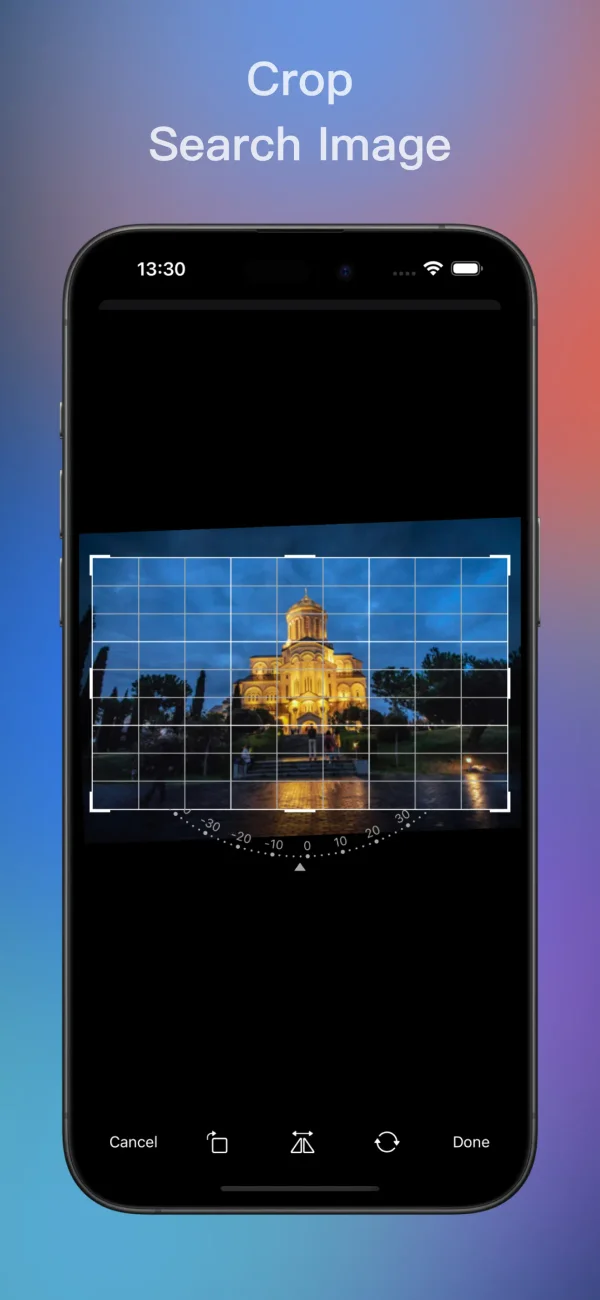
◆ Crop and rotate images
◆ Save images to your device from the web browser
Download Imagio now and gain a new perspective on the images around you. Explore, discover, and unlock the hidden stories behind every picture.
What’s new
Version 26.10.9 · Oct 10, 2026
- Added support for iPhone Duo.
- Updated for iOS 27.
- Redesigned the camera with portrait and landscape controls, pinch-to-zoom, and smoother lens and camera switching.
- Improved photo and file browsing layouts in landscape and smaller windows, keeping controls clear of the tab bar.
- Bug fixes and improvements.
App privacy
What 磊 汪 declares on the App Store about how this app handles data.
-
Data not collected
The developer does not collect any data from this app.
Privacy practices may vary, for example with the features you use or your age.
Information
- Seller
- 磊 汪
- Category
- Utilities
- Version
- 26.10.9
- Updated
- Oct 10, 2026
- Released
- May 6, 2024
- Size
- 22.8 MB
- Requires
- iOS 17.0 or later
- Age rating
- 17+
- Price
- $3.99
- Languages
- English, Simplified Chinese
- Copyright
- © 2024-2026 iAugus
You might also like
-
 FormatX: Video Audio ConverterCompressor, MP4 to MP3, GIF
-
 Widgets Pro-Coloring CalendarCustom remind shortcuts widget
-
 Mpjex - MP3 Converter PROAudio Extractor video to music
-
 BlurDataHide sensitive data from image
-
 Universal Remote TV Samsung +Smart View, Remote & Cast
-
 kaapaShare a beautiful mood
-
 Supercopy for SafariQuickly copy links
-
 ShareFi - Phone to PC TransferFile manager and Zip archive
-
 FilePiP: PDF, Timer, Photos …Multitask • Picture in Picture
-
 Smart Transfer WirelessUtilities