Imajjio
Vibrant Art from Your Photos
Designed for iPhone, iPad
Free · In-app purchases
- Age rating4+
- CategoryPhoto & Video
- DeveloperMichael McNabb
- LanguagesEnglish
- Size21.6 MB
Links to the official App Store page
Download.org hosts no file of Imajjio. The button opens its official App Store page, published by Michael McNabb. Listing last checked on Nov 18, 2026.
Screenshots


About
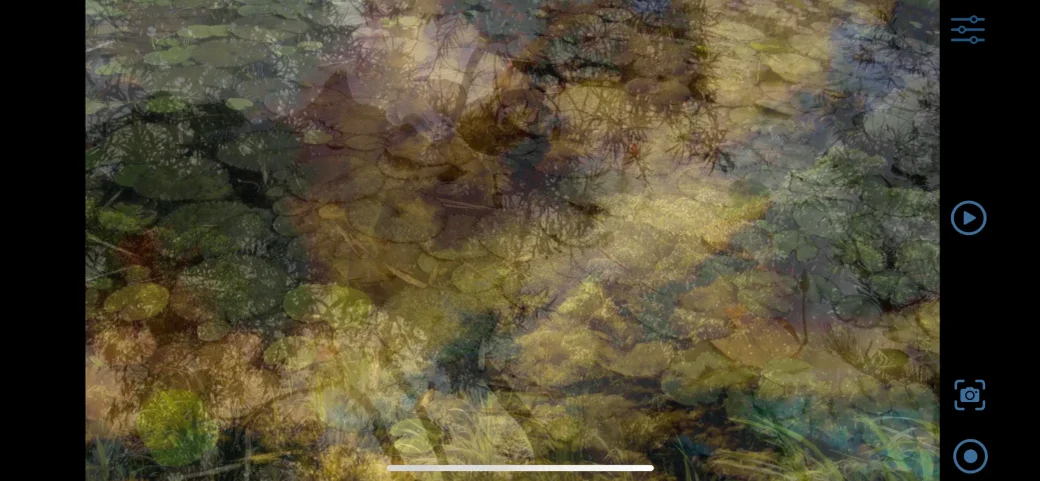
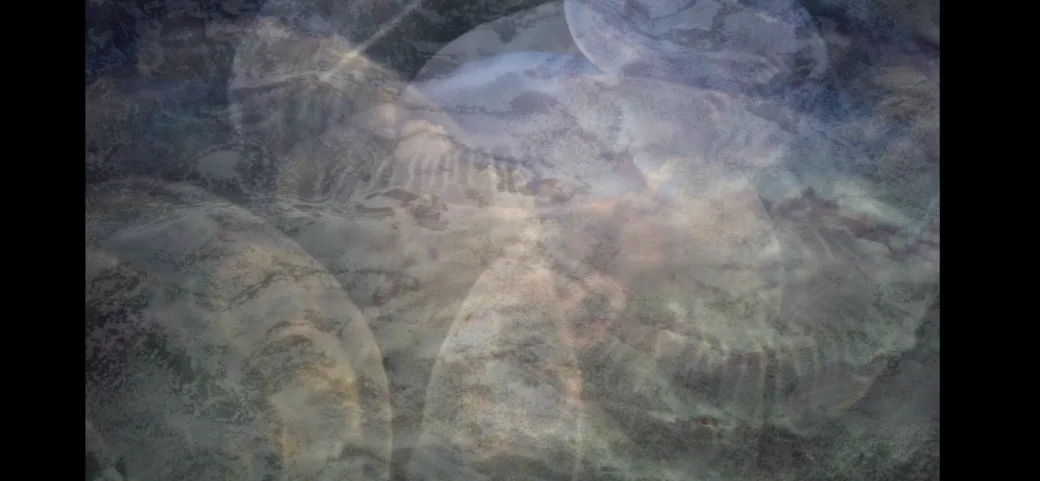
IMAJJIO is a simple, powerful and unique tool for easily creating dynamic and unique works of art from your own photos. Bring the magic of photo remixes to your fingertips to create beautiful and surprising new images, animations, and even live performances. Collaborate via iCloud, and share your artworks to your Apple TV, or to others via email, text, or social media.
WITH IT YOU CAN
• Create unique and beautiful art from remixes (we call Loops) of your own photos and images
• Discover unexpected visual forms and textures as images blend together
• Arrange and perform Loops for imaginative visual storytelling
• Perform your work live in collaboration with musicians, dancers, filmmakers and storytellers
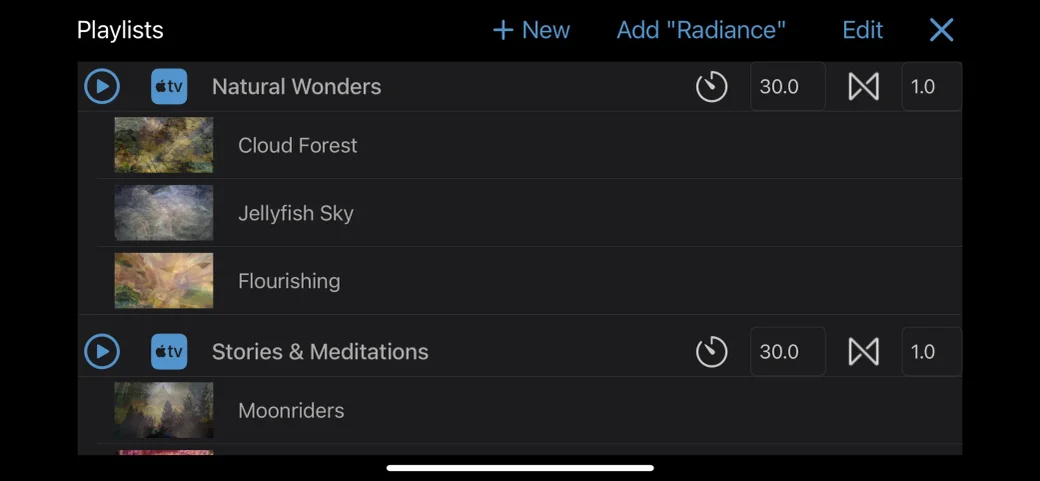
• Create playlists of Loops for extended automated playback*
HOW IT WORKS
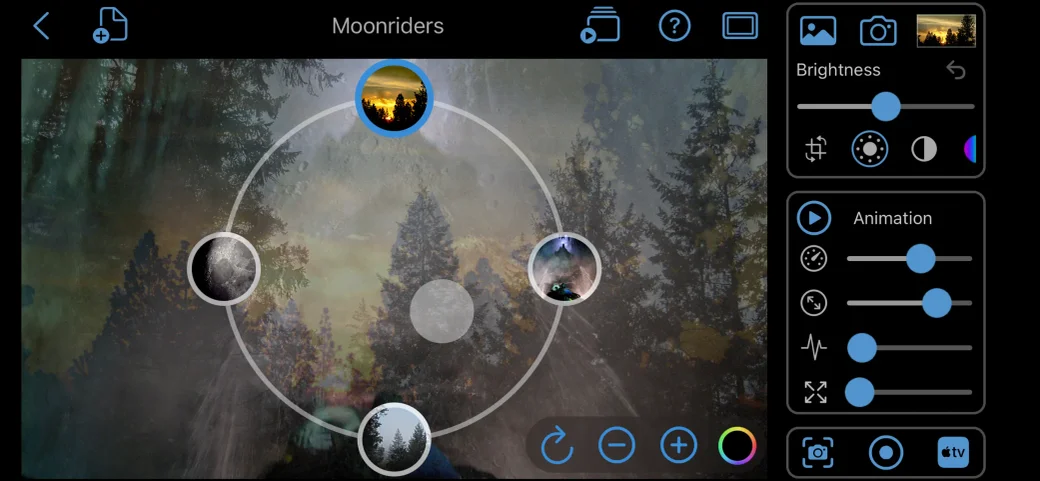
• Layer 2 to 6 of your images together and adjust the blend by touch
• Modify images non-destructively in color, size, and rotation
• Animate the blend adjusting speed, quality, extent, and zoom
• Combine animation with manual control
SHARE YOUR WORK
• Perform or play your Loops live to your TV or projector via screen mirroring, using AirPlay or HDMI
• Share your Loops with other Imajjio users via email, text, or cloud services
• Capture and share still images or videos to files or social media*
• Share Loops and Playlists via iCloud to Imajjio Player for Apple TV. Turn your TV into your personal artistic showcase!*
* Playlists, image and video capture, and sharing to Imajjio Player for Apple TV requires an upgrade via a small in-app purchase
What’s new
Version 2.1.1 · Sep 1, 2025
Video recordings are now made in full-screen mode for maximum resolution.
Mask control allows masking to 4x3 or 1x1 aspect ratios.
App privacy
What Michael McNabb declares on the App Store about how this app handles data.
-
Data not collected
The developer does not collect any data from this app.
Privacy practices may vary, for example with the features you use or your age.
Information
- Seller
- Michael McNabb
- Category
- Photo & Video
- Version
- 2.1.1
- Updated
- Sep 1, 2025
- Released
- Sep 4, 2023
- Size
- 21.6 MB
- Requires
- iOS 16.6 or later
- Age rating
- 4+
- Price
- Free
- In-app purchases
- Yes
- Languages
- English
- Copyright
- © 2025 Michael McNabb
You might also like
-
 FotoSlideYour iPad as a Photo Frame
-
 Picstax - collect guest photosPerfect for weddings & more
-
 Latent: On This DayYour photos, years ago today
-
 Loopro: AI Loop Video MakerFirst & Last Frame to Loop
-
 ImageFlux - Ai Image/Video GenGenerate Ai images and videos
-
 Walk Down Memory LaneRediscover past photos daily
-
 TwinLens: Dual Video RecorderSave 2 videos & PiP camera
-
 ARText: Photos with 3D TitlesPlace Text in Your World
-
 Color Splash XMake your memory more Happier
-
 Filterio - Filters and PresetsFilters and Presets for Photos