
iMarkdown - Write & Preview
Markdown notes and writing
Designed for iPhone, iPad
Free · In-app purchases
- Age rating4+
- CategoryProductivity
- DeveloperHIROMOTO TSUJI
- LanguagesEnglish+ 13 more
- Size23.4 MB
Links to the official App Store page
Download.org hosts no file of iMarkdown - Write & Preview. The button opens its official App Store page, published by HIROMOTO TSUJI. Listing last checked on Nov 7, 2026.
Screenshots

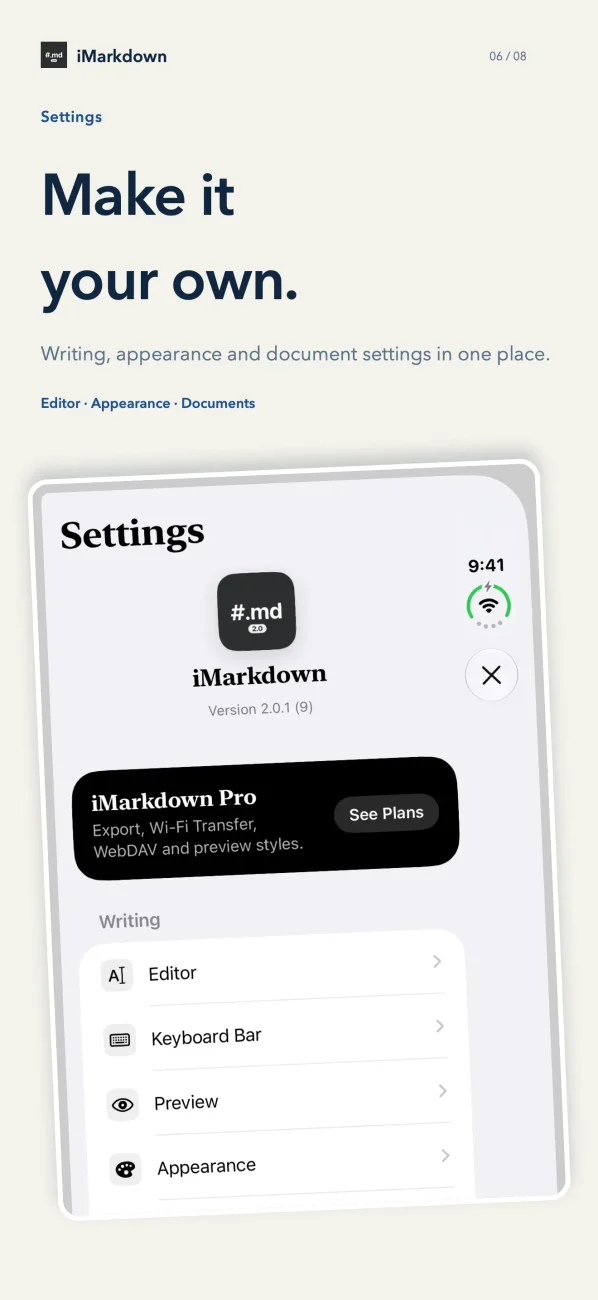
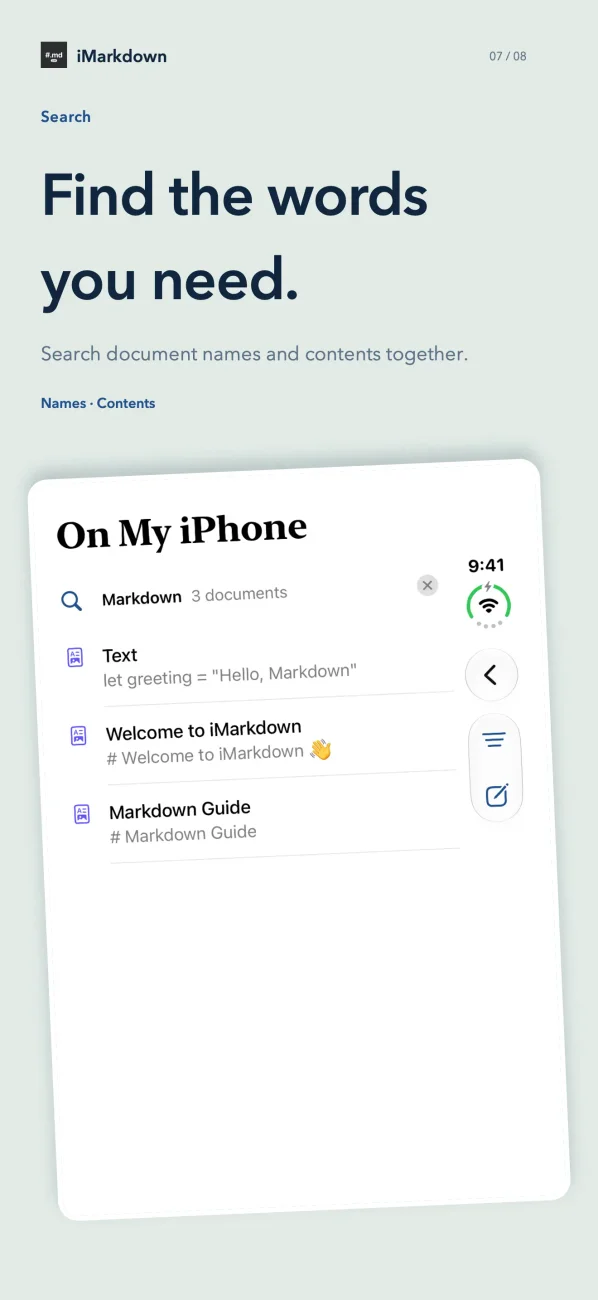
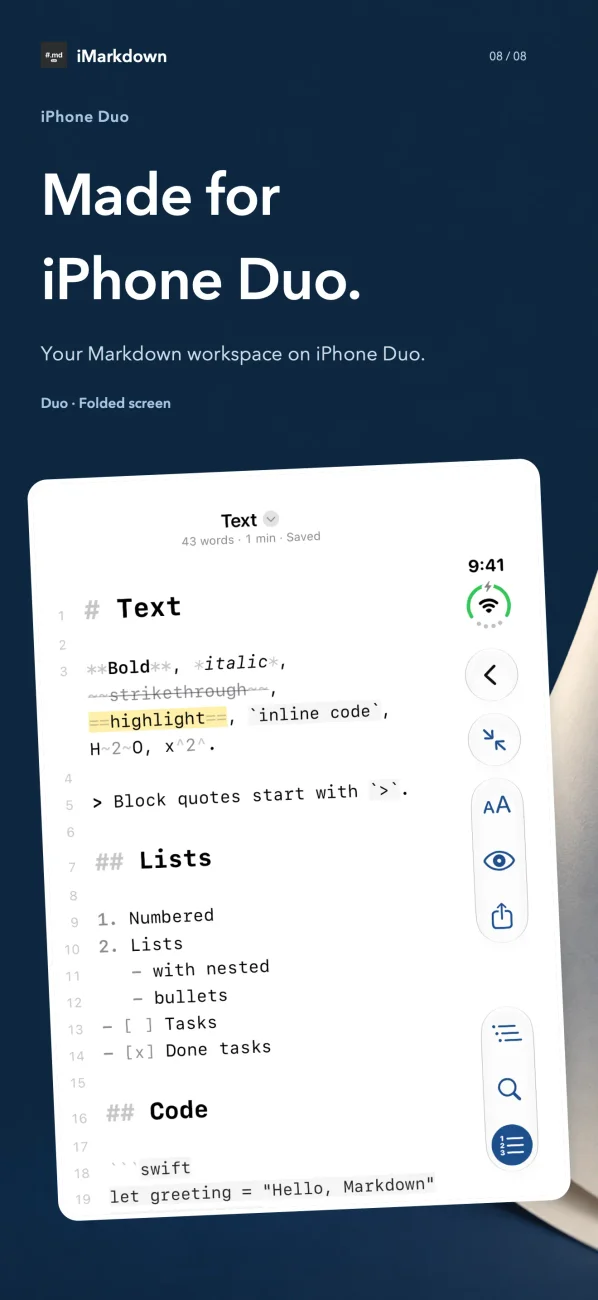
About
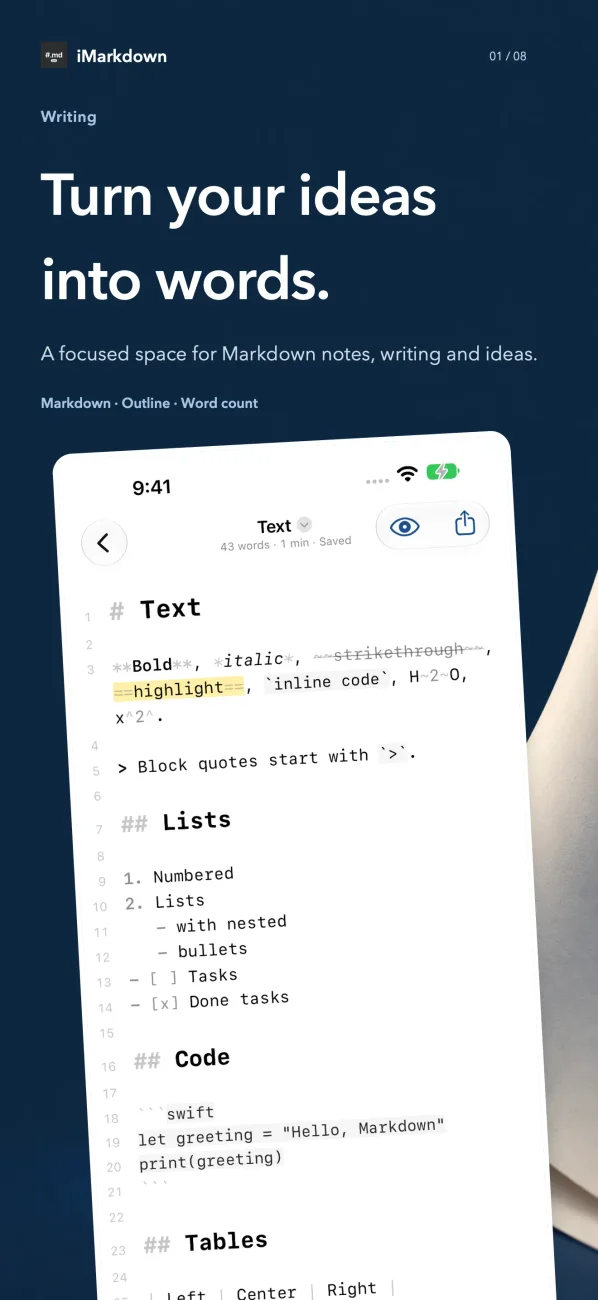
Write notes, articles and technical documents in Markdown on iPhone and iPad. Keep your work organized and turn it into presentations.
WRITE AND PREVIEW
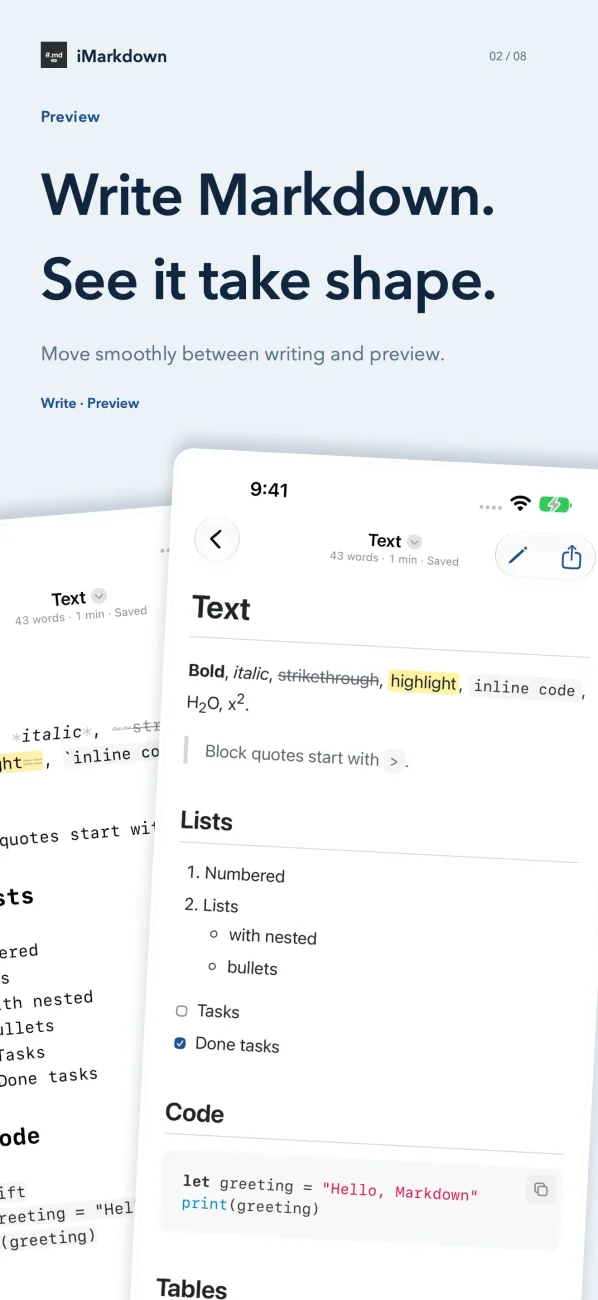
Write with formatting shortcuts, an outline, find and replace, and word counts. Preview tables, task lists, code, footnotes, math and Mermaid diagrams. Switch between writing and preview, or use them side by side when space allows.
KEEP IDEAS CONNECTED
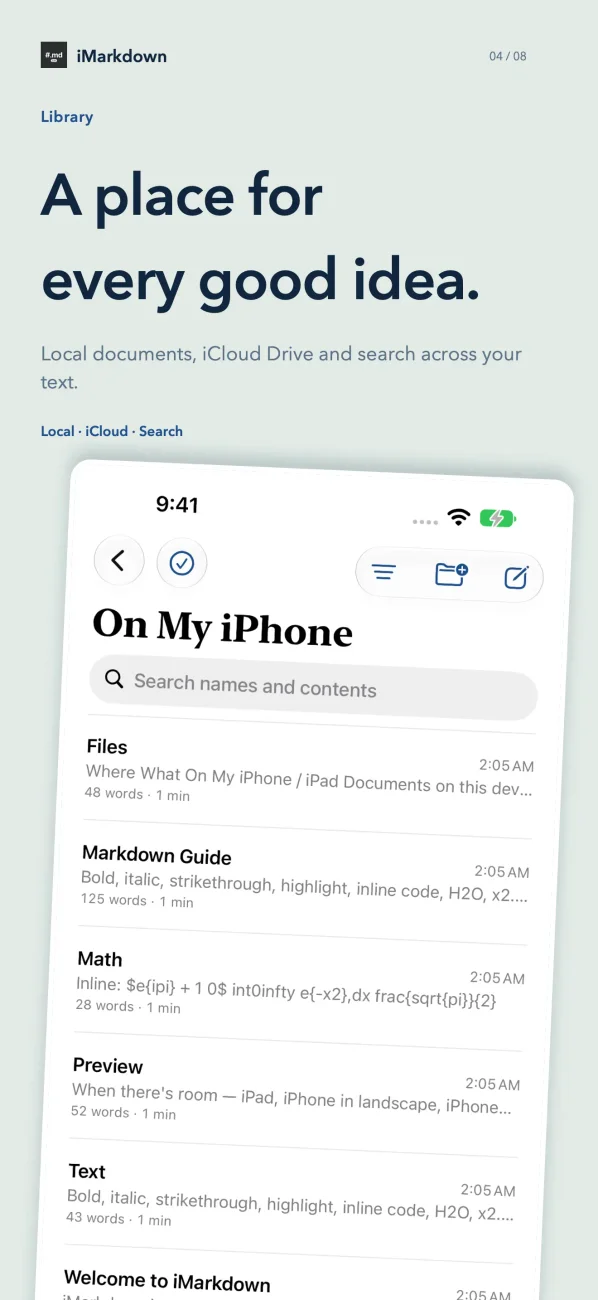
Keep documents on your device or in iCloud Drive. Organize with folders and tags, search document contents, and connect notes with [[wiki links]]. Backlinks show which local documents link to the current one.
READ, PRESENT AND RECOVER
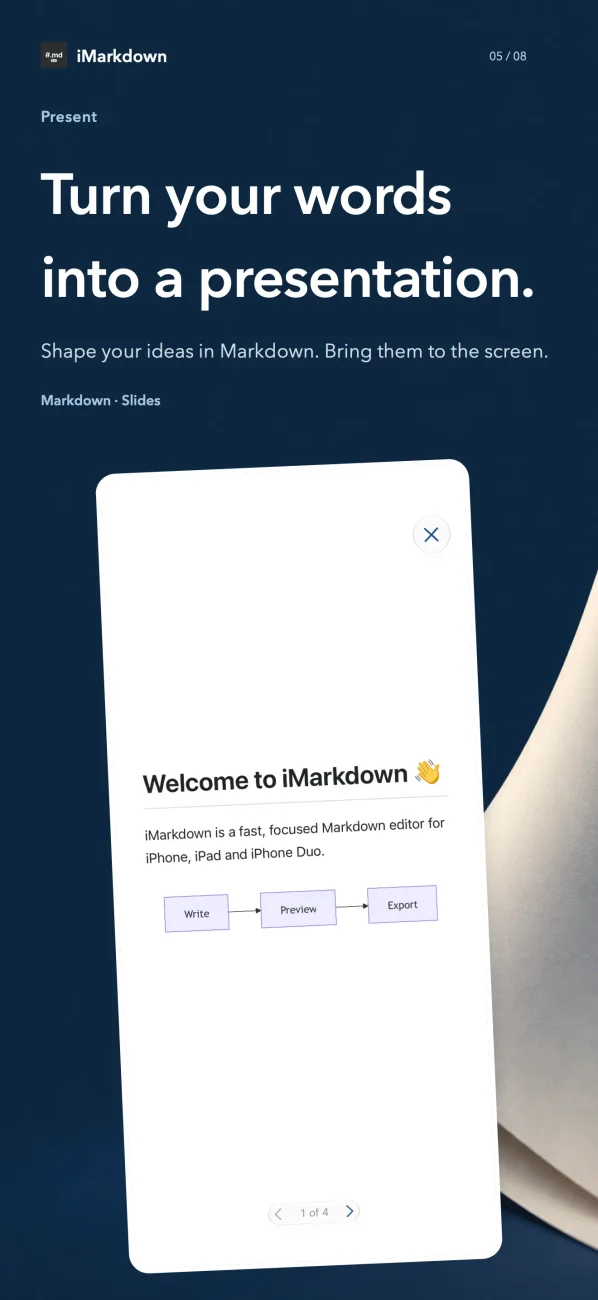
Turn Markdown sections into slides with presentation mode. Browse saved document versions and restore earlier text. Recover files from Recently Deleted.
MORE WITH iMarkdown Pro
Optional in-app purchases unlock PDF, HTML, PNG and TextBundle export, Wi-Fi file transfer with an access code, WebDAV file access, and custom CSS preview styles. With WebDAV, browse, download and upload files, or edit a document and save it back to your server.
Pro is available as a monthly or yearly auto-renewing subscription, or a one-time lifetime purchase. Prices appear in the app. Manage or cancel subscriptions in your App Store account settings.
No iMarkdown account is required to write and manage local documents. iCloud and third-party services require their own setup.
Privacy Policy: https://imarkdown.mystrikingly.com/#privacy-policy
Terms of Use: https://imarkdown.mystrikingly.com/#terms-of-use
What’s new
Version 2.1.0 · Oct 21, 2026
Improved user experience and bug fixes.
App privacy
What HIROMOTO TSUJI declares on the App Store about how this app handles data.
-
Data not linked to you
May be collected but is not linked to your identity.
- Purchases
Privacy practices may vary, for example with the features you use or your age.
Information
- Seller
- HIROMOTO TSUJI
- Category
- Productivity
- Version
- 2.1.0
- Updated
- Oct 21, 2026
- Released
- Oct 17, 2020
- Size
- 23.4 MB
- Requires
- iOS 17.0 or later
- Age rating
- 4+
- Price
- Free
- In-app purchases
- Yes
- Languages
- English, Arabic, French, German, Indonesian, Japanese, Korean, Portuguese, Russian, Simplified Chinese, Spanish, Thai + 2 more
- Copyright
- © 2020 Byte2020 Inc.
You might also like
-
 MDPapermarkdown
-
 Collected NotesPublish notes using Markdown
-
 # Type - Markdown EditorNotes, drafts and plain text
-
 Markdown Editor and ReaderWrite notes & preview md files
-
 Inkdrop - Markdown NotesOrganized Tech Notes Hub
-
 uFocusDistraction-free text editor
-
 MWeb - Markdown Writing, NotesLet's Simple,Focused,Efficient
-
 One MarkdownFast Text & Textbundle Editor.
-
 Metion: Markdown Noteswriting experience matters!
-
 Quick Draft: Notes & MarkdownFast Scratchpad & Text Editor