ImgFrame - Border & Stack
Add borders & combine photos
Designed for iPhone, iPad
Free · In-app purchases
- Age rating4+
- CategoryPhoto & Video
- DeveloperAmy Hu
- LanguagesEnglish+ 5 more
- Size6.4 MB
Links to the official App Store page
Download.org hosts no file of ImgFrame - Border & Stack. The button opens its official App Store page, published by Amy Hu. Listing last checked on Nov 12, 2026.
Screenshots
About
Give your photos the perfect layout with ImgFrame.
ImgFrame is a minimalist tool designed to do two things perfectly: add borders to your images and stack multiple photos together. Whether you are preparing a post for social media or creating a quick collage, ImgFrame handles it instantly on your device.
KEY FEATURES:
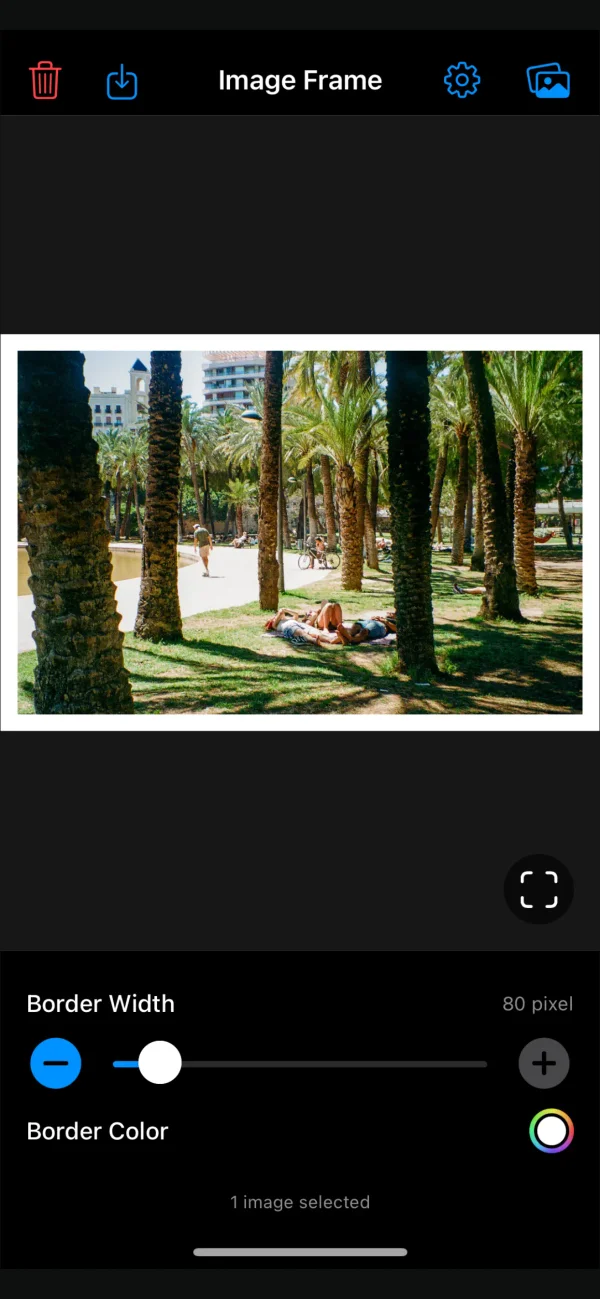
• Smart Borders: Add white or colored borders to fit any aspect ratio without cropping your original image.
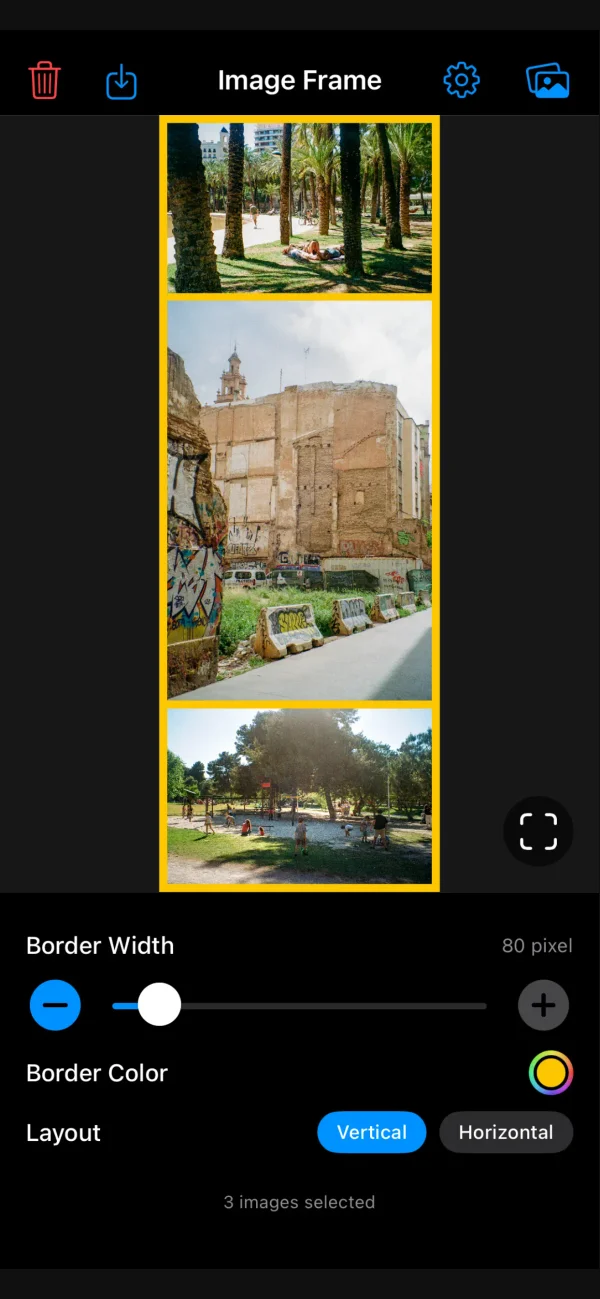
• Photo Stacking: Seamlessly combine images vertically (for long screenshots or timelines) or horizontally (for comparisons and side-by-side views).
• Zero Compression: Export your photos in high resolution.
• Privacy First: ImgFrame works entirely offline. We don't collect your data, and we don't upload your photos to any server.
No accounts, no clutter. Just your photos, framed perfectly.
What’s new
Version 1.0.1 · Jan 14, 2026
Fixed pixel gap bug.
App privacy
What Amy Hu declares on the App Store about how this app handles data.
-
Data not collected
The developer does not collect any data from this app.
Privacy practices may vary, for example with the features you use or your age.
Information
- Seller
- Amy Hu
- Category
- Photo & Video
- Version
- 1.0.1
- Updated
- Jan 14, 2026
- Released
- Jan 12, 2026
- Size
- 6.4 MB
- Requires
- iOS 18.2 or later
- Age rating
- 4+
- Price
- Free
- In-app purchases
- Yes
- Languages
- English, French, German, Japanese, Simplified Chinese, Spanish
- Copyright
- © Amy Hu
You might also like
-
 The Border AppExhibition-style photo borders
-
 Silverlog FlashFlash Guide Number Calculator
-
 Add Border To PhotoPut white frame around image
-
 MetriflashFlash exposure calculator
-
 Right BrightFlash Exposure Chart
-
 Photo Workflow - CaptureBuddyImport, Cull & Geotag Photos
-
 图床小镇Photo & Video
-
 framed - photo bordersSquare fit for any feed
-
 MarkEXIFPhoto & Video
-
 PureFrame: Photo BordersEXIF Watermarks, Clean Layouts