
- Age rating4+
- CategoryEntertainment
- DeveloperEnrique Enguix
- LanguagesEnglish+ 10 more
- Size13.0 MB
Links to the official App Store page
Download.org hosts no file of iMSX2. The button opens its official App Store page, published by Enrique Enguix. Listing last checked on Nov 22, 2026.
Screenshots


About
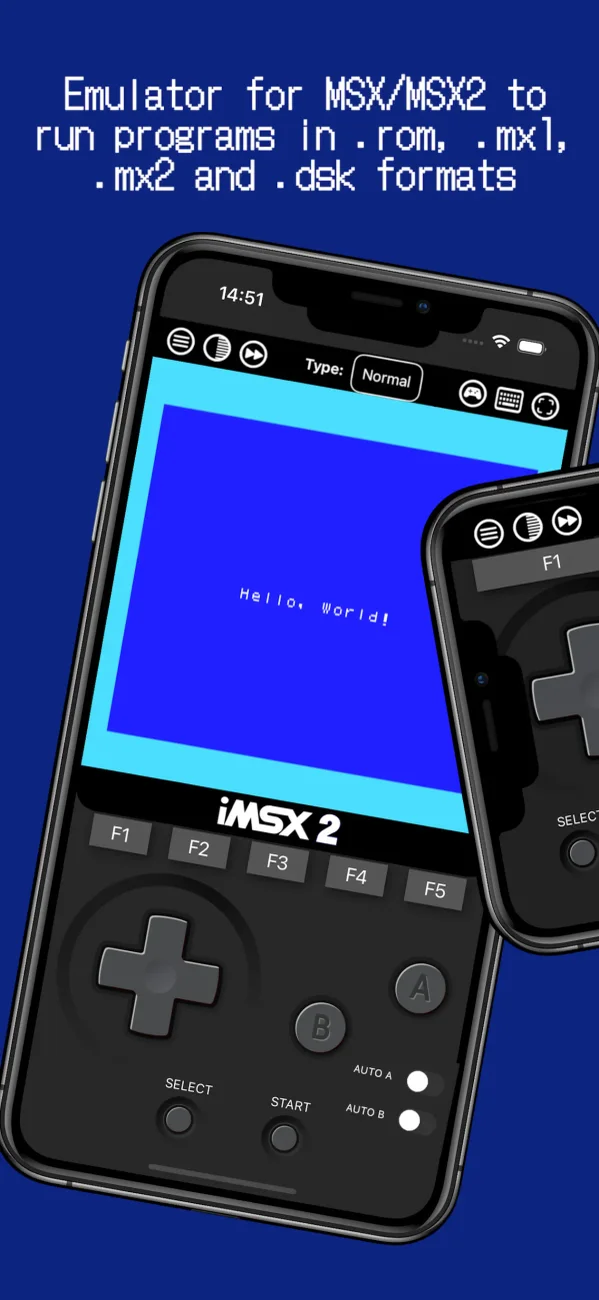
Experience Classic MSX and MSX2 Games on your iPhone/iPad/Apple Watch with iMSX2!
Turn your iPhone/iPad/Apple Watch into a portable MSX2 emulator with iMSX2!
Emulate classic MSX and MSX2 games in ROM, MX1, MX2, DSK or ZIP format
Key Features:
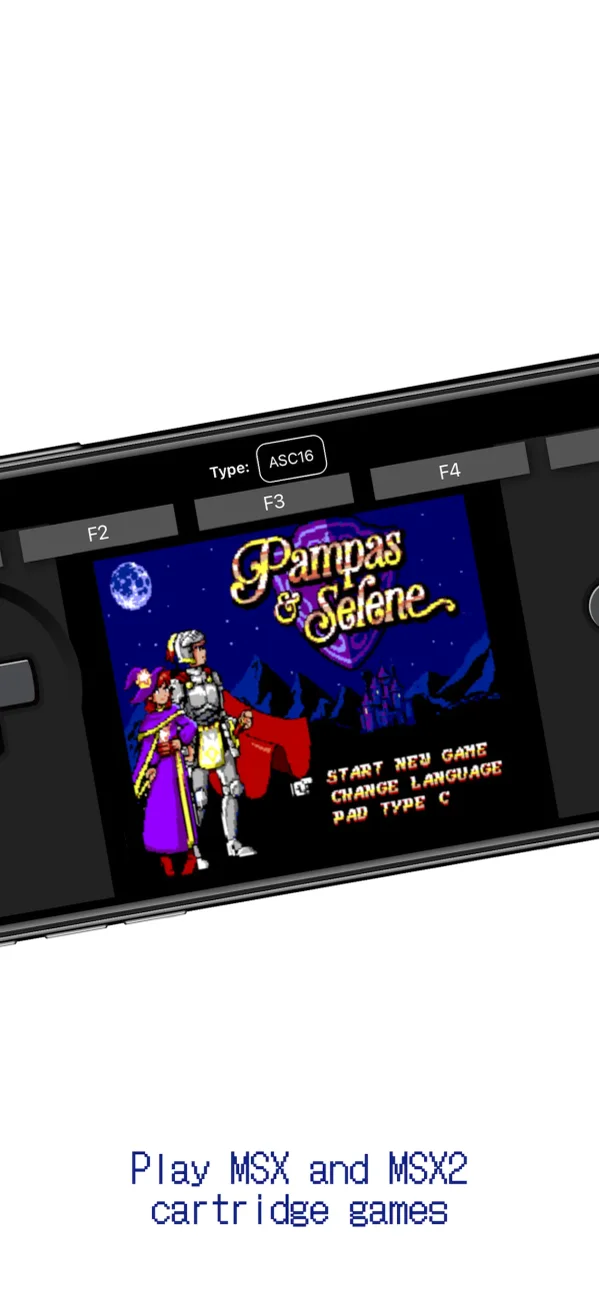
· Play Classic Games: Relive the nostalgia of playing your favorite MSX and MSX2 games right on your iPhone/iPad/Apple Watch.
· Run Your Cartridges: Reproduce MSX and MSX2 cartridges from ROM, MX1, MX2, DSK and ZIP files and enjoy them on your device anytime, anywhere.
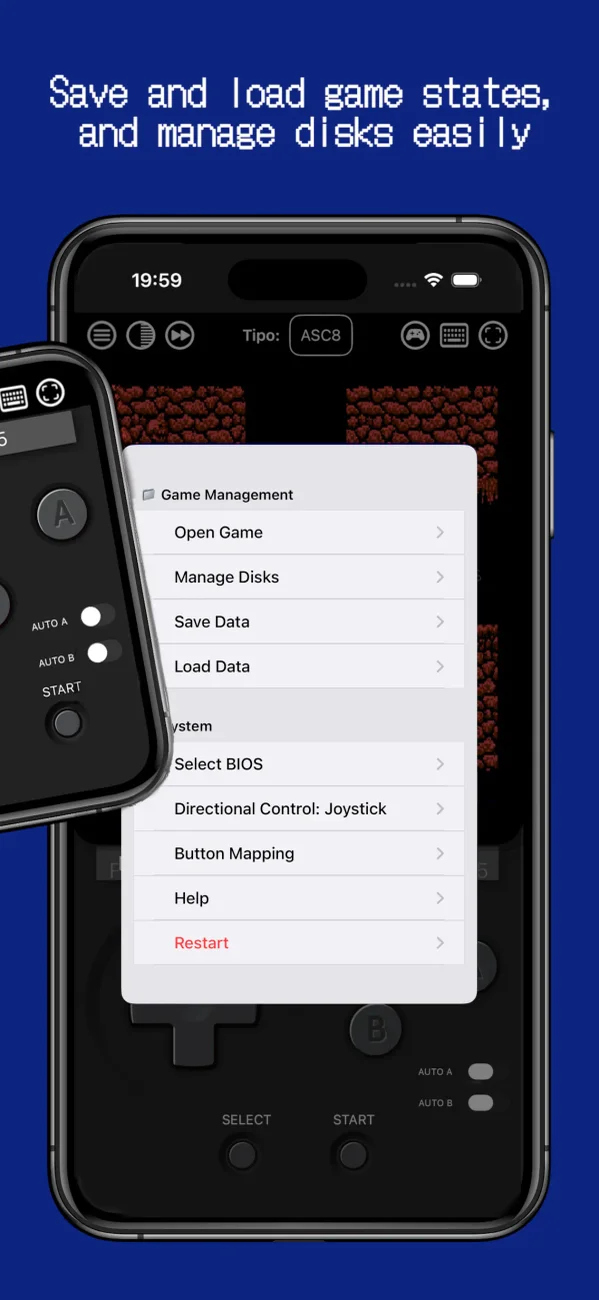
· Save States: Save and load game states and the configuration type easily (iCloud)
· Bluetooth Compatibility: Support for Bluetooth keyboards and game controllers.
· Customizable button layouts: Edit the button positions for each orientation and enjoy full compatibility with shells like GAMEBABY and PlayCase.
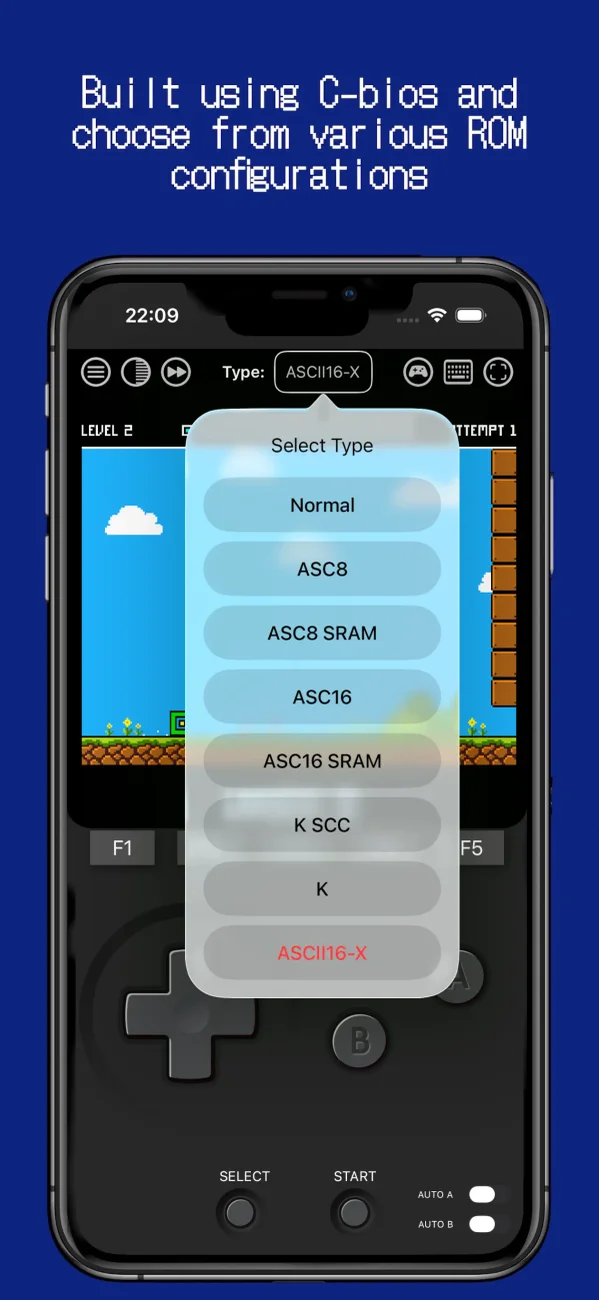
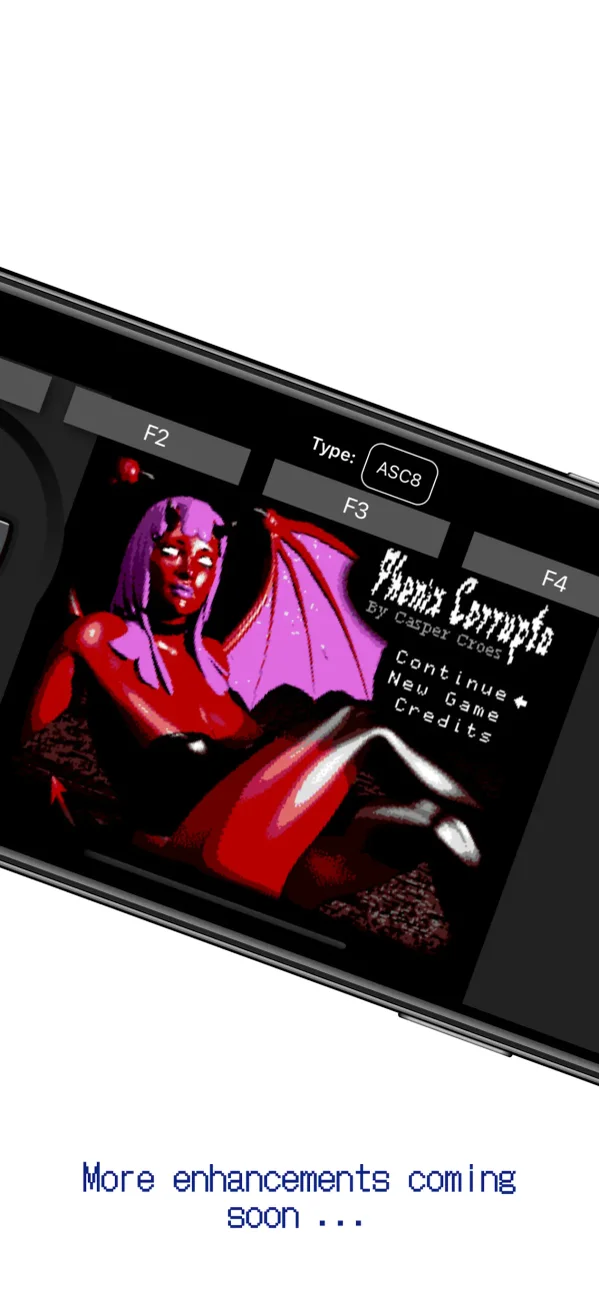
· Choose Your ROM Type: If your rom is not loaded correctly, try to select from various ROM configurations including "Normal", "Type K", "Type K SCC", "Type ASC16", "Type ASC16 SRAM", "Type ASC8", "Type ASC8 SRAM" and "Type ASCII16-X".
· Screen filters: Enjoy a more authentic and customizable retro experience with CRT and scanline filters.
· Fast forward: Speed through gameplay with the new fast forward mode.
· Load Your Own BASIC Programs: Run your own programs in BASIC format directly on your iPhone/iPad/Apple Watch.
· Powered by C-bios: iMSX2 is built using C-bios for the utmost accuracy and compatibility.
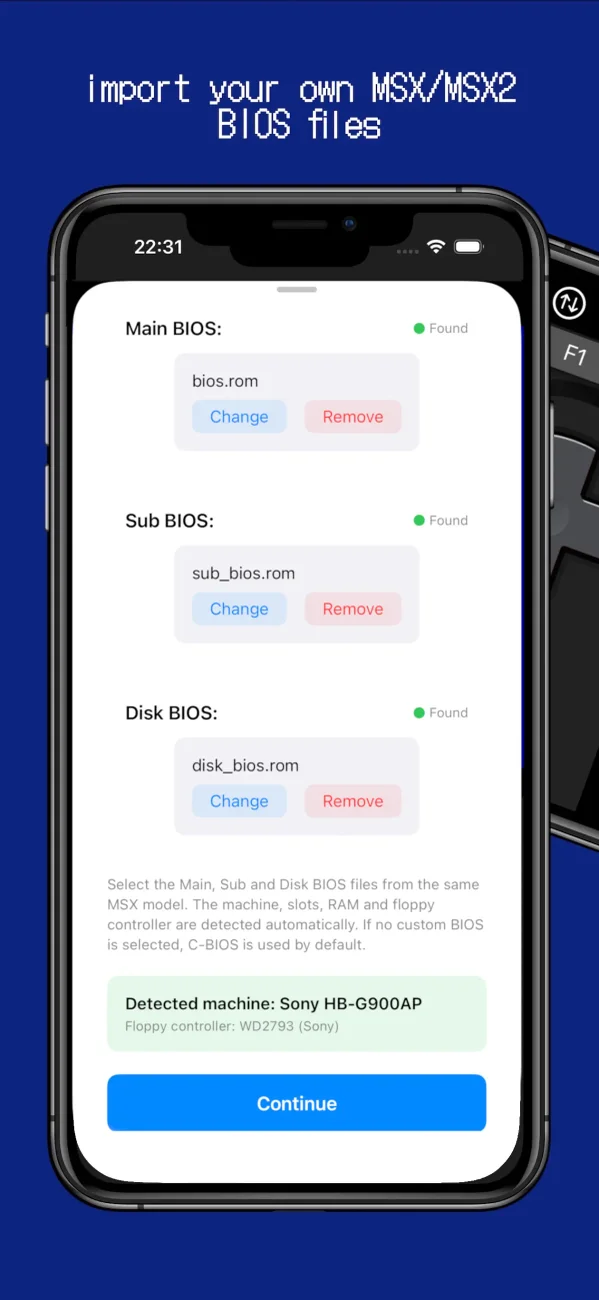
· Custom BIOS support: Import your own BIOS files to enhance compatibility and personalize your emulation experience.
· Improved Disk Support: Play more MSX disk games with improved DSK compatibility, multi-disk support, on-the-fly disk swapping, and user disks for saving data in supported games.
· Auto-fire: Added switches to enable auto-fire for the A and B buttons.
· Designed to be very basic: With a beautiful and user-friendly interface for both portrait and landscape orientations.
· The app does not require an internet connection, contains no ads, and does not store user data. It also takes up little space.
What's Next:
Stay tuned for even more enhancements!
Constantly working on improving iMSX2 and adding new features to provide you with the best MSX experience on iOS.
What’s new
Version 2.9 · Nov 21, 2026
- Browse the new game library with search, favorites, recently played games, and cover art where available.
- Save startup settings and controls for each game, including RAM, music, directional input, and button mappings.
- Start BASIC from the library with a compatible custom BIOS or ZeroBAS, and run single-disk games in Tablacus compatibility mode.
- Resume compatible Apple Watch saves on iPhone, and explore the updated web guide and in-app help, available in 11 languages.
App privacy
What Enrique Enguix declares on the App Store about how this app handles data.
-
Data not collected
The developer does not collect any data from this app.
Privacy practices may vary, for example with the features you use or your age.
Information
- Seller
- Enrique Enguix
- Category
- Entertainment
- Version
- 2.9
- Updated
- Nov 21, 2026
- Released
- May 16, 2024
- Size
- 13.0 MB
- Requires
- iOS 15.0 or later
- Age rating
- 4+
- Price
- $1.99
- Languages
- English, Dutch, French, German, Italian, Japanese, Korean, Portuguese, Russian, Simplified Chinese, Spanish
- Copyright
- Copyright © 2024 Enrique Enguix. All rights reserved.
You might also like
-
 GenZDEntertainment
-
 Handheld Game - NES Emulator8-DIR Control, Unlimited Saves
-
 Yaba Sanshiro 2Saturn Emulator for iOS
-
 VirtualFriend - VB EmulatorThe Virtual Boy in true 3D
-
 Retro Game EmulatorEntertainment
-
 Surume - PS4 PS3 PS2 VITA XBOXThe Most Advanced Emulator
-
 Retroman: GameBoy NES EmulatorGB, GBA & NES Emulation System
-
 GenZD ZeroEntertainment
-
 ArcadeManiaArcade Emulation and More
-
 SameBoyFriendly, Powerful GB Emulator