
Increase Volume Sound
Louder & Video Audio Booster
Designed for iPhone
Free · In-app purchases
- Age rating4+
- CategoryMusic
- DeveloperVladimir Ivakhnenko
- LanguagesEnglish+ 30 more
- Size25.6 MB
Links to the official App Store page
Download.org hosts no file of Increase Volume Sound. The button opens its official App Store page, published by Vladimir Ivakhnenko. Listing last checked on Nov 20, 2026.
Screenshots

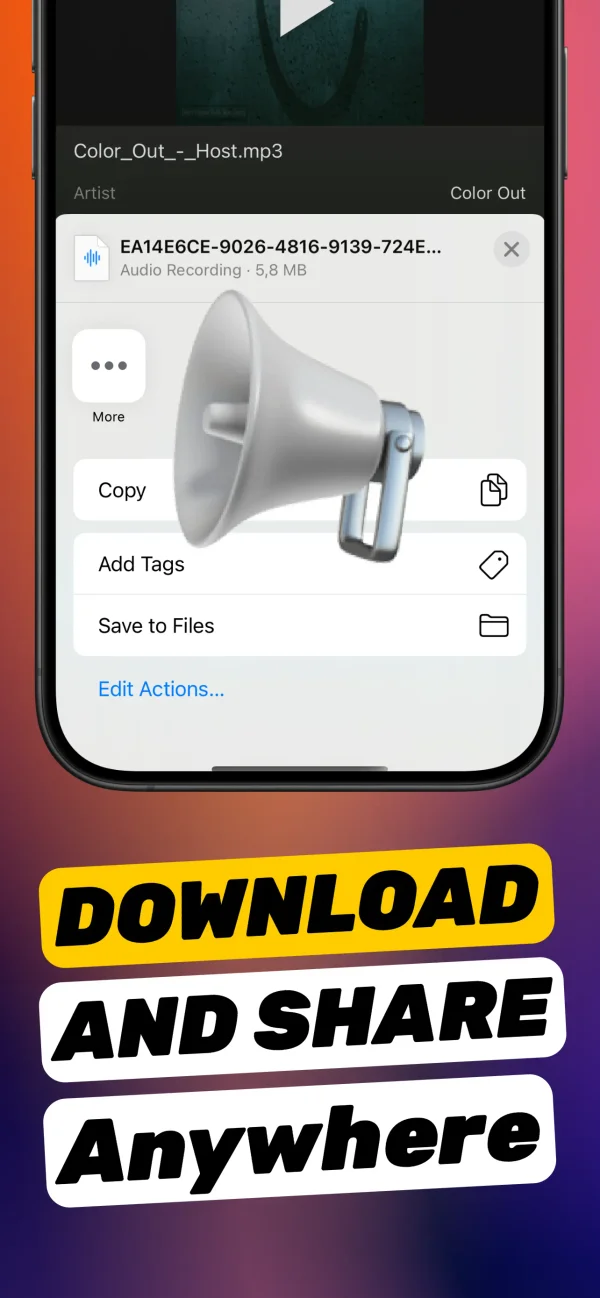

About
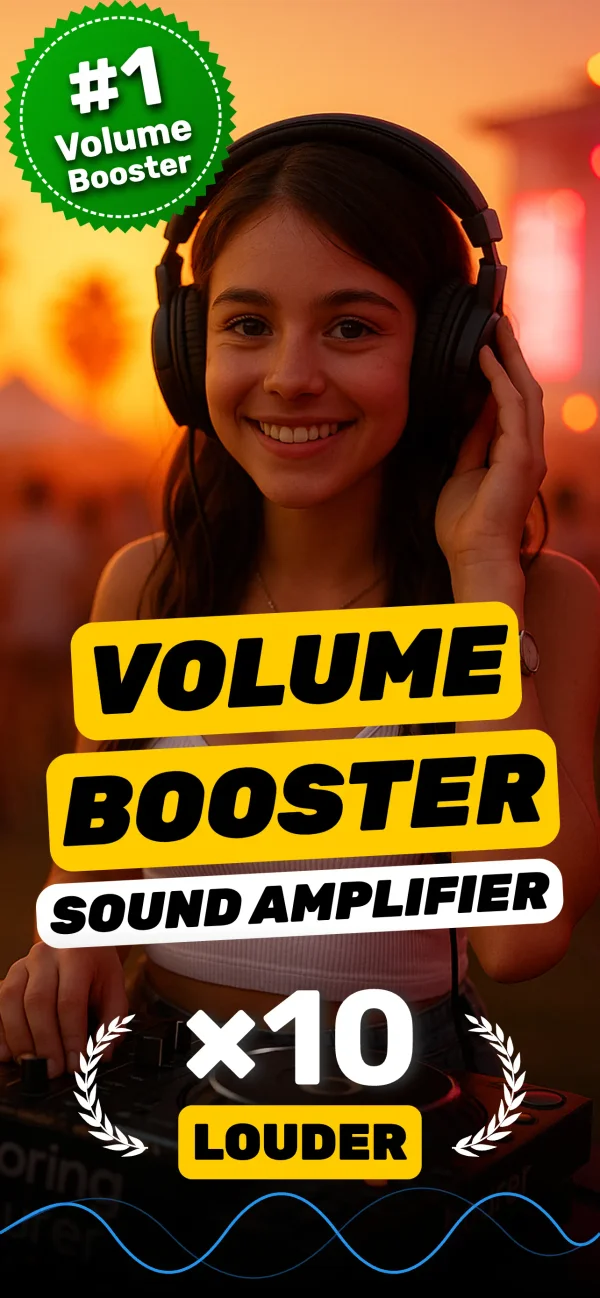
Increase Volume Sound is an iOS volume booster for people who need quiet videos, music, and audio files to play louder on iPhone.
Use this app to make a video, song, voice note, or podcast louder when it stays hard to hear at maximum system volume. Import the file, raise its loudness, preview the result, and save or share a louder copy. Increase Volume Sound does not change your iPhone system volume or the volume of other apps. It boosts a file you already have. It is not a studio editor.
How to Make a Video or Audio File Louder
- Import a video from Photos, or an audio file such as an MP3 from Files.
- Share a compatible video or audio file into Increase Volume Sound.
- Set the loudness from 1× up to 10×.
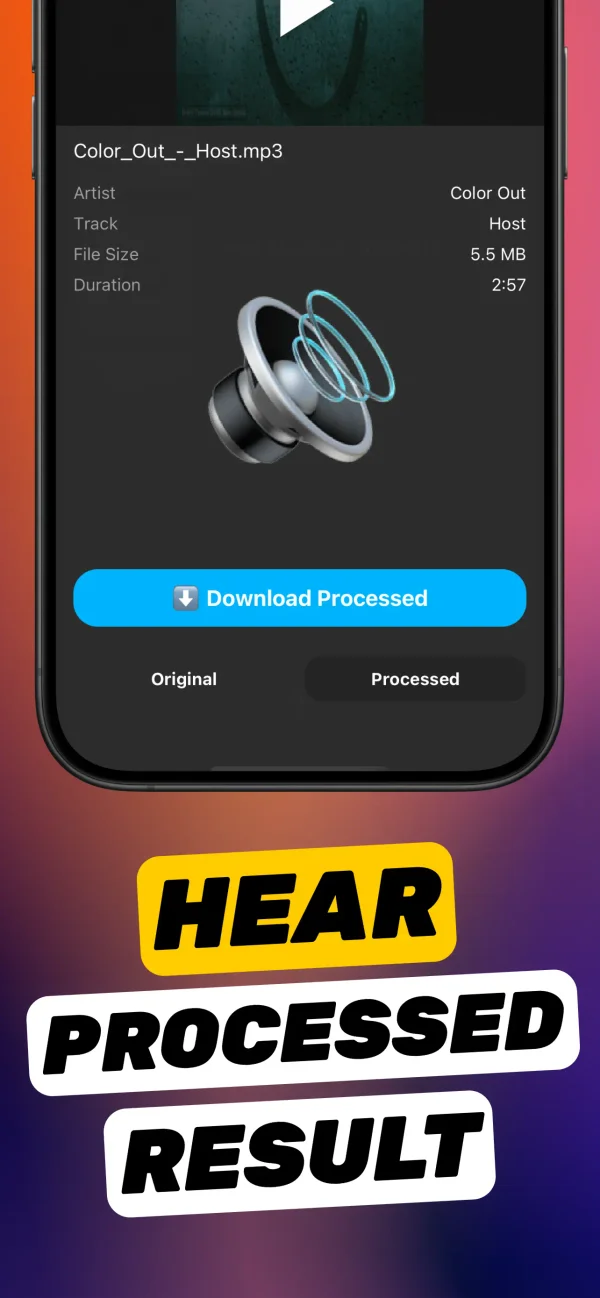
- Listen to the original and the boosted version before you save.
- Add bass or clarity when speech or music sounds thin.
- Save the louder file, or share it.
Use Increase Volume Sound to make a quiet video louder before you watch it, send it, or post it.
Boost music and MP3 files that sound too quiet on your iPhone or in the car.
Raise the volume of voice notes, voice messages, and podcast files so speech is easier to hear.
Amplify screen recordings, movie files, or tutorials that were recorded at a low volume.
Frequently Asked Questions
What app increases volume on iPhone when the volume is already at maximum?
Increase Volume Sound lets you boost an imported video or audio file by up to 10×. Import the quiet media, adjust the loudness, preview the result, and save a louder copy. Your iPhone system volume setting stays unchanged.
How do I make a video louder on iPhone?
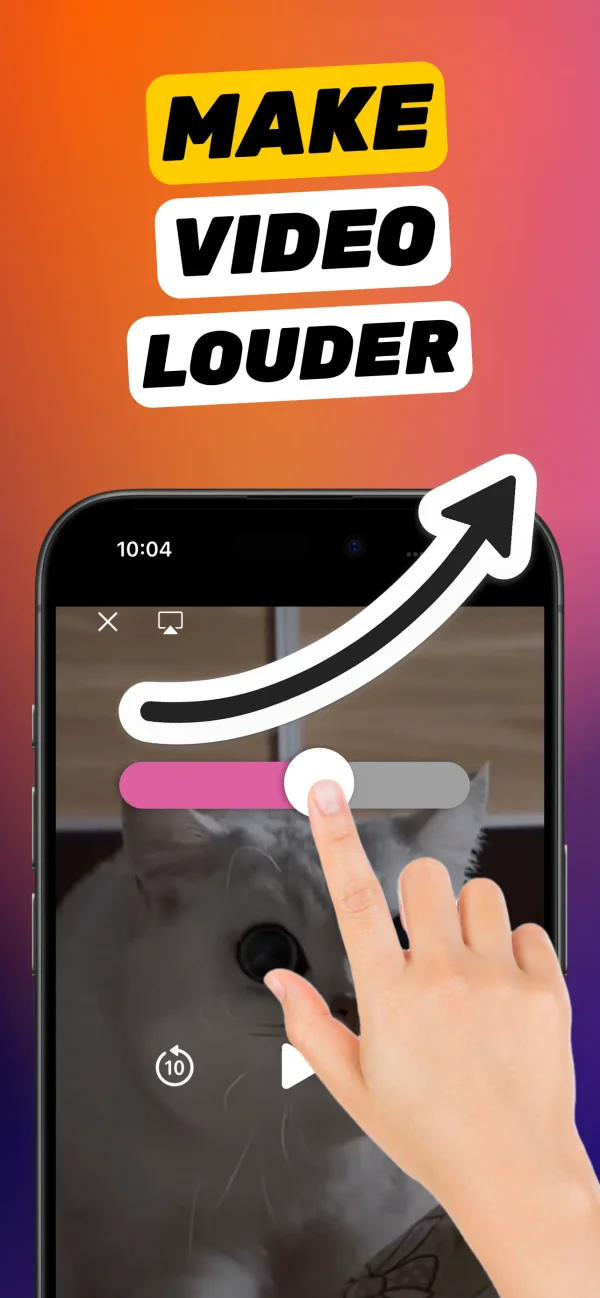
Open Increase Volume Sound, import a video from Photos, increase the volume, preview the result, and save or share the louder version.
How do I make music louder on iPhone?
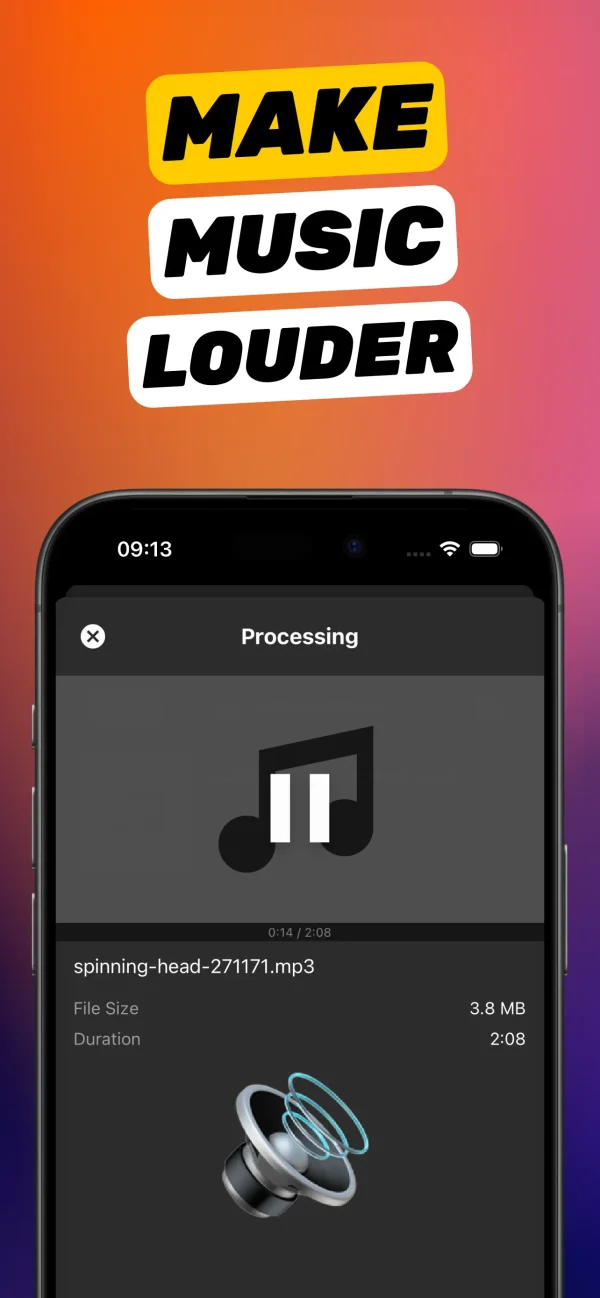
Import a compatible song or MP3 into Increase Volume Sound, choose a higher volume level, preview the audio, and save the boosted track.
Can I boost a voice recording or podcast?
Yes. Import a compatible voice recording, voice note, or podcast file and increase its loudness. Optional clarity can help when speech sounds muffled.
Does Increase Volume Sound make phone calls louder?
No. Increase Volume Sound works with video and audio files you import. It does not change phone call volume or your iPhone system volume.
Is Increase Volume Sound a hearing aid?
No. Increase Volume Sound is an audio tool for videos, music, and recordings. It is not a medical hearing device or a replacement for a hearing aid.
Are my video and audio files uploaded?
Increase Volume Sound processes imported media on your iPhone. See the Privacy Policy for details about the app's data practices.
How much does Increase Volume Sound cost?
Increase Volume Sound offers in-app purchases. Exports and saved projects follow the subscription and plan limits shown in the app.
Download Increase Volume Sound to make quiet videos, songs, MP3s, voice recordings, and other compatible audio files louder on your iPhone.
Terms of Use: https://volumeboosting.com/terms.html
Privacy Policy: https://volumeboosting.com/privacy.html
What’s new
Version 1.3.9 · Nov 4, 2026
This version of Increase Volume Sound includes bugs fixed and small improvements
App privacy
What Vladimir Ivakhnenko declares on the App Store about how this app handles data.
-
Data not linked to you
May be collected but is not linked to your identity.
- Purchases
- Identifiers
- Usage data
- Diagnostics
Privacy practices may vary, for example with the features you use or your age.
Information
- Seller
- Vladimir Ivakhnenko
- Category
- Music
- Version
- 1.3.9
- Updated
- Nov 4, 2026
- Released
- Feb 17, 2025
- Size
- 25.6 MB
- Requires
- iOS 18.6 or later
- Age rating
- 4+
- Price
- Free
- In-app purchases
- Yes
- Languages
- English, Croatian, Czech, Danish, Dutch, Filipino, Finnish, French, German, Greek, Hebrew, Hungarian + 19 more
- Copyright
- © 2026 c-basso
You might also like
-
 Volume Booster - Sound & BassAudio Equalizer, Boost Speaker
-
 Volume Booster ▸Music Player & Podcast App
-
 Super Volume: Increase VolumeSound Louder & Amplifier
-
 Bass Booster - Volume BoosterSpeaker Booster Sound Booster
-
 Max Volume Booster & LouderAmplify & Enhance Sound
-
 Volume Booster : Max Sound EQLoud Bass Booster & Equalizer
-
 Volume Booster • Bass BoosterLouder Volume: Sound Amplifier
-
 Crank It for Denon & MarantzResponsive receiver control
-
 Volume Booster - Loud Bass EQSpeaker & Sound Amp, Equalizer
-
 Louder Volume BoosterBoost Speaker Music Sound