
- Age rating4+
- CategoryPhoto & Video
- DeveloperCloudMakers, s. r. o.
- LanguagesEnglish
- Size29.6 MB
Links to the official App Store page
Download.org hosts no file of INDIGO A1. The button opens its official App Store page, published by CloudMakers, s. r. o. Listing last checked on Nov 20, 2026.
Screenshots
About
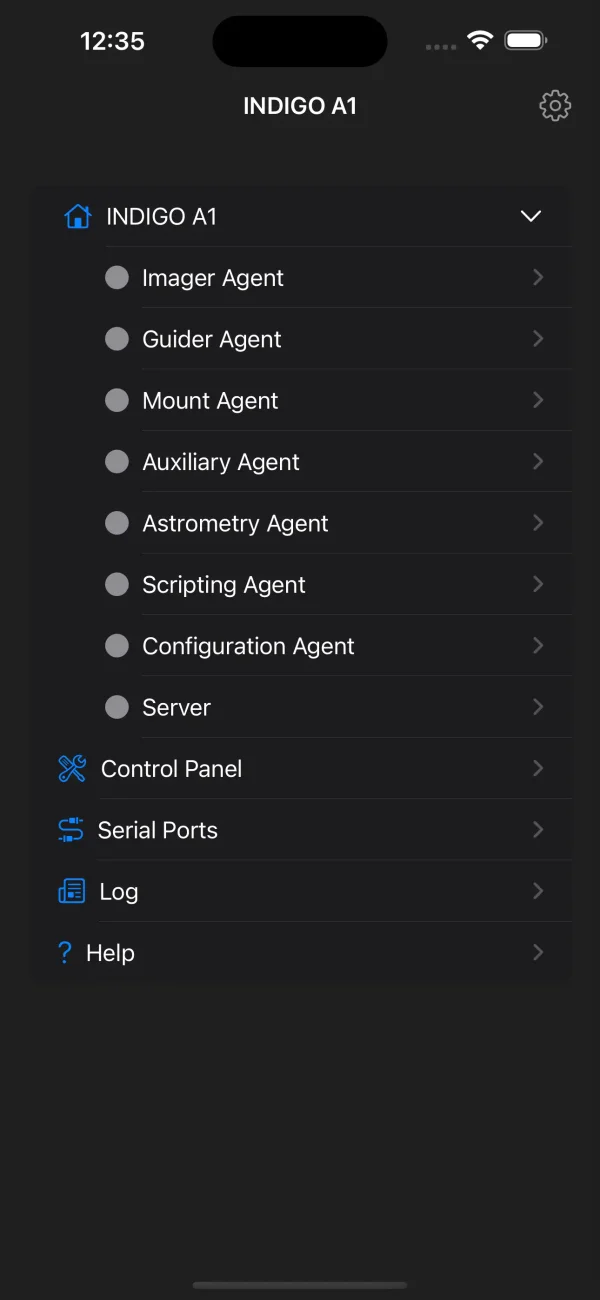
INDIGO A1 brings your astrophotography equipment together in one native app for Mac, iPad and iPhone. From finding and framing a target to focusing, guiding and capturing a sequence, keep your imaging session under control from a single workspace.
Use the built-in INDIGO server on your Mac to control connected equipment, or connect to an external INDIGO server such as INDIGO Sky on a Raspberry Pi or an observatory computer. On iPad and iPhone, connect to your server to control equipment, inspect images and follow your session.
CAPTURE AND FOCUS
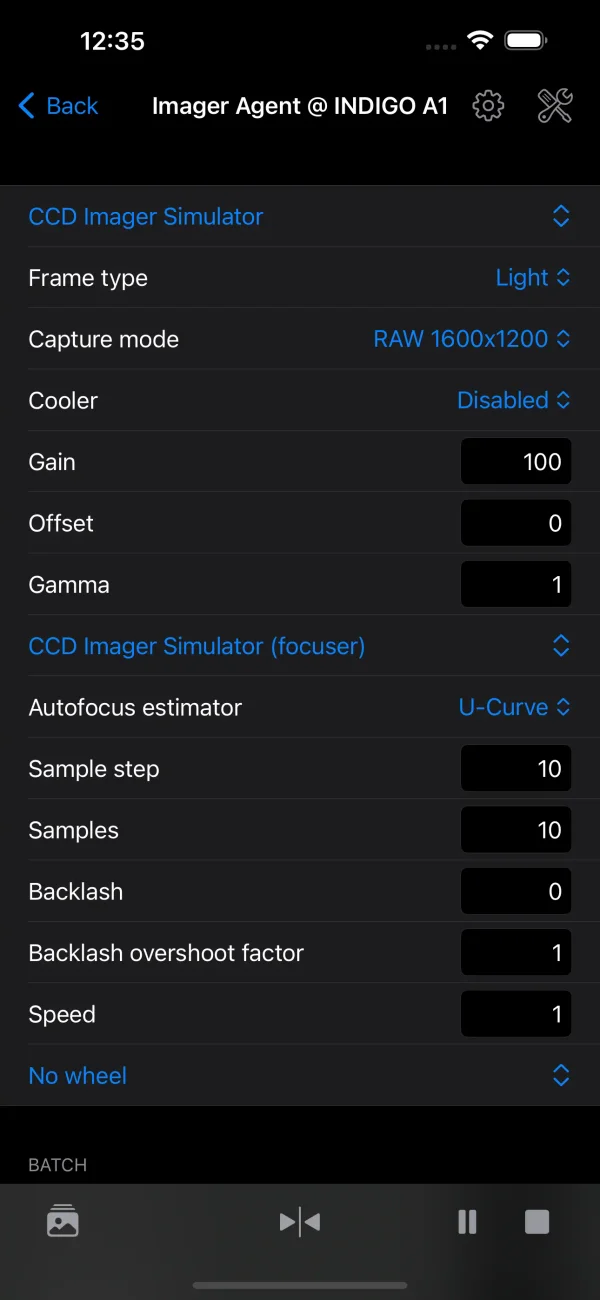
Control compatible astronomy cameras, focusers and filter wheels. Set up exposure batches, run autofocus and inspect image previews with stretching, debayering, histograms and star measurements. Use FWHM, HFD and Peak maps to evaluate image quality across the frame.
GUIDE AND DITHER
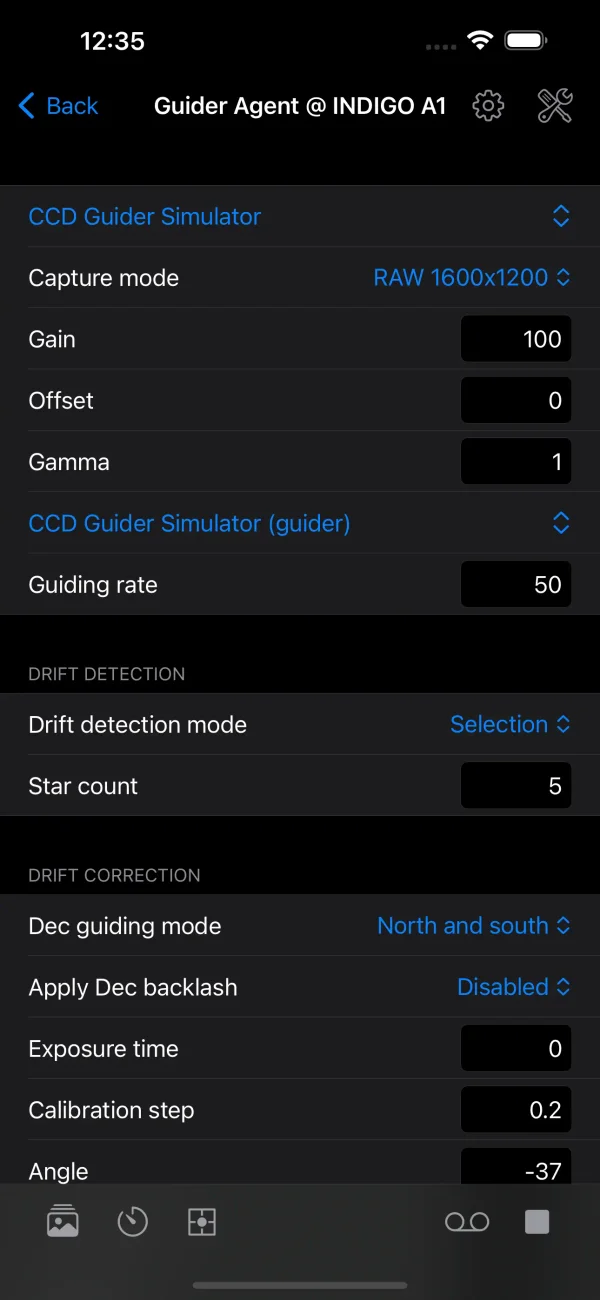
Calibrate and run autoguiding, monitor tracking with live graphs and coordinate dithering with image capture.
FIND AND FRAME YOUR TARGET
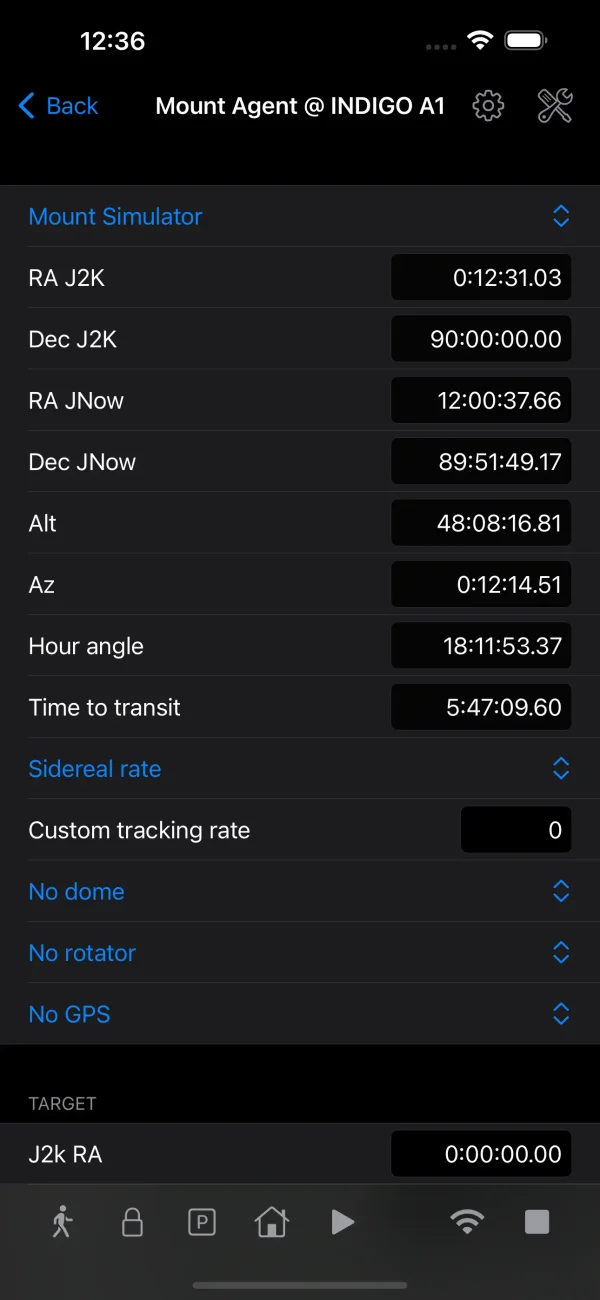
Explore the sky map and search built-in catalogues, SIMBAD and JPL HORIZONS. Control slewing, tracking and parking. With a compatible plate solver, use image solving, precise GoTo, star alignment and polar alignment to get your setup ready for imaging.
AUTOMATE YOUR SESSION
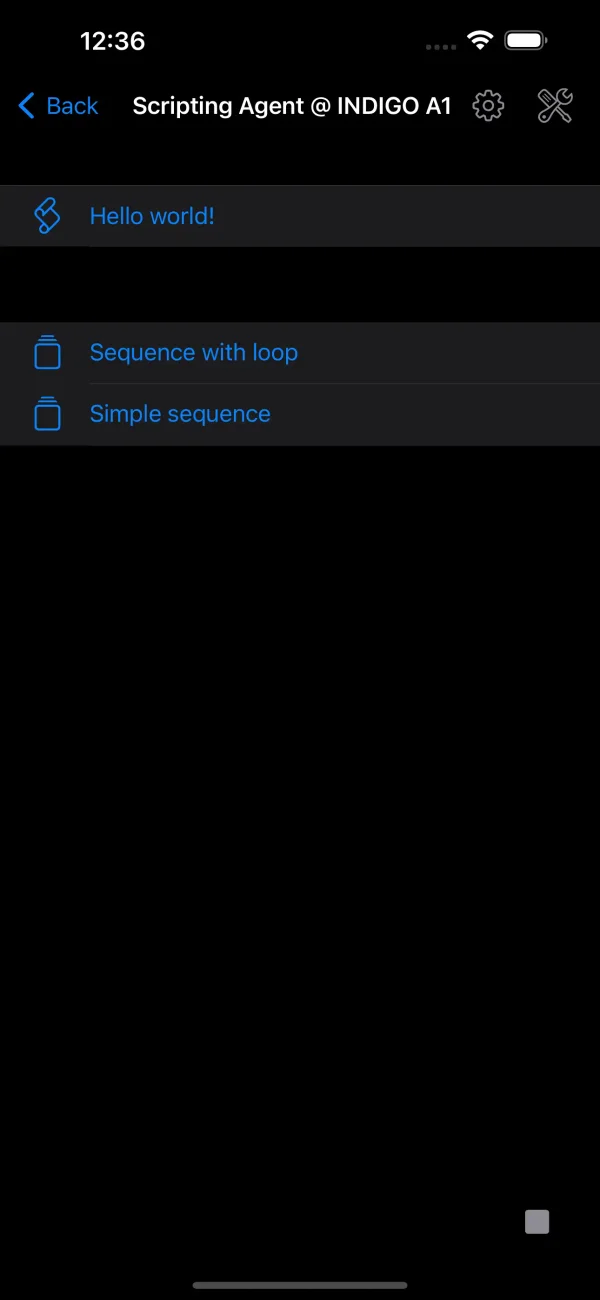
Build imaging sequences on Mac and iPad, then run and monitor them from your connected device. Coordinate focusing, guiding, capture and mount operations, with conditions based on time, solar altitude and target altitude. For advanced workflows, edit JavaScript scripts on Mac.
MAKE THE WORKSPACE YOURS
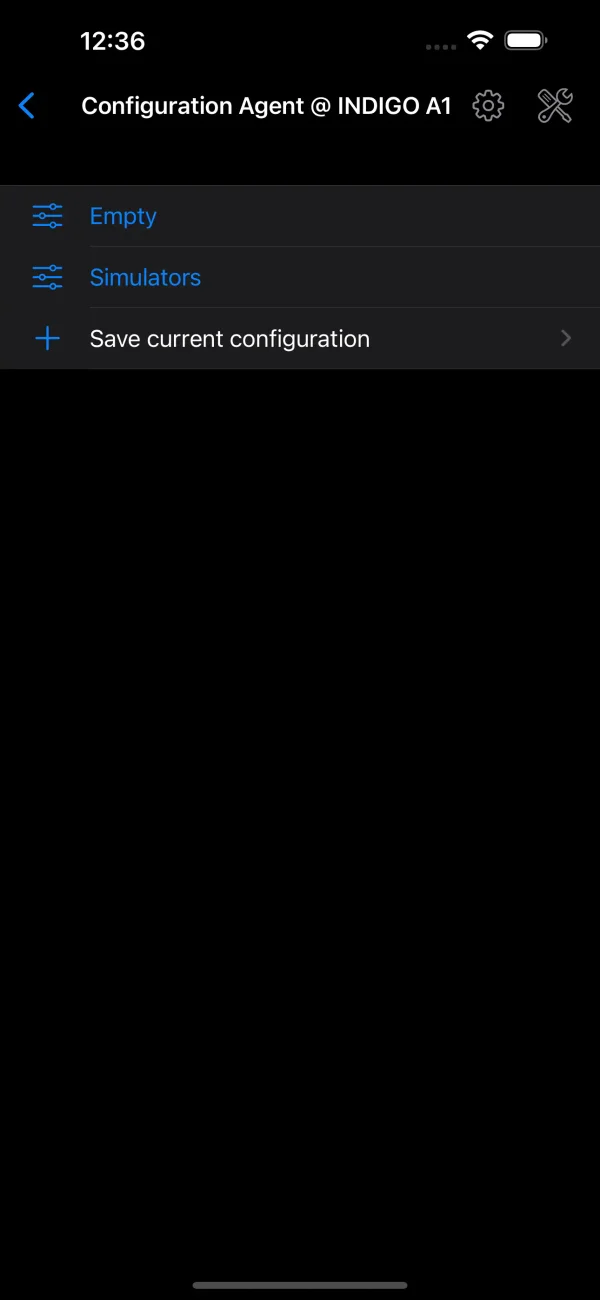
Create custom dashboards with equipment controls, image previews and status graphs. Save equipment configurations and restore them for your next session. Access raw device properties whenever you need detailed control or troubleshooting.
CONTROL YOUR ACCESSORIES
Manage compatible power boxes, dew controllers, flat panels, dust covers and weather sensors alongside your imaging equipment. Supported setups can also include domes and field rotators.
WORKS WITH INDIGO SKY
Connect INDIGO A1 to INDIGO Sky running on a Raspberry Pi attached to your telescope. Control your cameras, mount, focuser, filter wheel and accessories over the network, inspect incoming images and monitor imaging sequences from your Mac, iPad or iPhone. INDIGO agents run on the server, so an imaging sequence can continue even if the app disconnects; reconnect later to check progress and retrieve images.
On Mac, you can also use the built-in INDIGO server to control equipment connected directly to your computer.
TRY THE COMPLETE WORKFLOW
Try all features free for 14 days. Permanently unlock Imager, Guider, Mount and Dashboard features individually through in-app purchases.
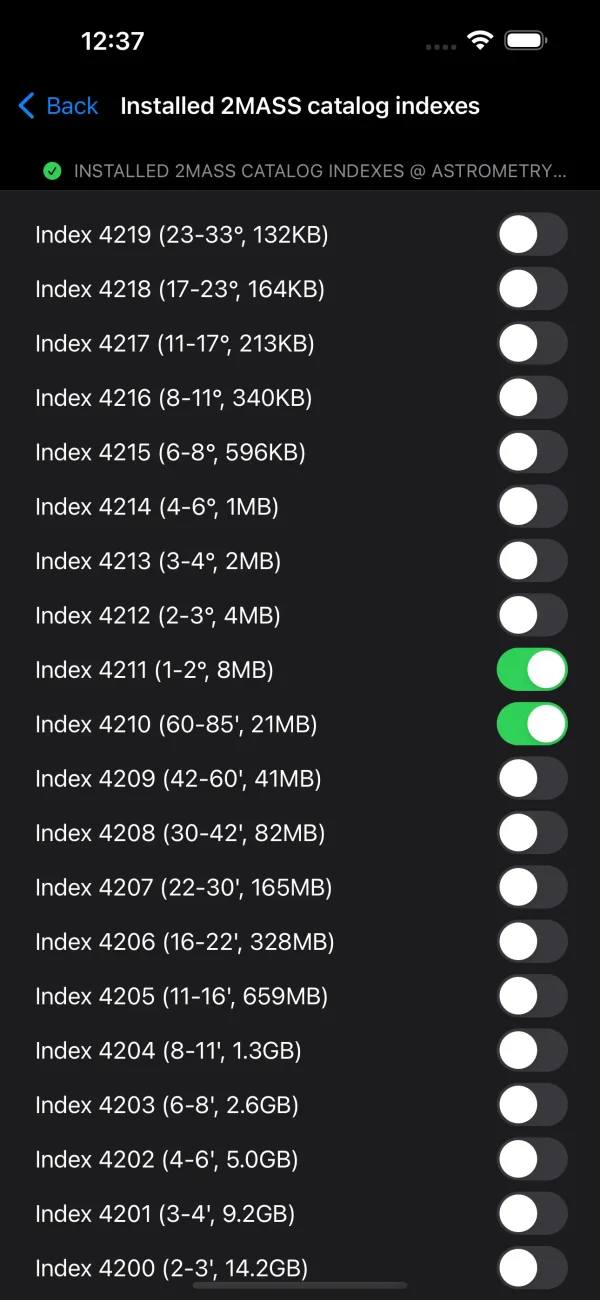
INDIGO A1 requires compatible astronomical equipment and drivers. Available controls depend on your hardware and INDIGO server. Plate solving requires a compatible solver and the appropriate index files.
Requires iOS/iPadOS 17 or later.
What’s new
Version 6.2 · Nov 18, 2026
Version 6.2 improves image previews, server connections and Bahtinov focusing, updates INDIGO to 3.0-11 and fixes access to mount controls.
IMAGES
• Fixed image previews when switching between agents of the same type. The preview now follows the selected agent without retaining the previous agent’s image.
• Automatic Bayer pattern detection now applies separately to each image. Monochrome, binned and JPEG frames following a colour-camera frame are no longer displayed in false colour.
• Manually selected Bayer patterns remain in effect. A pattern remembered by an earlier version is reset and may need to be selected again.
FOCUSING
• Bahtinov focus settings now support the mask angle used by current INDIGO agents. Set the angle to 0 to let the agent learn it automatically.
• The Sigma setting remains available when connected to older servers.
CONNECTIONS
• Configured servers reconnect at launch even when Bonjour discovery is disabled.
• Unreachable configured servers remain in the list, and disconnected configured servers can be removed.
MOUNT CONTROL
• Fixed access to the Mount view: it now unlocks correctly with the “Unlock mount control features” purchase or an active trial.
INDIGO AND CATALOGUES
• Updated INDIGO to 3.0-11.
• Expanded the built-in deep-sky catalogue with additional objects, including dark nebulae.
• Improved routing of property changes between local and remote devices.
App privacy
What CloudMakers, s. r. o. declares on the App Store about how this app handles data.
-
Data not collected
The developer does not collect any data from this app.
Privacy practices may vary, for example with the features you use or your age.
Information
- Seller
- CloudMakers, s. r. o.
- Category
- Photo & Video
- Version
- 6.2
- Updated
- Nov 18, 2026
- Released
- Apr 4, 2022
- Size
- 29.6 MB
- Requires
- iOS 17.0 or later
- Age rating
- 4+
- Price
- Free
- In-app purchases
- Yes
- Languages
- English
- Copyright
- © 2022-2026 CloudMakers, s. r. o.
You might also like
-
 StellaVitaPhoto & Video
-
 ElePhotosPolaroid widget
-
 SynLinkTelescope & Astrophotography
-
 SoSoVideoCapture amazing moments
-
 SvbonyAstroPhoto & Video
-
 SvbonyastrocamPhoto & Video
-
 DoF: Depth of Field CalculatorFocus Assistant Tool
-
 ReFilm: Vintage Filter&EffectOne-Click Retro Film Preset
-
 The best photoAI help you keep best photos
-
 Svbony CamPhoto & Video