
Infinity Fleet Connect
Ship Wi-Fi & Data Usage
Designed for iPhone, iPad, iPod touch
Free
- Age rating4+
- CategoryUtilities
- DeveloperArtem Soroka
- LanguagesEnglish
- Size19.0 MB
Links to the official App Store page
Download.org hosts no file of Infinity Fleet Connect. The button opens its official App Store page, published by Artem Soroka. Listing last checked on Nov 15, 2026.
Screenshots
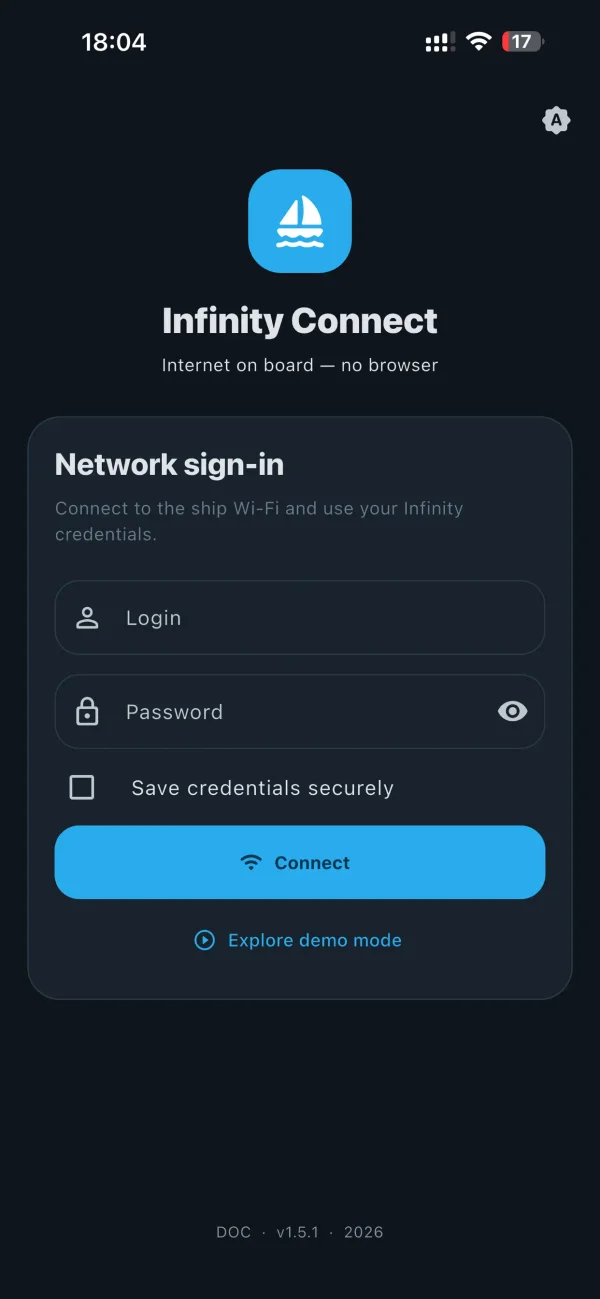
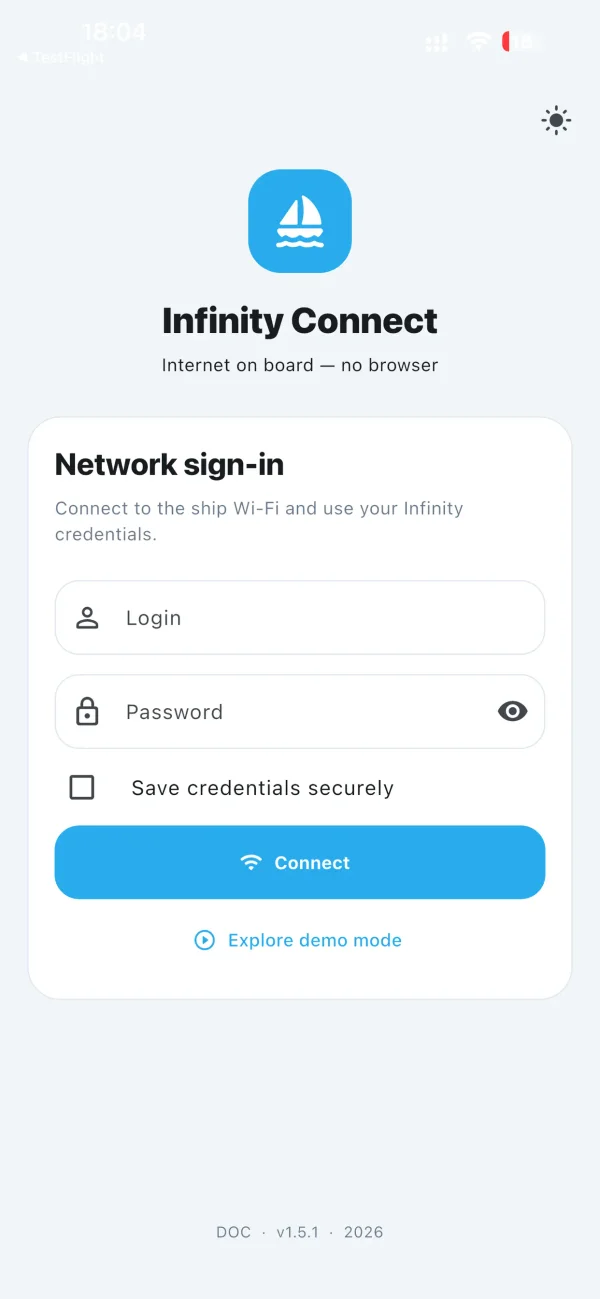
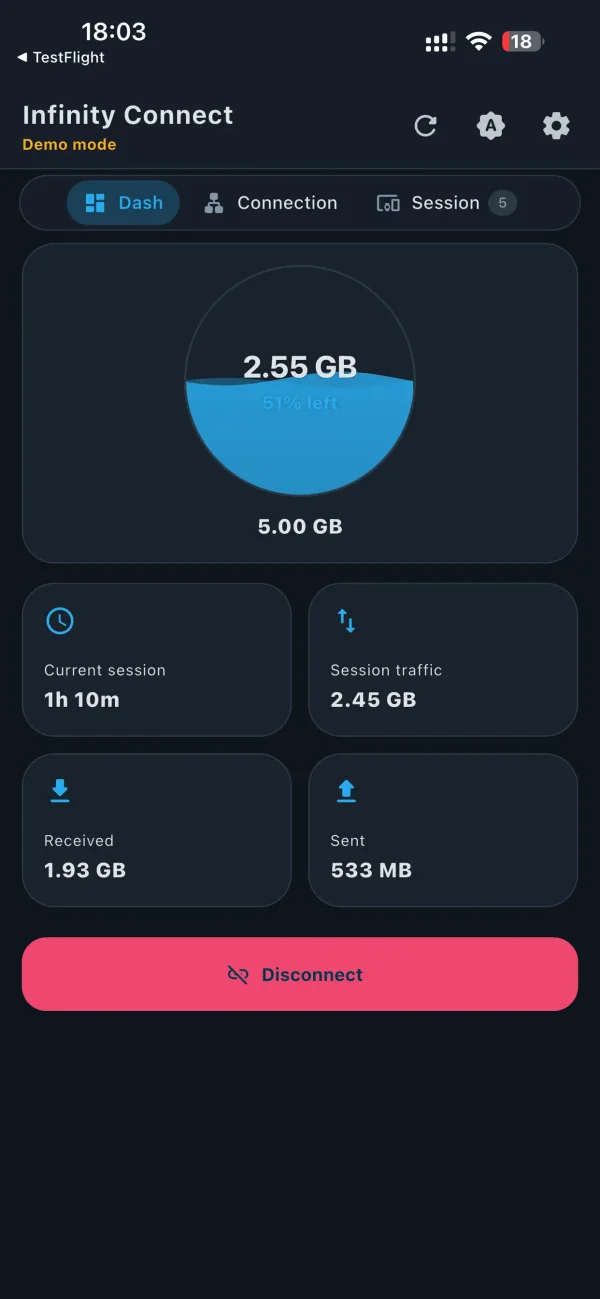
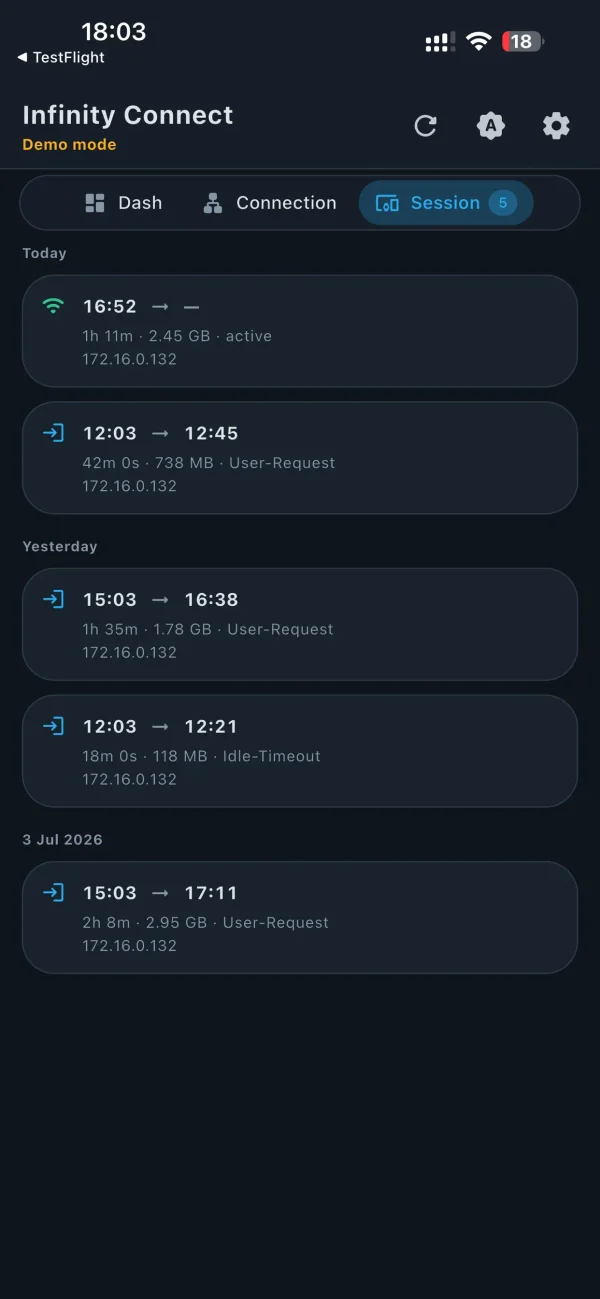

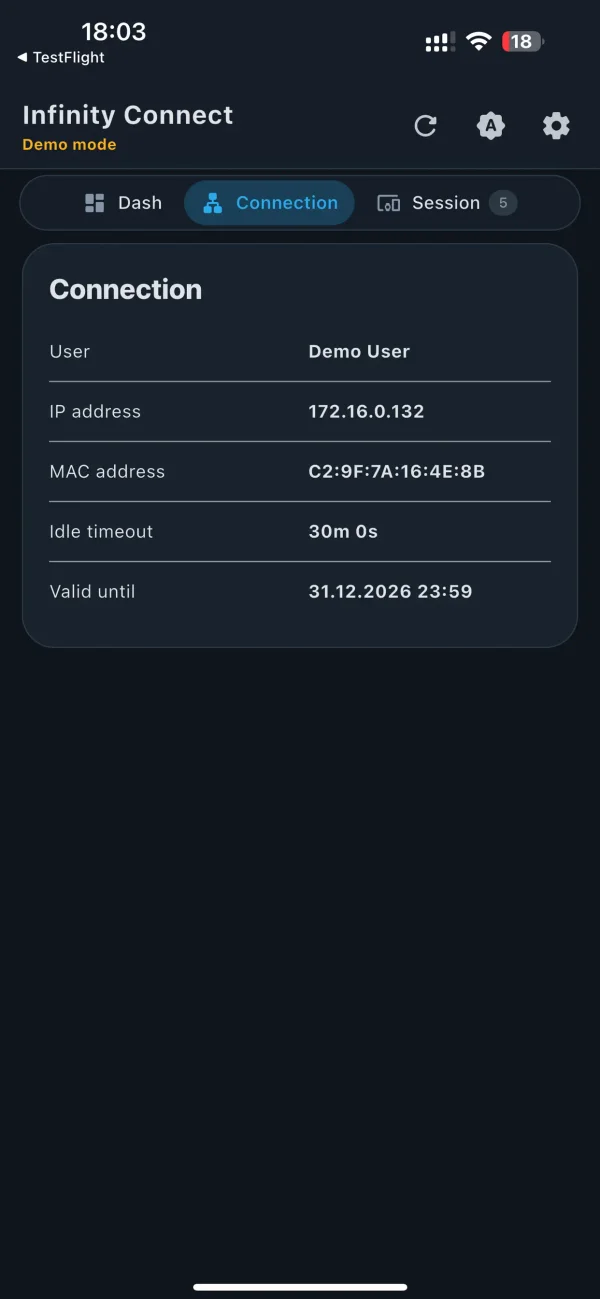
About
Infinity Fleet Connect gives crew members a simple way to access and manage their onboard internet connection through the Infinity Fleet hotspot.
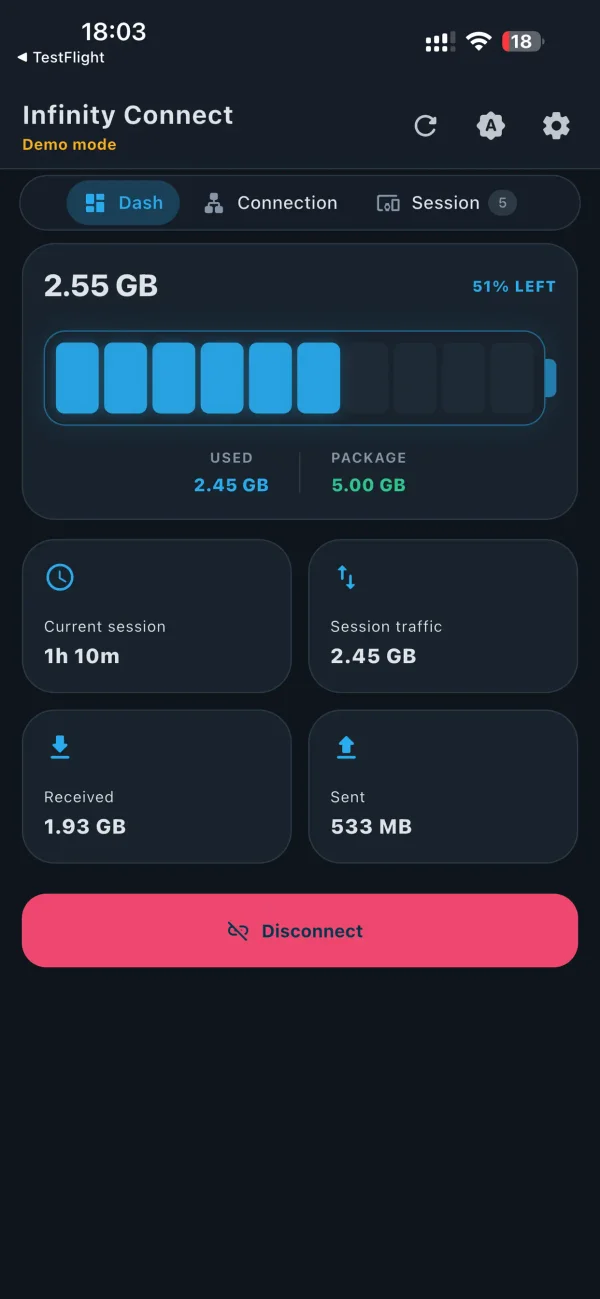
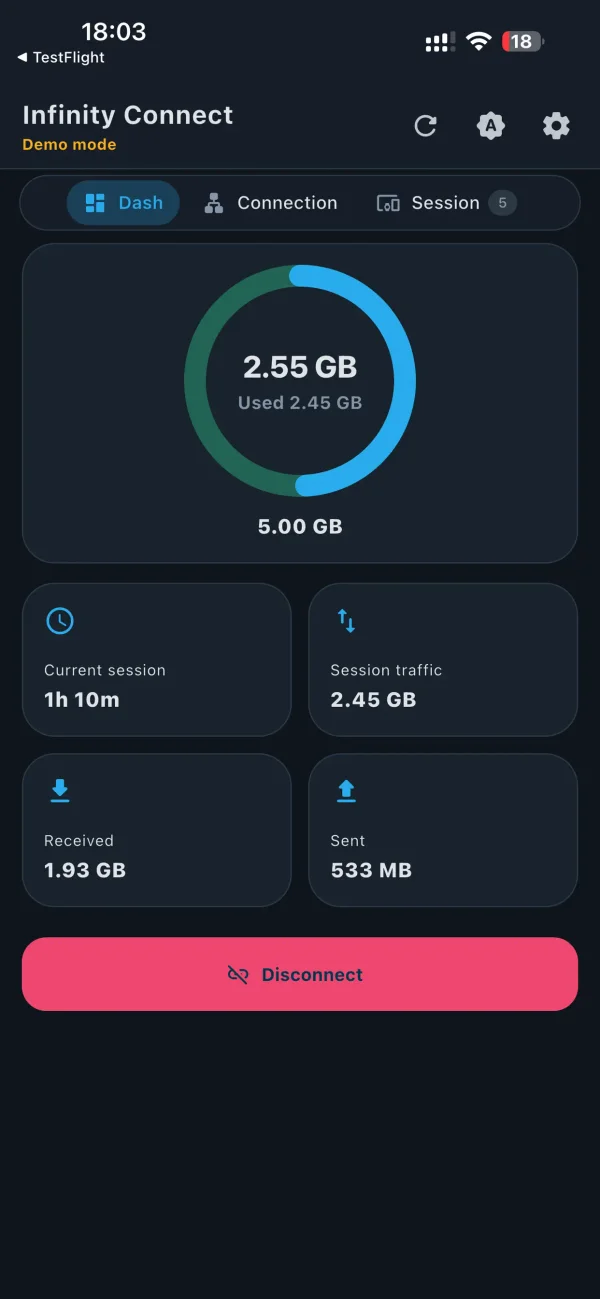
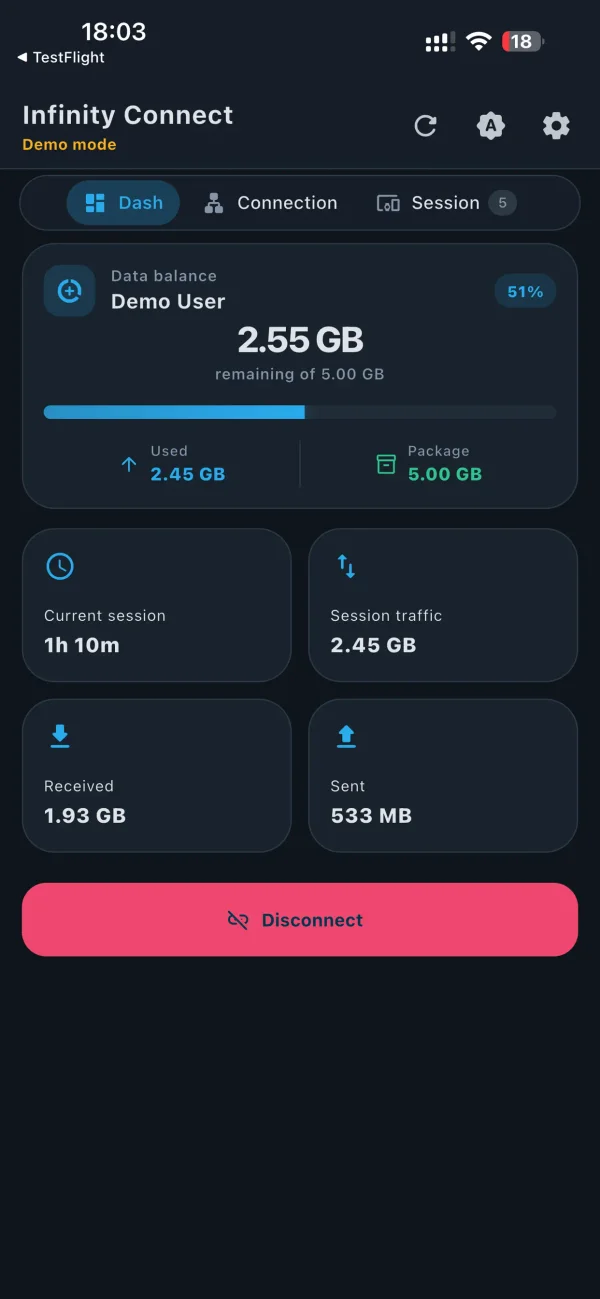
Connect to your vessel’s Wi-Fi and sign in with your Infinity credentials. Once online, a clear dashboard shows your remaining data, current session time, sent and received traffic, and connection details.
Features:
• Fast hotspot sign-in without using a browser
• Optional secure storage of your credentials
• Data allowance and usage overview
• Current session duration and traffic statistics
• Connection details, including IP and MAC addresses
• History of previous hotspot sessions
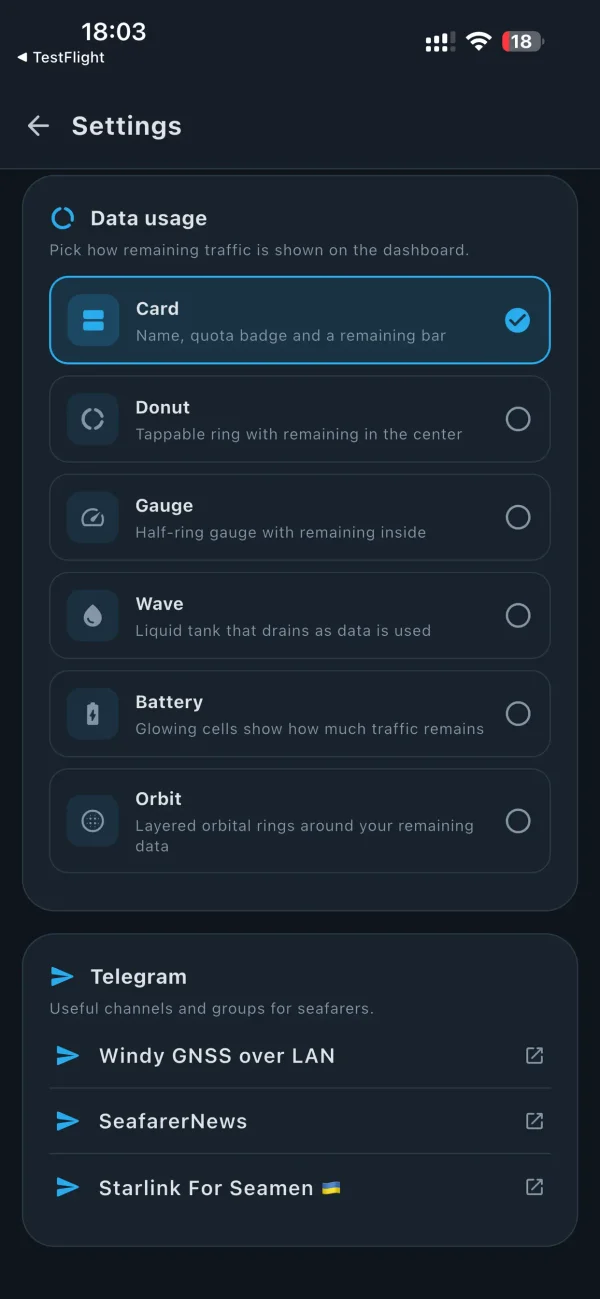
• Multiple visual styles for displaying remaining data
• Demo mode for exploring the app offline
• Quick hotspot disconnection
Infinity Fleet Connect is intended for authorized Infinity Fleet users. An active account and access to a supported vessel Wi-Fi network are required. Internet availability and data allowances depend on the service provided aboard your vessel.
What’s new
Version 1.12.0 · Jul 29, 2026
• New Usage tab: three charts — package balance, data spent over time and data spent per session.
• Dash now shows a countdown to your plan expiry with a remaining-time bar.
• Current connection details moved to Session as the "Current Session" card above the log.
• The sign-in screen and the connected header show how many users are online now.
App privacy
What Artem Soroka declares on the App Store about how this app handles data.
-
Data not collected
The developer does not collect any data from this app.
Privacy practices may vary, for example with the features you use or your age.
Information
- Seller
- Artem Soroka
- Category
- Utilities
- Version
- 1.12.0
- Updated
- Jul 29, 2026
- Released
- Jul 10, 2026
- Size
- 19.0 MB
- Requires
- iOS 13.0 or later
- Age rating
- 4+
- Price
- Free
- Languages
- English
- Copyright
- © 2026 DOC
You might also like
-
 StarfloaTikMikroTik Hotspot by Starfloat
-
 GyroCopCompass Error Calculator
-
 JumpIn eOTGYour Onboard Journey Guide
-
 OceanLinkXMikroTik in your pocket
-
 Mikrolink HotspotRouterOS Hotspot Manager
-
 Nautical Calculator.Accurate Marine Calculations
-
 JumpIn TeamYour team, in real time
-
 YoSC - Your Secure ConnectionSecure connection at sea
-
 Nautical Dog Math HelperUtilities
-
 TRENZ PPU ManagerThe Pilot Unit Manager