
infolio(影书)
Your knowledge and digital hub
Designed for iPhone, iPad, Mac, iPod touch
Free · In-app purchases
- Age rating4+
- CategoryProductivity
- Developer宁宁 权
- LanguagesEnglish+ 2 more
- Size172.9 MB
Links to the official App Store page
Download.org hosts no file of infolio(影书). The button opens its official App Store page, published by 宁宁 权. Listing last checked on Nov 14, 2026.
Screenshots


About
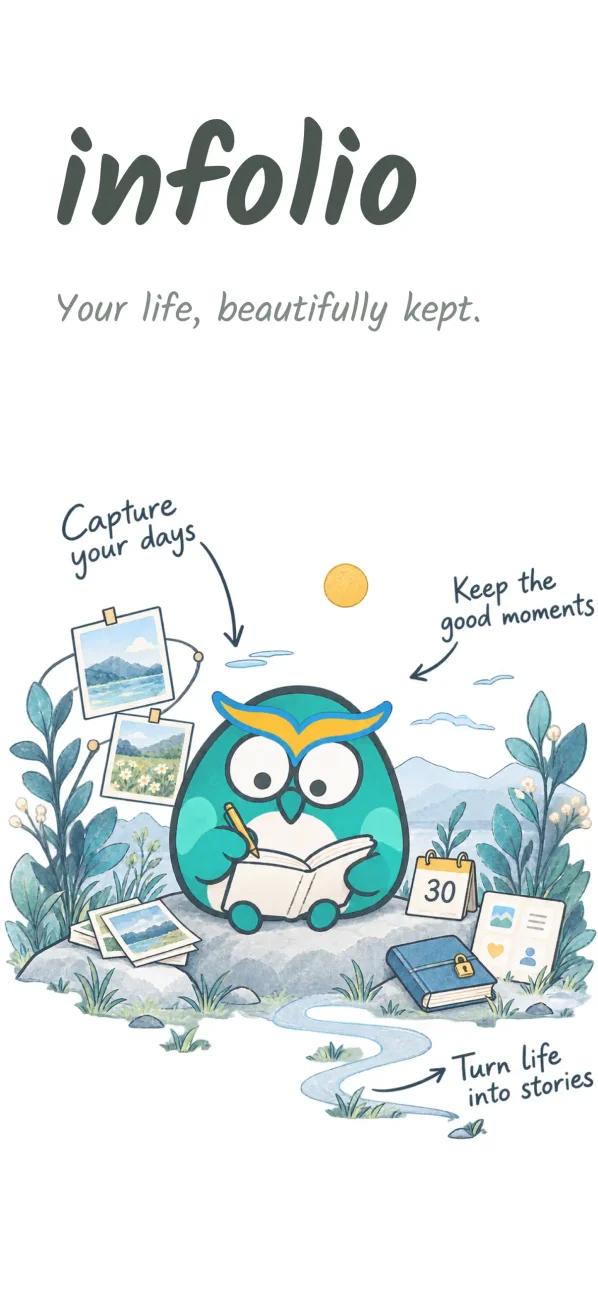
infolio is a local-first personal organizer for notes, photo albums, passwords, visual planning, calendars, and Mini Pages.
Keep a journal, collect memories, plan your days, and build small tools for the way you live. Give every part of life a home, one record at a time.
Six ways to keep your story
• Notes and documents: Write journals, organize study notes and work material, and keep text, images, and attachments together.
• Photo albums: Collect photos and videos, and organize memories from travel, family, and everyday life.
• Passwords: Keep accounts, passwords, and private information in encrypted vaults.
• Canvas: Connect ideas, map relationships, and make room for visual planning.
• Calendar: Organize schedules and recurring events, from everyday routines to important dates.
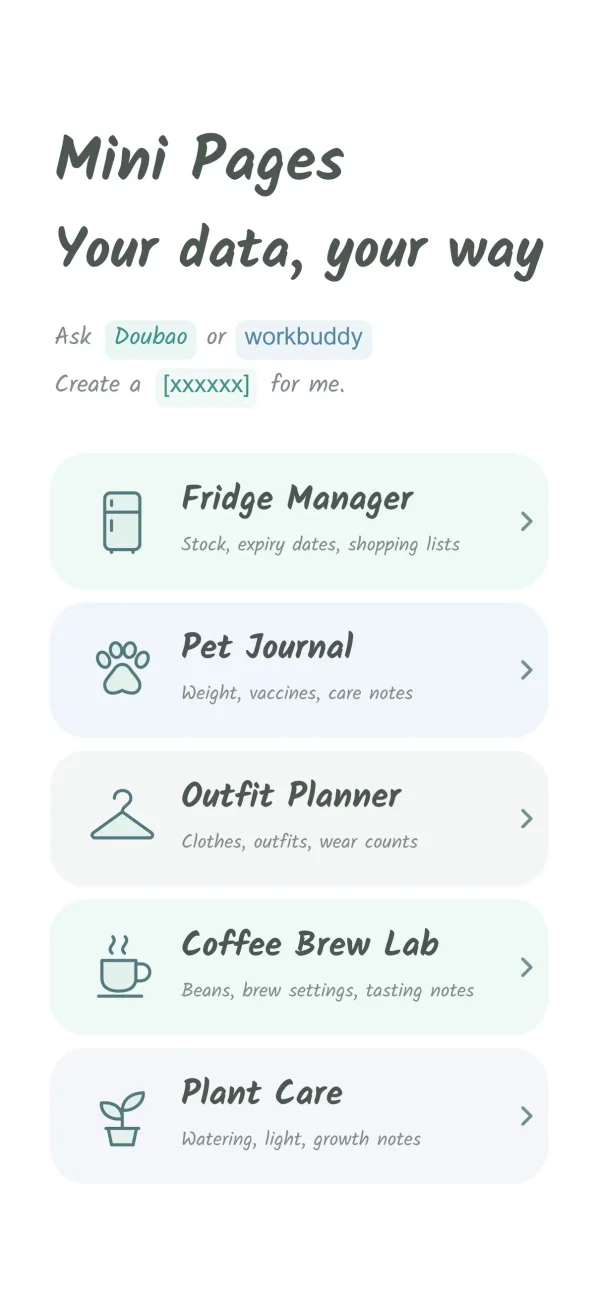
• Mini Pages: Use templates to create personal tools for fridge inventories, pet journals, outfit planning, coffee brewing, plant care, and more.
Tools that fit your life
Mini Pages are customizable record-keeping pages within infolio. Start with a template, or create a compatible template with an external AI tool and import it. Give each part of life a format that suits it.
Local first, with your choice of sync
Your content is saved locally, so everyday recording does not require a constant connection. Configure your own cloud storage when you want to sync. Custom cloud sync requires Premium, and your storage provider may charge separately. Connectors let you access other services; available features depend on service setup and platform support.
Common questions
Can I use infolio offline?
Local records support offline viewing and editing. Cloud sync, downloading online templates, and calls to online services require a connection.
How do I create Mini Pages with AI?
Create compatible templates with external AI tools, then import them into infolio. Custom template imports require Premium. Availability, output quality, and fees depend on the external tool you choose.
Is infolio free? Does Premium renew automatically?
Core recording features, standard Mini Page templates, and connectors are free to use. Premium is a one-time, non-consumable in-app purchase for lifetime access to custom cloud sync, premium Mini Page templates, custom template imports, and calendar notifications. It does not renew automatically and supports restoring purchases. Third-party services and cloud storage are charged separately. Any previous subscriptions remain separately manageable in your Apple Account.
Start with today's note. Keep the story yours.
Terms: https://infolio.cn/terms
Privacy: https://infolio.cn/privacy
Support: https://infolio.cn/support
What’s new
Version 1.5.1 · Nov 11, 2026
• Improved Password Vault privacy when switching apps. The vault hides its contents in the background. After unlocking, you can pick up where you left off, with unsaved edits intact.
• Audio and video attachments in the vault pause in the background. After unlocking, you can resume playback from the same position.
• When you switch apps while configuring a connector or a custom sync source, you can return and keep editing.
App privacy
What 宁宁 权 declares on the App Store about how this app handles data.
-
Data linked to you
May be collected and linked to your identity.
- Contact info
- Identifiers
- Usage data
-
Data not linked to you
May be collected but is not linked to your identity.
- Identifiers
- Diagnostics
Privacy practices may vary, for example with the features you use or your age.
Information
- Seller
- 宁宁 权
- Category
- Productivity
- Version
- 1.5.1
- Updated
- Nov 11, 2026
- Released
- Dec 17, 2025
- Size
- 172.9 MB
- Requires
- iOS 15.0 or later
- Age rating
- 4+
- Price
- Free
- In-app purchases
- Yes
- Languages
- English, Simplified Chinese, Traditional Chinese
- Copyright
- © infolio影书
You might also like
-
 TickDoneTime Management Assistant
-
 青简 - 记录闪念与时间日志Productivity
-
 Sanctum: Screen Time ControlFocus, App Blocker, Sleep
-
 拾光笔记Productivity
-
 Lumipath 明路 - Knowledge Notes轻量个人知识栈,碎片化知识整理,比知识库轻,比备忘录深
-
 TokTime: Daily Planner & To-DoDrag to Plan. Get Things Done.
-
 梳理: 一键理清乱糟糟的计划、重新排版AI语音排日程,加班自动重排
-
 锤锻 - 多平台剪藏与稍后阅读Productivity
-
 AI新流量Productivity
-
 Clover: Notes for TriliumRead & write TriliumNext notes