Ingenium: Brain Training
Speed Reading, Focus & Memory
Designed for iPhone, iPod touch
In-app purchases
- Age rating4+
- CategoryEducation
- DeveloperBohdan Varchenko
- LanguagesEnglish+ 7 more
- Size55.4 MB
Links to the official App Store page
Download.org hosts no file of Ingenium: Brain Training. The button opens its official App Store page, published by Bohdan Varchenko. Listing last checked on Nov 10, 2026.
Screenshots


About
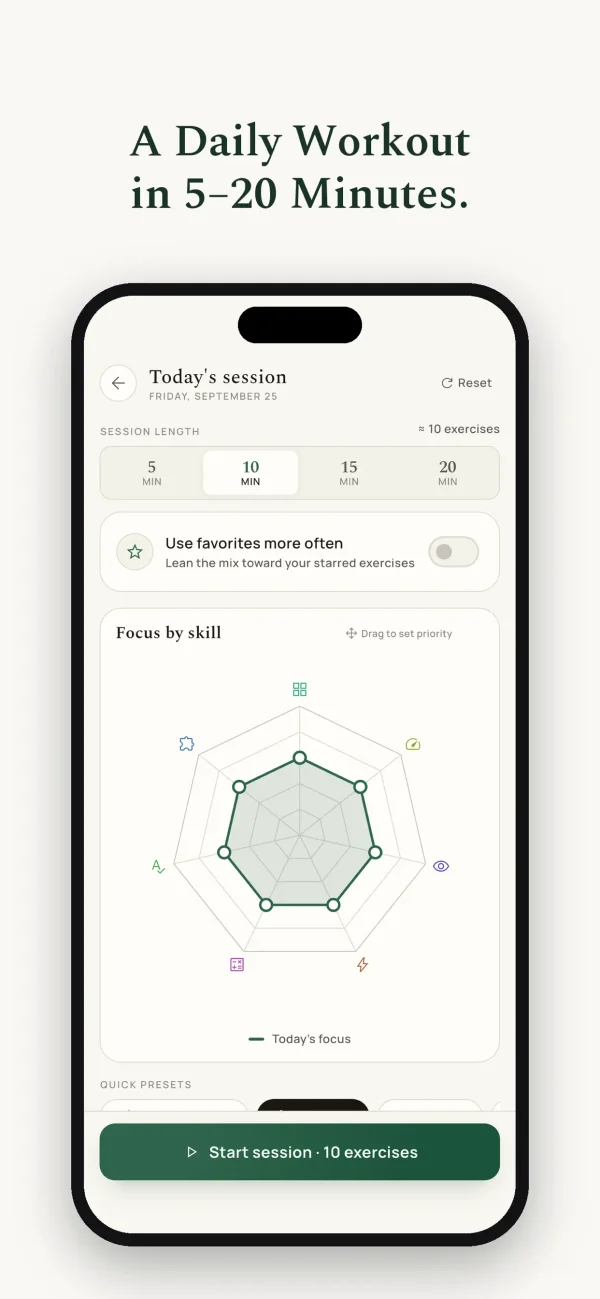
Short, calm brain training for a few minutes a day. Practice reading faster without losing the meaning, train your memory and focus, or relax with a puzzle. Tell Ingenium what you want to work on and how much time you have, and it plans your session.
READING
• Word by word: words appear one at a time in the middle of the screen, so your eyes stay still. You choose the speed.
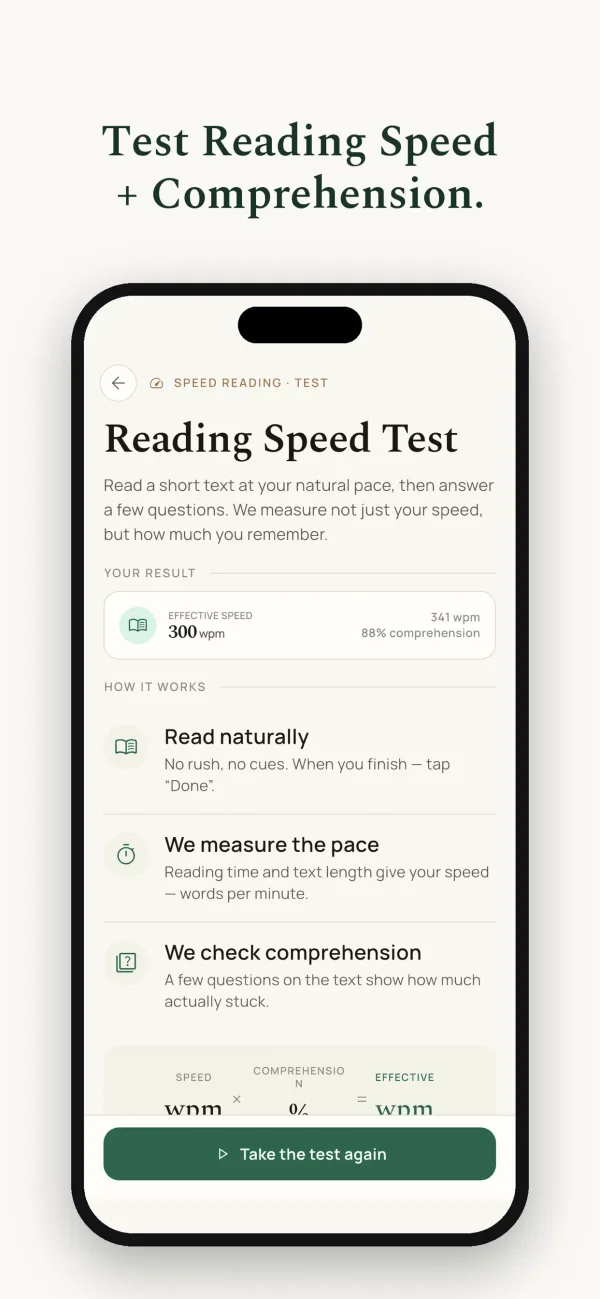
• Reading Speed Test: read a short text, answer a few questions, and see how fast you read and how much you understood. Reading fast without understanding won't raise your score.
• Guided reading: a highlight moves along the line at a steady pace, or the text comes in short blocks you can take in at a glance.
• Real texts: texts written for your language, or Wikipedia articles about space, nature, history, technology, animals and the human body.
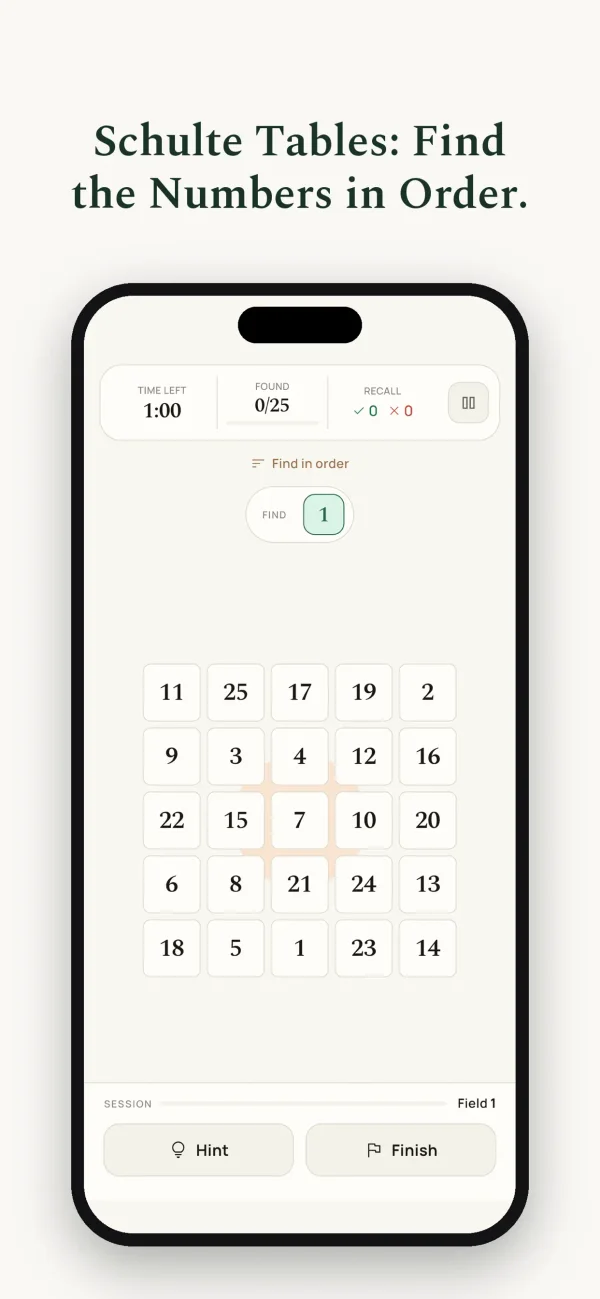
• Quick eyes: find numbers in order on a Schulte table, look for letters, and recognize words that flash for a moment.
MEMORY, FOCUS AND MORE
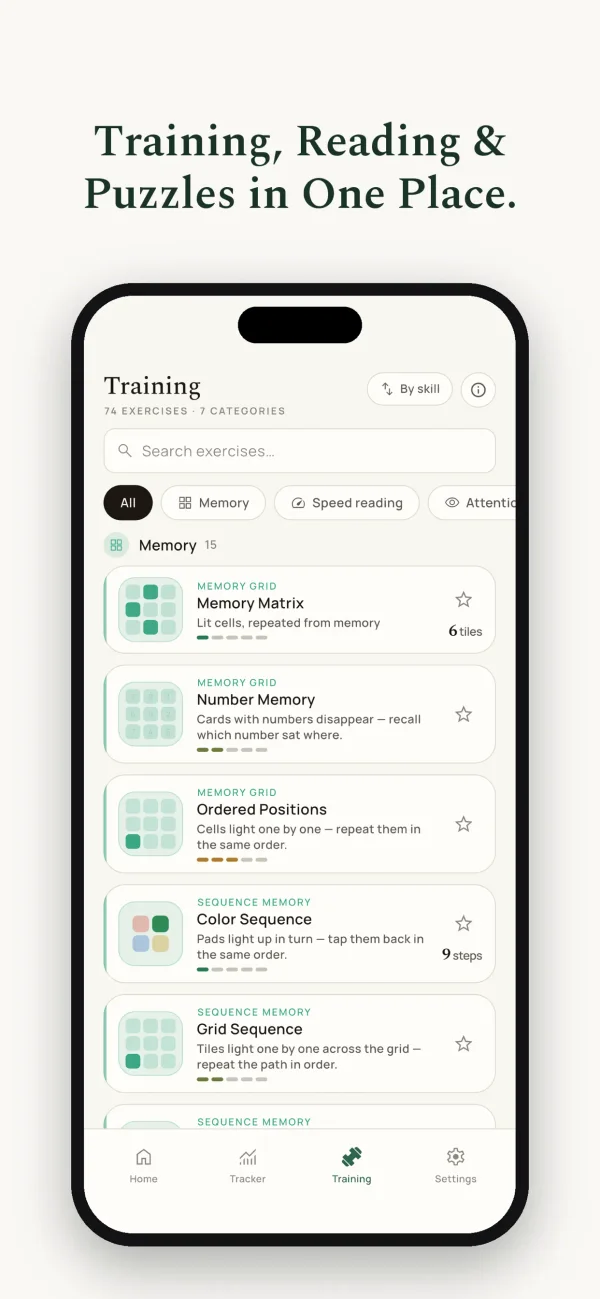
• Memory: remember which squares lit up, repeat sequences, and spot when something repeats from a few steps back (N-back).
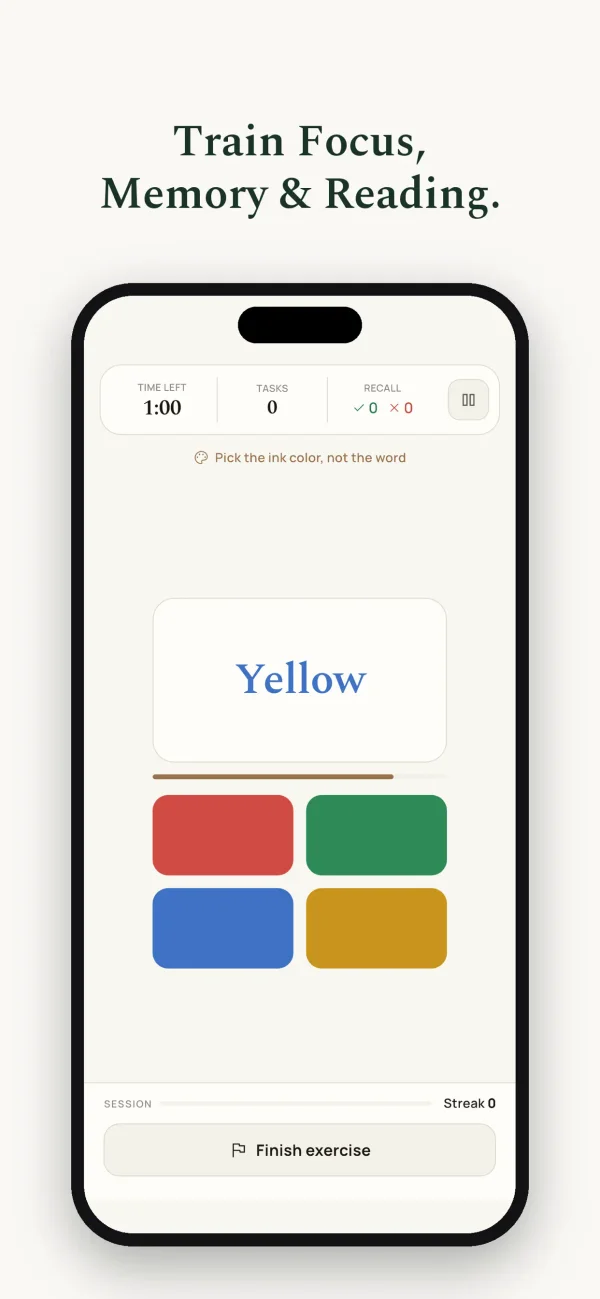
• Focus: pick the color of the ink, not the word you read (the Stroop test), and find a target among look-alikes.
• Reaction: tap as fast as you can, or only when you should.
• Words and numbers: build words from letters, find synonyms and opposites, do math in your head, continue number patterns.
• Logic: find the missing piece in a pattern, and turn shapes in your head.
PUZZLES FOR YOUR DOWNTIME
• Sudoku, from a small 4×4 to the classic 9×9, with notes, hints and undo. Untimed boards wait for you if you stop halfway.
• Mazes with loops, and Locked Maze with keys and locks.
• Tower of Hanoi: move the disks into place in as few moves as possible.
MADE AROUND YOU
• Choose 5, 10, 15 or 20 minutes a day and the skills that matter to you. Reorder, replace or skip exercises in the plan.
• Most exercises get harder when you do well and easier after mistakes, and each one remembers your level.
• Star your favorites, and keep exercises you don't like out of your plans.
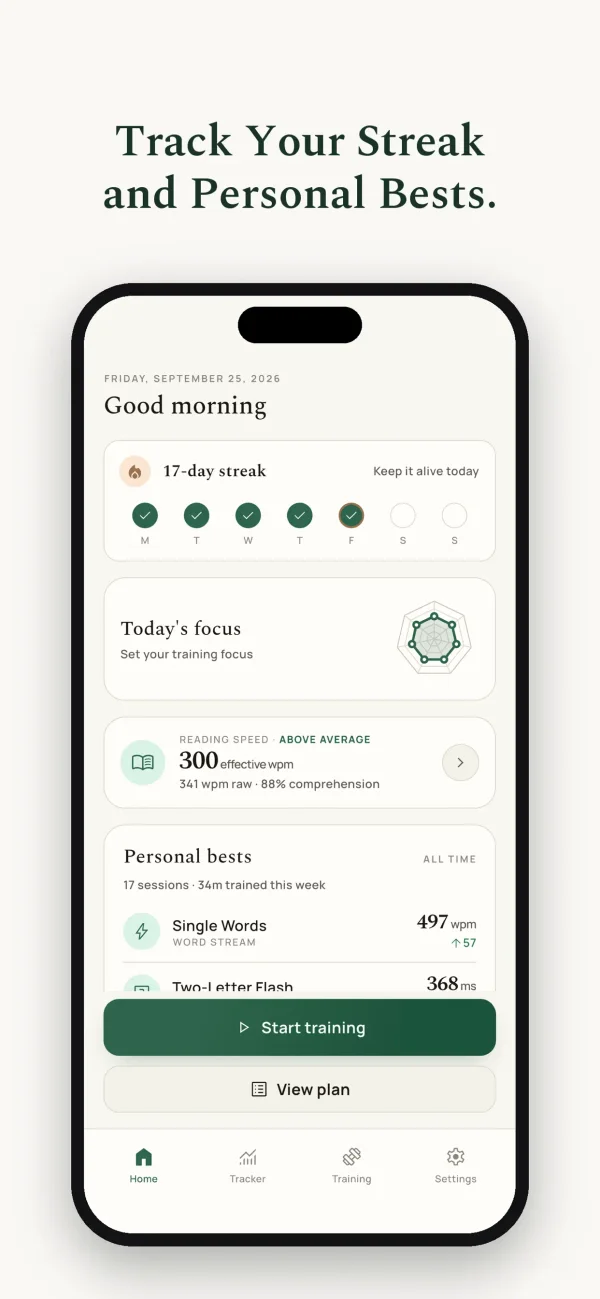
• See your streak, your personal bests and how each skill is going.
• Reminders, if you want them.
• 11 languages, each with its own word games and reading texts.
CALM AND PRIVATE
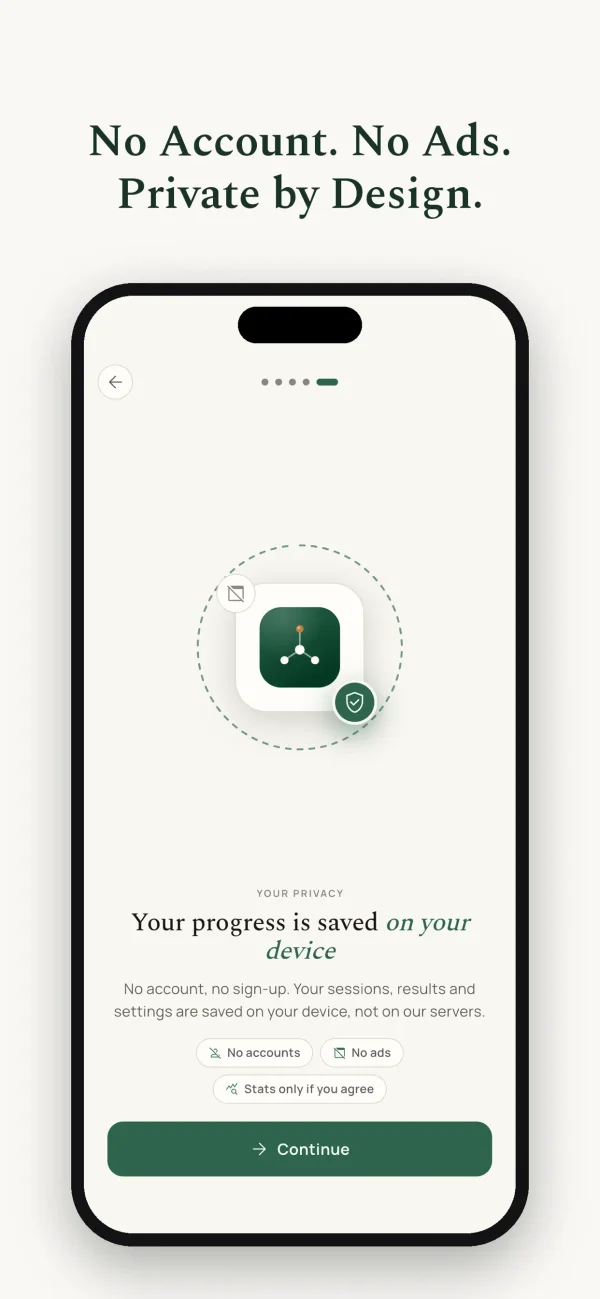
• No ads, no account, no leaderboards, no coins.
• Your progress is saved on your iPhone, not on our servers.
• Crash reports and usage statistics are sent only if you agree.
• Light and dark mode, and less motion if you prefer.
WHAT IT COSTS
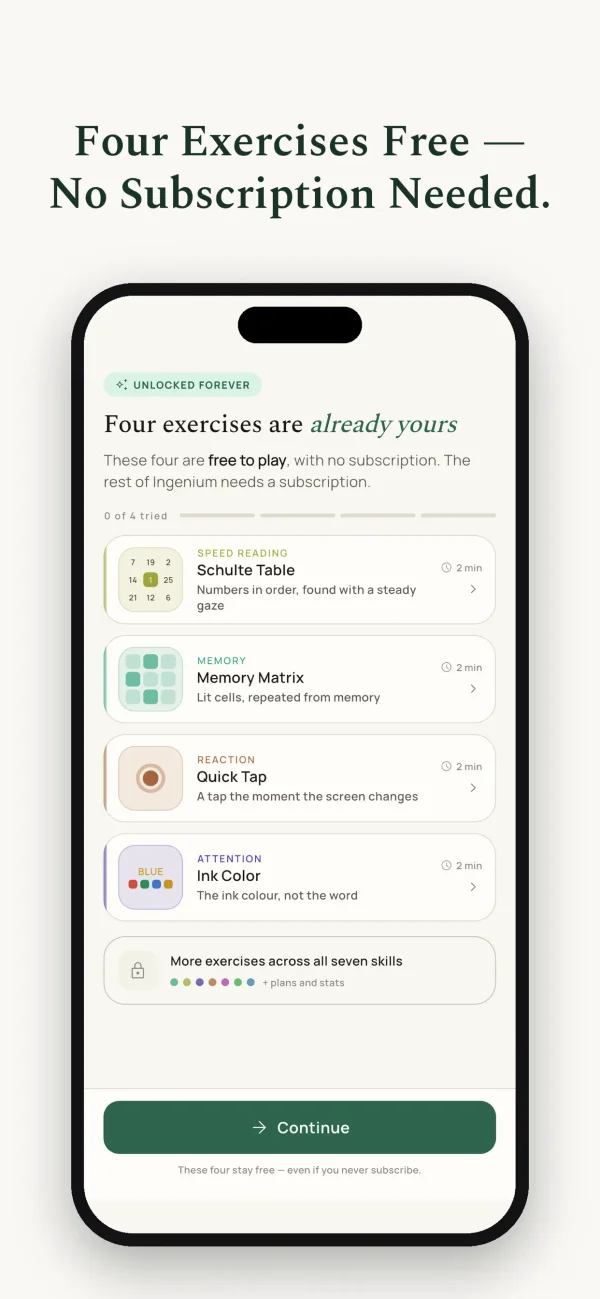
Schulte Table, Memory Matrix, Quick Tap and Ink Color are free to play, without a subscription. During setup, you can also take the Reading Speed Test once for free.
Everything else needs a monthly or yearly subscription. New subscribers start with a 7-day free trial, and starting it needs a payment method on your Apple ID. If you cancel at least 24 hours before the trial ends, you won't be charged. After that, payment is charged to your Apple ID, and the subscription renews automatically unless you cancel at least 24 hours before the end of the current period. You can cancel anytime in your Apple ID account settings.
Privacy Policy: https://ingenium-brain-training.web.app/en/privacy
Terms of Use: https://www.apple.com/legal/internet-services/itunes/dev/stdeula/
What’s new
Version 1.6.0 · Oct 7, 2026
What’s New in 1.6.0
• New: Minesweeper. Every board can be solved by logic alone, with no guessing. Pick a board size or set your own, undo a move, and use hints that explain the next step. A timed mode gives you quick positions to solve, and a tutorial shows you how to play.
• A new Puzzles tab brings together Sudoku, the mazes, Tower of Hanoi and Minesweeper. You can hide it in Settings; the puzzles are still in Training.
• Letter Search has two new exercises: Word Search, where you find words hidden in a grid of letters, and Adjacent Pairs, where only target letters standing side by side count. Two-Letter Search and Two-Letter Sweep have been rebuilt, with look-alike letters, hints and a review of what you missed.
• You can now keep an exercise out of your daily plans right from the pause menu. In Training, your favorites now come first in each category too.
• Wikipedia texts are cleaner, with no footnote marks or leftover code. In Word Stream and Guided Reading, a dash or a quotation mark no longer shows up on its own. Portuguese and Turkish articles now always match the chosen topic.
• Buttons in dialogs no longer cut off long labels, and the pause menu fits small screens.
App privacy
What Bohdan Varchenko declares on the App Store about how this app handles data.
-
Data not linked to you
May be collected but is not linked to your identity.
- Usage data
- Diagnostics
Privacy practices may vary, for example with the features you use or your age.
Information
- Seller
- Bohdan Varchenko
- Category
- Education
- Version
- 1.6.0
- Updated
- Oct 7, 2026
- Released
- Jul 17, 2026
- Size
- 55.4 MB
- Requires
- iOS 15.6 or later
- Age rating
- 4+
- In-app purchases
- Yes
- Languages
- English, French, German, Italian, Polish, Russian, Spanish, Ukrainian
- Copyright
- © 2026 Bohdan Varchenko
You might also like
-
 WordBlip: Speed Reading RSVPSpeed Reading, Word by Word
-
 ChatMind - Brain BoostGrow and succeed on the go!
-
 MindFlow: Brain TrainingRecall, Focus & Daily Practice
-
 Glossnote: Read & TranslateYour marginalia notebook
-
 Lampo ReaderLeggi più velocemente
-
 ReadFlow: Speed ReadingRead Faster, Understand More
-
 Daily Brain: Mind WorkoutMath, Logic, Focus & Words
-
 Акторко: Творчий світEducation
-
 Schulte Table - Focus TablesSpeed reading & concentration
-
 Flipo: Vocabulary BuilderLearn Ukrainian or English