
Ingresses Pro
Find any astrological moment
Designed for iPhone, iPad, iPod touch
$2.99 · In-app purchases
- Age rating4+
- CategoryProductivity
- DeveloperDemetrius Edelin
- LanguagesEnglish
- Size16.3 MB
Links to the official App Store page
Download.org hosts no file of Ingresses Pro. The button opens its official App Store page, published by Demetrius Edelin. Listing last checked on Nov 15, 2026.
Screenshots

About
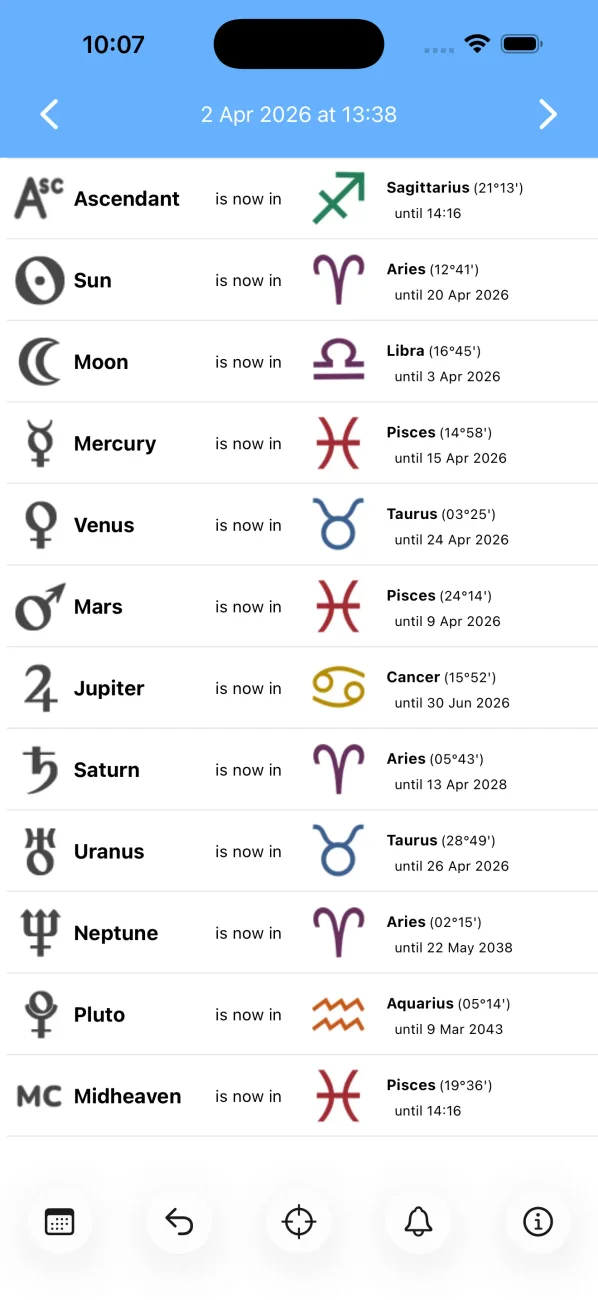
This application is for those who like to be aware of the celestial movements of the planets (from an astrological point of view) and use them in their everyday life.
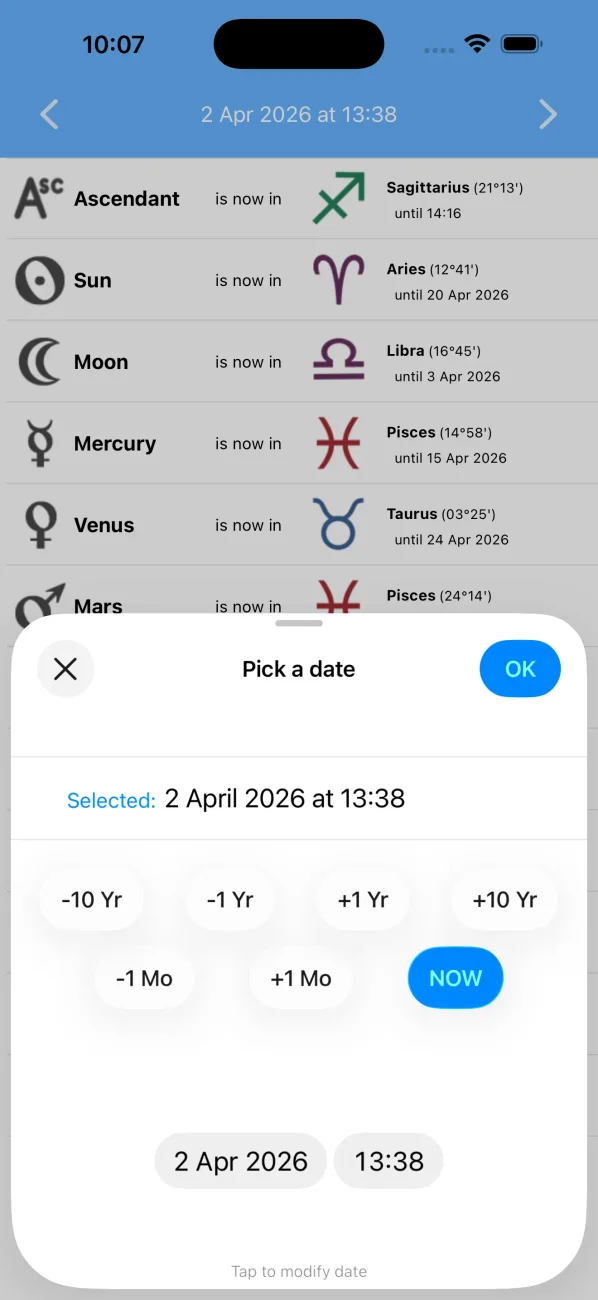
It displays the following information:
• the sign in which one planet is at the certain moment;
• its position (degree) in that sign;
• the date and time of entering into the next sign (or previous if the planet is retrograde) - or, in other words, the planet's "ingress";
• the planet's direction of movement (if it is retrograde, a "R" will be displayed next to the degree and it will be coloured in red).
Features in this Pro version:
=============================
1) Ephemeris from year 1920 to 2050
2) Unlimited Undo
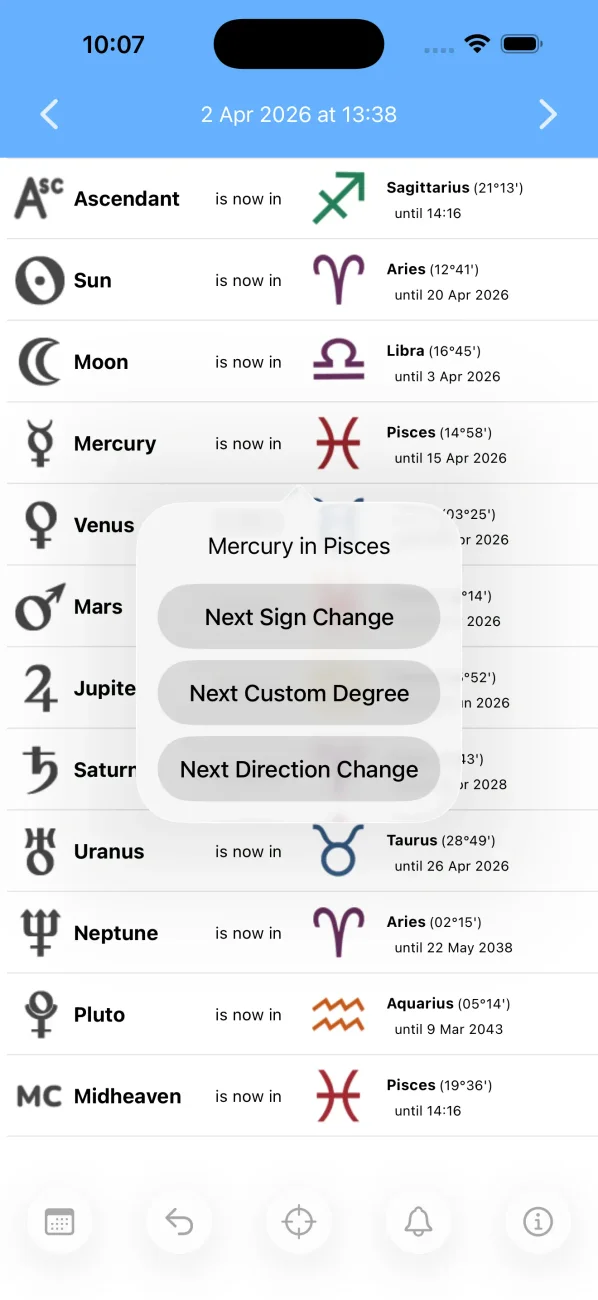
3) Go to Next Sign change of a planet (next ingress) - you will be able to see when a planet changes signs.
4) Go to Next Direction (Retrogradation) change for a planet - you will be able to see when a planet starts or ends retrogradation.
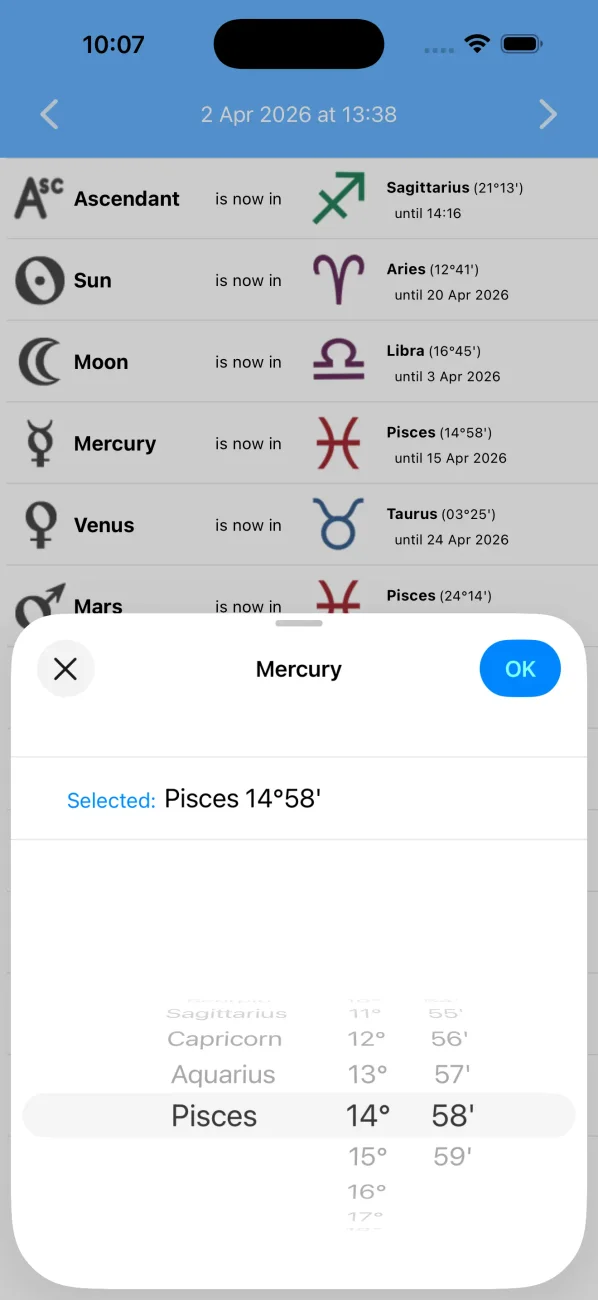
5) Go to Next Custom Degree for a planet - very useful to check transit moments or planet returns.
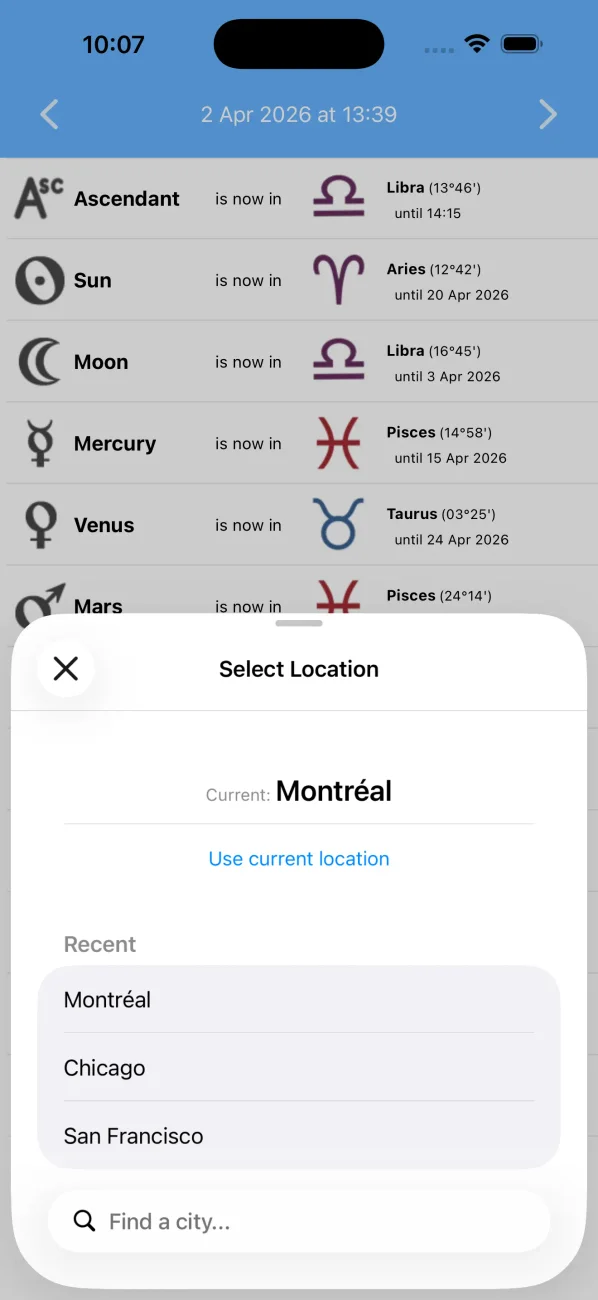
6) Ascendant and Midheaven tracking, with custom location (either your phone location or set any city)
7) Select what Planets and celestial bodies you want to see in the main screen
8) More celestial points: Kiron, Lilith, Nodes
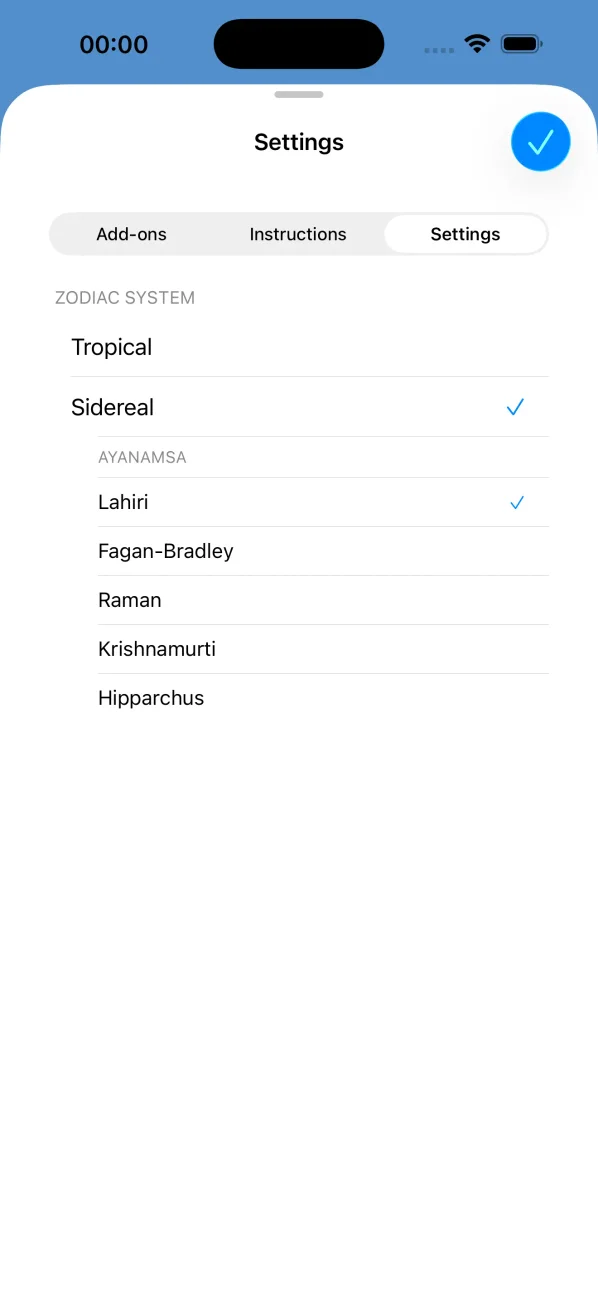
9) Tropical or Sidereal (with 5 Ayanamsa) systems
10) Dark Mode
11) Save as Calendar Event - for any displayed moment
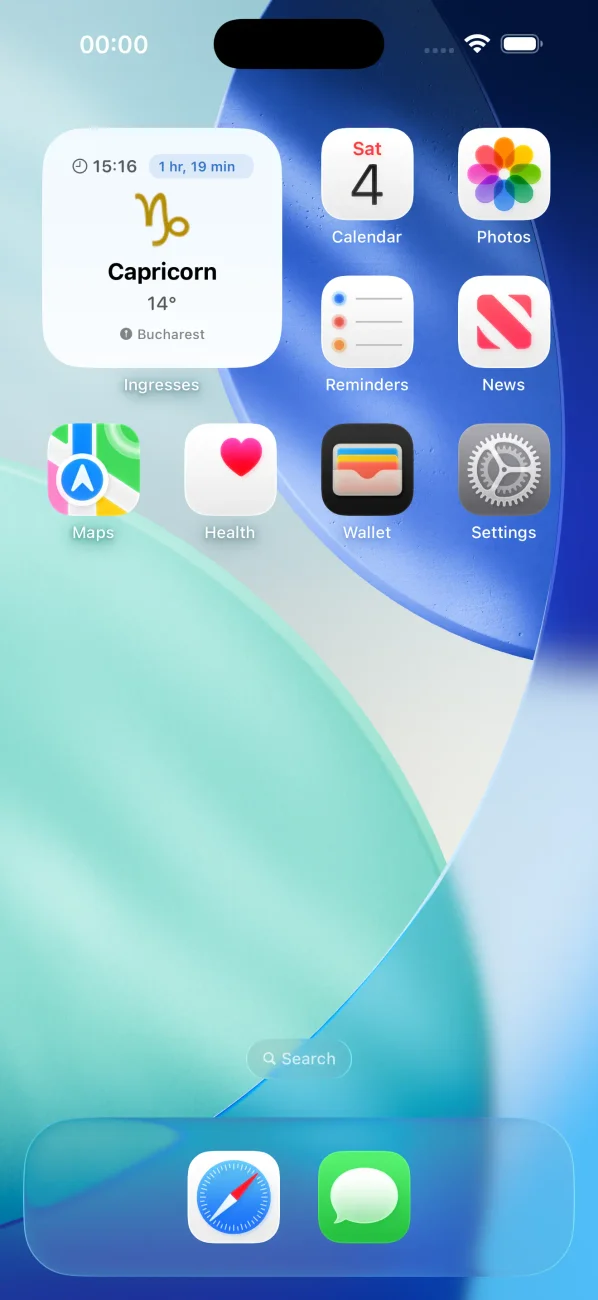
12) Ascendant widget on the Home Screen - shows current Ascendant in real time
13) Asteroids: Add Ceres, Pallas, Juno, Vesta, Eros, Psyche and Hygiea to the main screen
These new features transforms our application in a full ephemeris front end, with a lot of very handy advanced tools, never seen in any other application from App Store, regardless of the price! And in the same time it will be the same easy to use app even for a beginner.
TIPS
Swipe the table with one finger to go to the next/previous day.
Swipe with two fingers to go an entire week forward or backward.
Tap on a planet row to access all actions.
DISCLAIMER
The calculated data has a reasonable precision. The use of it is only the user's sole responsibility and the author of this application cannot be made responsible for any damage, loss or problem related to the use of the displayed data.
Ascendant Widget shows only the Ascendant degree (but still exact time of sign change). For full degree and minutes precision please open the app.
CONTACT AND SUGGESTIONS:
Please send any request or bug report to:
ingresses.app@fastmail.com
Terms of Use: https://www.apple.com/legal/internet-services/itunes/dev/stdeula/
What’s new
Version 2.8.0 · Oct 22, 2026
• New Asteroids add-on: Ceres, Pallas, Juno, Vesta, Eros, Psyche and Hygiea on the main screen.
• Better precision: planet positions and sign change times are more accurate, especially for the Moon, Mercury and the Nodes.
App privacy
What Demetrius Edelin declares on the App Store about how this app handles data.
-
Data not collected
The developer does not collect any data from this app.
Privacy practices may vary, for example with the features you use or your age.
Information
- Seller
- Demetrius Edelin
- Category
- Productivity
- Version
- 2.8.0
- Updated
- Oct 22, 2026
- Released
- Jan 17, 2013
- Size
- 16.3 MB
- Requires
- iOS 15.6 or later
- Age rating
- 4+
- Price
- $2.99
- In-app purchases
- Yes
- Languages
- English
- Copyright
- © 2013-2026 DEMETRIUS EDELIN
You might also like
-
 CybuildDigitised construction PTW
-
 TaraTok: AI Vedic GuideAlign Mind, Body & Karma
-
 Relog: Task LoggerAn Elegant Task Logger
-
 Read it later: TwilarSave anything. Read offline.
-
 Habitat - Daily Habit TrackerSet Goals and Track Progress
-
 TimeFree QMobileProductivity
-
 Continuo - Habit TrackerProductivity
-
 Text to Voice: Read Aloud PDFTurn Docs & Books Into Audio
-
 Photo Todo Lists - PhotodoManage tasks with image & text
-
 Checklist Widget - Check MeDaily To Do List Task Tracker