- Age rating4+
- CategoryLifestyle
- Developer银 周
- LanguagesEnglish
- Size68.0 MB
Links to the official App Store page
Download.org hosts no file of inkprink. The button opens its official App Store page, published by 银 周. Listing last checked on Nov 20, 2026.
Screenshots

About
The developer has not provided this text in your language.
Inkprink 是专为智能相框打造的配套管理应用,为用户提供智能相框的全流程操作管理,实现相框配网、图片推送、设备管理等一站式功能,让你轻松玩转智能相框,随心打造个性化的相框展示体验。
核心功能
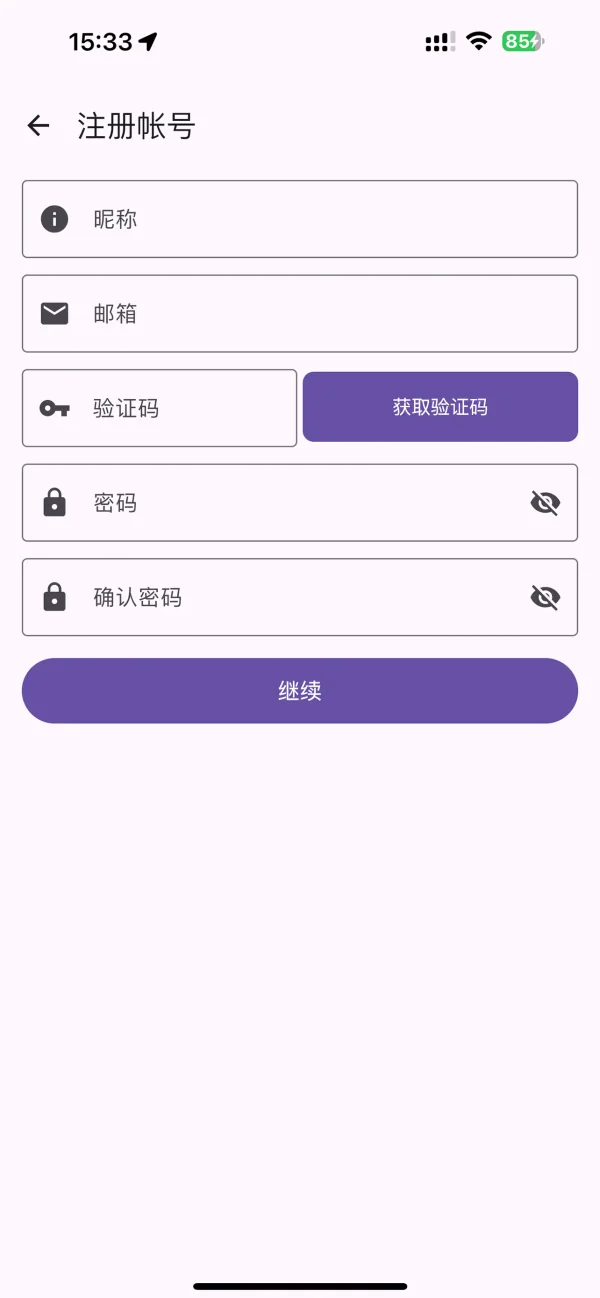
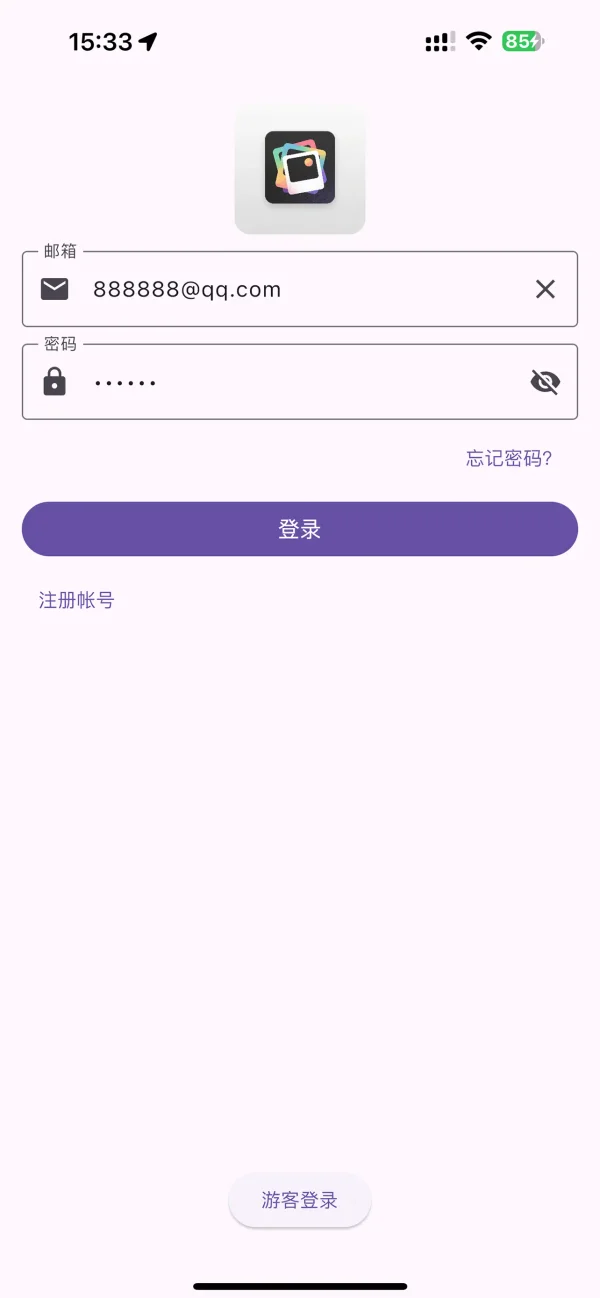
1. 便捷的帐号体系:支持邮箱快速注册帐号,设置专属密码完成登录;若忘记密码,可通过注册邮箱获取验证码一键重置,操作简单,帐号安全有保障。
2. 智能相框配网激活:首次使用可通过应用弹窗或主界面菜单进入配网流程,支持为 YT10EPF(10 寸)、YT13EPF(13 寸)等型号相框开启配网模式,扫描相框配网二维码后,即可为相框配置 Wi-Fi 热点,完成设备激活,让相框快速接入网络。
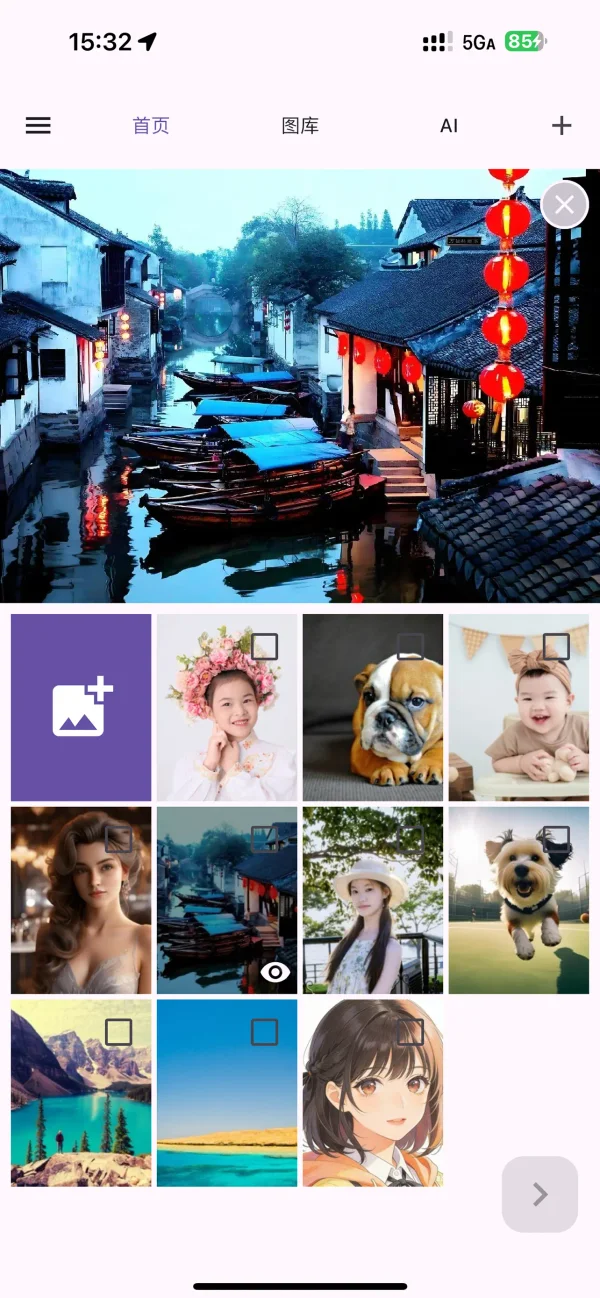
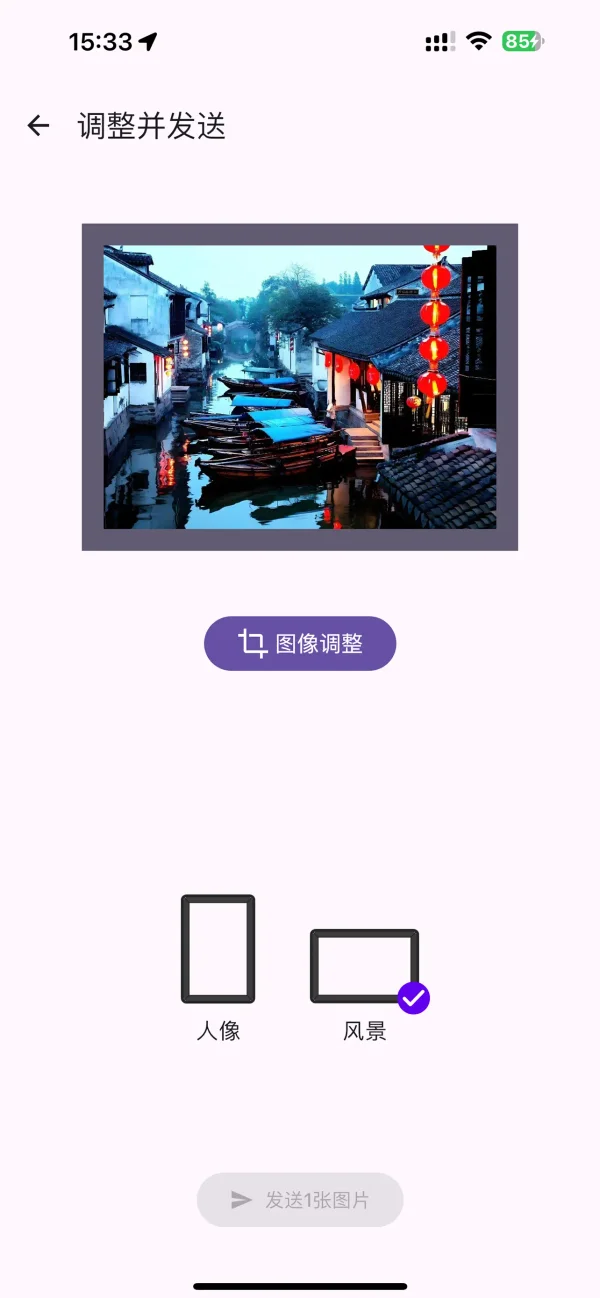
3. 图片推送与显示调整:在应用中选择喜欢的图片,勾选目标相框后,可根据相框比例调整图片的横向 / 竖向显示区域,精准适配相框尺寸,一键推送图片至相框,即刻展示精彩画面。
4. 全面的相框管理:可查看帐号关联的所有相框列表,相框所属用户能生成分享码,将相框分享给多个帐号;支持进入相框详情页进行切图、管理播放列表与相册列表,长按可清空删除图片,还能对关联的用户进行管理,删除不必要的关联帐号。
5. 设备 OTA 固件升级:相框联网并唤醒后,可在应用中查看设备的型号、序列号、固件版本等详细信息,从手机文件管理器中选择.bin 格式的最新固件,即可为相框完成 OTA 升级,优化设备性能。
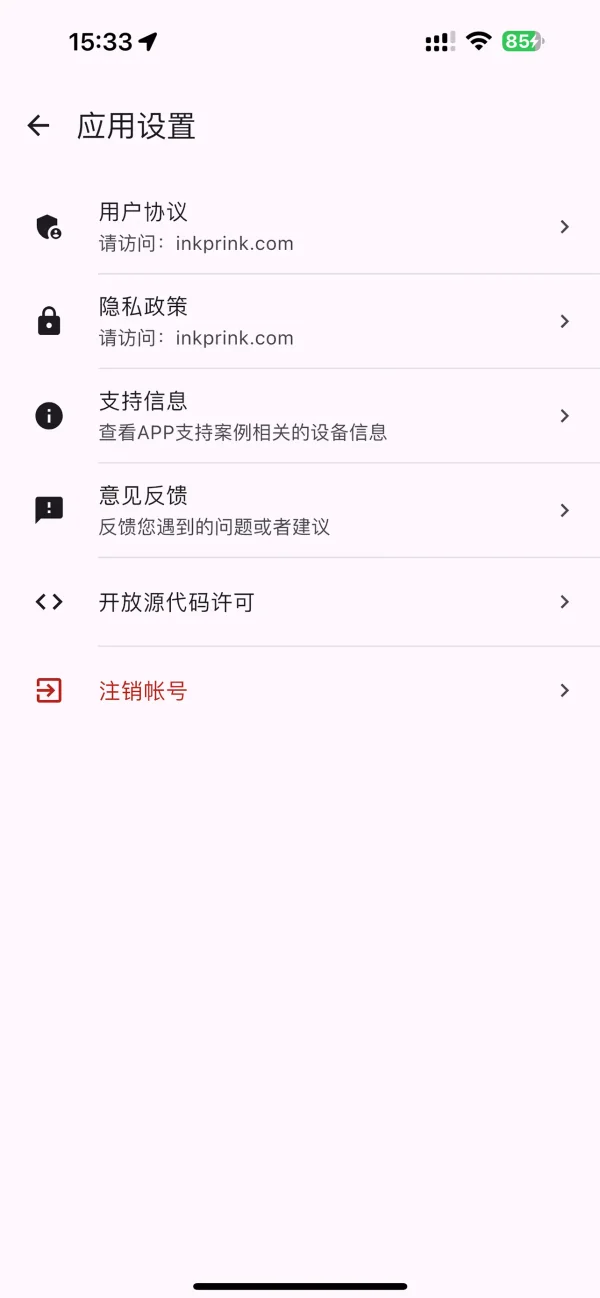
问题反馈与日志上传:使用中遇到问题,可通过应用提交意见反馈,选择反馈类型并填写内容,开启上传日志开关,让技术团队快速定位并解决问题。
What’s new
Version 2.0.10 · Oct 13, 2026
优化体验
App privacy
What 银 周 declares on the App Store about how this app handles data.
-
Data linked to you
May be collected and linked to your identity.
- Contact info
- User content
- Identifiers
-
Data not linked to you
May be collected but is not linked to your identity.
- Location
- Diagnostics
Privacy practices may vary, for example with the features you use or your age.
Information
- Seller
- 银 周
- Category
- Lifestyle
- Version
- 2.0.10
- Updated
- Oct 13, 2026
- Released
- May 14, 2026
- Size
- 68.0 MB
- Requires
- iOS 15.6 or later
- Age rating
- 4+
- Price
- Free
- Languages
- English
- Copyright
- © 2026 PixReboot Technology Co., Ltd., Shenzhen