- Age rating4+
- CategoryUtilities
- Developer永 张
- LanguagesEnglish
- Size670.0 KB
Links to the official App Store page
Download.org hosts no file of Inktag. The button opens its official App Store page, published by 永 张. Listing last checked on Nov 13, 2026.
Screenshots
About
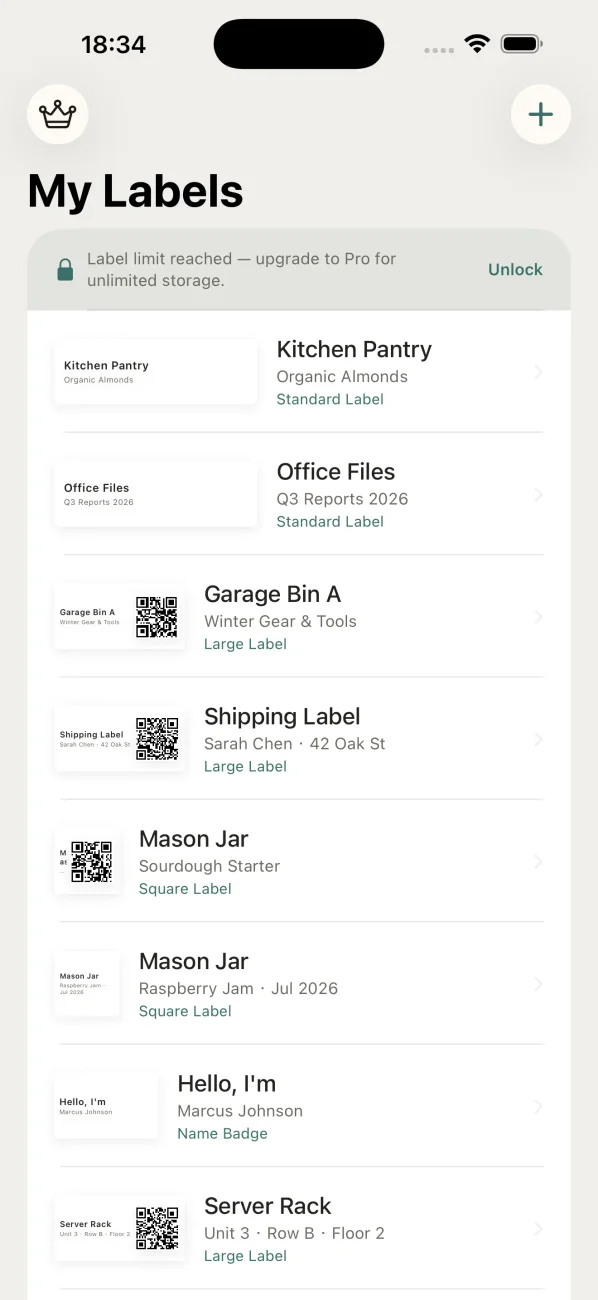
Inktag is the fastest label maker on iPhone. Type your text, add an optional QR code, pick a template, and send it to any AirPrint printer — no account, no cloud, no setup.
Used by home organizers for pantry bins and mason jars, office workers for file folders and asset tracking, and anyone who needs a printed label right now.
Features:
• Live label preview as you type
• QR code generation from any URL or text (on-device)
• Four label sizes: Standard, Large, Square, and Name Badge
• AirPrint to any compatible printer
• All labels stored locally — fully offline
• No account required
Inktag Pro (one-time unlock):
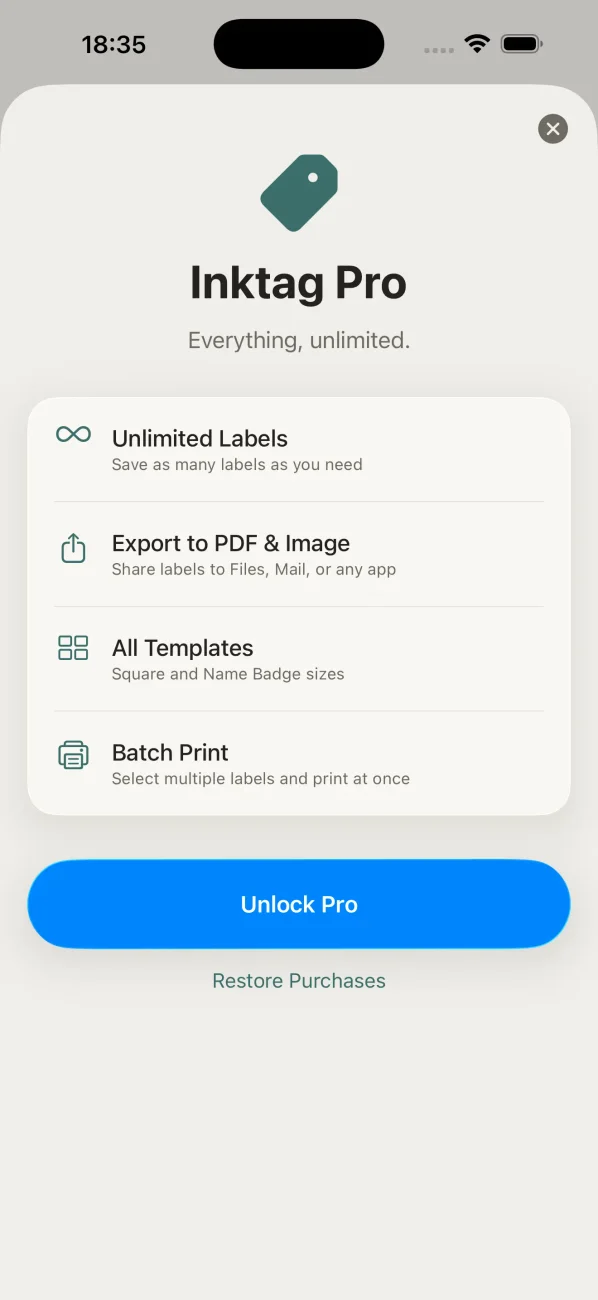
• Unlimited saved labels
• Export to PDF and image
• Square and Name Badge templates
• PDF export of any label
App privacy
What 永 张 declares on the App Store about how this app handles data.
-
Data not collected
The developer does not collect any data from this app.
Privacy practices may vary, for example with the features you use or your age.
Information
- Seller
- 永 张
- Category
- Utilities
- Version
- 1.0
- Updated
- Jul 13, 2026
- Released
- Jul 13, 2026
- Size
- 670.0 KB
- Requires
- iOS 26.0 or later
- Age rating
- 4+
- In-app purchases
- Yes
- Languages
- English
- Copyright
- Copyright © 2026 Peter Zhang. All rights reserved.
You might also like
-
 Freedom Unit CalculatorConvert Freedom units & metric
-
 PC BLE TagUtilities
-
 Label FixerCrop Shipping Labels to 4x6
-
 XBadgeUtilities
-
 EKTAG: Scan to reach the ownerSecure and Private QR Tag
-
 Label Artist WebLabel Artist Web
-
 Contacts DeleterRemove multiple contacts
-
 Piper InventorySimplified Inventory Managemnt
-
 Envelope Address Label MakerFor Stamp Printing & Scanning
-
 ImritaUtilities