
Inkwell Reader
Read scripts on the go
Designed for iPhone, iPad
Free · In-app purchases
- Age rating4+
- CategoryProductivity
- DeveloperRundquist Tech LLC
- LanguagesEnglish
- Size21.4 MB
Links to the official App Store page
Download.org hosts no file of Inkwell Reader. The button opens its official App Store page, published by Rundquist Tech LLC. Listing last checked on Nov 17, 2026.
Screenshots

About
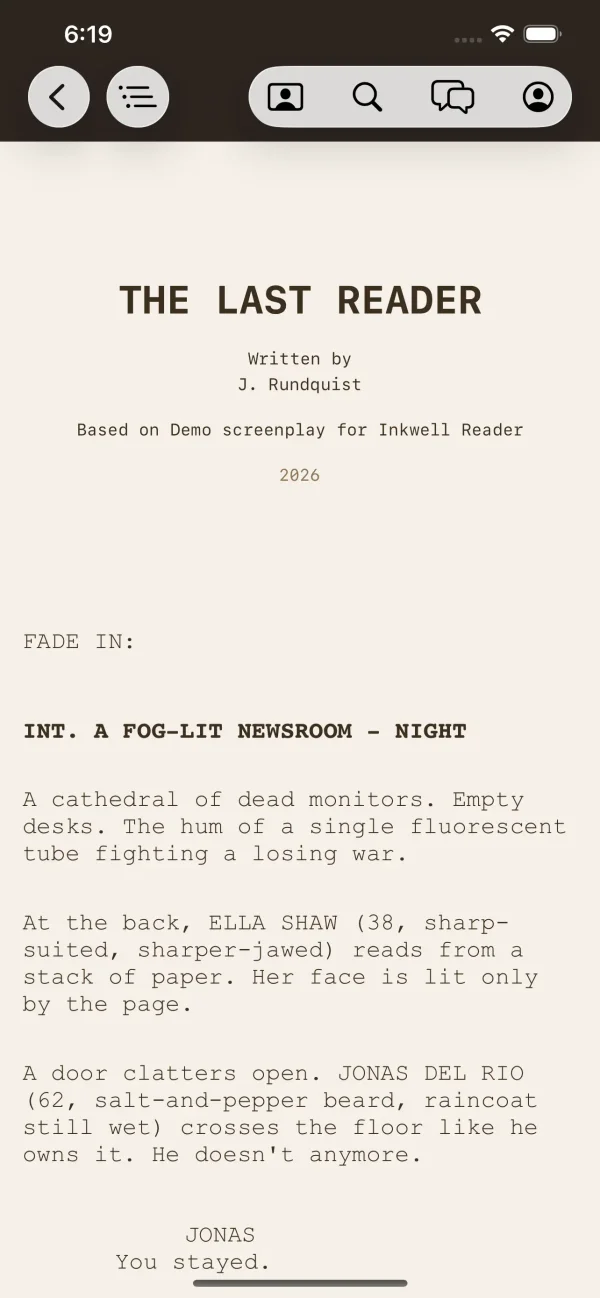
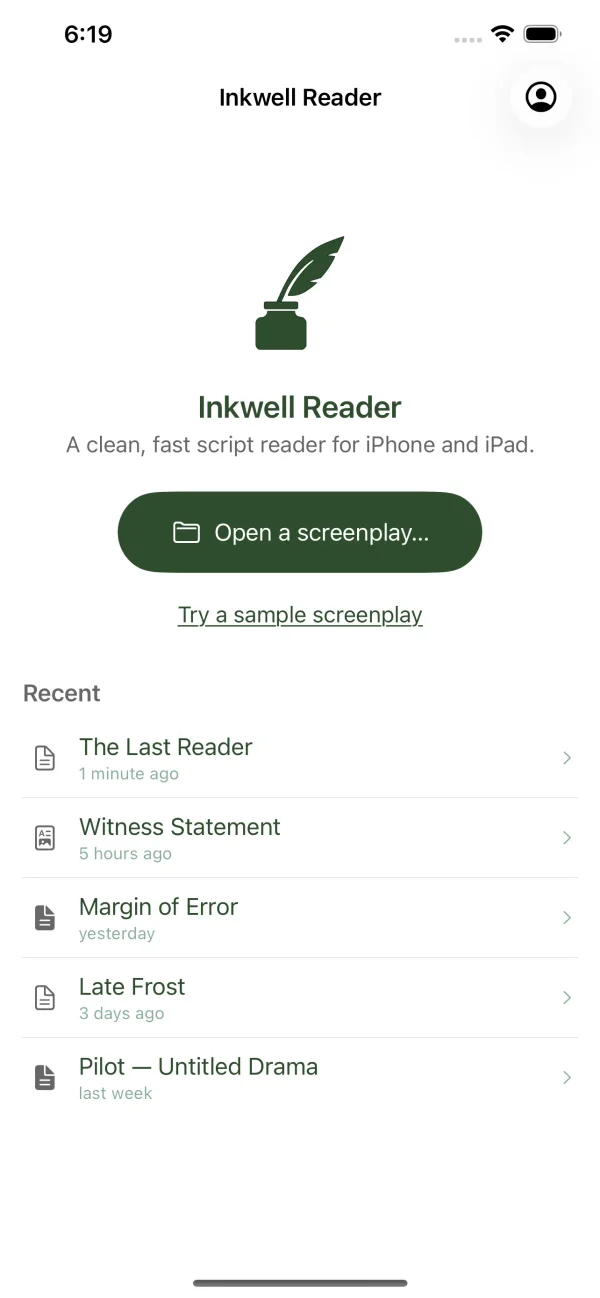
Inkwell Reader is a clean, fast script reader for iPhone and iPad — built for writers, actors, directors, and crew who'd rather read their script on the device in their hand than print 120 pages.
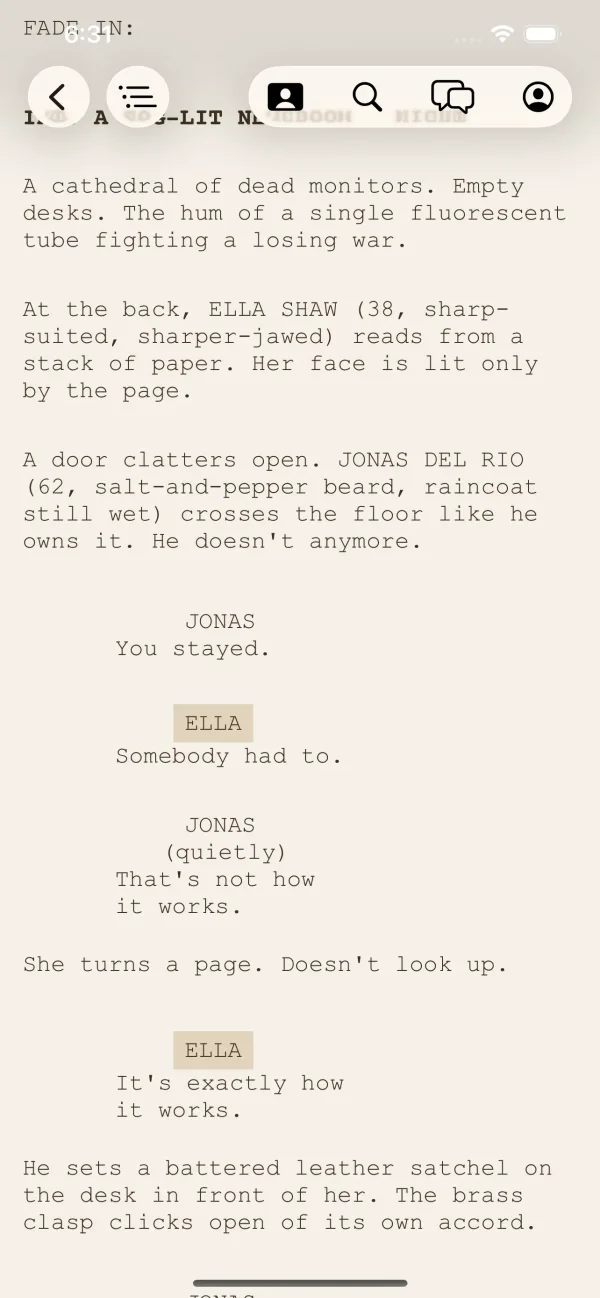
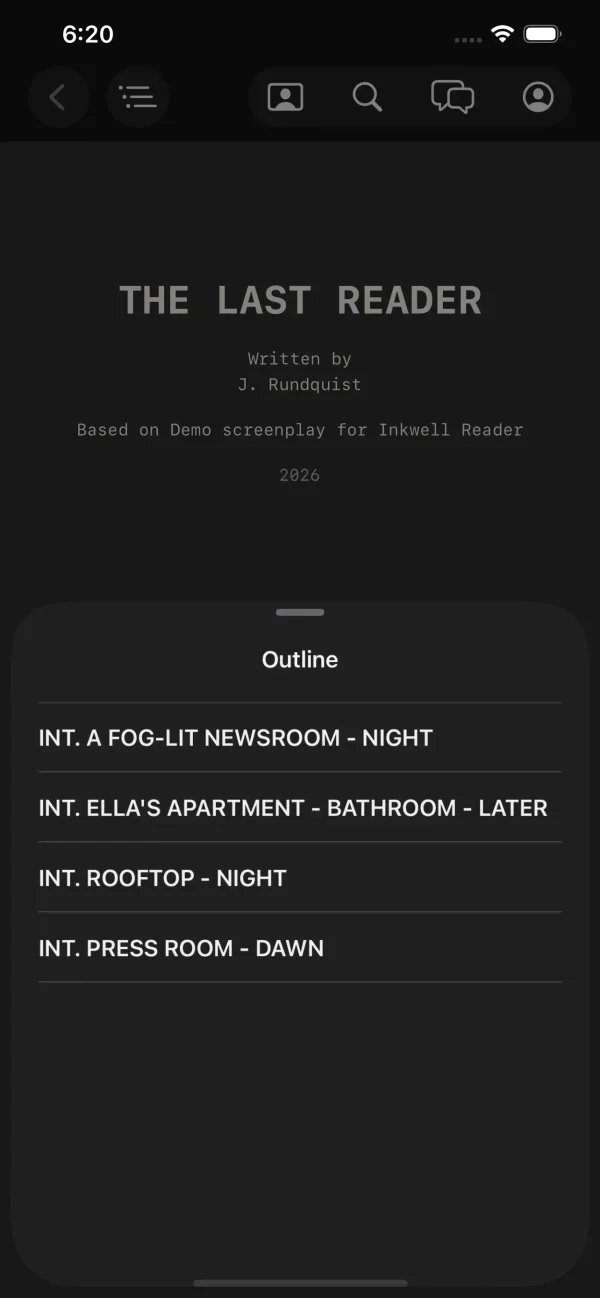
Open .ink projects from Inkwell, plus Fountain and PDF scripts from anywhere. Pages are laid out the way screenplays are meant to be read: correct margins, dual-dialogue side-by-side, scene numbers in the
margin, properly placed (MORE) and (CONT'D) markers. Pinch to size, scroll smoothly, scrub through scenes with the outline drawer.
KEY FEATURES
· A real script reader, not a PDF viewer. Industry-standard layout for Fountain and .ink documents. PDFs open in a fast, tappable PDFKit viewer.
· Scene outline drawer with one-tap jump to any heading.
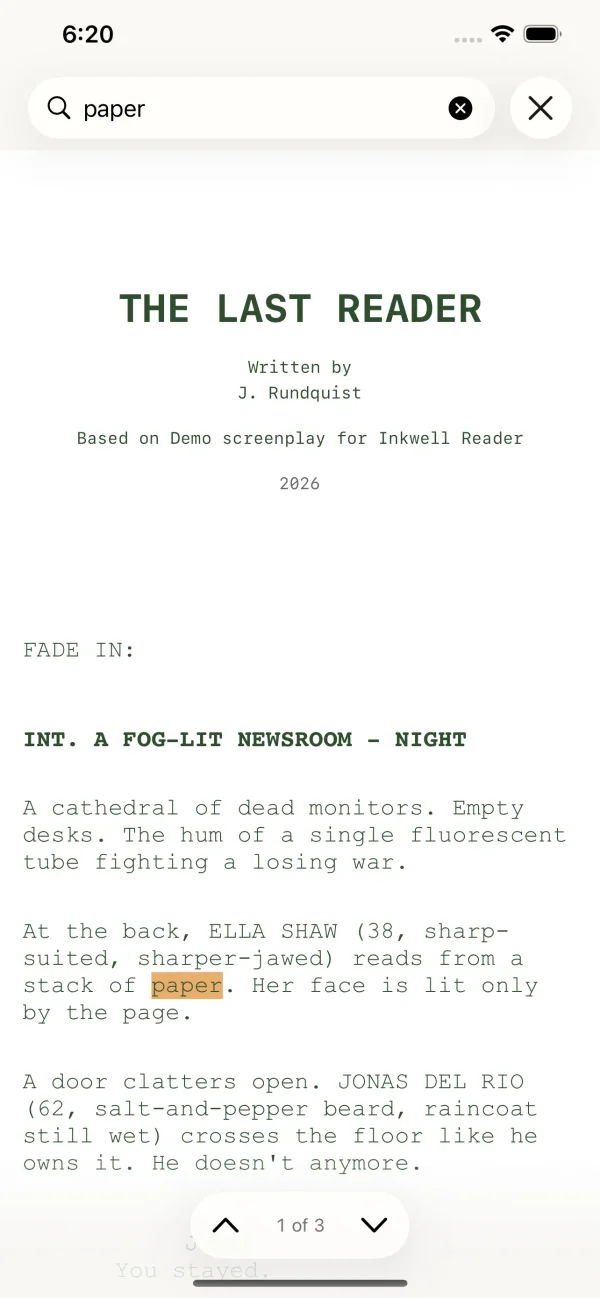
· Full-text search across the entire screenplay.
· Files.app integration — open documents in place, no copy required.
· Themes: paper, sepia, focus, midnight. Adjustable type size.
· Works fully offline. Scripts live on your device. Nothing is uploaded unless you sign in to chat with Quill.
QUILL (OPTIONAL)
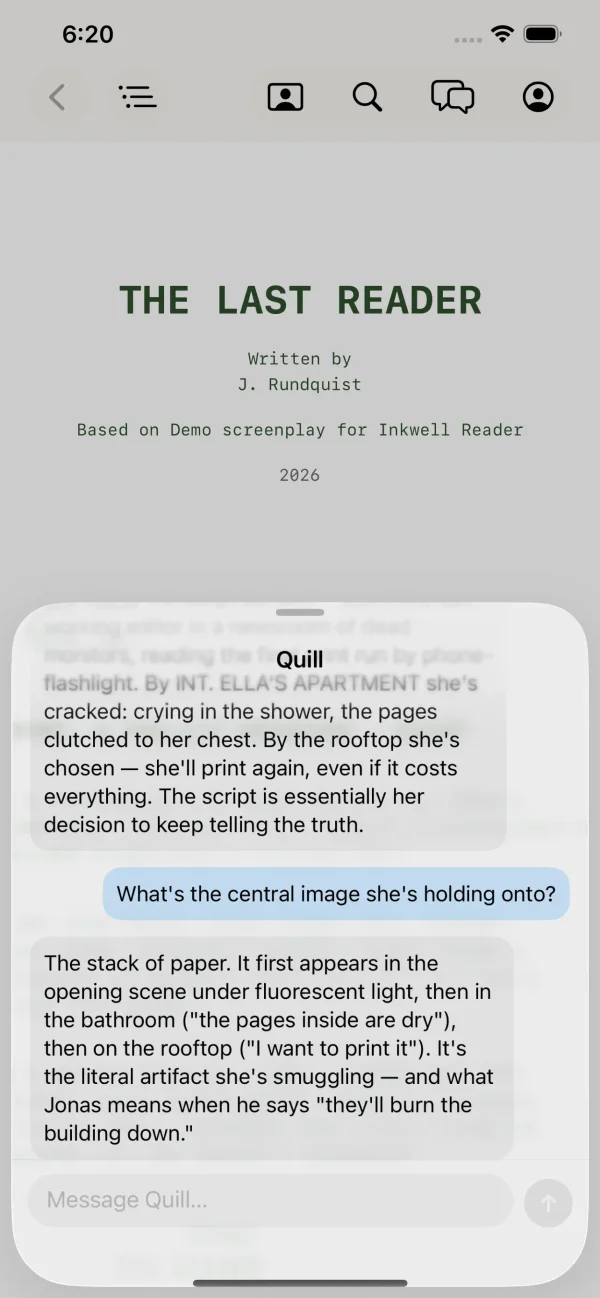
Sign in to your Inkwell account and Quill — the Inkwell screenplay assistant — rides along. Discuss characters, structure, themes, and pacing right next to the script you're reading. Read-only on iOS: Quill
won't edit your script. The full agentic editor lives on macOS at inkwell.app/download.
Sign in with Apple, Google, or a one-tap email link. No password to remember.
REQUIREMENTS
Free to download and read. Quill chat requires an Inkwell account, free to create at inkwell.app.
PRIVACY
Inkwell Reader does not track you across other companies' apps and sites. Anonymous product analytics are opt-in. Quill conversations are sent only to Inkwell's backend so the model can reply. Full details:
https://inkwell.app/privacy
What’s new
Version 1.4.0 · Nov 16, 2026
Your Inkwell Library, on your iPhone and iPad.
• Sign in and the scripts in your Inkwell Library appear in the Reader: the same ones you write in the browser and on your Mac. They open read-only and are kept on your device, so you can read them offline.
• If a script you were reading through the older encrypted sync is now in your Library, the Reader says so and offers to open it.
• Reading your Library needs no recovery code and no unlock step. Files you open from the Files app still work signed out.
App privacy
What Rundquist Tech LLC declares on the App Store about how this app handles data.
-
Data linked to you
May be collected and linked to your identity.
- Purchases
- Contact info
- User content
- Identifiers
- Usage data
-
Data not linked to you
May be collected but is not linked to your identity.
- Diagnostics
Privacy practices may vary, for example with the features you use or your age.
Information
- Seller
- Rundquist Tech LLC
- Category
- Productivity
- Version
- 1.4.0
- Updated
- Nov 16, 2026
- Released
- May 30, 2026
- Size
- 21.4 MB
- Requires
- iOS 18.0 or later
- Age rating
- 4+
- Price
- Free
- In-app purchases
- Yes
- Languages
- English
- Copyright
- © 2026 Rundquist Tech LLC
You might also like
-
 monoscriptRead screenplays on your phone
-
 cwoteYour Creative Writing Partner
-
 Constructure Screenplay EditorYour script, in your pocket.
-
 NovelShaft:AIと一緒に、小説はじめようProductivity
-
 Write in a Click: Novel WriterThe home for authors
-
 Script Lab -AI screenwriterScreenplay writing for film
-
 Scanner: PDFA No-Nonsense Scanner
-
 EZ2 WriteUltimate writing companion
-
 ShareX - wifi file transfershare it,move it,quick share
-
 ScriptDraftAI Screenplay Editor