
- Age rating17+
- CategoryBusiness
- DeveloperINLINE-TEST AS
- LanguagesEnglish
- Size81.8 MB
Links to the official App Store page
Download.org hosts no file of Inline X Stream. The button opens its official App Store page, published by INLINE-TEST AS. Listing last checked on Nov 21, 2026.
Screenshots


About
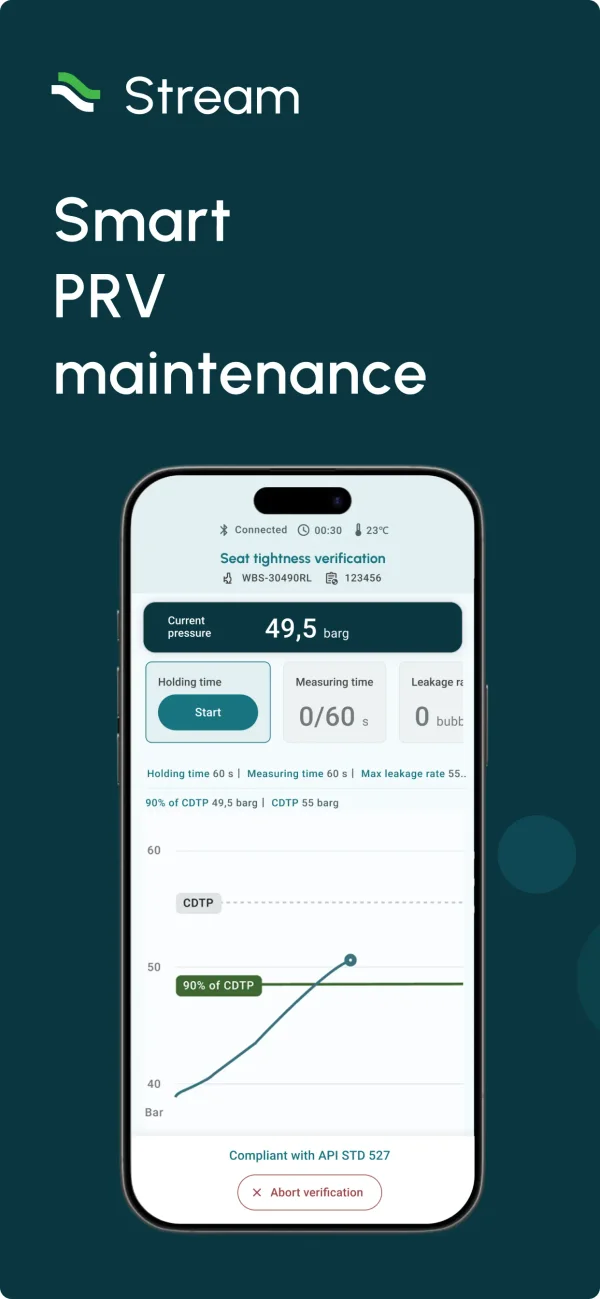
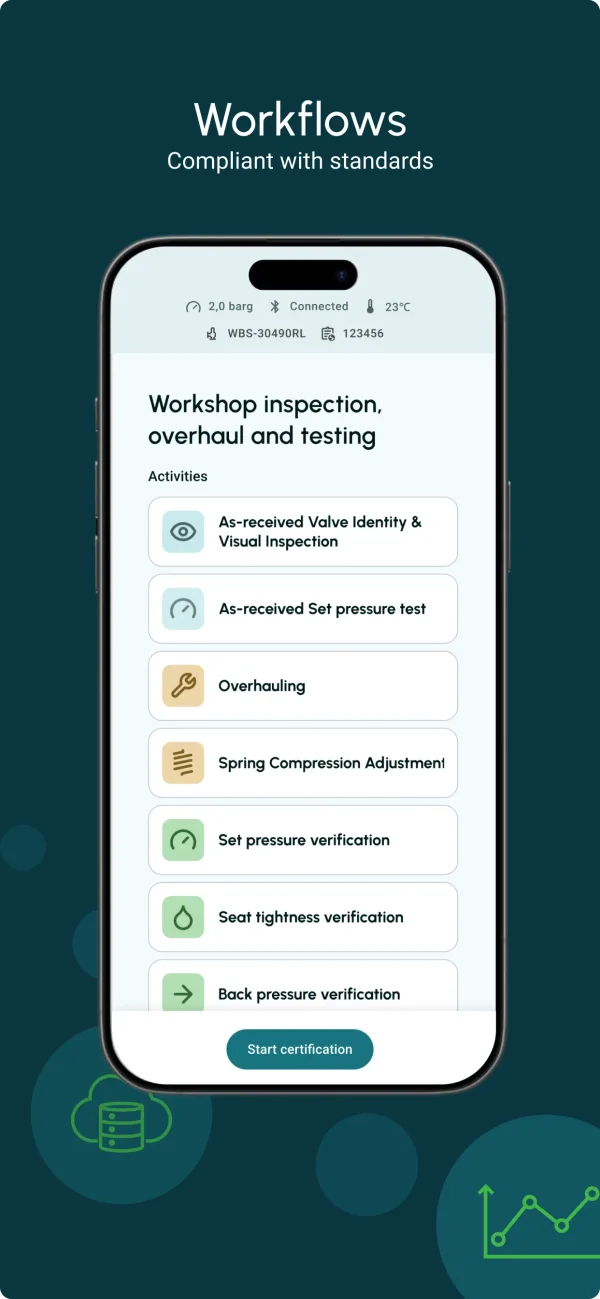
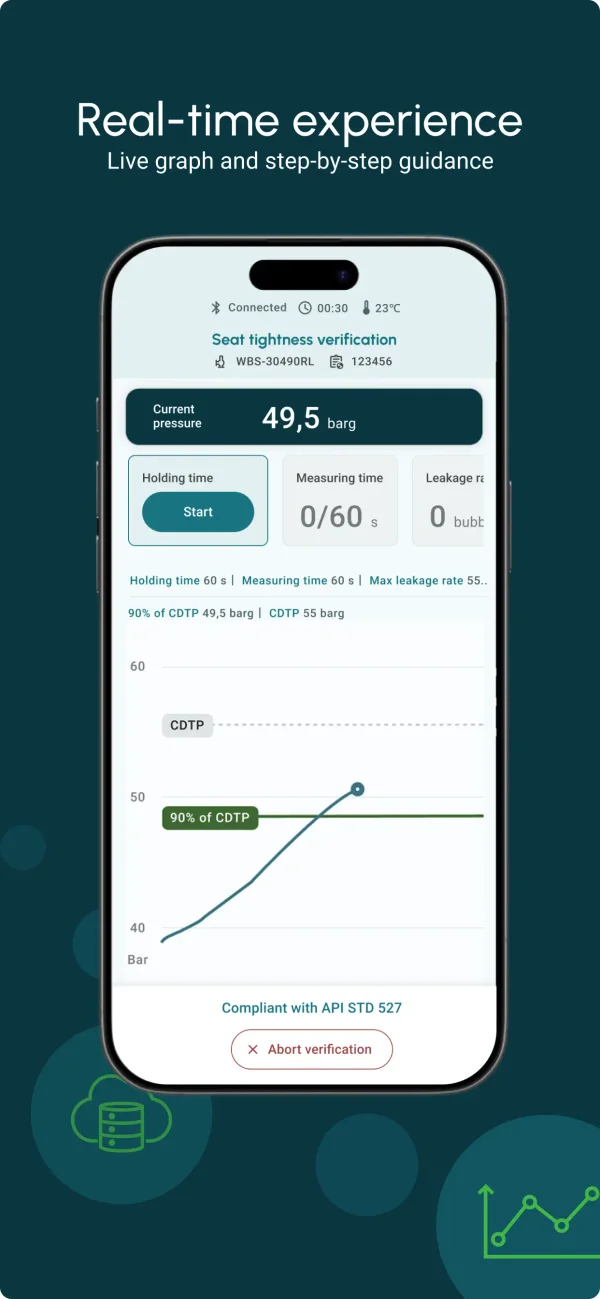
IX Stream is a digital safety valve testing and documentation app built for workshop teams working with PSVs, PRVs and pilot-operated safety valves. The IX Stream system and existing test bench setups help technicians replace manual paperwork with structured digital workflows, real-time data capture and standard-aligned reporting.
Built for demanding industrial environments, IX Stream supports safer, faster and more traceable maintenance by guided inspection, testing and overhauling.
With IX Stream, you can:
- Capture test data and maintenance results directly at the testbench
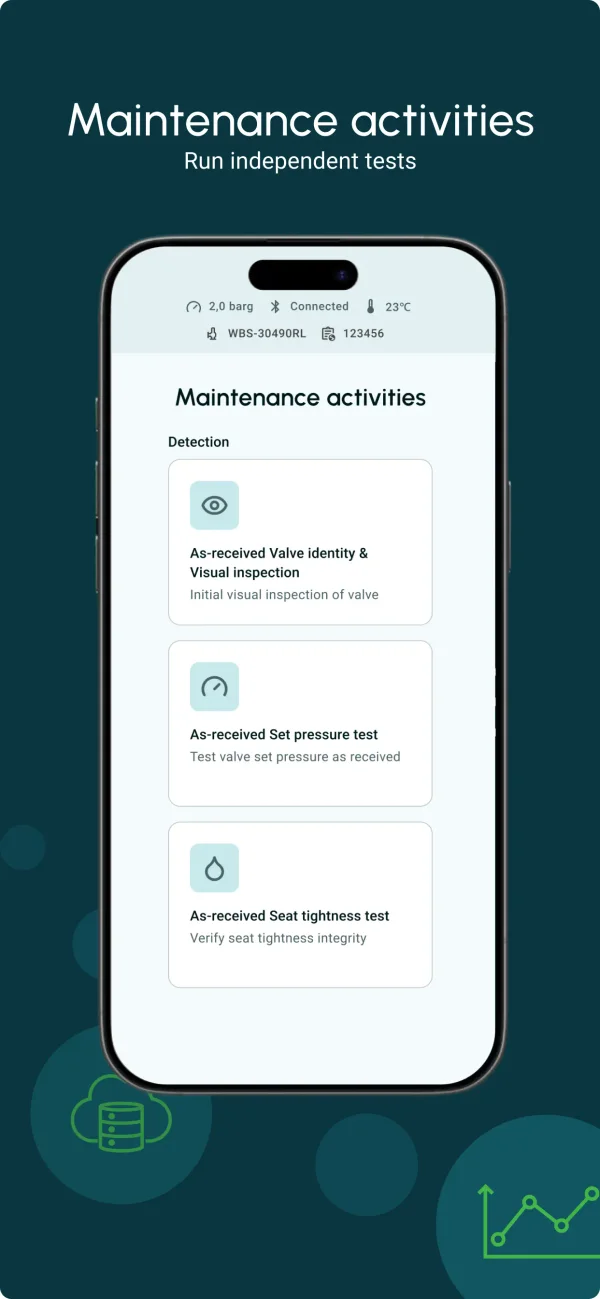
- Follow structured digital workflows for inspection, testing and overhaul
- Reduce manual documentation time and minimize reporting errors
- Build complete, traceable valve history for better maintenance decisions
- Sync records, calibration data and digital signatures securely to IX Cloud to access documentation when needed to support audit readiness
- Continue working offline and sync when internet access is available
IX Stream supports standards-aligned reporting according to API STD 527, API RP 576, ASME PTC 25 and AS/NZS 3788.
IX Stream helps modernize safety valve maintenance with workflows, dependable documentation and stronger traceability.
What’s new
Version 1.1.0 · Sep 30, 2026
Stream is now connected to the cloud:
• Completed activities sync to Flow automatically: visual inspection, overhauling, set pressure, seat tightness (air) and backpressure.
• Register and edit PRVs directly in Flow (internet required).
• Sync warnings with a Retry button, plus Settings > Sync diagnostics.
Also new: component-based visual inspection and overhauling, a redesigned My work and workflow overview, and improved PRV details.
Complete changelog:
- Completed visual inspection, overhauling, set pressure, seat tightness (air), and backpressure results now sync to the cloud automatically in the background. Set pressure results are evaluated when they are uploaded.
- Workflows with a sync problem now show a warning with a Retry button. The new Settings > Sync diagnostics screen lists recent sync issues in plain language and can copy the details for support.
- New component-based visual inspection and overhauling with detailed findings, performed actions, notes, photos, resumable progress, and clearer completed reports.
- Seat tightness verification (air) can now start even if the selected PRV has no seat type or orifice size on file. You will see a warning that the test requires zero leakage until the missing value is added.
- Fixed pressure activities sometimes using an incorrect saved sensor range when starting.
- Redesigned My work and the workflow overview with search, filters, and clearer planned, next, and completed activity views. Workflows now show the PRV serial number and work order.
- Improved workflow setup and made resuming a workflow more reliable.
- The "My work" list now only shows workflows for your currently selected organization.
- PRV registration and editing now happens in the Flow for a more complete, up-to-date form, and requires an internet connection.
- You can now fix a PRV that is missing required information directly from the maintenance specification screen, without losing your other selections.
- You can now start or continue a workflow directly from PRV details, and missing required PRV information is easier to find.
- Added manual PRV list refresh from the header or by pulling down at the top of the list.
- The reference transmitter's calibration and due dates are now shown on the maintenance specification confirmation screen, and calibration dates in the future are no longer accepted.
App privacy
What INLINE-TEST AS declares on the App Store about how this app handles data.
-
Data not linked to you
May be collected but is not linked to your identity.
- Location
- Contact info
- User content
- Usage data
- Diagnostics
Privacy practices may vary, for example with the features you use or your age.
Information
- Seller
- INLINE-TEST AS
- Category
- Business
- Version
- 1.1.0
- Updated
- Sep 30, 2026
- Released
- Nov 20, 2026
- Size
- 81.8 MB
- Requires
- iOS 16.6 or later
- Age rating
- 17+
- Languages
- English
- Copyright
- © INLINE-TEST AS