Inspan Encrypted Notepad
Private encrypted notes
Designed for iPhone, iPad, Mac
Free
- Age rating4+
- CategoryProductivity
- DeveloperNikolay Vorobyev
- LanguagesEnglish
- Size30.2 MB
Links to the official App Store page
Download.org hosts no file of Inspan Encrypted Notepad. The button opens its official App Store page, published by Nikolay Vorobyev. Listing last checked on Nov 18, 2026.
Screenshots

About
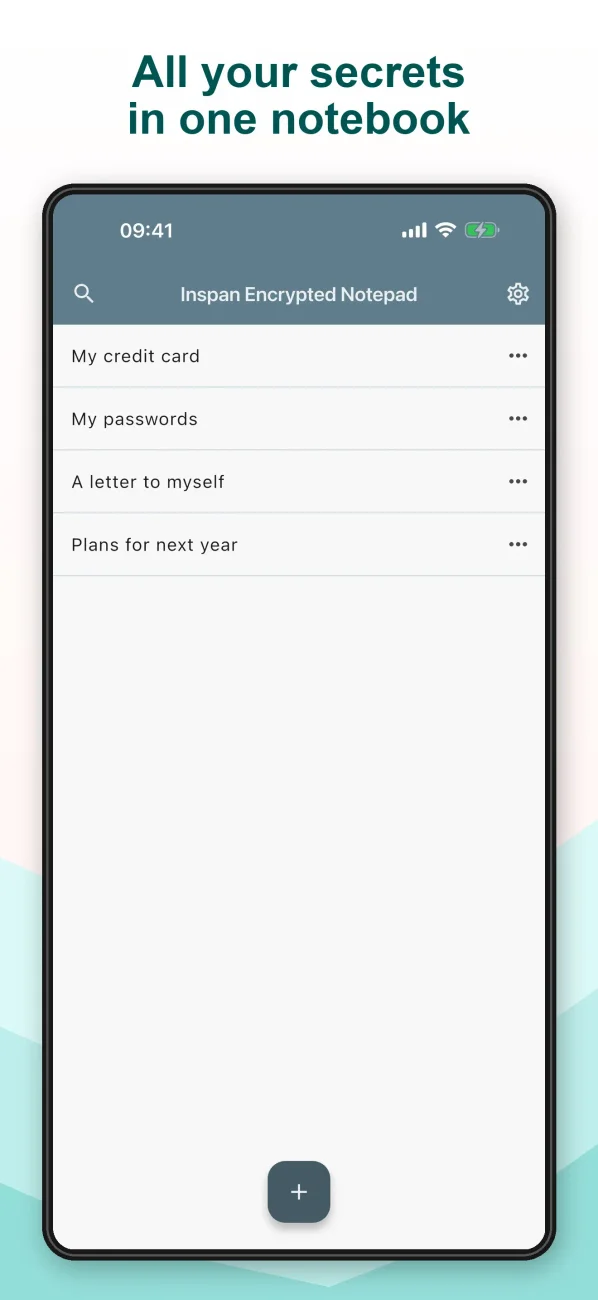
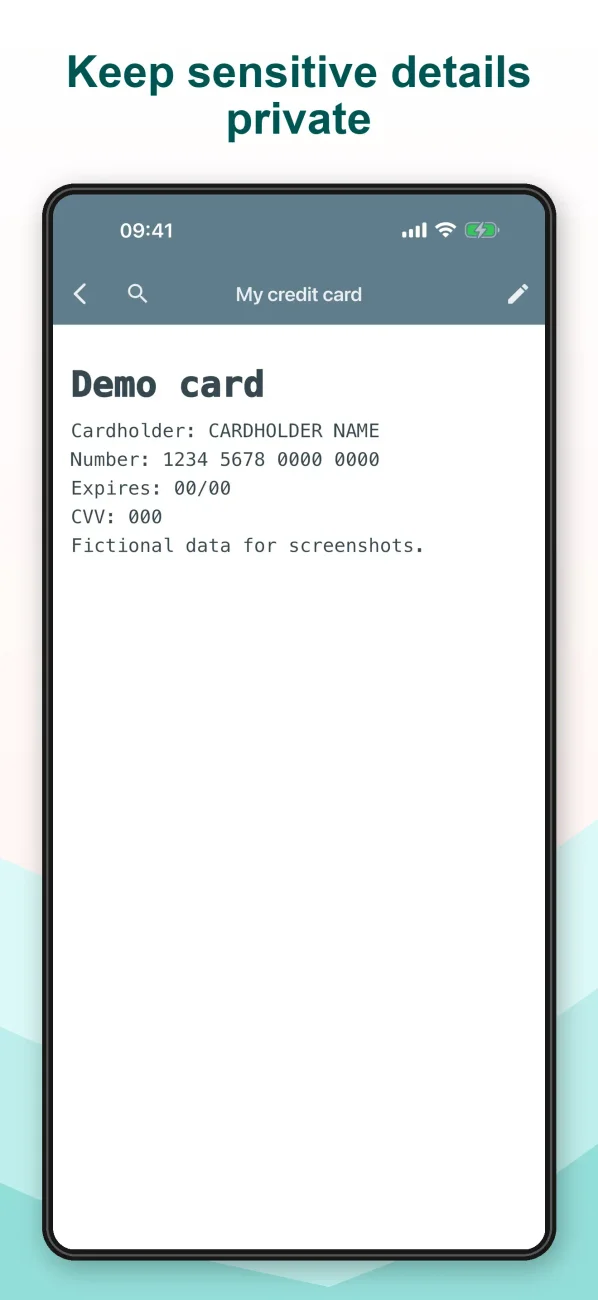
Your ideas, personal journal and private notes deserve a place of their own. Encrypted Notepad keeps many notes together in one password-protected, encrypted file on your device.
Give each note a title, format your text and find what you need with search. No account is required, and you can write and read your notes offline.
ONE FILE, MANY NOTES
• Keep separate notes in a single encrypted notebook.
• Use headings, lists and text formatting.
• Search note titles and text, then jump to a matching passage.
• Let autosave keep up with your edits.
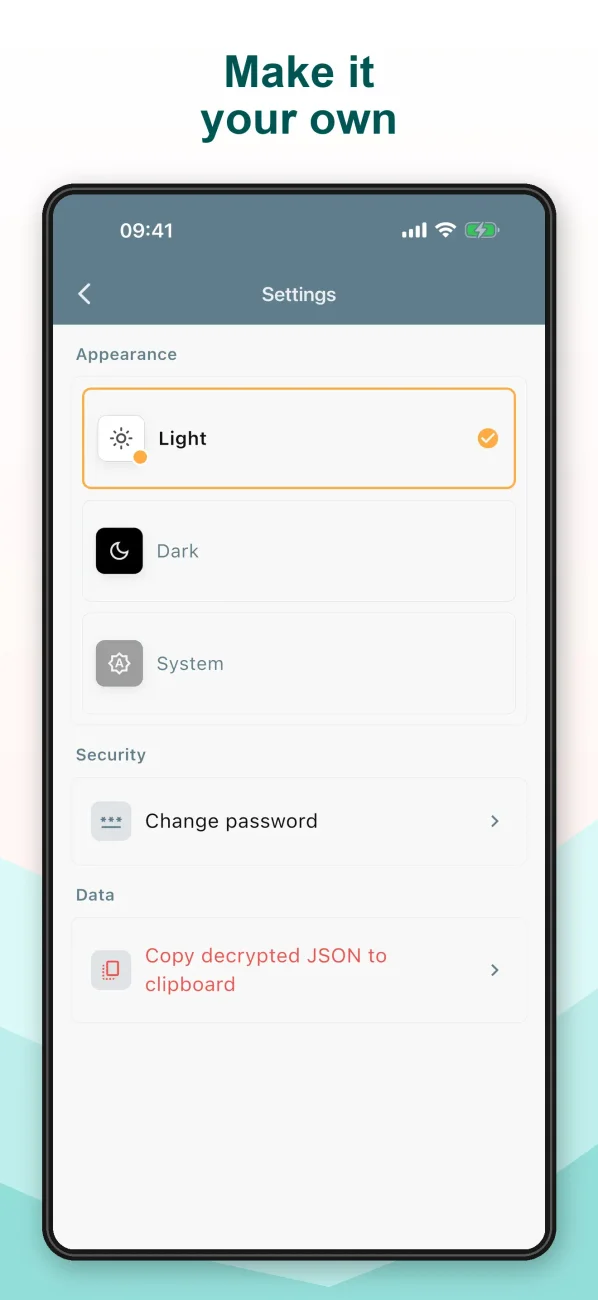
• Choose a light or dark appearance.
When the app leaves the foreground, it locks the document and removes decrypted notes from the active session. The next time you return, enter your password to continue. Saves replace the file atomically, helping preserve the last complete file if a write is interrupted.
The encrypted file can be included in your device backup, depending on your backup settings.
HOW YOUR NOTES ARE PROTECTED
• AES-256-GCM encrypts the whole document, including note titles and text, with a 256-bit key. Its authentication tag lets the app detect changes to the protected data instead of accepting altered content.
• PBKDF2-HMAC-SHA-256 derives the encryption key from your password using 1,600,000 iterations. This makes each password guess more costly for someone who gets a copy of your file.
• A random 128-bit salt helps prevent the same password from producing the same key in different documents. Each encryption uses a fresh random nonce.
• Encryption uses the platform's standard cryptographic libraries, not a homemade cipher. Your password is not written into the document.
IMPORTANT TO KNOW
Choose a long, unique password or passphrase. Encryption cannot make a weak password strong, and there is no password reset that can unlock your existing notes if you forget it.
Keep backups: encryption protects the contents of a file, not against losing or deleting it. Notes are readable while the document is unlocked, and encryption does not protect against a compromised device.
What’s new
Version 1.0.2 · Oct 19, 2026
Fix for text selection in encrypted notes
App privacy
What Nikolay Vorobyev declares on the App Store about how this app handles data.
-
Data not collected
The developer does not collect any data from this app.
Privacy practices may vary, for example with the features you use or your age.
Information
- Seller
- Nikolay Vorobyev
- Category
- Productivity
- Version
- 1.0.2
- Updated
- Oct 19, 2026
- Released
- Sep 22, 2026
- Size
- 30.2 MB
- Requires
- iOS 16.0 or later
- Age rating
- 4+
- Price
- Free
- Languages
- English
- Copyright
- © 2026 Inbook Co Ltd
You might also like
-
 Notexy: Private & Secure NotesEncrypted Notepad, PIN Lock
-
 Sovereign: Private AI NotesOffline Journal, Diary & Tasks
-
 CalcNotes - Calculation memoCalculator + Notepad!
-
 Secret Diary - password notesPrivate Markdown Journal
-
 Remotely: Universal RemoteUniversal Smart TV Remote
-
 VPN НаружуProductivity
-
 Minimal | NotesWrite with focus.
-
 Wallet - Digital Wallet CardOne app for all your cards
-
 IVPN - Secure VPN for PrivacyResist Online Surveillance
-
 Datovka.czProductivity