
Instaboard: Whiteboard Planner
Shared To-Do Lists & Plans
Designed for iPhone, iPad, iPod touch
Free · In-app purchases
- Age rating4+
- CategoryProductivity
- DeveloperInstaboard Ltd.
- LanguagesEnglish
- Size173.5 MB
Links to the official App Store page
Download.org hosts no file of Instaboard: Whiteboard Planner. The button opens its official App Store page, published by Instaboard Ltd. Listing last checked on Nov 28, 2026.
Screenshots


About
Organize your stuff with cards.
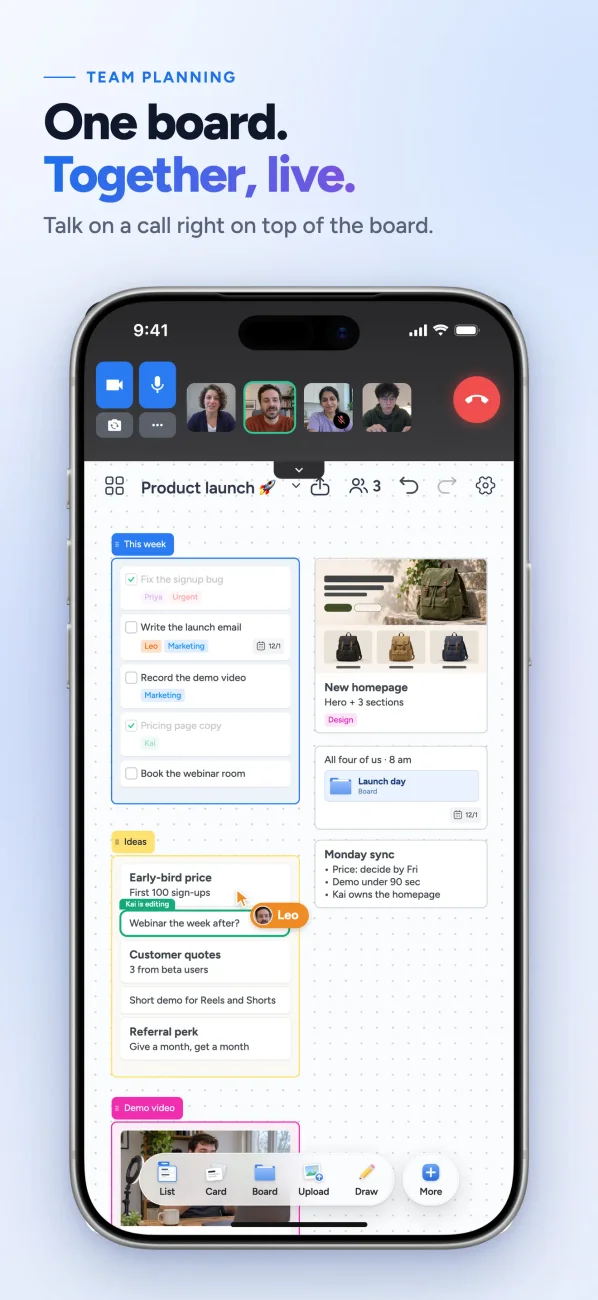
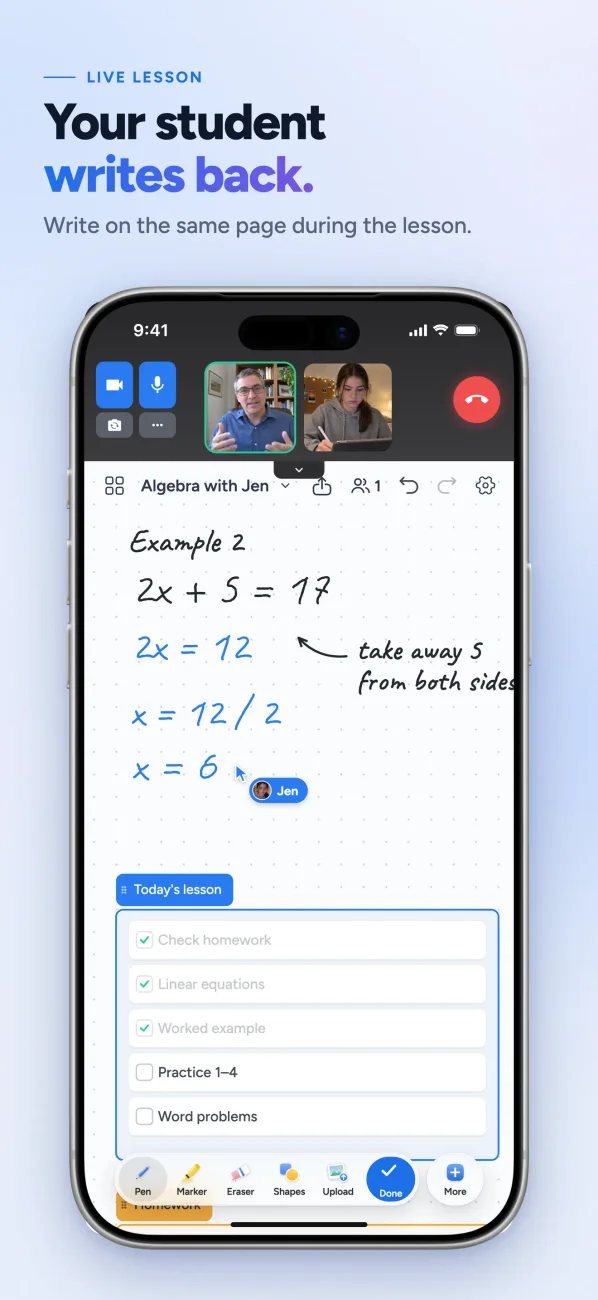
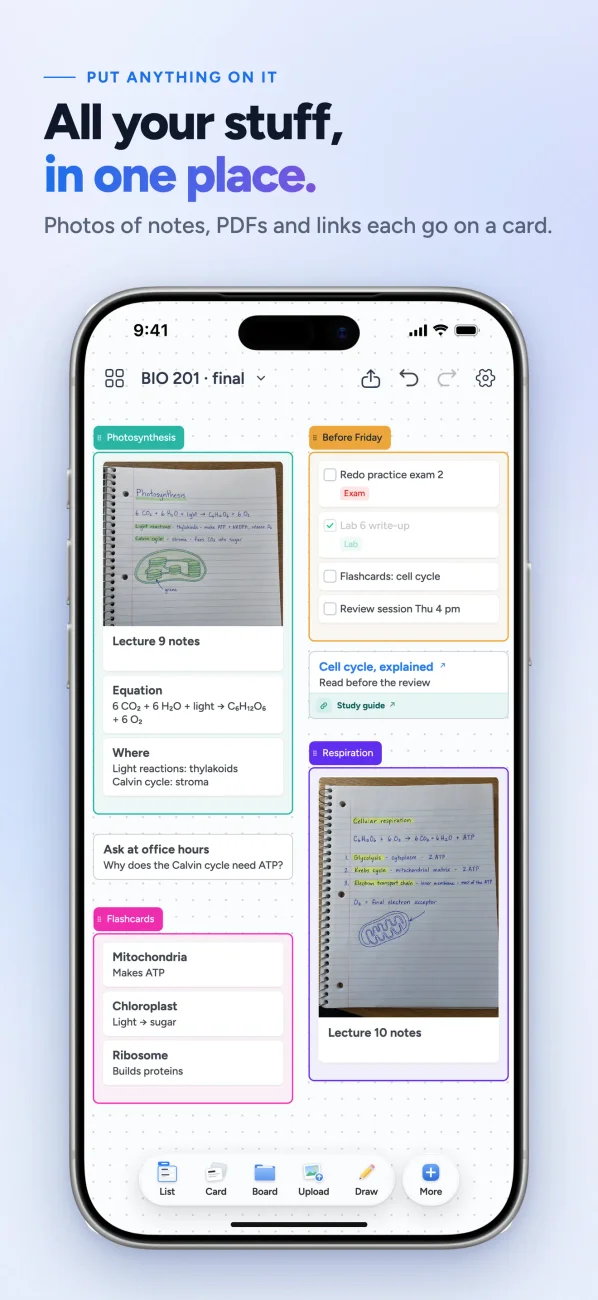
Instaboard is an online whiteboard where your notes, lists, photos, PDFs and links live as cards you can drag, group and share. Tutors use it to teach live: a video call right on the board, and your student writes on it too.
FOR TUTORS AND TEACHERS
• Start a video call on the board. Your student joins from a link and signs in free
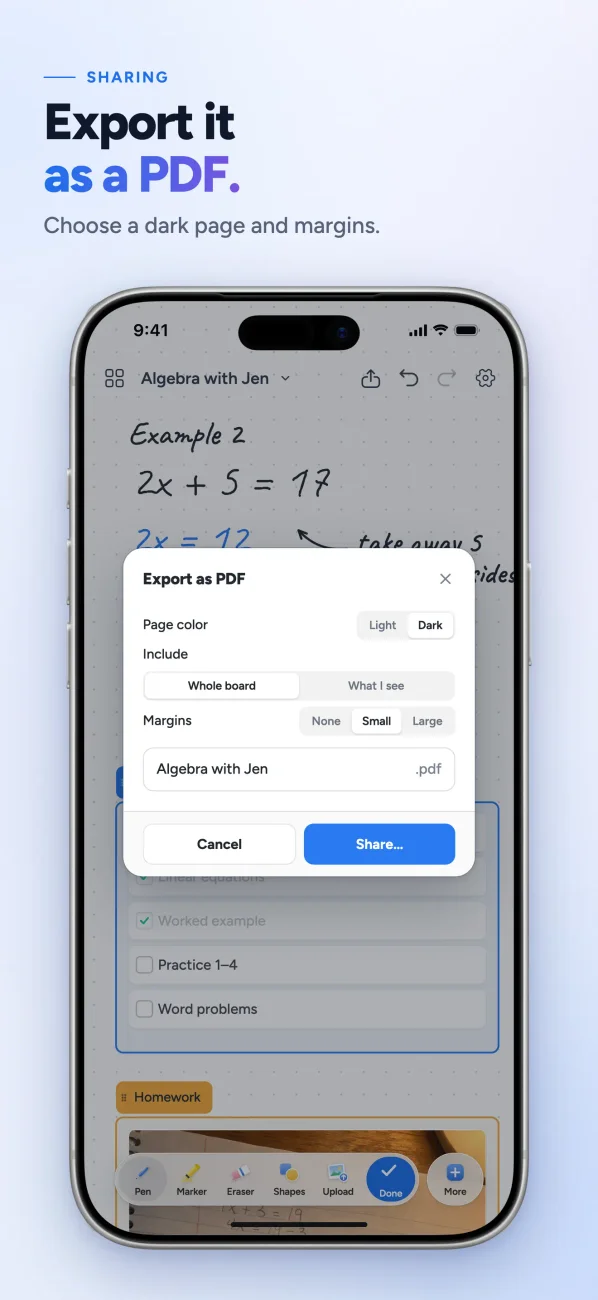
• Drop in a worksheet or PDF and write on it together, live
• Draw with Apple Pencil or your finger, and point with the laser
FOR STUDENTS AND WRITERS
• Put lecture notes, photos and PDFs on cards, then drag them into groups
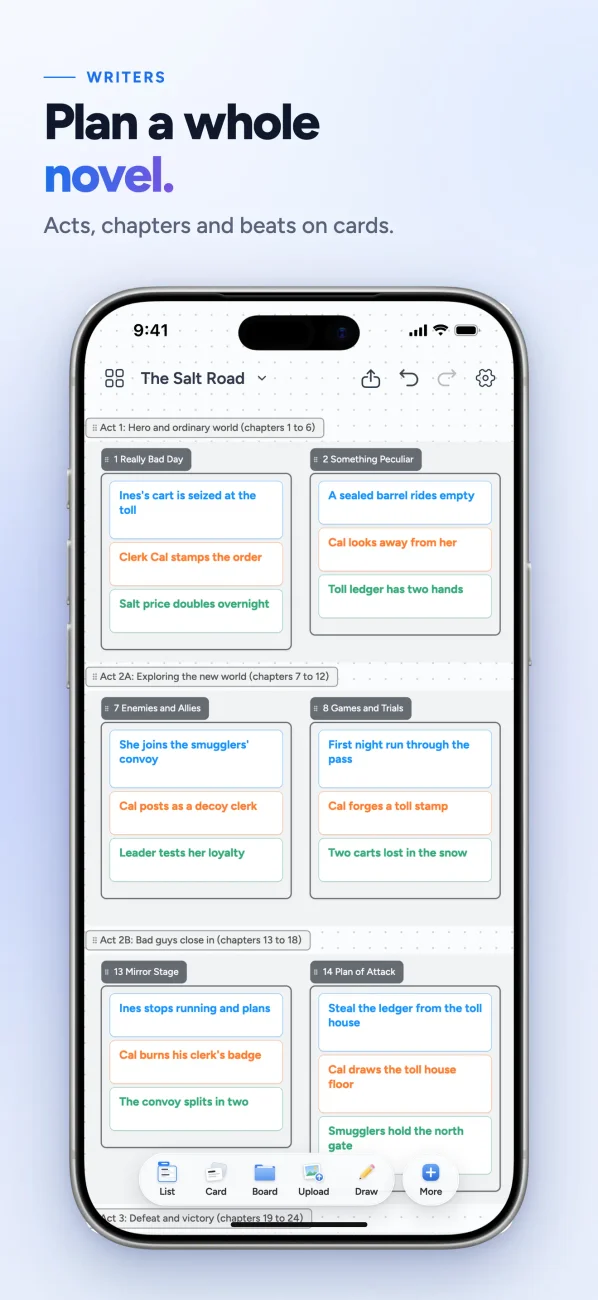
• Connect cards with arrows and add sections to build mind maps and outlines
• An endless canvas, so nothing has to fit on one page
FOR PLANS WITH OTHER PEOPLE
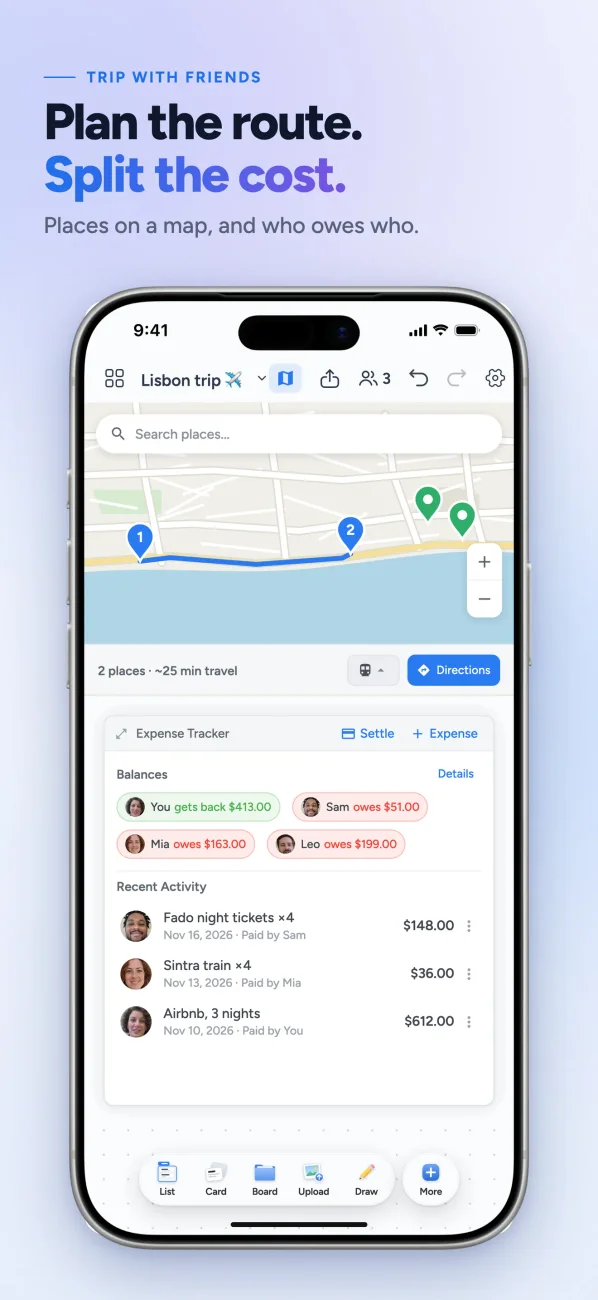
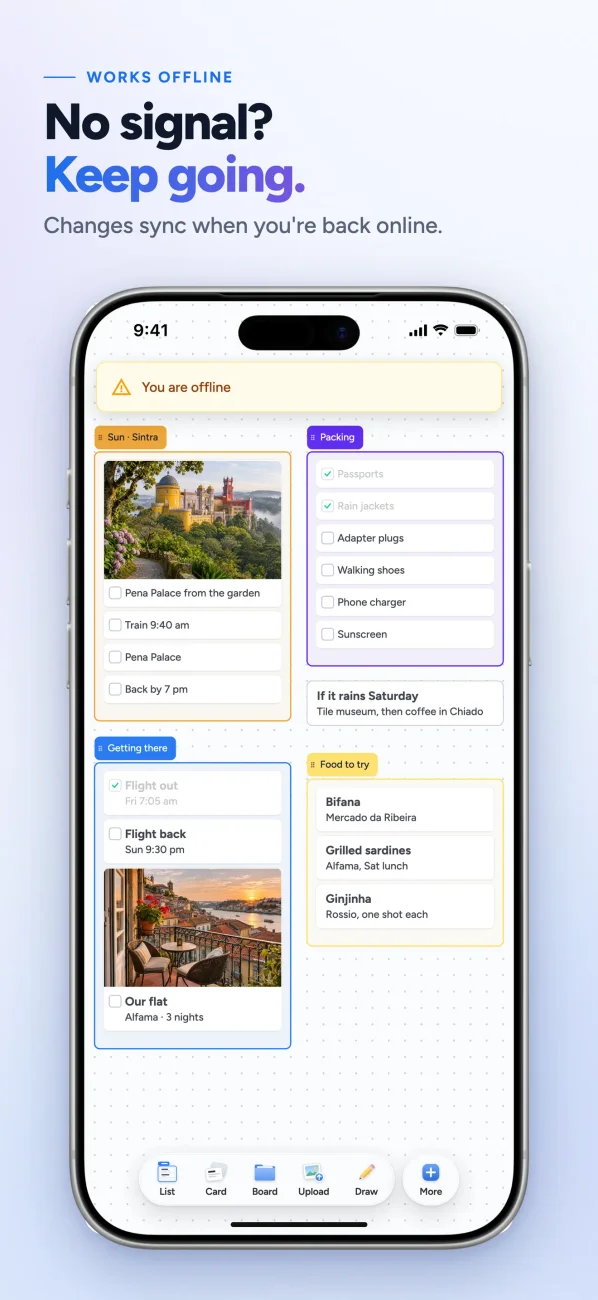
• Trips, weddings, family events and shop checklists: put names and due dates on cards and tick them off
• Everyone sees each change live. Comment on a card instead of digging through the chat
• Split costs and see who owes whom
WHAT GOES ON A CARD
• Notes, checklists, due dates, tags, comments, photos, files, links and places
• Any card opens into its own board, so a big plan stays tidy
• Lists, a calendar view for dated cards, and colors to sort at a glance
SHARE IN SECONDS
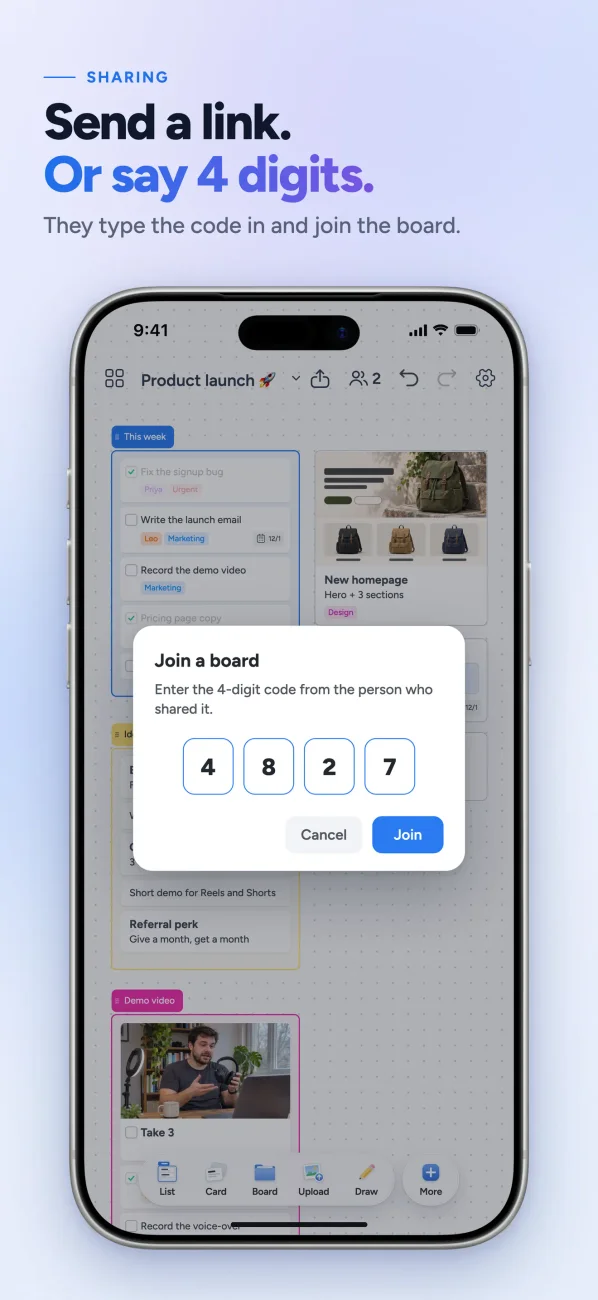
• Send a link, a QR code or a 4-digit code
• Nothing to download: the board opens in any browser. Joining is free, and writing needs a free sign-in
SAVE NOW, SORT LATER
• Send links and photos from any app to Pile, then drag them onto a board when you are ready
WORKS WHERE YOU ARE
• iPhone, iPad and the web
• Changes are kept and sync when you are back online
EULA: https://www.apple.com/legal/internet-services/itunes/dev/stdeula/
Privacy policy: https://instaboard.app/privacy
What’s new
Version 3.6.7 · Nov 27, 2026
Quality and performance improvements
App privacy
What Instaboard Ltd. declares on the App Store about how this app handles data.
-
Data used to track you
May be used to track you across apps and websites owned by other companies.
- Identifiers
-
Data linked to you
May be collected and linked to your identity.
- Contact info
- Identifiers
-
Data not linked to you
May be collected but is not linked to your identity.
- User content
- Usage data
- Diagnostics
Privacy practices may vary, for example with the features you use or your age.
Information
- Seller
- Instaboard Ltd.
- Category
- Productivity
- Version
- 3.6.7
- Updated
- Nov 27, 2026
- Released
- Oct 14, 2022
- Size
- 173.5 MB
- Requires
- iOS 15.0 or later
- Age rating
- 4+
- Price
- Free
- In-app purchases
- Yes
- Languages
- English
- Copyright
- © 2022 Instaboard Ltd.
You might also like
-
 Whiteboard Infinite PDF CanvasDrawing, Diagrams & Markup
-
 Drawing and Writing WhiteboardEffective teaching whiteboard
-
 Virtual WhiteboardExplain Board
-
 WHITEBOARD -smooth-Productivity
-
 Unbound Note: Infinite CanvasHandwriting, links & pkm
-
 Pencil Planner: PencilTimeWrite, Type & Plan Your Way
-
 Whiteboard SimpleProductivity
-
 Whiteboard-simple Notepad-Productivity
-
 White Board App - ChalkboardBlackboard Whiteboard Draw Pad
-
 myNotes - WhiteboardSketch, Draw, Note, Mindmaps