
- Age rating4+
- CategoryUtilities
- DeveloperSWPanel
- LanguagesEnglish
- Size19.1 MB
Links to the official App Store page
Download.org hosts no file of InstantPass - SWPanel. The button opens its official App Store page, published by SWPanel. Listing last checked on Nov 12, 2026.
Screenshots
About
Welcome to the new SWPanel app!
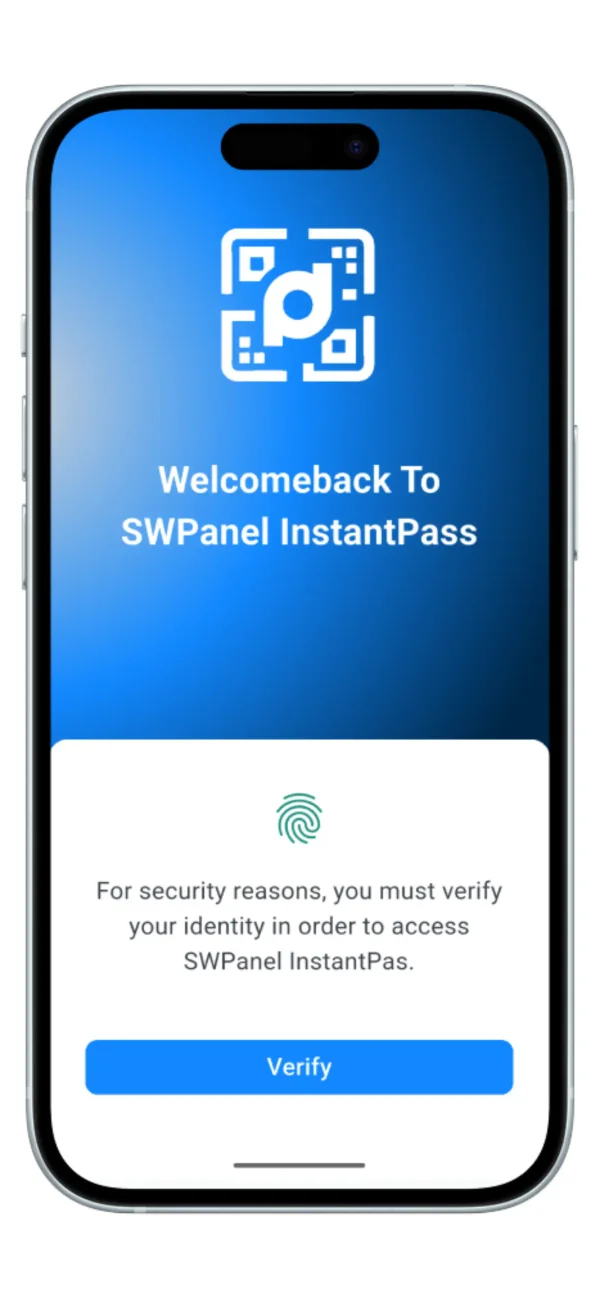
Access your dashboard quickly and securely. With our app, you can scan your SWPanel client QR code and log in directly to the dashboard without having to enter your username.
Key Features:
Quick Access: Scan your client QR code and log into the panel without entering your username.
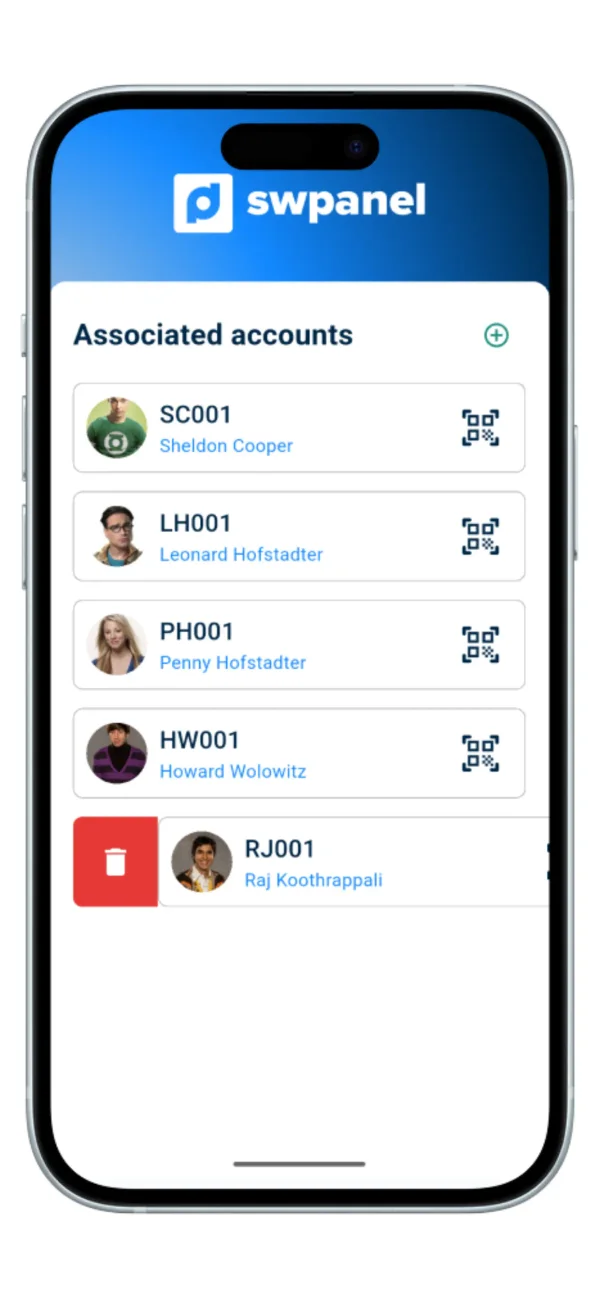
Link up to 5 accounts: Manage multiple SWPanel accounts from a single app by linking up to 5 accounts.
Security: Enjoy secure access to your SWPanel.
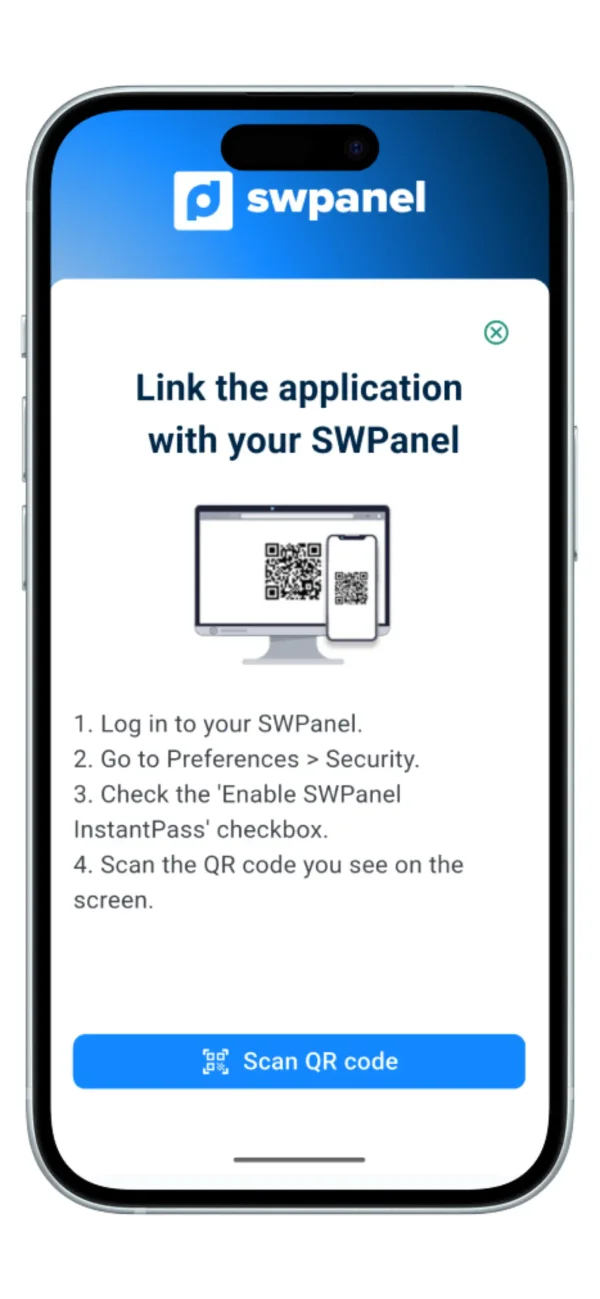
Instructions for Linking SWPanel:
1) Log in to your SWPanel account.
2) Go to the “Preferences” section and select “Security”.
3) Check the “Activate SWPanel Instantpass” box.
4) Scan the QR code that appears on the screen using your device's camera.
Done! The linking is now complete. Now, whenever you want to access the panel, just scan the QR code and you'll get access without needing to enter your username.
Remember that this linking process is only done once, and after that, you can access the panel quickly and securely by scanning the QR code.
What’s new
Version 1.1 · May 7, 2026
Account list management has been improved:
- Accounts can now be deleted by swiping them from right to left.
- Accounts can now be reordered by dragging them to the desired position.
App privacy
What SWPanel declares on the App Store about how this app handles data.
-
Data not collected
The developer does not collect any data from this app.
Privacy practices may vary, for example with the features you use or your age.
Information
- Seller
- DEEPTHINK SOFTWARE SL.
- Category
- Utilities
- Version
- 1.1
- Updated
- May 7, 2026
- Released
- Apr 21, 2026
- Size
- 19.1 MB
- Requires
- iOS 16.6 or later
- Age rating
- 4+
- Languages
- English
- Copyright
- © 2026 DeepThink Software SL
You might also like
-
 MiVPNUtilities
-
 Armatura ICSArmatura ICS
-
 Cada Peça SumaUtilities
-
 Agrienergia ClientsUtilities
-
 Northgate ConnectUtilities
-
 TapInk - NFC E-Paper writerWaveshare E-Paper writer
-
 CamRadar: Hidden Cam DetectorSpy camera, bug & device scan
-
 Ecoforest HPEcoforest Heat Pumps
-
 ARMATURA CONNECTArmatura Connect
-
 APP-O BIOENUtilities