IntelliSew: Pattern Projector
Project & Cut Sewing Patterns
Designed for iPhone, iPad
Free · In-app purchases
- Age rating17+
- CategoryLifestyle
- DeveloperAnnoying Crow Studio LLC
- LanguagesEnglish+ 2 more
- Size141.8 MB
Links to the official App Store page
Download.org hosts no file of IntelliSew: Pattern Projector. The button opens its official App Store page, published by Annoying Crow Studio LLC. Listing last checked on Nov 23, 2026.
Screenshots

About
Say goodbye to printing, taping, and cutting paper patterns! IntelliSew is a smart pattern projector app for projector sewing designed by and for sewists. We packed powerful features and time-saving smarts into a super intuitive app, so you can skip straight to the fun part: sewing
Whether you are new to pattern projecting or a seasoned pro, IntelliSew makes getting from digital file to cut fabric faster and easier.
Everything You Need to Get Started (Free)
- Easy, Fast Setup: A super smooth, frustration-free interface that gets your patterns loaded and projected in seconds.
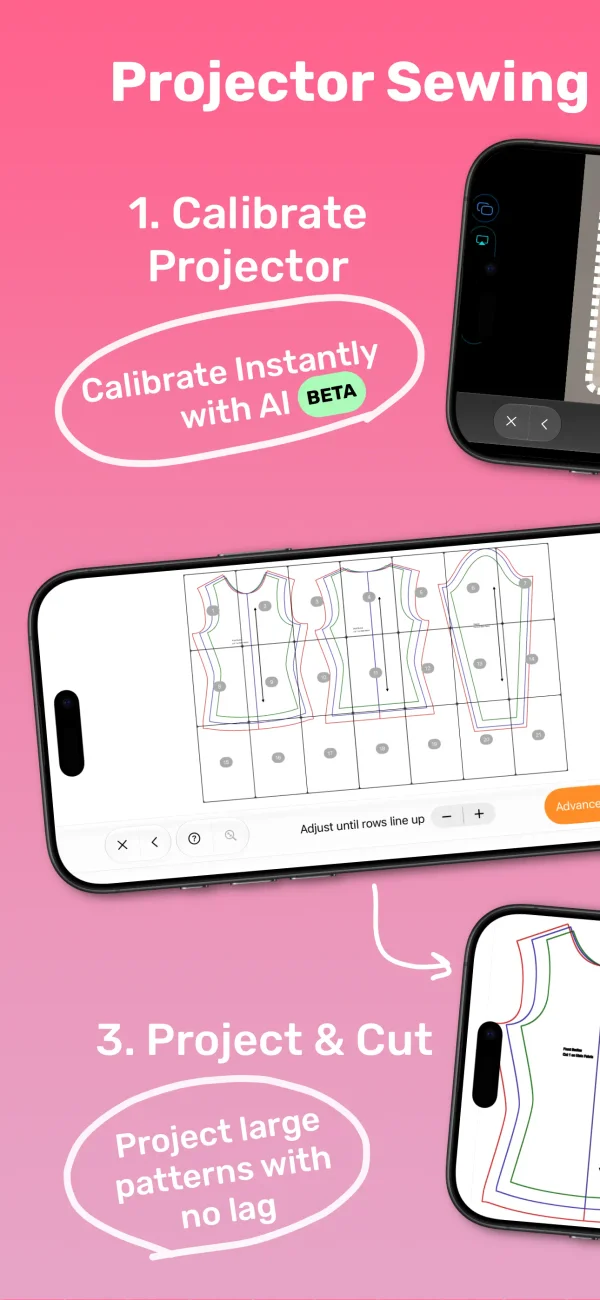
- Four Corner Calibration: Get your projector calibrated quickly with our re-invented four-corner calibration system.
- Interactive Stitching Mode: Easily stitch together your multi-page PDF sewing patterns right on your screen.
- Smooth Large Pattern Support: Handles massive A0 and projector files smoothly without lagging or freezing up.
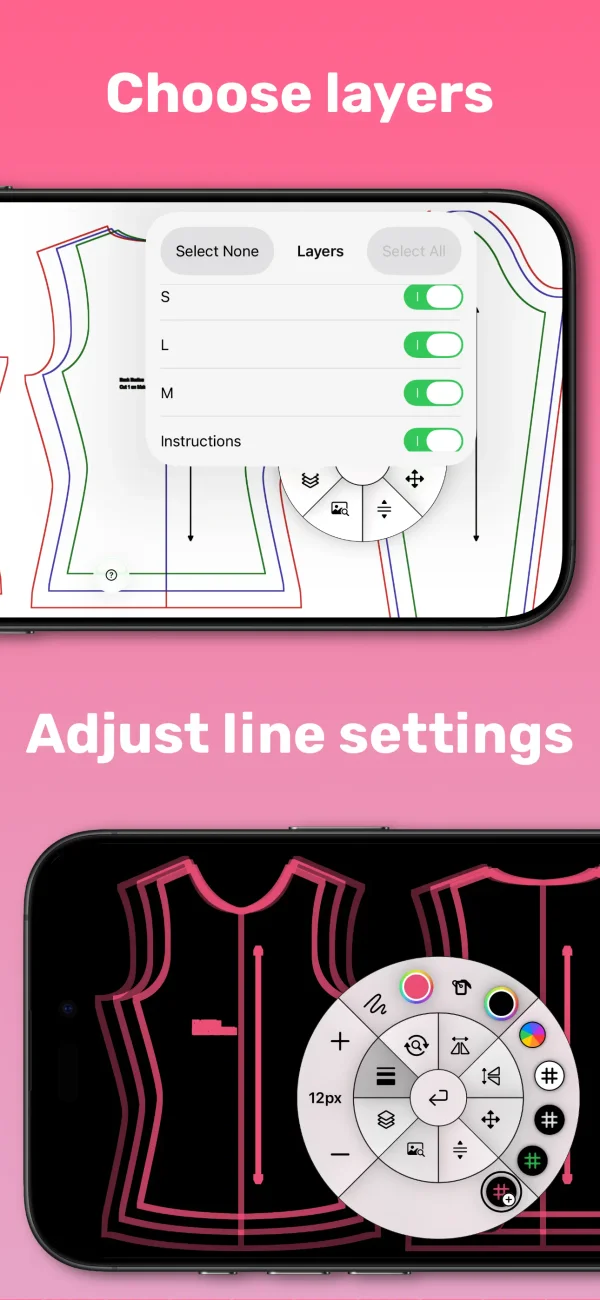
- Adjust Line Color & Thickness: Change the line color and thickness so you can see your pattern against even the gaudiest prints.
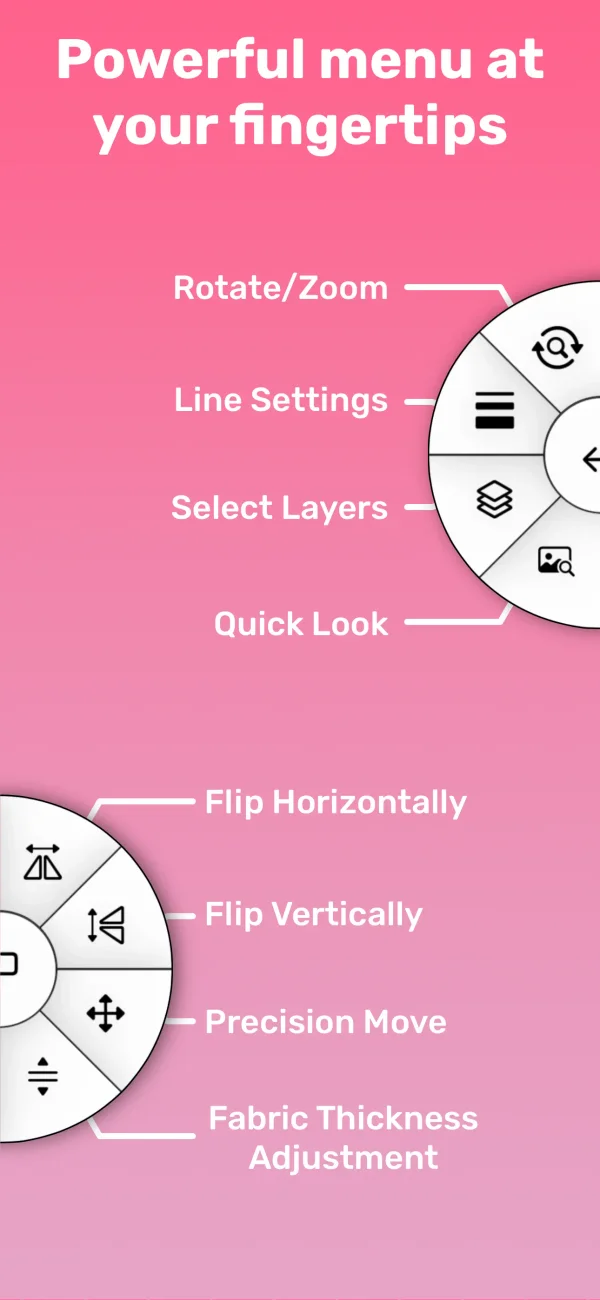
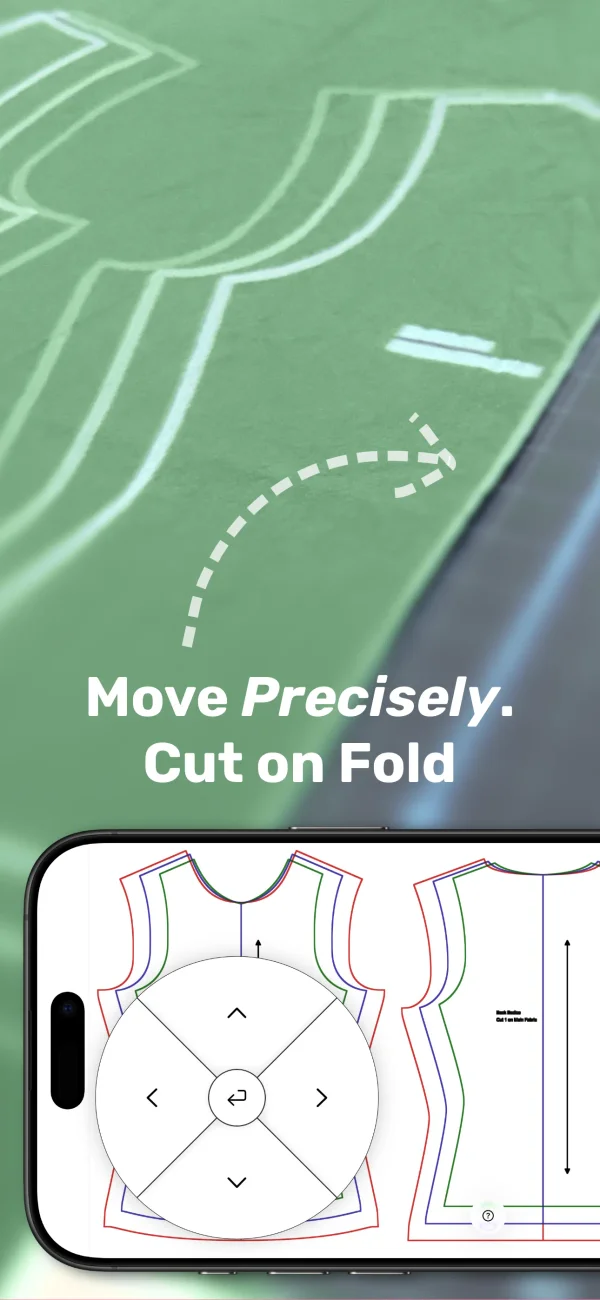
- Precision Move Menu: Nudge your pattern precisely in very small increments. Use easy on-screen buttons so you don't need to keep a clunky keyboard on your cutting surface!
- Standard Rotate & Zoom: Quickly rotate your pattern 90 degrees or scale the pattern larger/smaller.
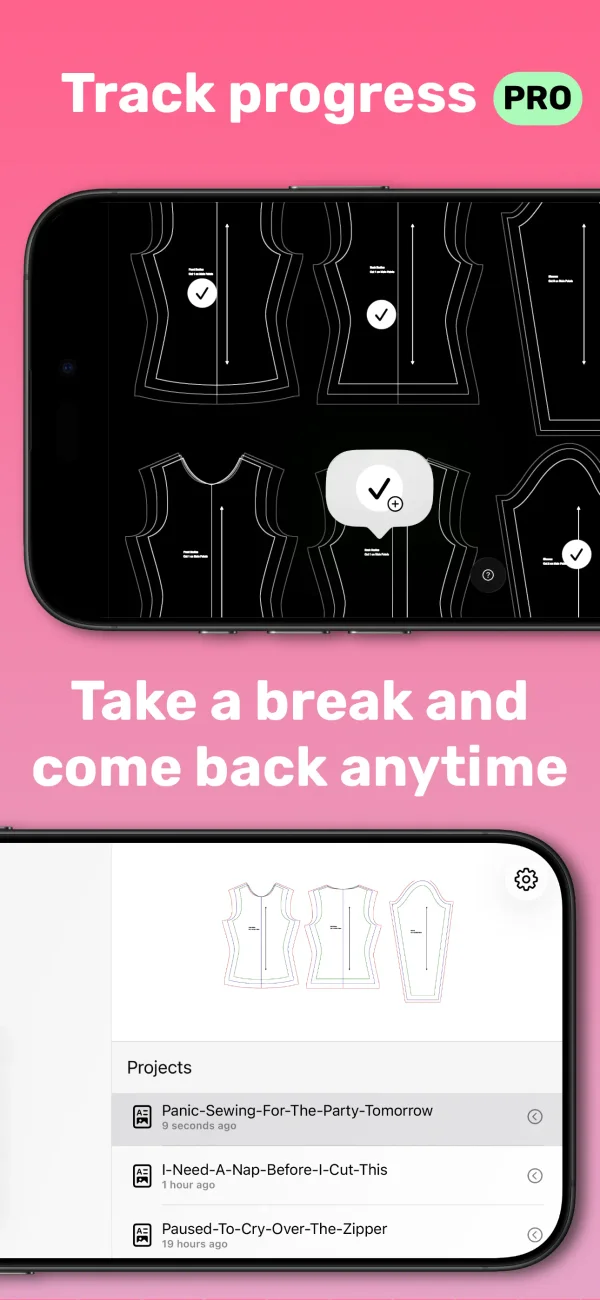
- Auto-Save State: Take a break and come back. IntelliSew saves your spot so you can resume without having to set up again
- Unlimited Patterns: Save as many patterns as you want. Gotta collect 'em all!
Free During Beta:
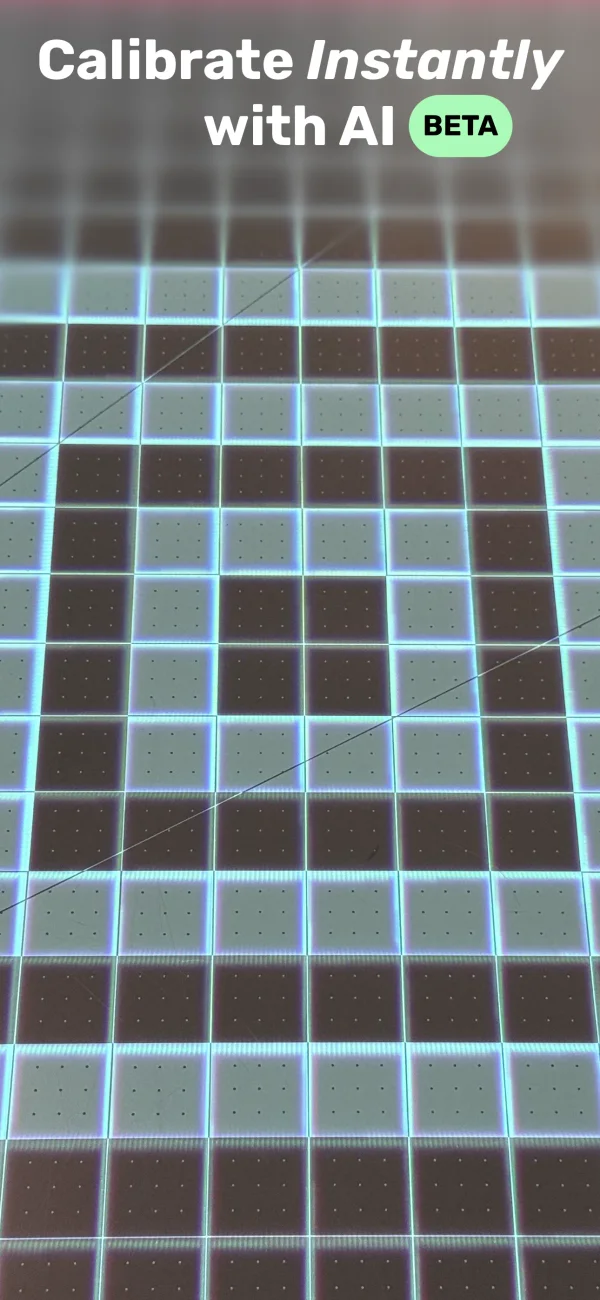
- AI Calibration: Hate how long calibration takes? Let our AI do it for you and speed up your calibration!
Upgrade to IntelliSew Pro (For the ultimate sewing workflow):
- Advanced Pattern Stitching: Stitch irregular patterns with the ability to add blank pages, drag and drop to change column sizes and more.
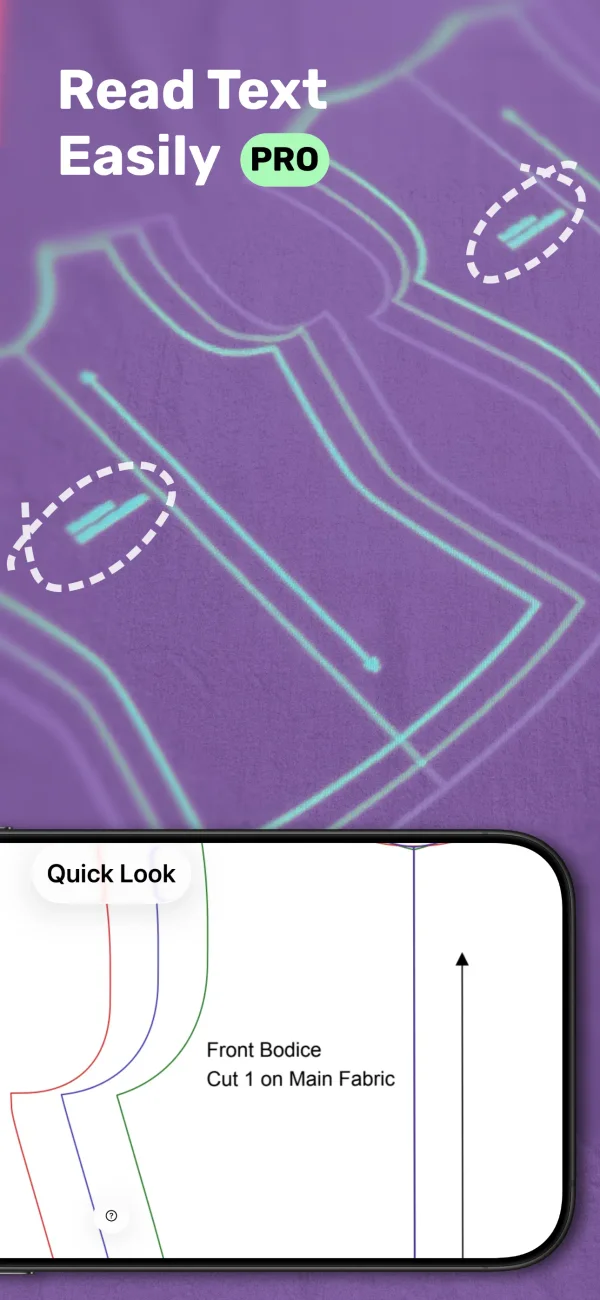
- Quick Look Mode: Zoom in and navigate your pattern while the projection stays perfectly locked in place on your cutting mat.
- Annotations: Never ask "Did I cut two of the same pieces again?". Mark and track what you've already cut.
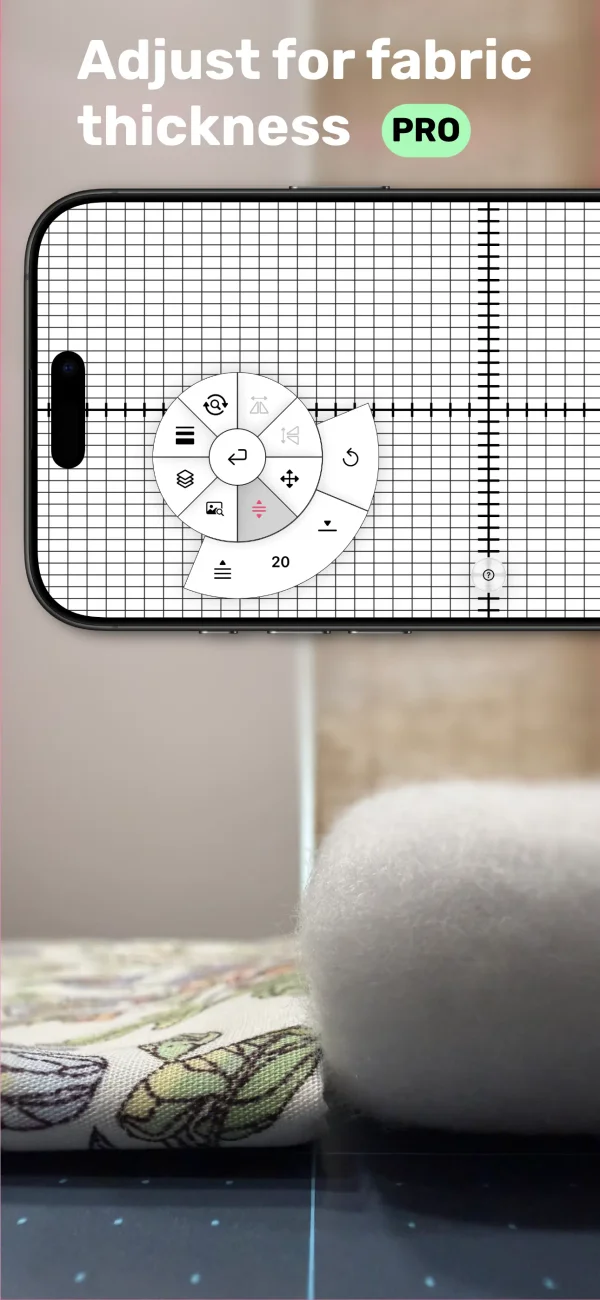
- Thick Fabric Adjustment: Cutting French terry, fleece, or bulky quilts? Instantly adjust your calibration between main and lining fabric without having to recalibrate your whole setup.
- Custom Rotation: Break free from 90-degree rotations. Cut on bias or any angle you need.
Spend less time setting up and more time at your sewing machine. Download IntelliSew today and let's get sewing!
-------
By using the app, you agree to our Privacy Policy and Terms and Conditions.
Privacy Policy: https://intellisew.com/privacy-policy/
Terms and Conditions: https://intellisew.com/terms-and-conditions/
-------
SUBSCRIPTION DETAILS
IntelliSew Pro is available as an auto-renewable monthly or yearly subscription. Payment will be charged to your Apple ID account at confirmation of purchase. Your subscription automatically renews unless auto-renew is turned off at least 24 hours before the end of the current billing period. Your account will be charged for renewal within 24 hours prior to the end of the current period.
You can easily manage your subscriptions and turn off auto-renewal by going to your App Store Account Settings after purchase, or by tapping "Manage Subscriptions" directly in the app's Settings menu. Any unused portion of a free trial period, if offered, will be forfeited when you purchase a subscription
What’s new
Version 1.5.3 · Nov 20, 2026
- Updated the home screen to make it easier to see your recent projects.
- Fixed an issue where exiting a project on iPad would take longer than expected.
App privacy
What Annoying Crow Studio LLC declares on the App Store about how this app handles data.
-
Data not linked to you
May be collected but is not linked to your identity.
- User content
- Usage data
- Diagnostics
Privacy practices may vary, for example with the features you use or your age.
Information
- Seller
- Annoying Crow Studio LLC
- Category
- Lifestyle
- Version
- 1.5.3
- Updated
- Nov 20, 2026
- Released
- Apr 1, 2026
- Size
- 141.8 MB
- Requires
- iOS 26.0 or later
- Age rating
- 17+
- Price
- Free
- In-app purchases
- Yes
- Languages
- English, Simplified Chinese, Traditional Chinese
- Copyright
- © 2026 Annoying Crow Studio LLC
You might also like
-
 Cutline: Projector SewingProject PDF patterns to scale
-
 Thread In BloomWeekly sewing patterns to try
-
 Sewing Pattern Tracer - SttchrSewing pattern tracer
-
 Bobbin: Sewing OrganizerProjects, Patterns & Fabrics
-
 SewRieSewing Patterns & Community
-
 SeamStackYour sewing, organized
-
 SewingTut Sewing for BeginnersStep-by-Step Sewing Tutorials
-
 Sewzy: Sewing PatternsLearn to Sew: Guides & Courses
-
 Sewista: Sewing Patterns & DIYBeginner Projects & Tutorials
-
 Sew AddictSewing Organizer