
- Age rating17+
- CategoryHealth & Fitness
- DeveloperMenno Spijker
- LanguagesEnglish+ 1 more
- Size7.3 MB
Links to the official App Store page
Download.org hosts no file of INTERMISSIO. The button opens its official App Store page, published by Menno Spijker. Listing last checked on Nov 18, 2026.
Screenshots



About
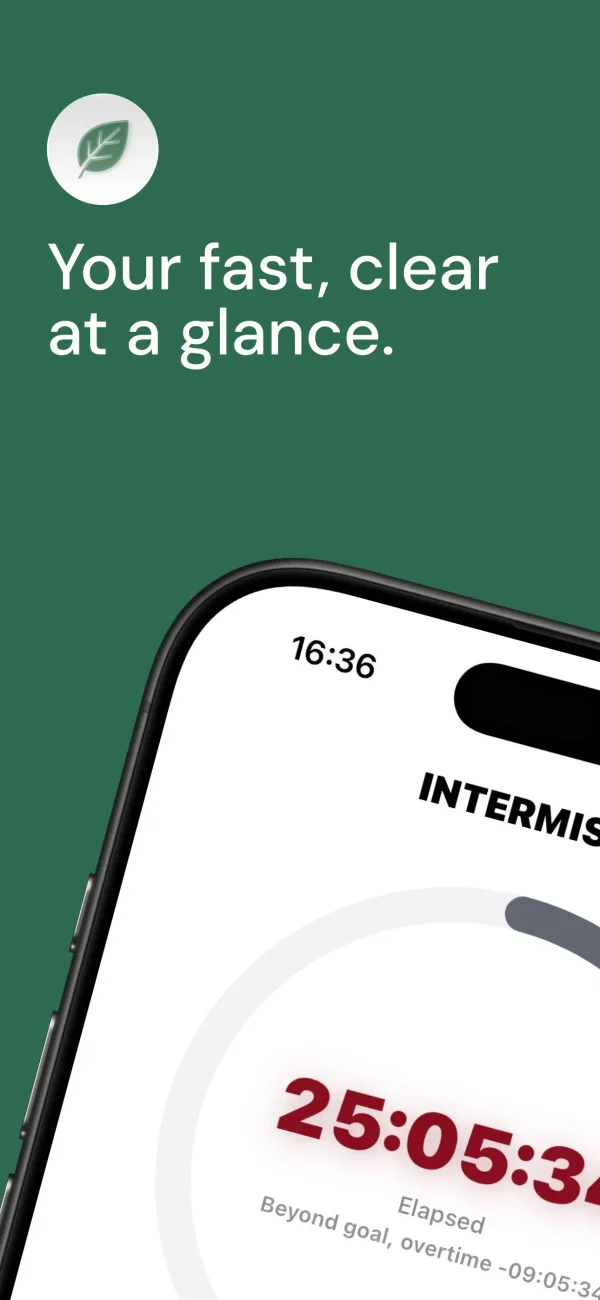
INTERMISSIO helps you run intermittent fasting on your terms: pick a plan that fits your day, start the timer when you are ready, and stay oriented with clear progress toward your goal.
PLANS AND RHYTHM
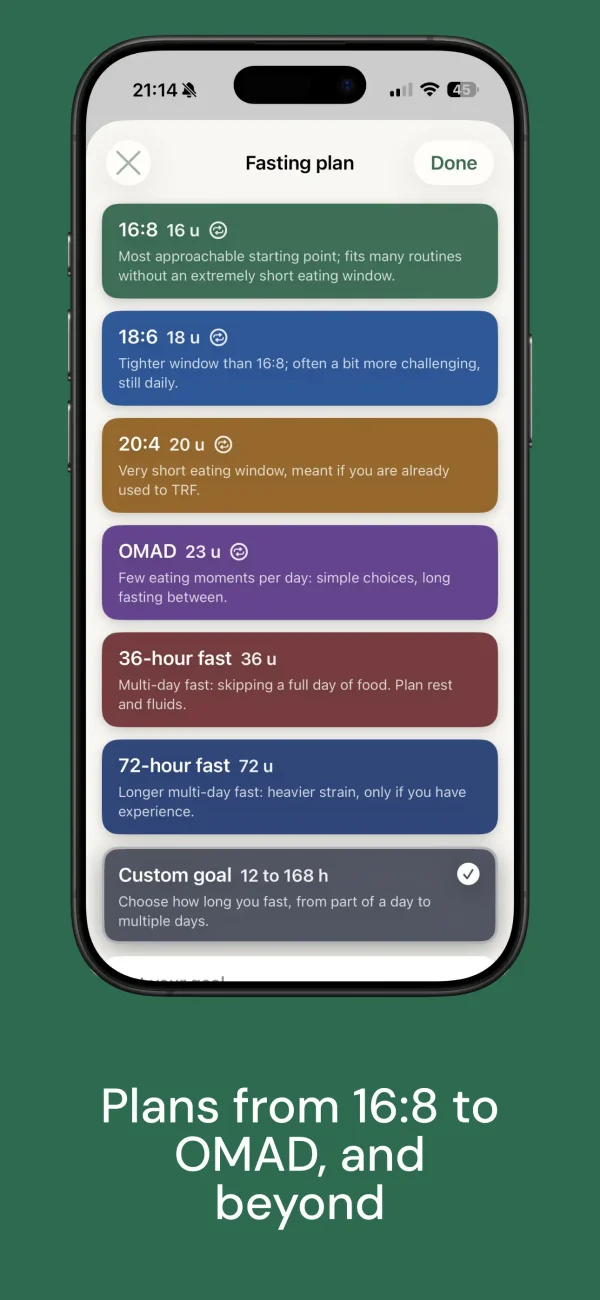
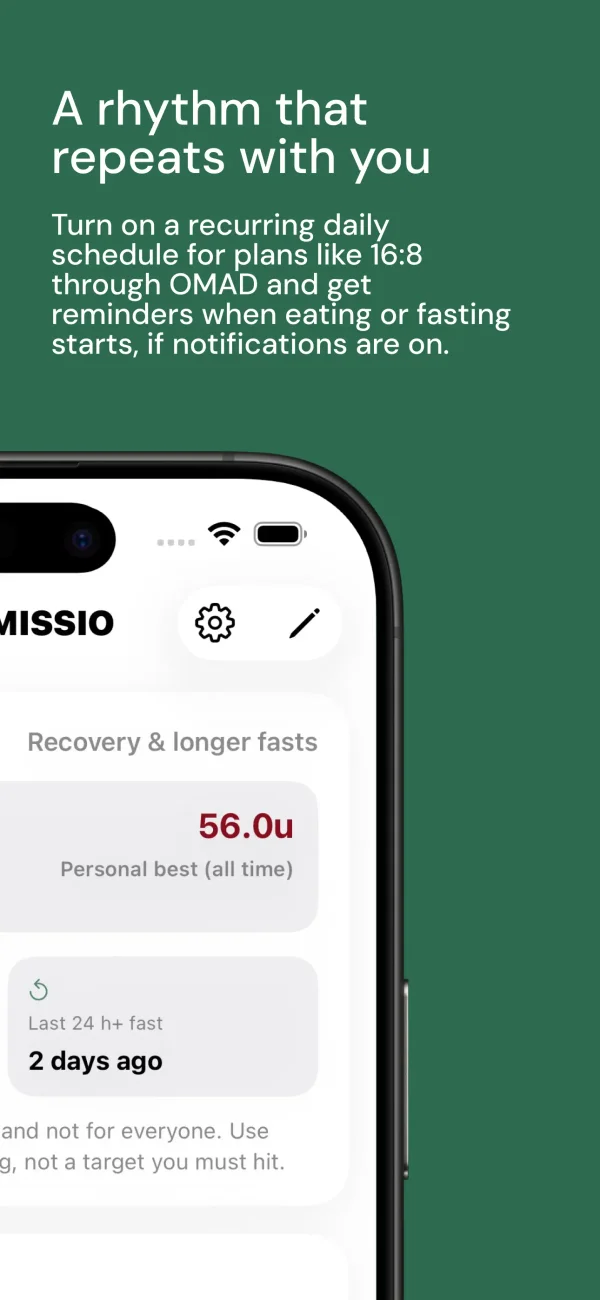
Choose familiar time-restricted setups like 16:8, 18:6, 20:4, or OMAD, or work toward longer multi-day goals. Optional recurring schedule lines up eating and fasting windows, with notifications when you allow them.
TIMER AND MILESTONES
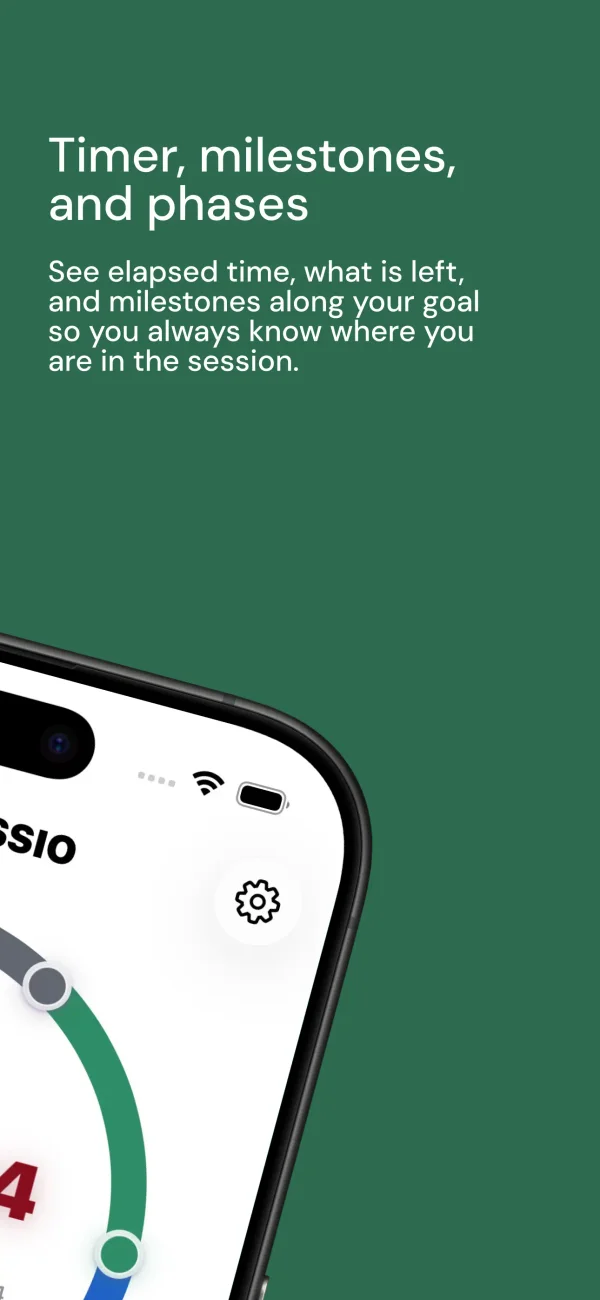
A single place to see elapsed time, what is left, and phase-style milestones along your fast so you always know where you are in the session.
HEALTH AND PROGRESS
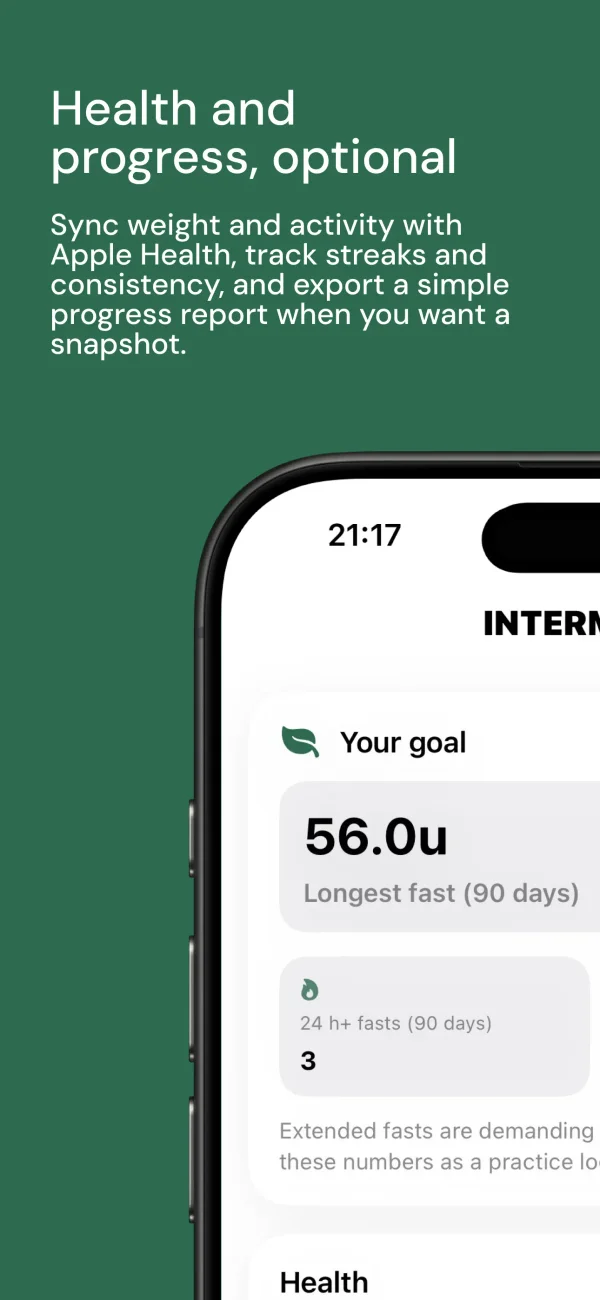
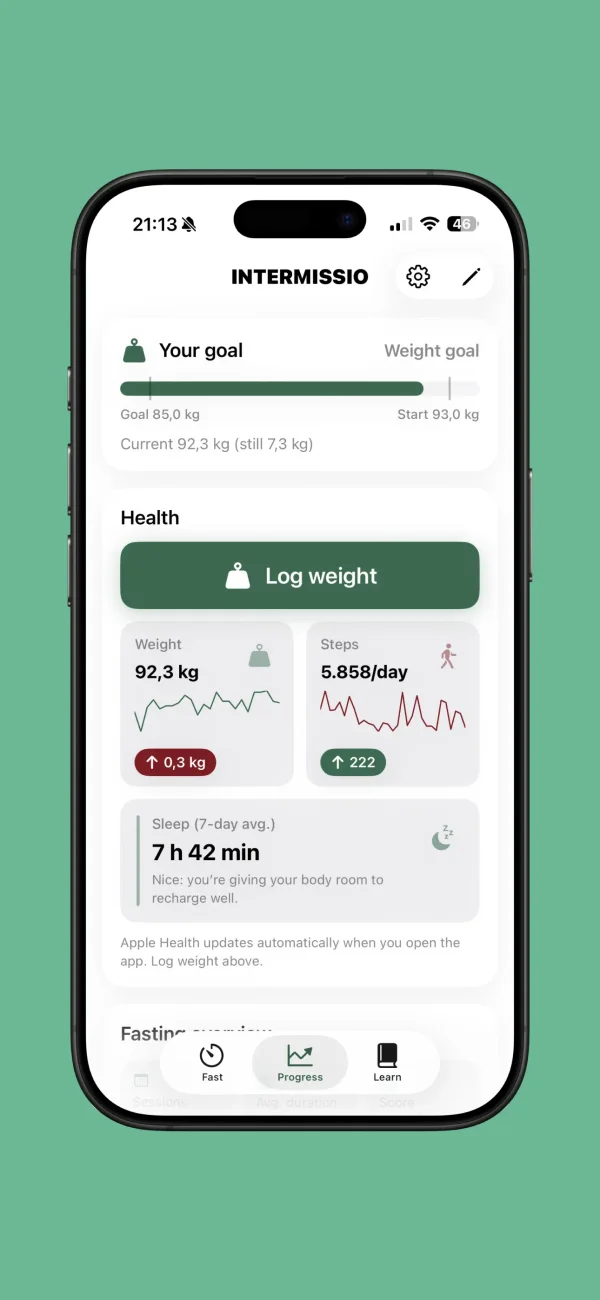
Optionally connect Apple Health to keep weight and movement context next to your fasting history. Track streaks, review consistency, and export a simple progress report when you want a snapshot.
WIDGETS AND LIVE ACTIVITIES
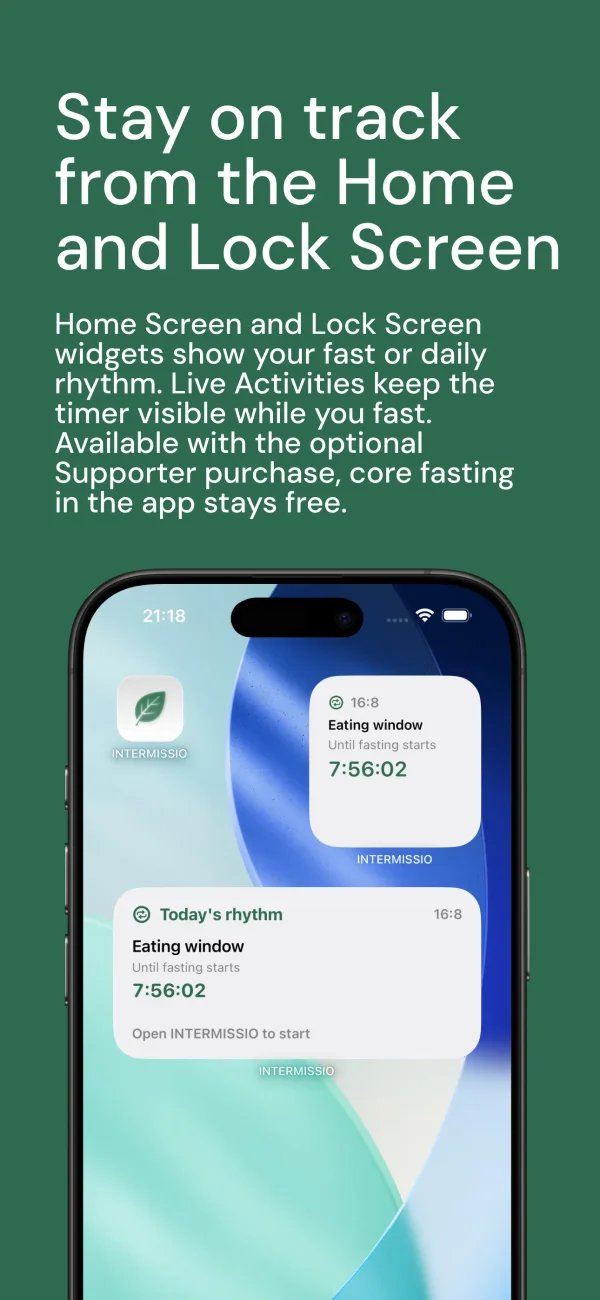
Home Screen and Lock Screen widgets, plus Live Activities during an active fast, are available as a one-time Supporter unlock. Core fasting, the timer, Health connection, notifications, and progress inside the app stay free.
INTERMISSIO is built to stay out of your way: fast to open, easy to read, and focused on the habit you are building.
Privacy statement: https://pepper-technologies.nl/privacy-statement
Terms of Use: https://pepper-technologies.nl/terms-of-use
What’s new
Version 1.1.0 · Apr 27, 2026
When you end a fast, you now get a clear celebration summary: your time, how it compares to your goal, milestones, and where you were metabolically. You can fine-tune start and end times if you need to, or remove a session if it was logged by mistake.
If you go past your planned fast length, the app and widgets can show that in a simpler way (elapsed time vs overtime), with a matching option in Settings so it fits how you like to track.
First-time setup is smoother: you see realistic previews of progress, Apple Health, and reminders, a short safety note, and clearer steps to set up your fasting timer.
Apple Health messages are easier to understand when something is missing or blocked, so you know what to turn on in the Health app or Settings.
App privacy
What Menno Spijker declares on the App Store about how this app handles data.
-
Data not linked to you
May be collected but is not linked to your identity.
- Usage data
Privacy practices may vary, for example with the features you use or your age.
Information
- Seller
- Menno Spijker
- Category
- Health & Fitness
- Version
- 1.1.0
- Updated
- Apr 27, 2026
- Released
- Apr 4, 2026
- Size
- 7.3 MB
- Requires
- iOS 18.6 or later
- Age rating
- 17+
- In-app purchases
- Yes
- Languages
- English, Dutch
- Copyright
- © Pepper Technologies
You might also like
-
 WaterTracker2Daily hydration tracker
-
 Sol Glow: Tanning Timer & UVSPF reminders, sun forecast
-
 Intervalio: HIIT TimerTabata, Pomodoro & Gym
-
 Scorecard: Daily Life ScoreBuild habits. Hit your target.
-
 BlinkPause: Eye BreaksEye Break Timer ·20 20 20 Rule
-
 NutriLocalCalorie tracking, no account
-
 RepTrend: Pushup CounterPush Up Tracker: Reps & Sets
-
 Track Intermittent Fasting: FFFast Tracker/Timer: FastFaster
-
 Stillness TimerCustomizable meditation timer
-
 The Fast: Fasting TimerYour fasting, on the record.