
Interval Timer for Tasks
Multi Timer, Alarm & Countdown
Designed for iPhone, iPad
Free · In-app purchases
- Age rating4+
- CategoryProductivity
- DeveloperFoobar Creative
- LanguagesEnglish+ 34 more
- Size86.7 MB
Links to the official App Store page
Download.org hosts no file of Interval Timer for Tasks. The button opens its official App Store page, published by Foobar Creative. Listing last checked on Nov 23, 2026.
Screenshots
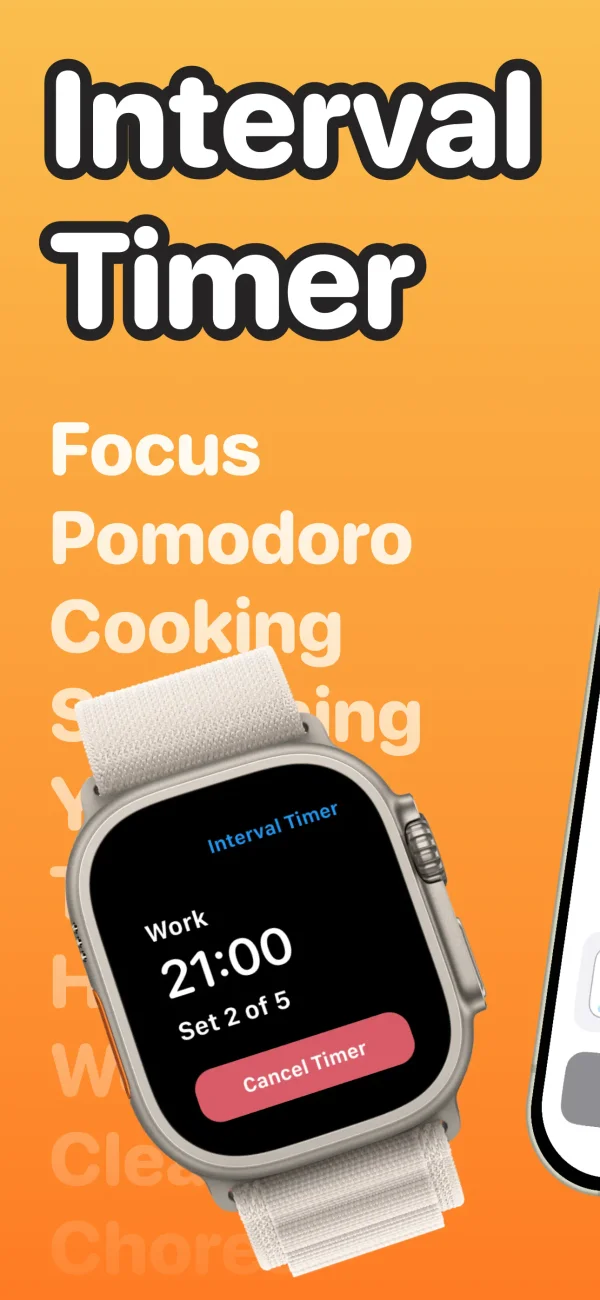

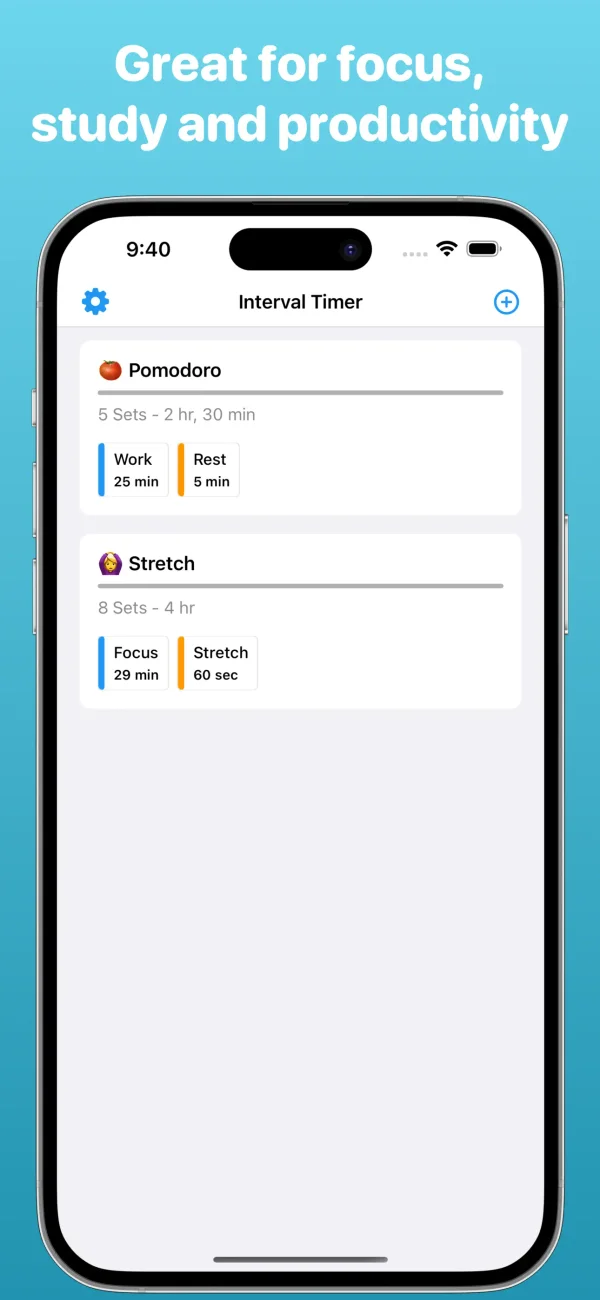
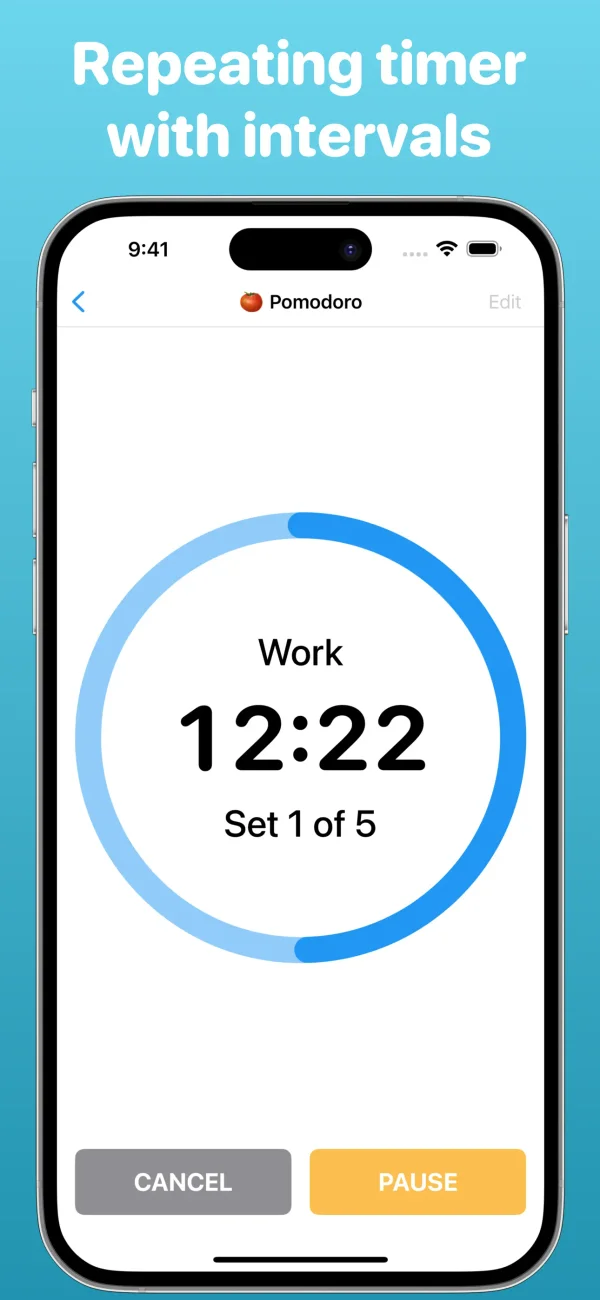


About
Build a timer that walks through your routine, one named step at a time.
Interval Timer for Tasks lets you chain intervals into a single timer. Give each interval its own name, duration, sound and colour, and the app calls out every step as it passes. Watch the progress ring wind down, or close the app and let a notification tell you when the current interval has ended.
Save as many timers as you like, and run more than one at the same time. Add a start delay so you can get ready, and a finish delay so you can wrap up.
LOCK SCREEN ALARMS
Turn on Lock Screen Alarm for a timer and each interval rings like a system alarm, so it still reaches you when the screen is off. Requires iOS 26.1 or later.
GREAT FOR
- studying and focused work
- the pomodoro technique
- ADHD focus and timed work blocks
- taking regular breaks during the day
- stretching and mobility routines
- breathing exercises
- multi step routines and processes
- cooking and recipes
FEATURES
- chain multiple named intervals into one timer
- run several saved timers at the same time
- Lock Screen Alarms on iOS 26.1 and later
- a standalone Apple Watch app
- Siri and Shortcuts support
- local notifications while the app is in the background
- a large choice of alert sounds, one per interval
- a colour and a name for every interval
- start delay to get ready, finish delay to wrap up
- name and save your timers for next time
Interval Timer Premium Subscription
Upgrade to access all features
Payment will be charged to your Apple ID account at the confirmation of purchase. Subscription automatically renews unless it is canceled at least 24 hours before the end of the current period. Your account will be charged for renewal within 24 hours prior to the end of the current period. You can manage and cancel your subscriptions by going to your account settings on the App Store after purchase.
Terms of Use:
https://www.apple.com/legal/internet-services/itunes/dev/stdeula/
What’s new
Version 3.0.2 · Oct 10, 2026
Bug fixes and performance improvements
App privacy
What Foobar Creative declares on the App Store about how this app handles data.
-
Data linked to you
May be collected and linked to your identity.
- Location
- Identifiers
- Usage data
-
Data not linked to you
May be collected but is not linked to your identity.
- Purchases
- Diagnostics
Privacy practices may vary, for example with the features you use or your age.
Information
- Seller
- Foobar Creative
- Category
- Productivity
- Version
- 3.0.2
- Updated
- Oct 10, 2026
- Released
- Jun 29, 2019
- Size
- 86.7 MB
- Requires
- iOS 18.0 or later
- Age rating
- 4+
- Price
- Free
- In-app purchases
- Yes
- Languages
- English, Arabic, Catalan, Croatian, Czech, Danish, Dutch, Finnish, French, German, Greek, Hebrew + 23 more
- Copyright
- © 2019 Foobar Creative
You might also like
-
 BookendsReference management on the go
-
 Timers – HIIT & Interval TimerMulti Timer for Study & Tabata
-
 Power Focus - Work Break TimerWork smarter, work focused.
-
 Timer MachineThe Best Work & Break Timer
-
 Resume Designer 3Productivity
-
 Cash Flow PlannerExpense tracker & budget tool
-
 Catch the Ghost Pomodoro TimerDeep Focus for Study & ADHD
-
 Decibel: Sound Level MeterAudio Noise Spectrum Analyzer
-
 HibiDo Pro: Todo Calendar NoteTask, Reminder & Event Planner
-
 Write4Me - Voice Text Story AIGenerative Story AI and Prompt