
intoLive - Live Wallpapers
Video to live wallpaper maker
Designed for iPhone, iPad, iPod touch
Free · In-app purchases
- Age rating17+
- CategoryPhoto & Video
- DeveloperImgBase, Inc.
- LanguagesEnglish+ 12 more
- Size219.2 MB
Links to the official App Store page
Download.org hosts no file of intoLive - Live Wallpapers. The button opens its official App Store page, published by ImgBase, Inc. Listing last checked on Nov 28, 2026.
Screenshots
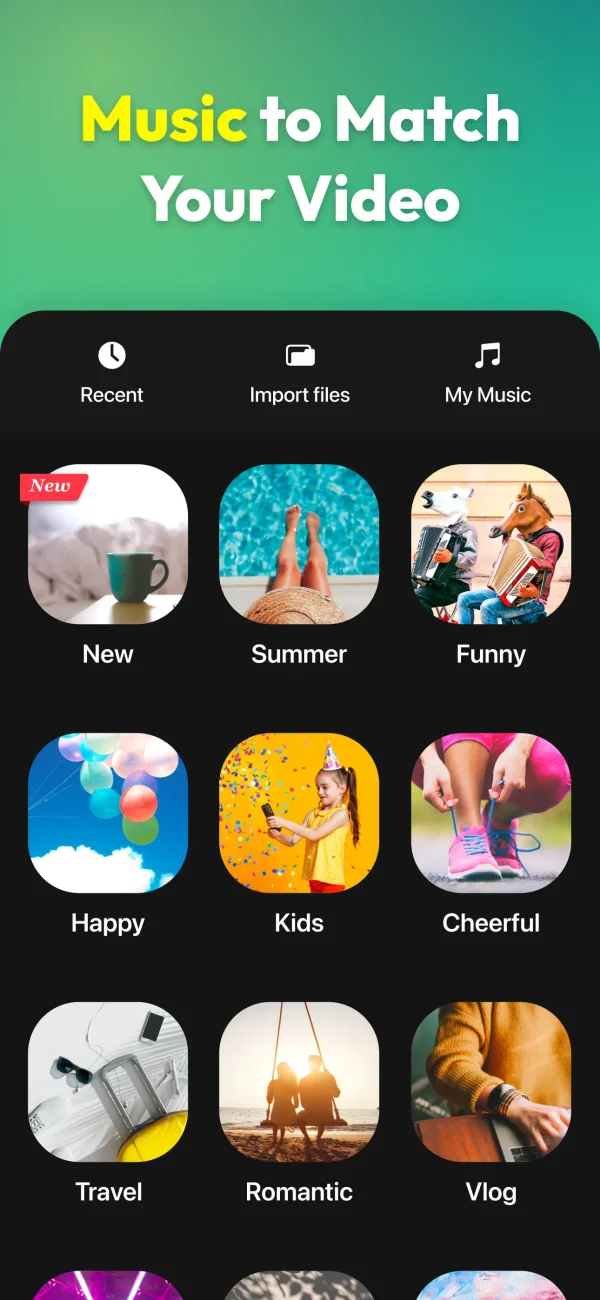
About
Turn moments you want to watch again into a moving iPhone Lock Screen.
Use intoLive to create Live Photos from videos and GIFs, or edit Live Photos you've already taken. Add text, stickers and filters to your pet's antics or a favorite travel scene, then save as a Live Photo or video. Choose a tool on intoLive's home screen to get started.
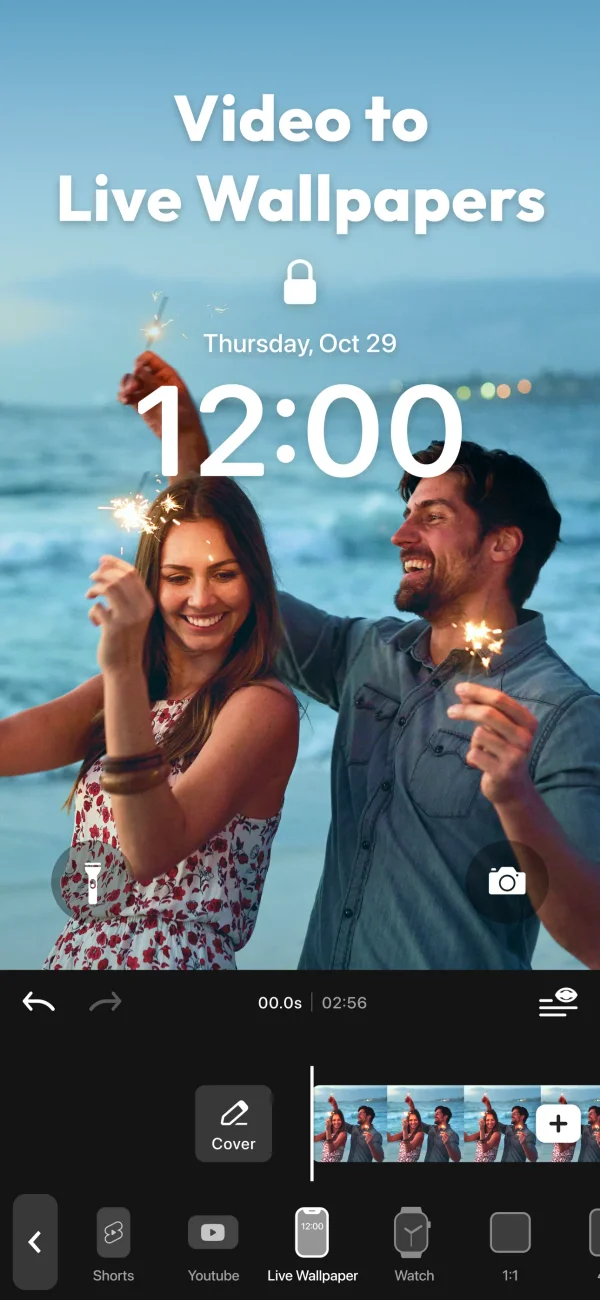
Create a moving Lock Screen
- In Live Wallpaper, pick a short section of a video, GIF or Live Photo to make a Live Photo for your Lock Screen.
- Make it yours with text, stickers and filters.
- Set your saved Live Photo as your Lock Screen wallpaper in iPhone Settings. On iOS 17 or later, turn on playback in wallpaper settings to see it move when you wake your iPhone.
- Motion depends on iOS support, movement in the source and device settings. Moving Lock Screens aren't supported on iOS 16.
Create and edit Live Photos
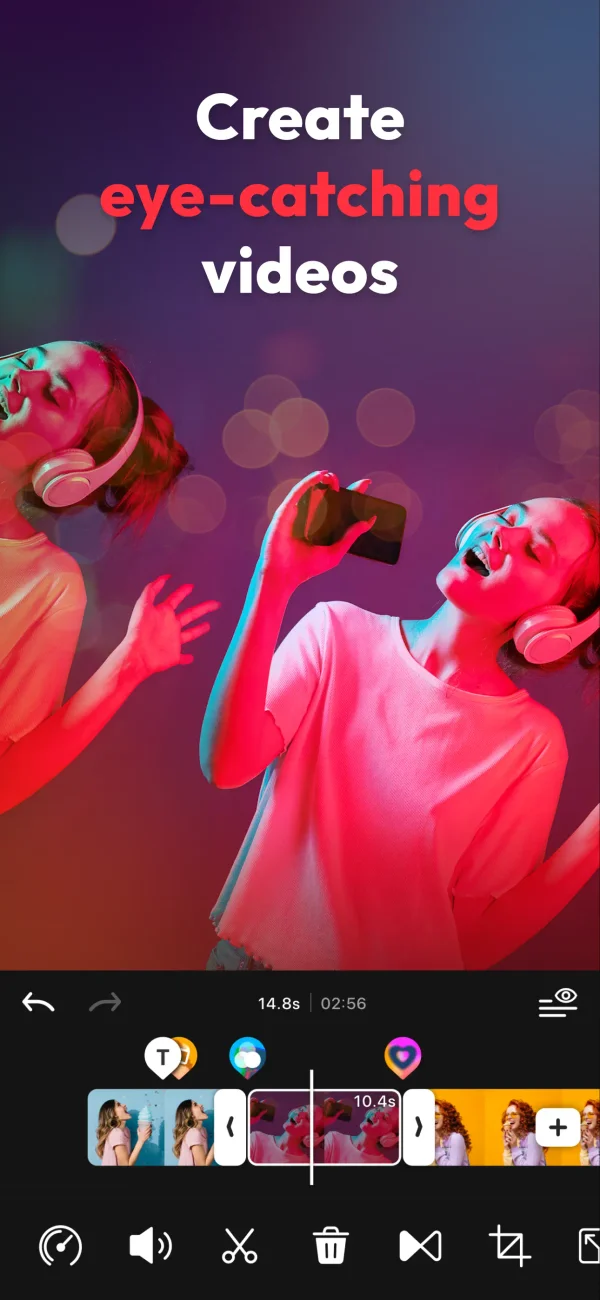
- In New Project, combine photos, videos, GIFs and Live Photos, then trim to the moments you want.
- Split or duplicate clips, adjust speed, crop, rotate and flip.
- Change the aspect ratio and background color to frame your scene.
- For Live Photos saved from New Project, choose the key photo shown as the still image.
Set the mood with music
- Use the Music tool to add a soundtrack to travel videos or everyday moments.
- Use music from the app, import music files or extract audio from a video.
- Adjust music and original video volume separately, with fade-in and fade-out for music.
Add text and animated stickers
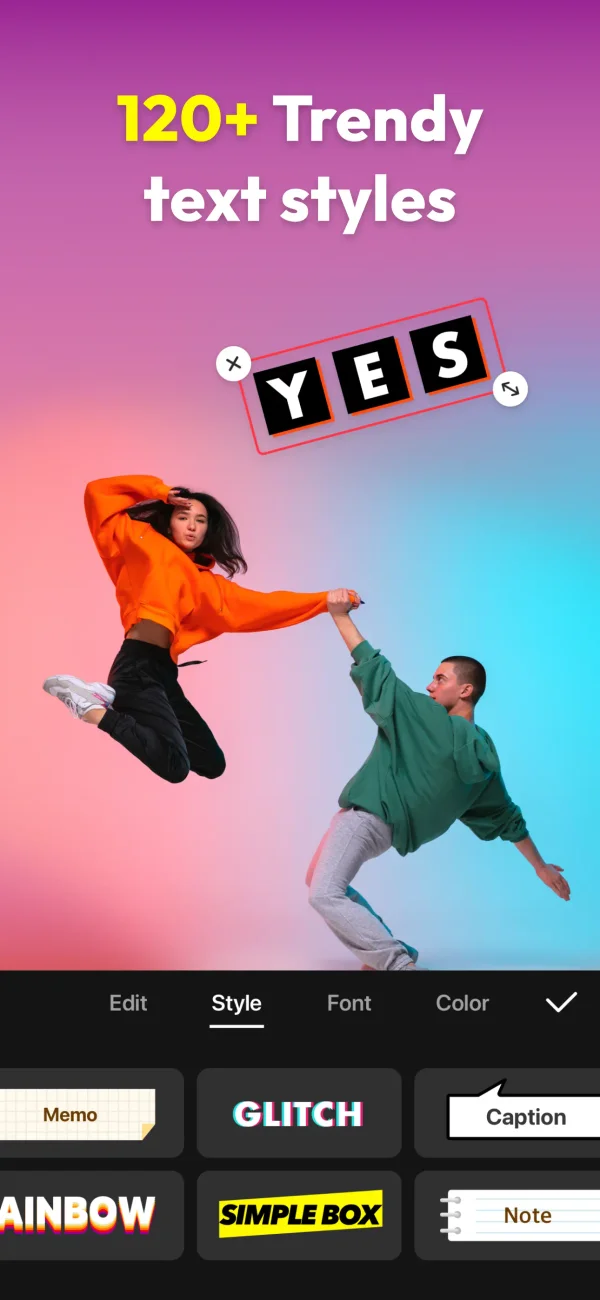
- Use Text to add a message. Change fonts, colors and styles, or import your own fonts.
- Animate text and stickers, and choose when they appear.
- Add animated GIPHY stickers to photos and videos.
Change the look with effects
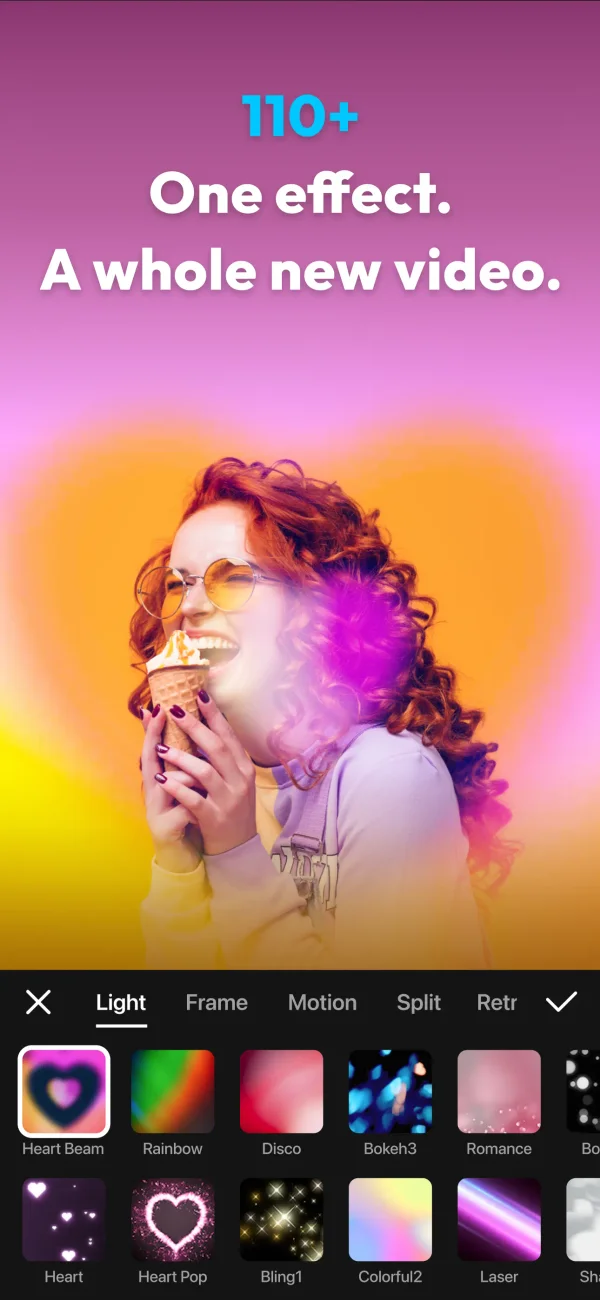
- Use the Effect tool for light and sparkle effects.
- Apply filters to change the color tone.
Decorate with frames
- In Frame, choose from a variety of designs for photos and videos.
Make memes with your own words
- In MEME, add captions above and below a photo or video to create reaction memes to share with friends.
- Change the text style and color.
Turn photos into a moving slideshow
- Use Slideshow to turn photos into a video with zoom and pan effects.
- Arrange photos, set their duration, and add music and transitions to tell the story of a trip or everyday life.
Save Live Photos and share videos
- Save your creation as a Live Photo or video, and share videos to other apps.
- Save projects to continue editing later.
Free features and intoLive Pro
Start creating and editing Live Photos with basic features for free.
intoLive Pro is a paid upgrade that includes:
- Selected music, text styles, and text and sticker animations
- Selected filters and transitions, plus selected video effects including retro and split-screen
- Selected frame designs, including film, paper, smartphone and music player
- Detailed color adjustments, including brightness, contrast, saturation, warmth and sharpness
- 4K Live Photo (excluding Live Wallpaper) and 4K video export, plus 60 fps video export
- Watermark and ad removal
- Subscription prices and billing periods are shown on the purchase screen. Payment is charged to the payment method linked to your Apple Account.
- Subscriptions renew automatically unless canceled at least 24 hours before the current period ends. If a free trial is offered, cancel at least 24 hours before it ends to avoid being charged.
- Manage or cancel in Settings > [your name] > Subscriptions on iPhone or iPad. After canceling a paid subscription, you can use Pro until the paid period ends.
Contact: intolive.ios@imgbase.me
Terms of Use: https://www.imgbase.me/intolive/terms/termsofuse.html
Privacy Policy: https://www.iubenda.com/privacy-policy/99467776
What’s new
Version 4.4.3 · Nov 18, 2026
- Added 210 new background music tracks.
- Fixed bugs and improved app stability.
We’re continuously improving intoLive to provide a better editing experience and more reliable service. If you have any feedback or encounter any issues, please contact us anytime via [intoLive FAQ > Contact Us].
App privacy
What ImgBase, Inc. declares on the App Store about how this app handles data.
-
Data used to track you
May be used to track you across apps and websites owned by other companies.
- Identifiers
- Usage data
-
Data not linked to you
May be collected but is not linked to your identity.
- Identifiers
- Usage data
- Diagnostics
Privacy practices may vary, for example with the features you use or your age.
Information
- Seller
- ImgBase, Inc.
- Category
- Photo & Video
- Version
- 4.4.3
- Updated
- Nov 18, 2026
- Released
- Dec 4, 2015
- Size
- 219.2 MB
- Requires
- iOS 15.0 or later
- Age rating
- 17+
- Price
- Free
- In-app purchases
- Yes
- Languages
- English, French, German, Italian, Japanese, Korean, Portuguese, Russian, Simplified Chinese, Spanish, Thai, Traditional Chinese + 1 more
- Copyright
- © ImgBase, Inc.
You might also like
-
 VideoToLive - Live WallpapersLive Wallpaper Maker
-
 Video to Live WallpaperLive wallpaper maker
-
 Video Wallpaper · Lock ScreenCustom Live Wallpaper Maker
-
 GlowUp - Photo EditorAI Makeup & Face Retouch
-
 VideoToLiveVideo To Live Photos Converter
-
 Catch Santa In My House!Proof of Santa's visit!
-
 Video to Live Wallpapers MakerConvert Videos to Gif Photos
-
 Live Wallpaper Maker: 4K ThemeMake Live Wallpapers & Themes
-
 Node VideoDesktop-level editing
-
 AI Video Generator-HiCutAI Photo,Filters