
Invoice Assistant App
Designed for iPhone, iPad, iPod touch
Free · In-app purchases
- Age rating4+
- CategoryBusiness
- DeveloperSnappii
- LanguagesEnglish
- Size38.4 MB
Links to the official App Store page
Download.org hosts no file of Invoice Assistant App. The button opens its official App Store page, published by Snappii. Listing last checked on Nov 15, 2026.
Screenshots
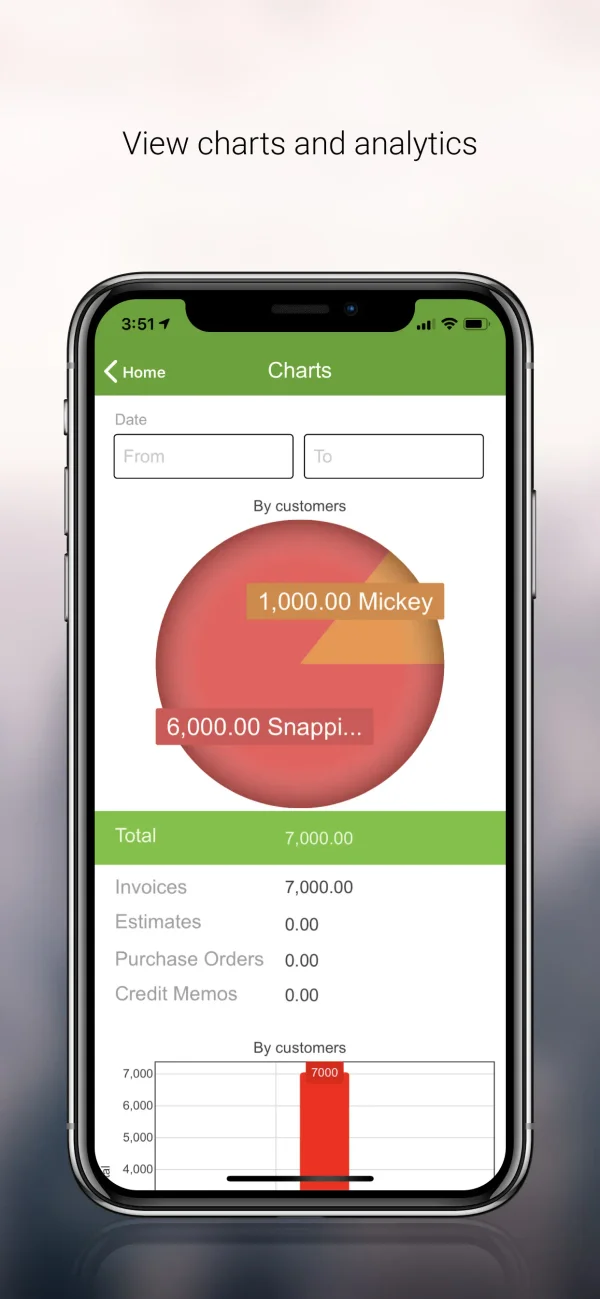
About
30-day free trial.
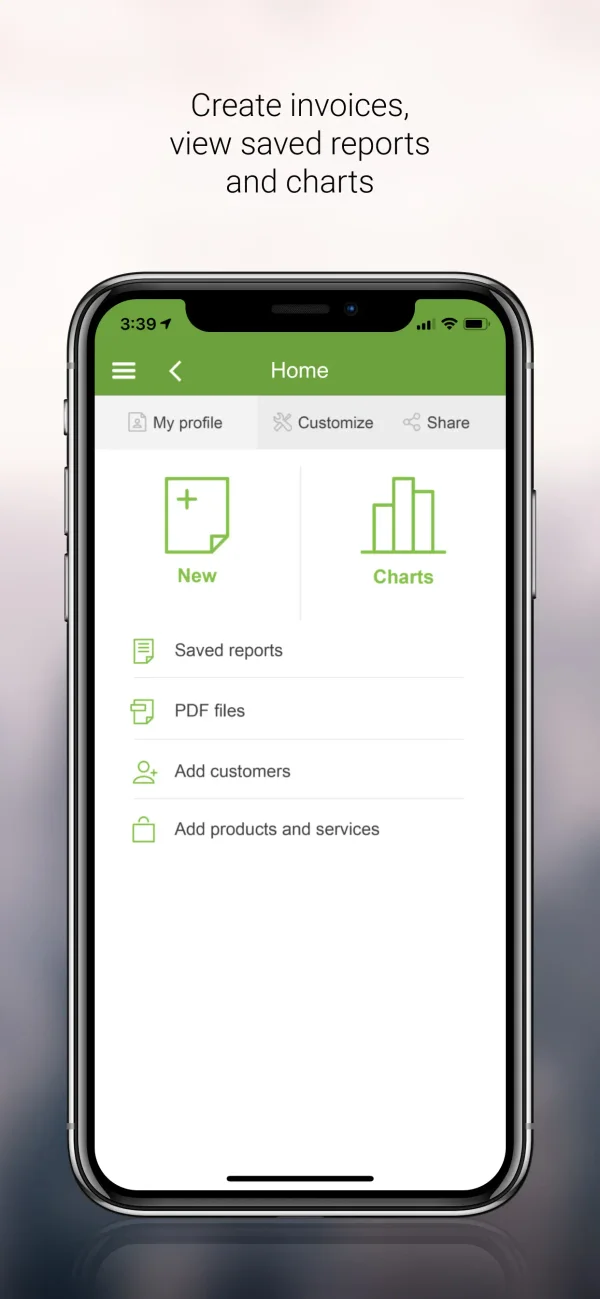
Business owners and freelancers! Now you can create professional-looking invoices in the office or in the field, so there is no need to get back to the office just to invoice your customers or clients. All you will need to do is to install Invoice Assistant - the simple but intuitive mobile invoice manager will be always at your fingertips. With Invoice Assistant, you will be able to instantly create invoices with or without your company's logo, email them to your clients in PDF or Excel formats, and store completed invoices locally on your iPad to be later retrieved, edited, or shared. Focus on promoting business and no longer worry about billing. Think less about paperwork and more about bringing more clients to your business.
Features:
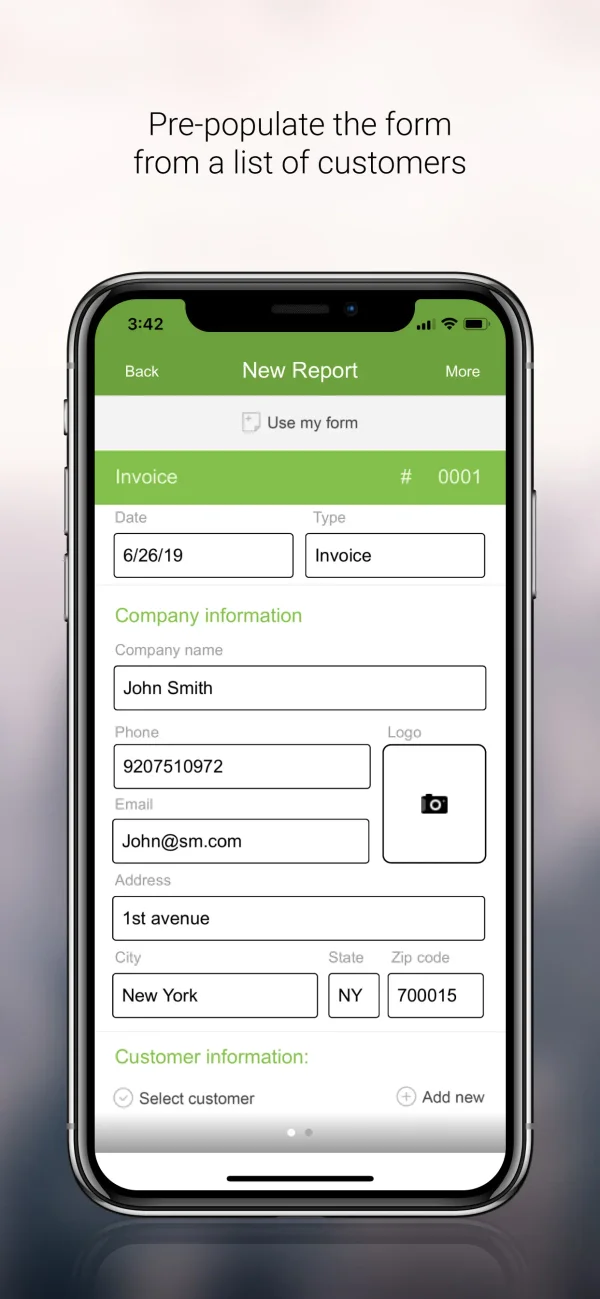
• Create, edit, email and print invoices
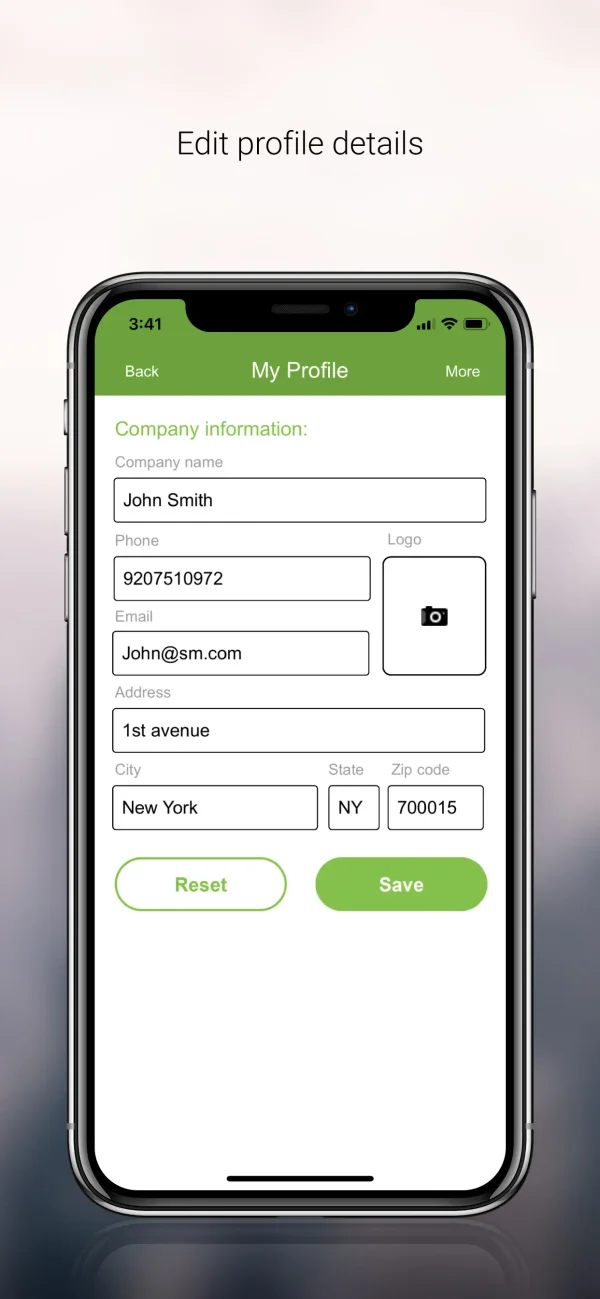
• Add your company's logo
• Add products and services
• Calculate total prices and costs automatically
• Instantly add taxes and shipping costs to your invoices
• Digitally sign invoices
• Retrieve PDF and Excel invoice reports, print and share them via email, network drives and other sharing options available on your iPad
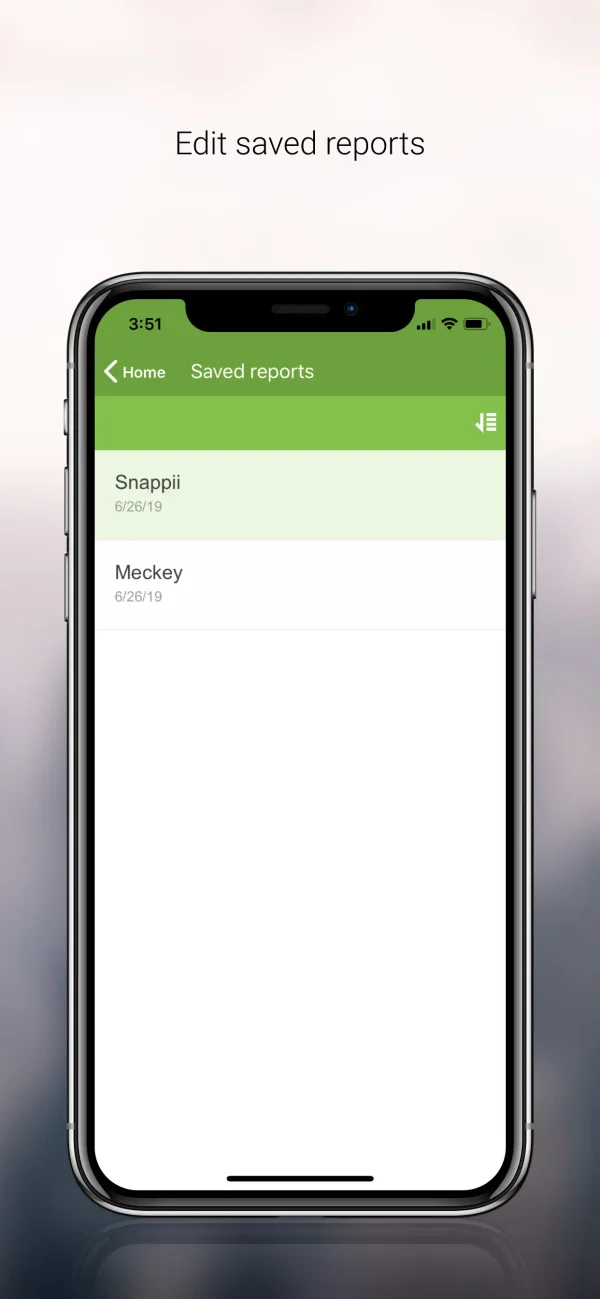
• Keep a database of completed invoices
• Work in online/offline mode
• Sync as many devices as you want in order to use the same data.
If you are not satisfied with our pre-built form solution, you can upload your own PDF form and 100% customize it to meet your specific business needs.
Moreover, you can:
- upload any PDF form or document from local storage or cloud drives
- add your own fields to existing forms including datetime, text, numeric, location, signature, picture, radio, checkbox
- fill in your PDF forms
- print forms
- share forms via email and messages
- upload forms to cloud drives
- save and view generated reports on your device
Benefits:
• Send invoices on the go
• Speed up payments
• Increase profits
• Improve data accuracy
• Save time and reduce costs
• Eliminate paperwork and go green
After the free trial, you can get unlimited number of form submissions by subscribing via an optional In-App Purchase. Subscribe from your device and access these services via mobile app.
What’s new
Version 1.0.23 · Sep 8, 2025
Bug fixing.
App privacy
What Snappii declares on the App Store about how this app handles data.
-
Data not linked to you
May be collected but is not linked to your identity.
- Contact info
Privacy practices may vary, for example with the features you use or your age.
Information
- Seller
- Snappii Corporation
- Category
- Business
- Version
- 1.0.23
- Updated
- Sep 8, 2025
- Released
- May 5, 2014
- Size
- 38.4 MB
- Requires
- iOS 13.0 or later
- Age rating
- 4+
- Price
- Free
- In-app purchases
- Yes
- Languages
- English
- Copyright
- © 2025 Snappii
You might also like
-
 Nix InvoiceBusiness
-
 SubAhead: Subscription TrackerBill reminders, cost estimates
-
 Subscription Track: AI InsightTracker & Manage Subscriptions
-
 FreightoscopeBusiness
-
 Standard Accounting for UserPlatform for business service
-
 Patchwork ExplorerProductivity
-
 Rigmove LOSBusiness
-
 Invoice Maker*Create and send quotes easily
-
 Work HourTrack your working hours
-
 Invoice Maker: Quote BuddyInvoice generator PDF & VAT